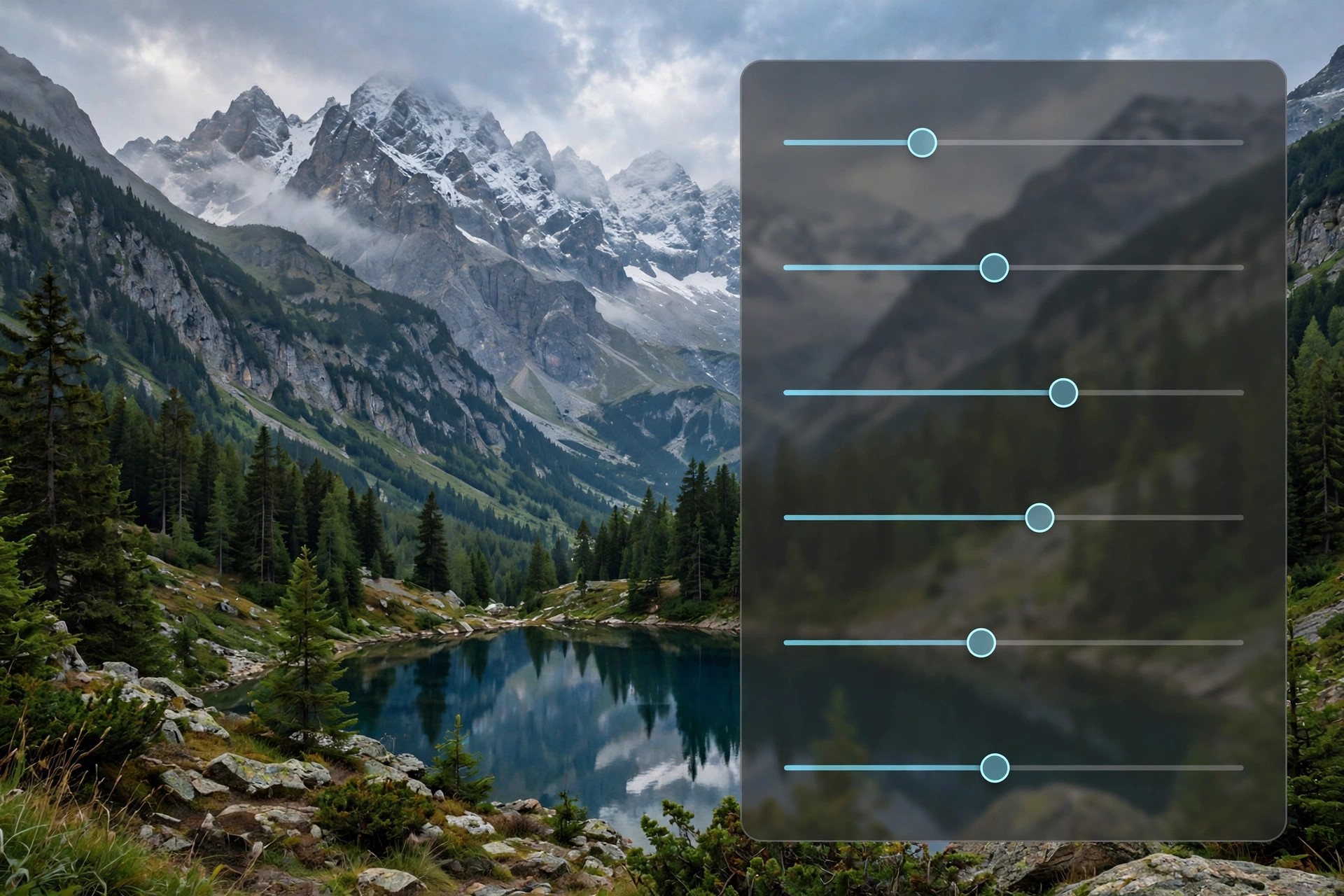
Adobe Camera Raw 12.2 for Mac
Mac Photo & DesignAdobe Camera Raw 12.2 for Mac is not a standalone application. It is Adobe's raw image-processing plug-in, built into Photoshop, Photoshop Elements, After Effects and Bridge, that opens camera raw files and applies non-destructive edits before an image moves into your main editor. Lightroom is built on the same raw engine, so edits look consistent across Adobe's photo tools.
Photographers use it as the first step of a raw workflow: set white balance, recover highlights and shadows, apply lens corrections and sharpening, then open the result in Photoshop or save it as JPEG, TIFF or DNG. Camera Raw itself has no separate price — it arrives automatically with a qualifying host app, which is paid subscription software from Adobe, and updates are delivered through the Creative Cloud desktop app.
Key Features
- Non-destructive raw editing: exposure, contrast, colour and tone curves
- Automatic lens profiles and perspective correction
- Local adjustment brushes and graduated and radial filters
- Batch editing and presets applied across whole shoots
- Support for hundreds of cameras plus Adobe DNG files
How to Download
- Download from the official site
- Make sure a host app such as Photoshop or Bridge is installed, since Camera Raw cannot run on its own.
- Run Adobe's official Camera Raw installer for Mac, or simply update through the Creative Cloud desktop app, then restart your host app.
Is Adobe Camera Raw free?
The plug-in itself is included at no extra cost with Photoshop and other qualifying Adobe apps, but those host apps are paid. There is no standalone free edition of Camera Raw.
Can I install Camera Raw without Photoshop?
No. It is a plug-in and needs a host application. Without Photoshop, Bridge or Photoshop Elements installed, the installer has nothing to plug into.







Leave a Reply