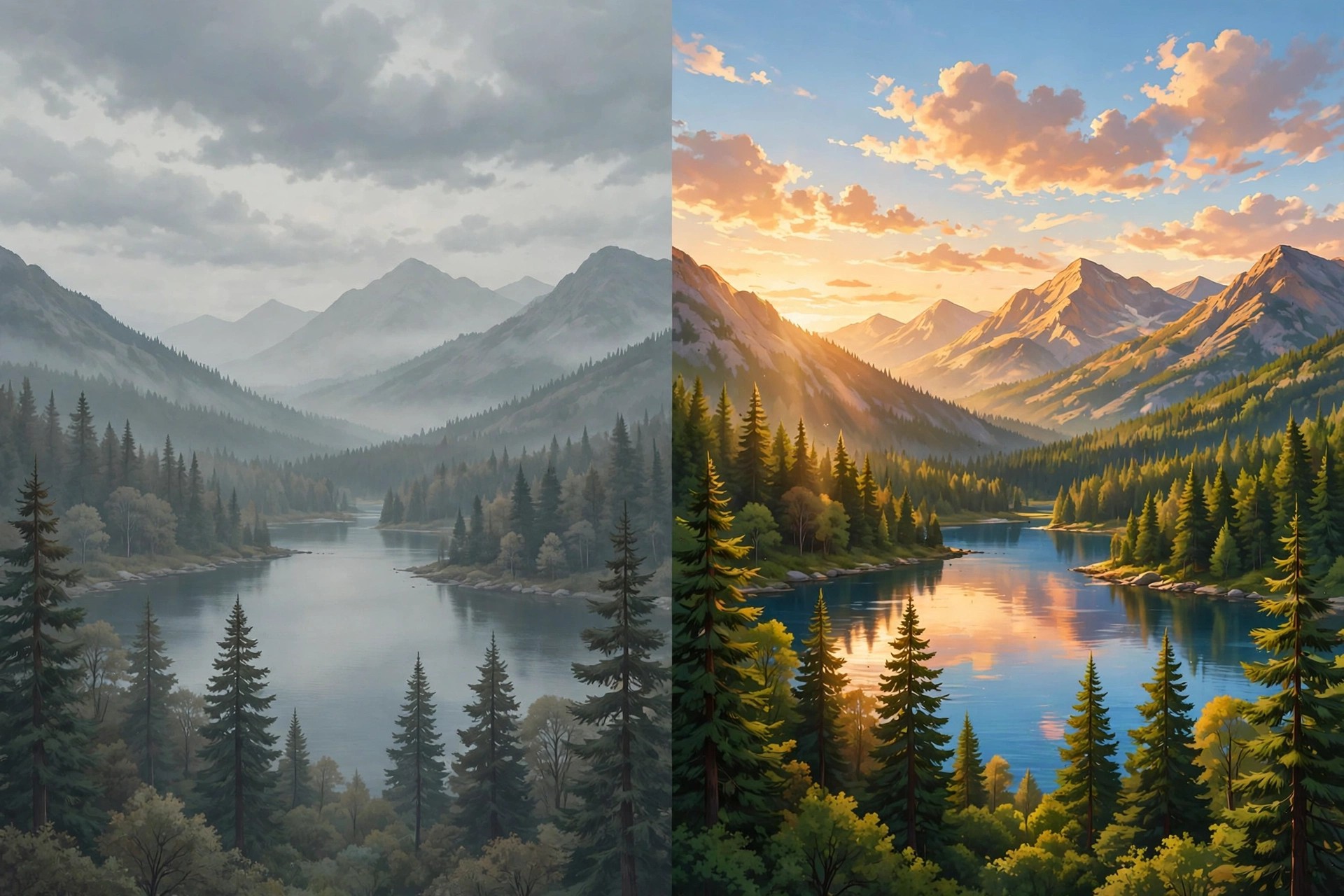
Adobe Camera Raw CC 11.2 for Mac
Mac Photo & DesignAdobe Camera Raw CC 11.2 for Mac is a Creative Cloud-era version of Adobe's raw processing plug-in. Like every Camera Raw release, it is not standalone software: it lives inside Photoshop CC, Photoshop Elements, After Effects and Bridge CC, opening raw files so you can adjust exposure, white balance and colour before finishing the image in your editor.
This 11.2 build was current around the Photoshop CC 2019 generation and added camera support and refinements of that period, including an early version of the Texture control. It has long since been superseded, and newer cameras need newer Camera Raw releases. Access follows the host app: Camera Raw comes included with a Photoshop subscription, Adobe offers Photoshop with a short free trial, and updates arrive through the Creative Cloud desktop app or Adobe's official plug-in installer page.
Key Features
- Non-destructive editing of raw, JPEG and TIFF files
- Exposure, contrast, clarity, vibrance and tone-curve controls
- Lens profile corrections and chromatic aberration removal
- Local brushes plus graduated and radial filter adjustments
- Batch processing and shared settings across multiple images
How to Download
- Download from the official site
- Install a host app first — Photoshop or Bridge — because Camera Raw cannot run by itself.
- Use Adobe's official installer page to pick a Camera Raw build that matches your host app version, run the Mac installer and restart the app.
Is Adobe Camera Raw CC 11.2 free?
It is included with qualifying Adobe apps rather than sold separately, and those apps need a paid subscription after their trial. There is no standalone free download of Camera Raw.
Why won't this version open my new camera's raw files?
Camera support is version-specific. A newer camera usually requires a newer Camera Raw release, so update the plug-in through Creative Cloud instead of keeping 11.2.







Leave a Reply