Category: Mac Audio

  • Acustica Audio Cream 2023 for Mac

    Acustica Audio Cream 2023 for Mac

    Acustica Audio Cream 2023 for Mac

    Acustica Audio Cream 2023 for Mac

    Mac Audio
    Updated Nov 4, 2026
    Mac Audio • Updated Nov 4, 2026

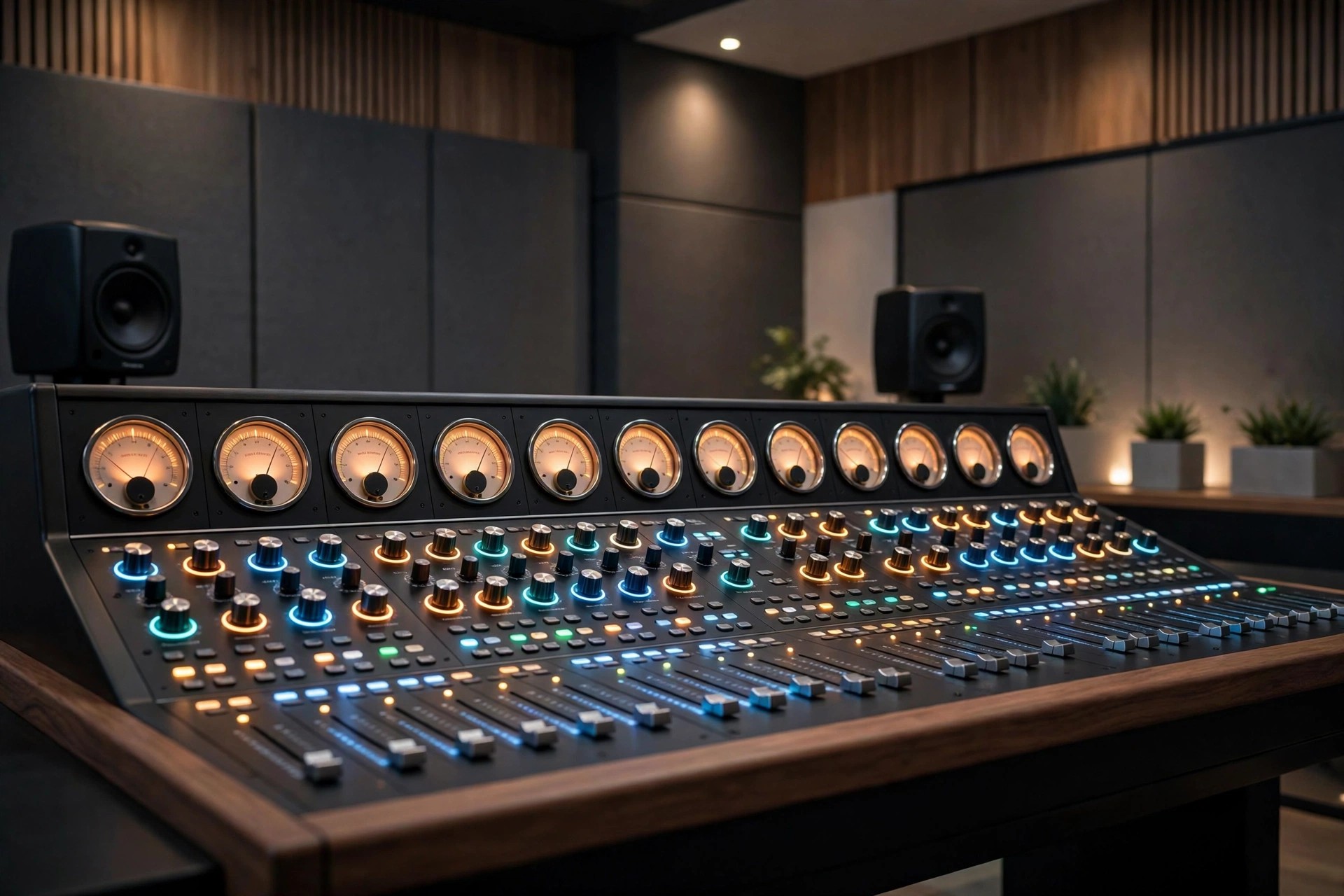
    Acustica Audio Cream for Mac is a channel strip plugin suite inspired by a legendary series of British studio hardware built from the late 1950s to the early 1970s. Using Acustica's sampling and dynamic convolution technology, it recreates the preamps, equalisers and compressors of those rare consoles and tube units inside your DAW.

    Cream is aimed at mixers who want genuine analogue character — warmth, weight and harmonic richness — on vocals, drums, buses and full mixes. The suite has since evolved into Cream 3, which unifies the preamp, EQ and compression sections into a single streamlined plugin for modern sessions.

    Key Features

    • Sampled emulations of rare British console and tube hardware
    • Dozens of preamp models covering line, mic and tube flavours
    • Classic British EQ designs for musical tone shaping
    • Vintage-style compressors modelled on sought-after studio units
    • Available in AU, VST3 and AAX formats for macOS and Windows DAWs

    How to Download

    1. Download from the official site and create or sign in to your Acustica Audio account.
    2. Install the free Aquarius Desktop application, which manages Acustica downloads and licences.
    3. Use Aquarius to download, install and authorise Cream in your DAW.

    Is Acustica Audio Cream free?
    No. Cream is a paid plugin. Acustica Audio periodically runs sales and offers trial versions through Aquarius, so check the official product page for the current price and any trial option.

    Should I download Cream from plugin torrent or crack sites?
    No. Cracked Acqua plugins are a known malware risk and will not receive updates or support. The official store and Aquarius app are the only safe, supported way to install Cream.

  • Acon Digital Verberate Immersive 2.2.10 for Mac

    Acon Digital Verberate Immersive 2.2.10 for Mac

    Acon Digital Verberate Immersive 2.2.10 for Mac

    Acon Digital Verberate Immersive 2.2.10 for Mac

    Mac Audio
    Updated Nov 4, 2026
    Mac Audio • Updated Nov 4, 2026

    Acon Digital Verberate Immersive 2.2.10 for Mac is a reverb built for surround and immersive work, not just stereo. Film and TV mixers, Atmos music producers and game audio teams use it to place dialogue, music and effects inside believable three-dimensional spaces on a Mac.

    It extends the well-regarded Verberate engine into multichannel formats, with independent handling of the dry signal, early reflections and the reverb tail. Its Vivid Hall algorithm adds subtle time variation, so tails decay smoothly and naturally instead of sounding static or metallic, even in large, complex sessions.

    Key Features

    • Supports common surround and immersive formats up to 7.1.6 and beyond
    • Vivid Hall algorithm for dense, natural, resonance-free reverb tails
    • Separate placement of dry signal, reflections and tail in the surround field
    • Fifteen algorithmic early reflection patterns calculated in real time
    • Light on CPU, with VST, VST3, AAX and AU versions for Mac hosts

    How to Download

    1. Check your Mac DAW supports multichannel VST, AU or AAX plug-ins.
    2. Download from the official site and try it in a surround session.
    3. Install, load it on an immersive bus, and explore the factory presets first.

    Is Acon Digital Verberate Immersive free?
    No, it is a professional paid plug-in. A free trial from Acon Digital lets you test its Atmos workflow in your own studio before buying.

    Is the stereo Verberate enough for Atmos work?
    No, the stereo version handles mono and stereo only. For surround and immersive formats you need Verberate Immersive from the official site.

  • Acon Digital Restoration Suite 2.1.27 for Mac

    Acon Digital Restoration Suite 2.1.27 for Mac

    Acon Digital Restoration Suite 2.1.27 for Mac

    Acon Digital Restoration Suite 2.1.27 for Mac

    Mac Audio
    Updated Nov 4, 2026
    Mac Audio • Updated Nov 4, 2026

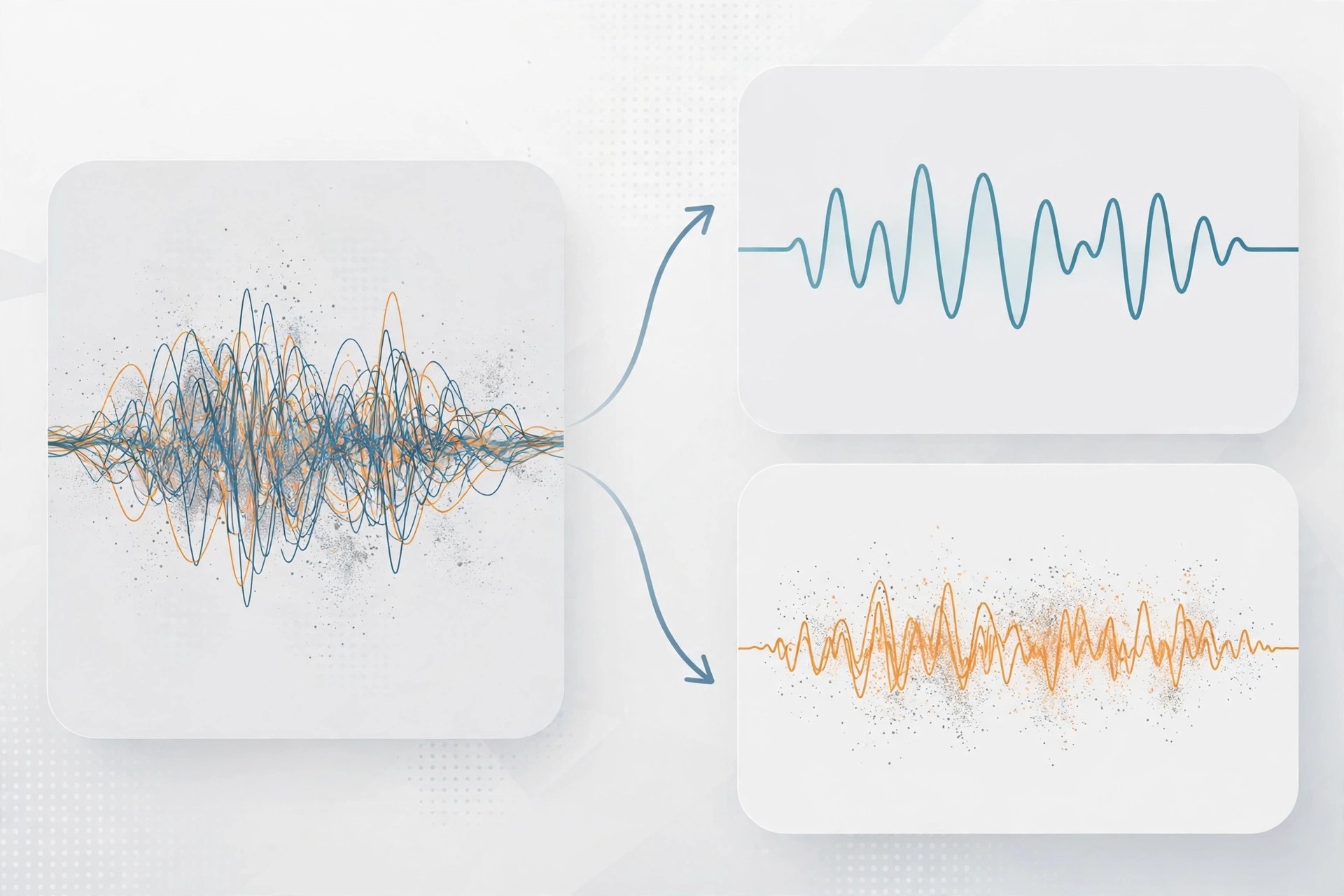
    Acon Digital Restoration Suite 2.1.27 for Mac is a four-plug-in bundle for cleaning up recordings that are nearly right, but spoiled by one flaw. Hiss on a quiet vocal, mains hum under a guitar take, clicks on a vinyl transfer or peaks clipped during recording — each problem gets its own dedicated tool.

    Keeping the tools separate makes the workflow simple and predictable. You load only the processor you need, adjust a small set of clear controls, and keep the rest of the performance untouched. That approach suits archivists, podcasters, musicians and video editors alike.

    Key Features

    • DeNoise reduces hiss, wind, buzz and broadband background noise
    • DeHum removes electrical hum and buzz with automatic frequency scan
    • DeClick repairs clicks and crackle while preserving transients
    • DeClip reconstructs peaks damaged by analogue or digital clipping
    • All four plug-ins run on Mac in VST, VST3, AAX and AU formats

    How to Download

    1. Confirm your Mac host application supports VST, AU or AAX plug-ins.
    2. Download from the official site and install the trial bundle.
    3. Test each plug-in on a short problem clip before processing full sessions.

    Is Acon Digital Restoration Suite free?
    No, it is a paid suite, but a free trial is available from Acon Digital. That trial is the best way to judge the repair quality on your recordings.

    Why avoid unofficial Restoration Suite downloads?
    Unofficial copies may be outdated, unstable or bundled with malware, and they receive no updates. Always download from Acon Digital itself.

  • Acon Digital Mastering Suite 1.1.4 for Mac

    Acon Digital Mastering Suite 1.1.4 for Mac

    Acon Digital Mastering Suite 1.1.4 for Mac

    Acon Digital Mastering Suite 1.1.4 for Mac

    Mac Audio
    Updated Nov 4, 2026
    Mac Audio • Updated Nov 4, 2026

    Acon Digital Mastering Suite 1.1.4 for Mac is a focused bundle for the final stage of a production: mastering. Now presented by Acon Digital as the Mix & Mastering Suite, it gives Mac producers a transparent set of tools to polish a finished mix without changing its character.

    The idea behind the suite is clarity rather than colour. Its five classic plug-ins handle equalisation, compression, multiband control, peak limiting and dithering, each designed to stay clean even at strong settings, so loudness and balance come from careful processing, not distortion.

    Key Features

    • Equalize parametric EQ with freely adjustable filter slope per band
    • Dynamics works as a compressor, expander or gate with look-ahead
    • Multiband Dynamics for dynamic control in up to four frequency bands
    • Limit transparent limiter for clean loudness and true-peak control
    • Dither with flexible perceptual noise shaping for bit-depth conversion

    How to Download

    1. Check your Mac DAW supports VST, VST3, AAX or Audio Units plug-ins.
    2. Download from the official site and try the suite on a finished mix.
    3. Install the plug-ins, build a simple mastering chain, and compare at matched loudness.

    Is Acon Digital Mastering Suite free?
    No, the suite is a paid bundle. Acon Digital offers a free trial with no credit card required, so you can master a track before buying.

    Do I still need a DAW to use Mastering Suite?
    Yes, these are plug-ins, not a standalone app. They run inside a compatible Mac host such as Logic Pro, Cubase, Studio One or Reaper.

  • Acon Digital Extract Dialogue 1.0.5 for Mac

    Acon Digital Extract Dialogue 1.0.5 for Mac

    Acon Digital Extract Dialogue 1.0.5 for Mac

    Acon Digital Extract Dialogue 1.0.5 for Mac

    Mac Audio
    Updated Nov 4, 2026
    Mac Audio • Updated Nov 4, 2026

    Acon Digital Extract Dialogue 1.0.5 for Mac is a speech-cleaning plug-in for video editors, podcasters and dialogue editors. When a voice was recorded next to traffic, wind, rustling clothes or a humming air conditioner, it works to isolate the words and push the distractions into the background.

    The plug-in is built on deep learning. It was trained on large sets of clean voice recordings and common noise sources, so it can tell dialogue apart from background sound in real time, without you building noise profiles or drawing anything on a spectrogram first.

    Key Features

    • AI separation of dialogue from wind, traffic, hum, clicks and rustle
    • Fully automatic operation — add it to a dialogue track and it works
    • Sensitivity controls, including adjustment in separate frequency bands
    • Real-time processing for editing in your DAW or video editor
    • Runs on Mac as VST, VST3, AAX and Audio Units plug-ins

    How to Download

    1. Make sure your Mac editing host supports VST, AU or AAX plug-ins.
    2. Download from the official site and install the free trial.
    3. Place Extract Dialogue on a noisy dialogue clip and adjust sensitivity to taste.

    Is Acon Digital Extract Dialogue free?
    No, it is paid software. Use the free trial from Acon Digital to test it on your hardest location recording before deciding to buy.

    Is it safe to get Extract Dialogue from mirror sites?
    No, mirror and crack sites risk malware and broken licences. The official Acon Digital page is the only download source we recommend.

  • Acon Digital DeVerberate 3.0.3 for Mac

    Acon Digital DeVerberate 3.0.3 for Mac

    Acon Digital DeVerberate 3.0.3 for Mac

    Acon Digital DeVerberate 3.0.3 for Mac

    Mac Audio
    Updated Nov 4, 2026
    Mac Audio • Updated Nov 4, 2026

    Acon Digital DeVerberate 3.0.3 for Mac tackles a problem every recorder knows: too much room. When dialogue, a vocal or an interview was captured in a reverberant hall, bathroom-like office or empty room, this plug-in can pull the reverb down and bring the voice forward.

    Version 3 uses deep learning for dialogue, trained to separate the direct voice from its reflections automatically. For music and other material it keeps a proven manual algorithm, giving you separate control over the dry signal and the reverberated signal so you can reduce echo, or even increase it for creative effect.

    Key Features

    • AI-based automatic reverb reduction for recorded dialogue and speech
    • Manual mode for vocals, instruments and finished music recordings
    • Separate level control for direct sound and reverberation
    • Early Reflections Filter to target the most noticeable room reflections
    • Available for Mac as VST, VST3, AAX and Audio Units plug-ins

    How to Download

    1. Check that your Mac host supports VST, AU or AAX plug-ins.
    2. Download from the official site and try the trial on your roomiest recording.
    3. Install, load DeVerberate on the track, and adjust the reverb level to taste.

    Is Acon Digital DeVerberate free?
    No, it is a paid plug-in, but a free trial is available from Acon Digital so you can hear the de-reverb result on your own audio first.

    Can DeVerberate remove all reverb completely?
    It can reduce reverb dramatically, especially on dialogue, but extreme, very long reverb may leave traces. Gentle settings usually sound the most natural.

  • Acon Digital DeFilter 1.1.4 for Mac

    Acon Digital DeFilter 1.1.4 for Mac

    Acon Digital DeFilter 1.1.4 for Mac

    Acon Digital DeFilter 1.1.4 for Mac

    Mac Audio
    Updated Nov 4, 2026
    Mac Audio • Updated Nov 4, 2026

    Acon Digital DeFilter 1.1.4 for Mac is an automatic equalisation plug-in for recordings that sound boxy, harsh or uneven. It is aimed at podcasters, dialogue editors and musicians who recorded in a spare room, office or other space that was never treated for sound.

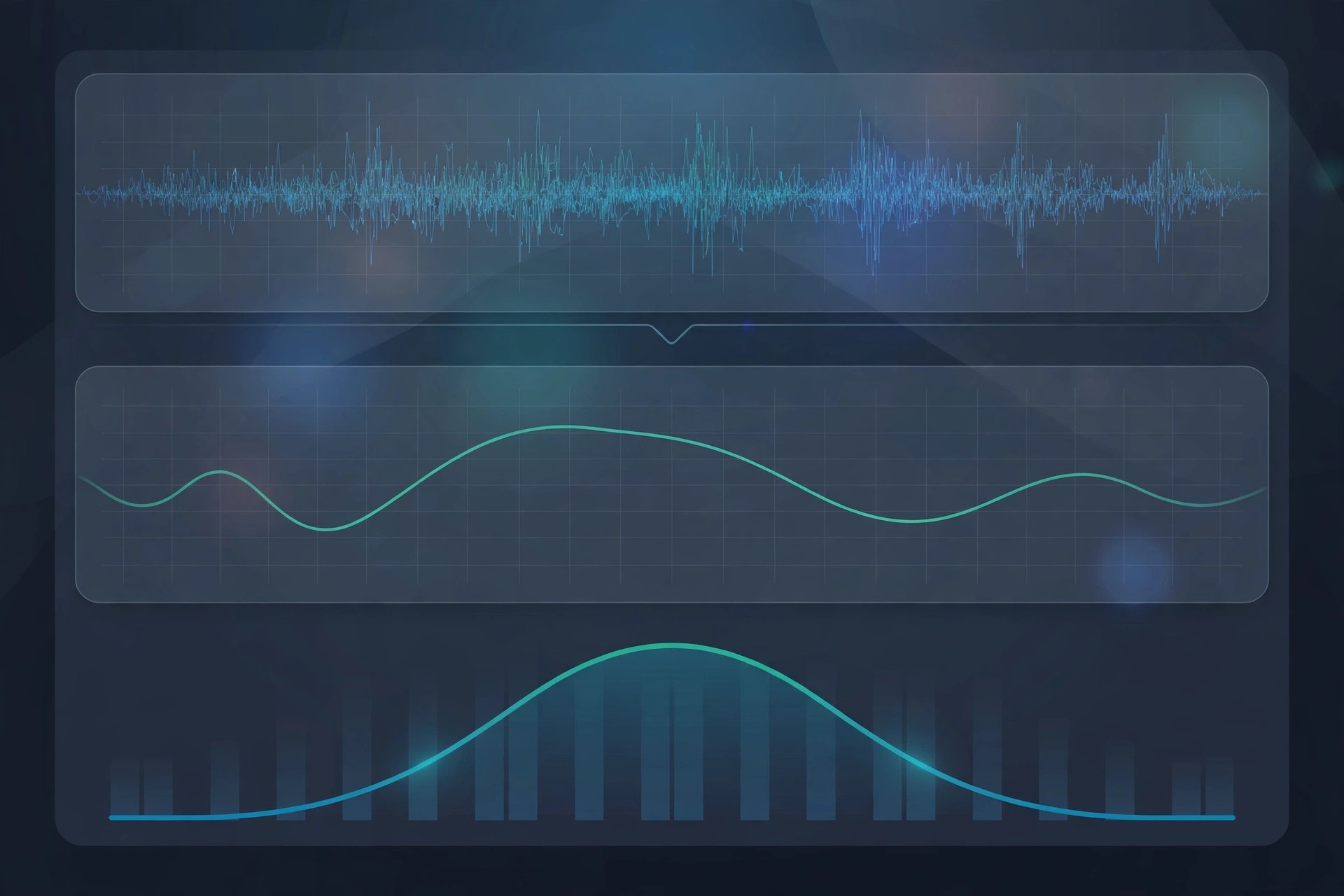
    Rather than asking you to hunt for problem frequencies by ear, DeFilter listens to your audio, learns its tonal balance, and builds a correction filter for you. You can match a recording to a speech or music target, use a reference track, or let it preserve the overall character while smoothing the narrow peaks and dips.

    Key Features

    • Automatic correction of tonal imbalances in speech and music
    • Reduces resonant peaks, dips and audible comb filter effects
    • Match recordings to built-in target profiles or a reference recording
    • Adjustable correction strength and filter length for subtle or strong fixes
    • Works as VST, VST3, AAX and Audio Units plug-in in Mac hosts

    How to Download

    1. Confirm your DAW or editor on Mac supports VST, AU or AAX plug-ins.
    2. Download from the official site and install the trial version.
    3. Load DeFilter on a problem track, press Learn, and compare before and after.

    Is Acon Digital DeFilter free?
    No, DeFilter is a paid plug-in. Acon Digital provides a free trial, which is the safest way to check whether it improves your own recordings.

    Should I download DeFilter from a free plug-in site?
    No, unofficial sites often bundle modified installers. Download only from Acon Digital to get a clean, current and properly licensed copy.

  • Acon Digital AudioLava 2.1.4 for Mac

    Acon Digital AudioLava 2.1.4 for Mac

    Acon Digital AudioLava 2.1.4 for Mac

    Acon Digital AudioLava 2.1.4 for Mac

    Mac Audio
    Updated Nov 4, 2026
    Mac Audio • Updated Nov 4, 2026

    Acon Digital AudioLava 2.1.4 for Mac is made for one clear job: bringing old vinyl records and cassette tapes back to life on your Mac. If you have shelves of LPs or boxes of tapes you want to preserve digitally, this is a friendly, guided way to record and clean them.

    Instead of overwhelming you with studio jargon, AudioLava walks you through recording, splitting tracks, cleaning the sound and saving or burning the result. Its restoration tools are based on Acon Digital's respected restoration technology, but presented in a simpler interface for home archivists and collectors.

    Key Features

    • Record LP and tape sources to your Mac with automatic track splitting
    • Removes tape hiss, hum, clicks and crackle from ageing recordings
    • Repairs clipped audio and emulates a phono preamplifier in software
    • Real-time preview so you can fine-tune cleaning before you save
    • Export restored tracks or burn them directly to audio CD

    How to Download

    1. Connect your turntable or tape deck to your Mac and check compatibility first.
    2. Download from the official site and start with the trial version.
    3. Install AudioLava, record a short test side, and clean it before digitising everything.

    Is Acon Digital AudioLava free?
    No, AudioLava is affordable paid software. A free trial is available from Acon Digital, so you can test a real transfer before you pay.

    Can AudioLava fix every damaged record?
    It can greatly reduce hiss, clicks and hum, but deeply scratched or warped records will still have limits. Clean the disc first for the best result.

  • Acon Digital Acoustica Premium 7.5.1 for Mac

    Acon Digital Acoustica Premium 7.5.1 for Mac

    Acon Digital Acoustica Premium 7.5.1 for Mac

    Acon Digital Acoustica Premium 7.5.1 for Mac

    Mac Audio
    Updated Nov 4, 2026
    Mac Audio • Updated Nov 4, 2026

    Acoustica Premium from Acon Digital is a complete audio editor for Mac and Windows, covering recording, editing, restoration, mastering and podcast production in one application. It supports high-resolution audio up to 32-bit and 384 kHz, so studio-quality material keeps its full detail from capture to final export.

    The Premium Edition goes beyond the Standard Edition with spectral editing, multichannel support up to 7.1 surround, and a bundled suite of restoration and mastering plug-ins that also work inside other DAWs as VST, VST3, AAX and Audio Units. Version 7.5.1 runs natively on Apple Silicon as well as Intel Macs, which keeps the interface fast even on large sessions.

    Key Features

    • Full audio editing with spectral retouch tools and multitrack support
    • Restoration Suite for de-click, de-clip, de-hum and de-noise work
    • Extract:Dialogue AI tool for separating speech from background noise
    • Mastering Suite with EQ, dynamics, multiband processing and limiting
    • Native Apple Silicon and Intel support, plus VST, VST3, AAX and AU hosting

    How to Download

    1. Download from the official site
    2. Start with the free 30-day trial to test Acoustica on your own recordings.
    3. Install the app, activate your licence, and open or record your first session.

    Is Acoustica Premium free?
    No. It is a paid one-off licence, although Acon Digital offers a 30-day free trial. There is no free full version of the Premium Edition.

    Where should I download Acoustica?
    Only from acondigital.com or an authorised reseller. Cracked copies of audio editors are a classic malware vector, and they cannot receive updates or support from Acon Digital.

  • Acon Digital Acoustica Premium Edition 7.4.1 for Mac

    Acon Digital Acoustica Premium Edition 7.4.1 for Mac

    Acon Digital Acoustica Premium Edition 7.4.1 for Mac

    Acon Digital Acoustica Premium Edition 7.4.1 for Mac

    Mac Audio
    Updated Nov 4, 2026
    Mac Audio • Updated Nov 4, 2026

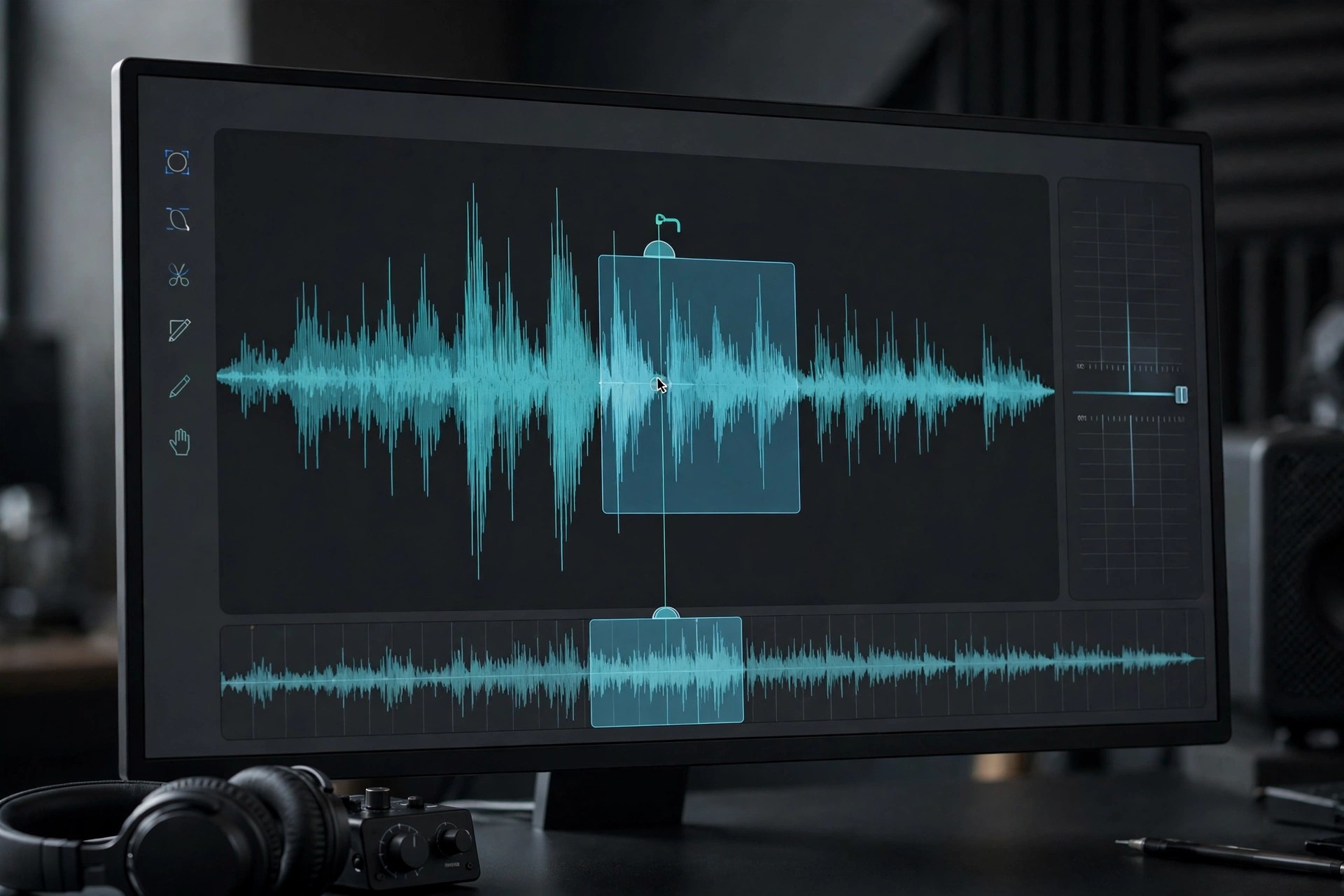
    Acon Digital Acoustica Premium Edition 7.4.1 for Mac is a complete audio workstation for editing, restoring and finishing sound on a Mac. It suits musicians, podcasters and post-production editors who want one polished application instead of juggling several separate tools for everyday audio work.

    The Premium Edition goes beyond basic trimming and fading. It adds spectral editing for precise repairs, multitrack sessions, and a bundled set of restoration and mastering plug-ins, so a noisy interview, a clipped vocal or a full mix can all be handled in the same project window.

    Key Features

    • Powerful waveform and spectral editing for detailed, sample-accurate repairs
    • Multitrack editing with support for high-resolution and surround audio
    • Built-in restoration tools for noise, clicks, hum and clipping problems
    • Mastering plug-ins for EQ, dynamics, limiting and dithering
    • Clean, modern Mac interface with native Apple Silicon support

    How to Download

    1. Check that your Mac meets the system requirements on the official product page.
    2. Download from the official site and try the trial version first.
    3. Install the app, open your audio file, and purchase a licence only if it fits your workflow.

    Is Acon Digital Acoustica Premium Edition free?
    No, it is paid software, but Acon Digital offers a free trial so you can test the editor and its plug-ins before buying a licence.

    Is it safe to download from other websites?
    No, avoid unofficial download sites, as repacked copies may contain malware or outdated builds. Always get Acoustica from Acon Digital directly.