Category: Mac Audio

  • Aberrant DSP ShapeShifter 1.1 for Mac

    Aberrant DSP ShapeShifter 1.1 for Mac

    Aberrant DSP ShapeShifter 1.1 for Mac

    Aberrant DSP ShapeShifter 1.1 for Mac

    Mac Audio
    Updated Nov 4, 2026
    Mac Audio • Updated Nov 4, 2026

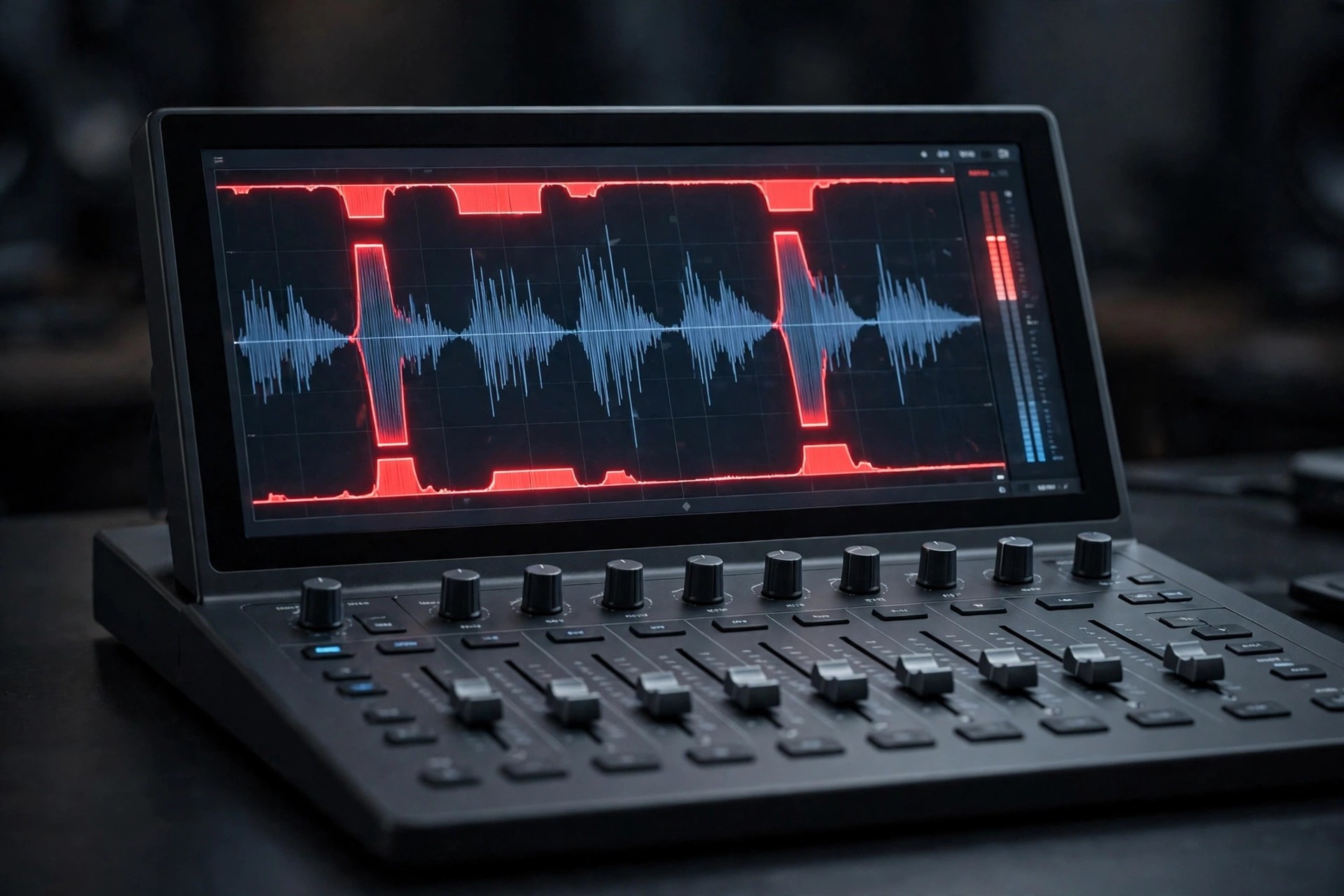
    ShapeShifter by Aberrant DSP is not a transparent compressor for fixing levels — it is a character tool for reshaping sound itself. Born from the noise-reduction compression idea in SketchCassette, it blends multi-band upward and downward compression so quiet details rise up while peaks are pushed into a thicker, more aggressive shape.

    On Mac it works in major DAWs as AU, VST3 and AAX on Intel and Apple Silicon machines. A gentle setting can add body and presence to a vocal or acoustic guitar, while driving it harder produces the blown-out, gritty textures that electronic and lo-fi producers reach for.

    Key Features

    • Combined upward and downward compression controlled with a shared ratio
    • Dedicated Transients section for separate control of downward compression
    • Upward compression Floor control to tame room sound and unwanted noise
    • Drive with two models, Asymmetry for grit, Tone shaping and Dry/Wet mix
    • 64 factory presets and a demo version available from the developer

    How to Download

    1. Open the official ShapeShifter page and download the macOS demo to test it in your DAW.
    2. Download from the official site
    3. Run the installer, restart your DAW, and insert ShapeShifter on a track or bus.

    Is ShapeShifter free?
    No. It is a low-priced paid plugin, often on sale, with a demo to try first. Anyone offering a free full version is not distributing it with the developer's permission.

    Where is the safest place to buy it?
    Directly from Aberrant DSP, or an authorised retailer. Avoid unofficial download sites, where cracked audio plugins frequently hide malware or broken installers.

  • Aberrant DSP Digitalis 1.0 for Mac

    Aberrant DSP Digitalis 1.0 for Mac

    Aberrant DSP Digitalis 1.0 for Mac

    Aberrant DSP Digitalis 1.0 for Mac

    Mac Audio
    Updated Nov 4, 2026
    Mac Audio • Updated Nov 4, 2026

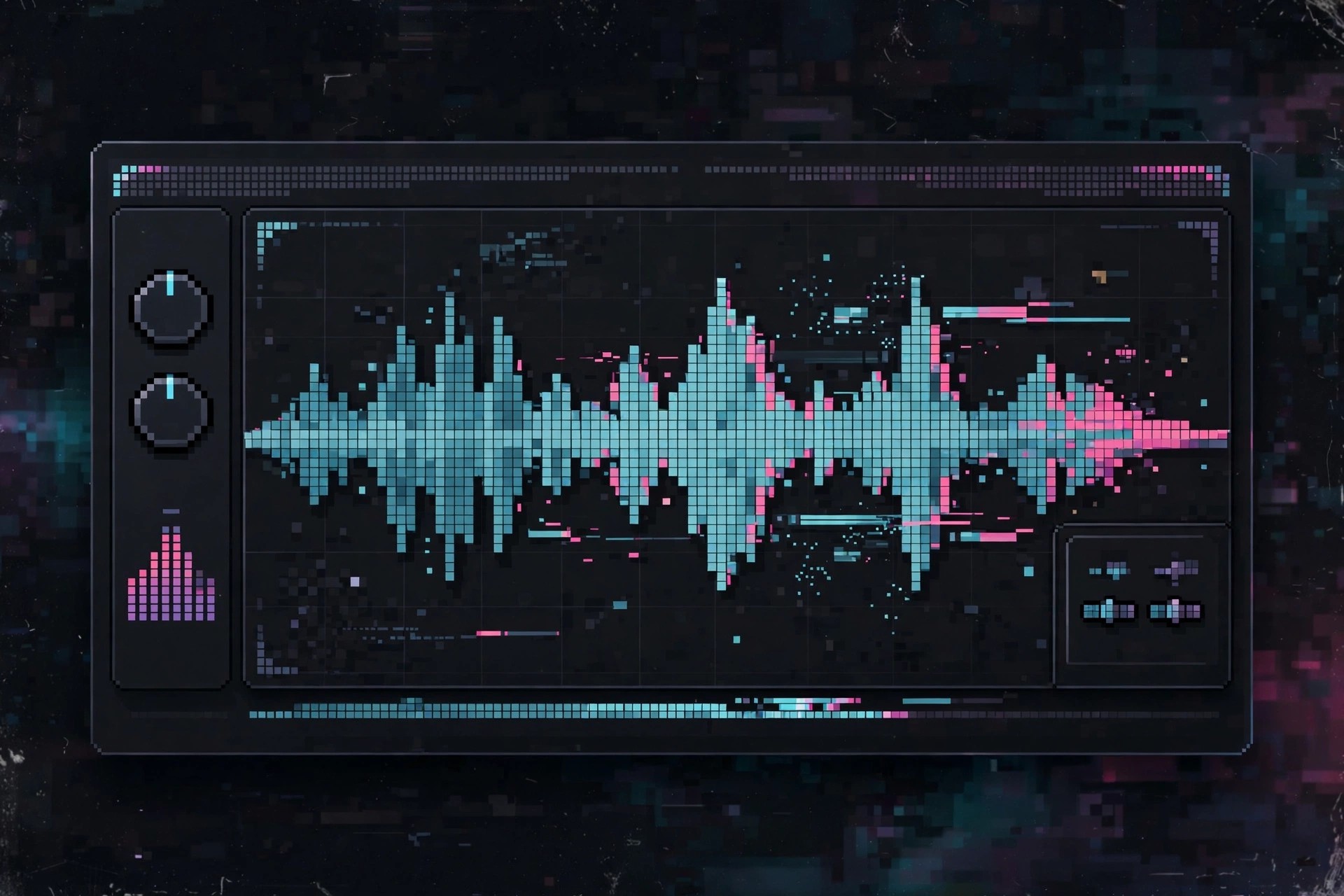
    Digitalis from Aberrant DSP turns the flaws of old digital audio into a creative instrument. Inspired by scratched CDs, cheap converters, dropped connections and corrupted files, it is a multi-effect plugin for producers who want controlled damage — from subtle lo-fi grit on a vocal to complete rhythmic destruction of a drum loop.

    It runs in your DAW on macOS as AU, VST3 and AAX, on both Intel and Apple Silicon Macs. Three movable windows — Data, Corruption and Time — can be reordered to change the signal flow, and a playful on-screen assistant helps you learn what each unusual control actually does.

    Key Features

    • Spectral PaintBox filter for drawing custom filtering patterns, plus pitch and formant tools
    • Decimate, dynamic bitcrushing and Bitrot sections for digital corruption effects
    • Tempo-synced Repeater with pitch bend, rhythm glitch and pitch glitch controls
    • 16-step sequencer with 4 effect slots for rhythmic modulation
    • 98 factory presets and a free demo with periodic short drop-outs

    How to Download

    1. Visit the official product page and try the macOS demo first if you wish.
    2. Download from the official site
    3. Run the installer, restart your DAW, and load Digitalis as AU, VST3 or AAX.

    Is Digitalis free?
    No. It is an affordable paid plugin, with a fully featured demo that drops the sound briefly every 45 seconds. There is no free full version.

    Is it safe to download Digitalis from other sites?
    No. Cracked plugin copies are a common source of malware in studios. Buy or demo it from Aberrant DSP directly and avoid unofficial download sites.

  • Abelssoft YouTube Song Downloader 3.0.0.16 for Mac

    Abelssoft YouTube Song Downloader 3.0.0.16 for Mac

    Abelssoft YouTube Song Downloader 3.0.0.16 for Mac

    Abelssoft YouTube Song Downloader 3.0.0.16 for Mac

    Mac Audio
    Updated Nov 4, 2026
    Mac Audio • Updated Nov 4, 2026

    Abelssoft YouTube Song Downloader is built for listeners who want a simple desktop way to find music on YouTube and Vevo, preview it, and save tracks for personal offline listening. Its built-in search means you can look up an artist, song or album without juggling browser tabs, then convert the audio to a common format such as MP3.

    Abelssoft is mainly a Windows developer, and its current official product page lists YouTube Song Downloader for Windows 10 and 11. Older Mac builds circulated years ago, but we could not verify a current official Mac edition, so Mac users should confirm availability on the vendor site before trusting any download.

    Key Features

    • Integrated search for songs, artists and albums on YouTube and Vevo
    • Save individual tracks, full albums or playlists in the Plus edition
    • Audio conversion to popular formats for portable players and phones
    • Built-in preview player and a Send2Phone option for mobile transfer
    • Simple interface aimed at non-technical music fans

    How to Download

    1. Open the official Abelssoft page and check the listed operating systems.
    2. Install only the vendor's trial or Plus edition, and use downloads for personal use in line with local law.

    Is YouTube Song Downloader free?
    A limited trial or free edition is offered, while the Plus version is paid and removes restrictions. It is not a free full version, despite what crack sites claim.

    Is it safe to get the Mac version elsewhere?
    Be careful. Unofficial download sites often bundle old or modified installers with unwanted extras. If Abelssoft does not list a Mac build officially, avoid those copies and use the official site only.

  • A.O.M. Factory Total Bundle 1.18.9 for Mac

    A.O.M. Factory Total Bundle 1.18.9 for Mac

    A.O.M. Factory Total Bundle 1.18.9 for Mac

    A.O.M. Factory Total Bundle 1.18.9 for Mac

    Mac Audio
    Updated Nov 4, 2026
    Mac Audio • Updated Nov 4, 2026

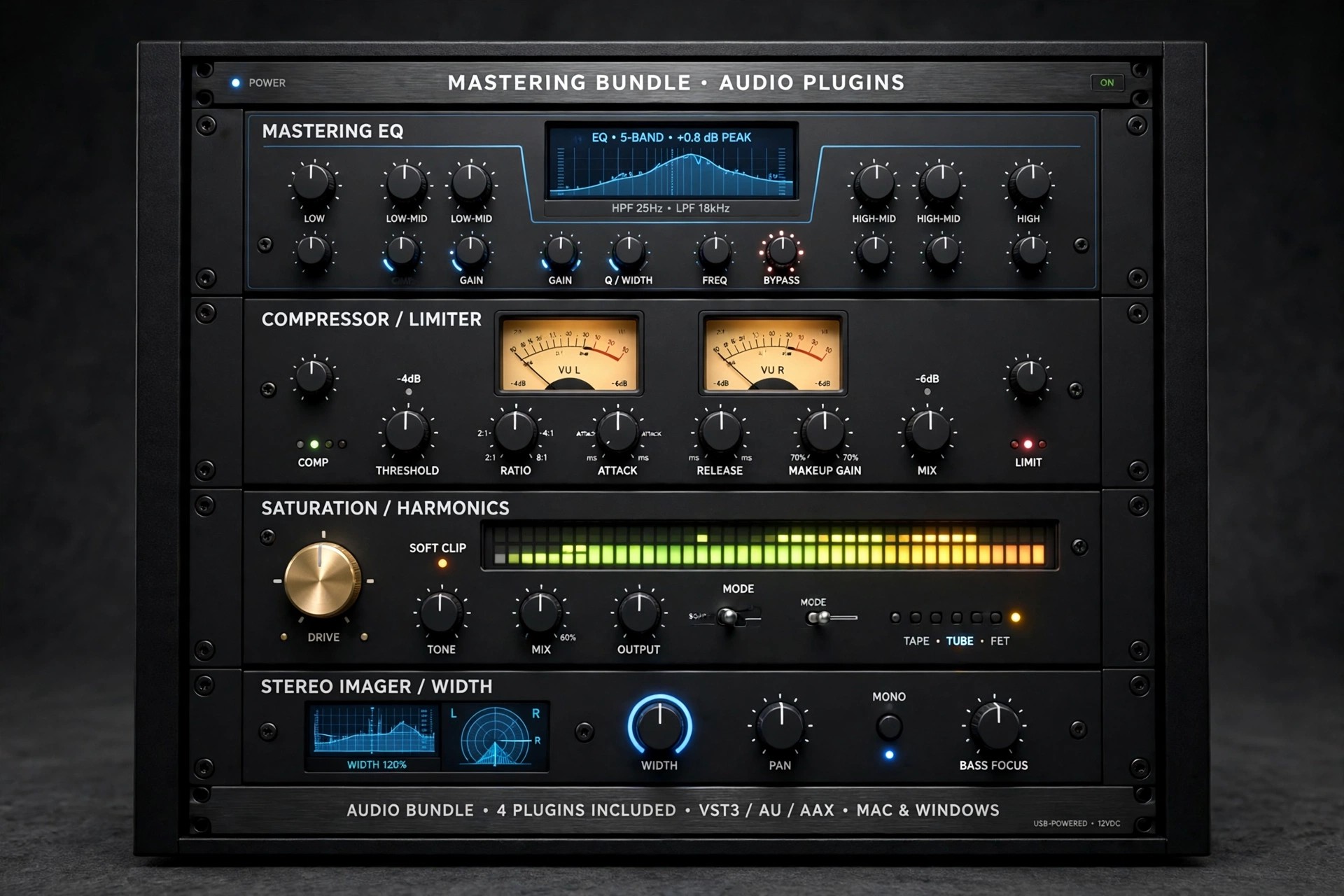
    A.O.M. Factory, based in Japan, is known for transparent, precision audio plug-ins, and the Total Bundle 1.18.9 is the simplest way to own all of them at once. A single Total Bundle licence authorises every current A.O.M. plug-in on your Mac, and any new plug-in released while your licence is valid is included automatically.

    For mixing and mastering work, the bundle covers the jobs most sessions need: the Invisible Limiter series for clean loudness, tranQuilizr equalisers, several compressors, a de-esser and utility tools. Everything runs as modern plug-ins inside your DAW rather than as standalone apps.

    Key Features

    • One licence covering all A.O.M. plug-ins, including future releases during its term
    • Invisible Limiter, G2 and G3 transparent look-ahead mastering limiters
    • tranQuilizr G2 equaliser, Nu Compressor, Track Compressor and DeSibilizer
    • VST, VST3, AAX, Audio Unit and CLAP formats for leading Mac DAWs
    • Supports sample rates from 44.1 kHz up to 384 kHz for high-resolution work

    How to Download

    1. Download from the official site
    2. Download the Mac installers for the plug-ins you need from A.O.M.'s download area and run them.
    3. Activate with your Total Bundle licence inside your DAW, then rescan plug-ins if required.

    Is A.O.M. Factory Total Bundle free?
    No. The Total Bundle is sold as a 1-year licence, with a discounted price for returning customers, and there is no perpetual Total Bundle licence. Individual plug-ins can later be extended to perpetual licences, and demo versions let you test before buying.

    Can I get it cheaper from other sites?
    Be careful. Unofficial sites offering this bundle are typically distributing cracked plug-ins, which break with updates and can carry malware. Buying through aom-factory.jp guarantees working activation, updates and support.

  • A Convert Audio Converter 1.0.1 for Mac

    A Convert Audio Converter 1.0.1 for Mac

    A Convert Audio Converter 1.0.1 for Mac

    A Convert Audio Converter 1.0.1 for Mac

    Mac Audio
    Updated Nov 4, 2026
    Mac Audio • Updated Nov 4, 2026

    A Convert Audio Converter 1.0.1 is listed as a small Mac utility for changing audio files from one format to another, the kind of everyday job that comes up when a player, phone or editing app refuses the file you already have. Listings describe it in very general terms, alongside basic music playback wording, which makes its exact feature set hard to confirm.

    Because we could not verify an official vendor website or an official Mac App Store listing for this exact app and version, treat third-party listings with caution. The notes below describe what an audio converter of this type normally does, and how to approach downloading it safely.

    Key Features

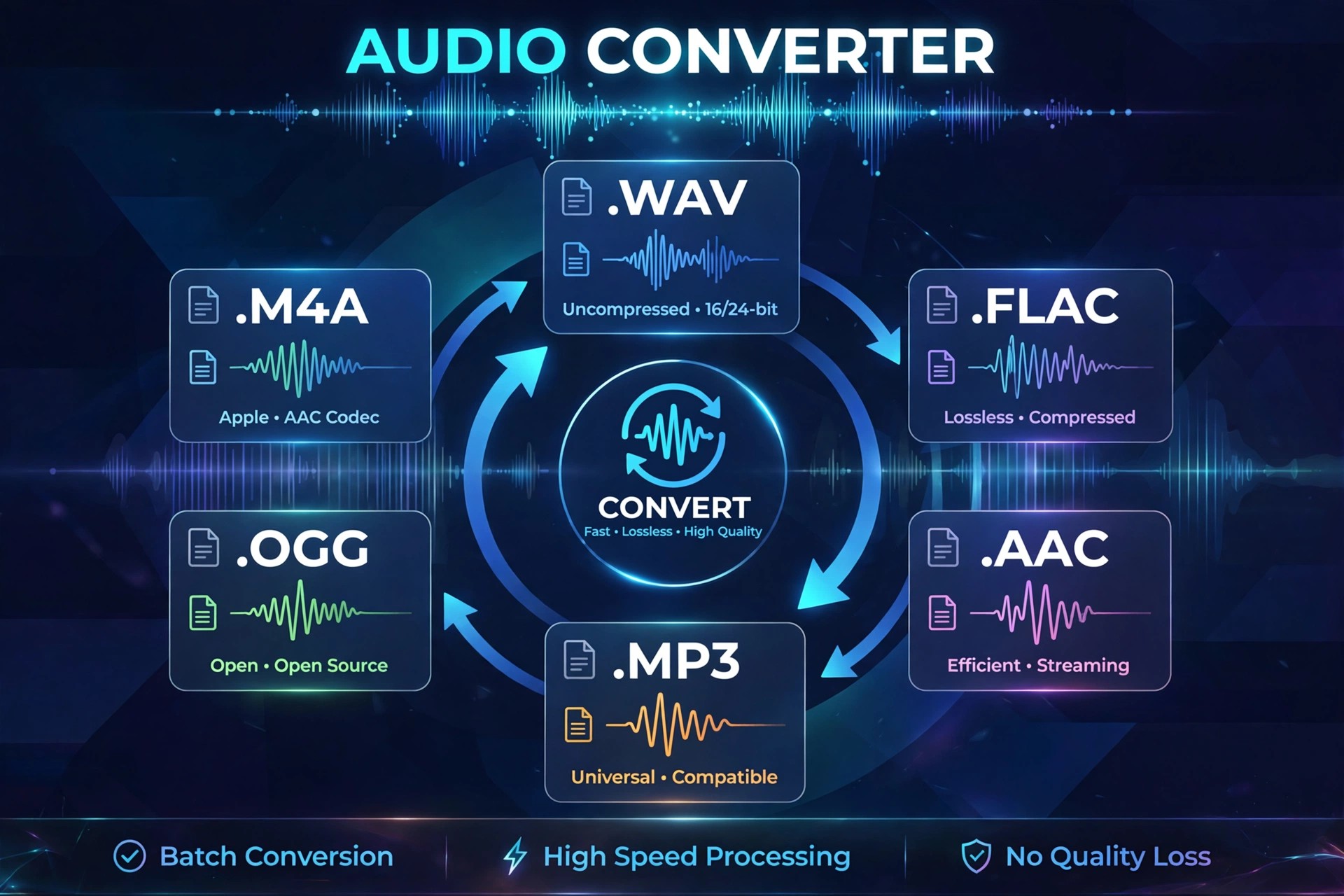
    • Convert audio files between common formats such as MP3, M4A, WAV and FLAC
    • Simple workflow aimed at single files and small batches
    • Useful for making recordings playable on phones, players and car systems
    • Lightweight utility design with no full editing suite to learn
    • Designed for macOS desktop use rather than mobile conversion

    How to Download

    1. If no official page is available, search the Mac App Store by the exact app name and check the seller before installing.
    2. Install only from that verified source, then test it first on a copy of one audio file.

    Is A Convert Audio Converter free?
    We could not confirm its pricing from an official source. Many small converters are free with limits or offer a paid unlock, so check the price and any in-app purchases on the official listing before you rely on listings elsewhere.

    Is it safe to download from unofficial sites?
    No. Unofficial download sites frequently repackage obscure utilities with unwanted extras. If you cannot find this app from its developer or the Mac App Store, consider a well-known converter from its official vendor instead.

  • 4K YouTube to MP3 Pro 26.2.1 for Mac

    4K YouTube to MP3 Pro 26.2.1 for Mac

    4K YouTube to MP3 Pro 26.2.1 for Mac

    4K YouTube to MP3 Pro 26.2.1 for Mac

    Mac Audio
    Updated Nov 4, 2026
    Mac Audio • Updated Nov 4, 2026

    4K YouTube to MP3 Pro 26.2.1 for Mac is the paid tier of 4K Download's popular audio extractor. It keeps the same simple paste-and-convert workflow as the standard edition, but removes the everyday limits that slow down larger jobs, making it better suited to full playlists, subscribed channels and regular downloading.

    For Mac users who save music, interviews and lectures for offline listening, the Pro edition focuses on quality and volume. You get higher-quality audio options where the source and your YouTube account allow it, plus faster processing when you queue many links at once, all in a tidy native desktop interface.

    Key Features

    • Unlimited playlist and channel downloads in a single session
    • Higher-quality audio up to 256 kbps where source and account permit
    • Faster batch conversion with multiple simultaneous downloads
    • Saves to MP3, M4A and OGG with automatic tags and artwork
    • No daily track cap that applies to the free Starter tier

    How to Download

    1. Download from the official site
    2. Install the app from the downloaded file, then open it from Applications.
    3. Activate your Pro licence in the app and paste your first link to convert.

    Is 4K YouTube to MP3 Pro free?
    No. Pro is a paid licence. A free Starter tier exists for light use, but Pro features such as unlimited downloads and higher-quality audio require payment. Prices and terms are listed on the official 4K Download site.

    Should I use an unofficial Pro download?
    No. Sites offering a cracked Pro version are a common source of malware and stolen licences. Buy and download only from the official site, and only download content you have the right to save.

  • 4K YouTube to MP3 4.3.2 for Mac

    4K YouTube to MP3 4.3.2 for Mac

    4K YouTube to MP3 4.3.2 for Mac

    4K YouTube to MP3 4.3.2 for Mac

    Mac Audio
    Updated Nov 4, 2026
    Mac Audio • Updated Nov 4, 2026

    4K YouTube to MP3 4.3.2 for Mac, from 4K Download, is a focused desktop converter for people who want audio files rather than video files. Paste a link from YouTube, Vimeo, SoundCloud, Facebook or other supported sites, and the app extracts the soundtrack and saves it as a standalone audio file you can play anywhere.

    It suits podcast listeners, students saving lectures, and anyone building an offline music library from content they have the right to download. Instead of juggling browser converters full of pop-ups, you get a clean Mac app with batch handling, sensible quality options, and metadata added automatically, including artwork and track details where available.

    Key Features

    • Converts online video to MP3, M4A or OGG audio in a few clicks
    • Downloads full playlists and channels, not just single videos
    • Built-in player for previewing tracks before or after conversion
    • Automatic metadata, including title, artist and cover art where provided
    • Batch paste for several links at once to save time

    How to Download

    1. Download from the official site
    2. Open the downloaded file and drag the app into your Applications folder.
    3. Launch it, paste a video link, choose your audio format and start the conversion.

    Is 4K YouTube to MP3 free?
    It offers a free Starter tier with daily limits. Paid Lite, Personal and Pro plans remove limits and unlock extra features. It is not a free full version without restrictions, so check the current plan details on the official site before buying.

    Is it safe to download from other sites?
    No. Unofficial mirrors often bundle adware or altered installers. Always download from 4kdownload.com, and only save audio you own or have permission to download.

  • 2ManyRobots Yate for Mac

    2ManyRobots Yate for Mac

    2ManyRobots Yate for Mac

    2ManyRobots Yate for Mac

    Mac Audio
    Updated Nov 4, 2026
    Mac Audio • Updated Nov 4, 2026

    Yate is a music tag editor for Mac made for collectors who want complete control over their audio library. Instead of fixing tags one file at a time, it lets you edit whole albums at once, clean up inconsistent artist and title fields, and keep your collection tidy as it grows.

    It supports a wide range of audio formats, including MP3, FLAC, M4A, AIFF, and WAV, and it can pull metadata and artwork from sources such as MusicBrainz and Discogs. Its batch actions and custom editing panels make repetitive tagging work far faster once you set up a workflow you like.

    Key Features

    • Batch tag editing for MP3, FLAC, M4A, AIFF, WAV, and many more formats
    • Metadata and artwork lookup from MusicBrainz, Discogs, and other sources
    • Powerful actions to automate renaming, cleanup, and repeated tagging jobs
    • Custom edit panels and templates tailored to your own library habits
    • Integration with Apple Music, iTunes, and the TV app on Mac

    How to Download

    1. Download from the official site
    2. Open the downloaded file and move Yate into your Applications folder.
    3. Launch the app, open a folder of music, and start editing tags.

    Is Yate free?
    Yate is paid software, but it offers a time-limited free trial so you can test its full tagging features before buying a licence. It is not offered as a free full version.

    Should I download Yate from unofficial sites?
    No. Unofficial copies may be outdated or tampered with, and they cannot be trusted with your music files. Always get Yate from the official 2ManyRobots site.

  • 2B Played Music 2B Clipped for Mac

    2B Played Music 2B Clipped for Mac

    2B Played Music 2B Clipped for Mac

    2B Played Music 2B Clipped for Mac

    Mac Audio
    Updated Nov 4, 2026
    Mac Audio • Updated Nov 4, 2026

    2B Played Music 2B Clipped for Mac is a clip distortion plugin for music producers who want to add bite, punch and controlled loudness inside their DAW. Built by Dutch developer 2B Played Music, it takes the distortion engine from their filter plugins and focuses it on one job: clipping a signal in a musical, analog-style way rather than simply making it harsh.

    A little drive adds character to synths, drums and bass, while pushing the control further moves into full clip distortion for aggressive electronic sounds. Resonant high-pass and low-pass filters let you shape which frequencies get clipped, and high-quality oversampling up to 32x helps keep the result clean and free of aliasing artefacts, even at heavy settings in a busy mix.

    Key Features

    • Analog-style clip distortion engine ranging from subtle character to aggressive drive
    • Character and gain controls make it easy to dial in anything from warmth to hard clipping
    • Resonant high-pass and low-pass filters shape the tone before and after clipping
    • Oversampling up to 32x reduces aliasing and keeps distorted sounds clean
    • Runs as a plugin inside compatible Mac DAWs for mixing, sound design and mastering chains

    How to Download

    1. Run the Mac installer from 2B Played Music and choose the plugin formats your DAW uses.
    2. Rescan plugins in your DAW, insert 2B Clipped on a track and start with a low drive setting.

    Is 2B Clipped free?
    The original 2B Clipped was released as a free plugin, while premium successors such as 2B Clipped 2 and 3 are paid products that are sometimes offered free in limited promotions. Check the official store for the current offer rather than assuming a free full version.

    Are cracked plugin downloads safe?
    No. Unofficial sites offering cracked audio plugins are a common source of malware and broken installers. Always get 2B Played Music plugins from the official store so your studio Mac stays clean.

  • Serato DJ Pro 5.0.0 for Mac

    Serato DJ Pro 5.0.0 for Mac

    Serato DJ Pro 5.0.0 for Mac

    Serato DJ Pro 5.0.0 for Mac

    Mac Audio
    Updated Nov 4, 2026
    Mac Audio • Updated Nov 4, 2026

    Serato DJ Pro Suite v3.2.2 for Mac is professional DJ software trusted by club DJs and touring artists around the world. It turns your Mac into a full performance setup with precise mixing controls, creative effects, and deep hardware integration. A standout feature of this version is Serato Stems, which lets you isolate vocals, drums, bass, and melodies from a track on the fly — perfect for live mashups and remixes. It also works in Practice Mode, so you can learn and mix with just your laptop before ever plugging in a controller.

    Key Features

    • Serato Stems: separate any track into vocals, drums, bass, and melody in real time for creative live remixes.
    • Practice Mode: mix with two virtual decks and a crossfader — no DJ hardware required.
    • Streaming service support: mix tracks directly from supported music streaming services.
    • Pro-grade performance tools: hot cues, loops, beat jumping, sampler, and high-quality effects.
    • Wide hardware compatibility: works with controllers and mixers from Pioneer DJ, Numark, RANE, and more.

    How to Download

    1. Head to Serato's website and Download from the official site to get the genuine Mac installer.
    2. Open the downloaded file and follow the on-screen steps to install Serato DJ Pro on your Mac.
    3. Launch the app and start the free trial to unlock the full feature set for 14 days, no credit card required.

    Do I need DJ hardware to use Serato DJ Pro?

    No. Practice Mode lets you mix using only your Mac's keyboard and trackpad, which makes it a great way to learn before buying a controller.

    Is Serato DJ Pro free?

    You can try it free for 14 days. After the trial, you keep limited Practice Mode access or buy a license or subscription for the full version.