Category: Mac Audio

  • Neutron 5.2.0 for Mac

    Neutron 5.2.0 for Mac

    Neutron 5.2.0 for Mac

    Neutron 5.2.0 for Mac

    Mac Audio
    Updated Nov 4, 2026
    Mac Audio • Updated Nov 4, 2026

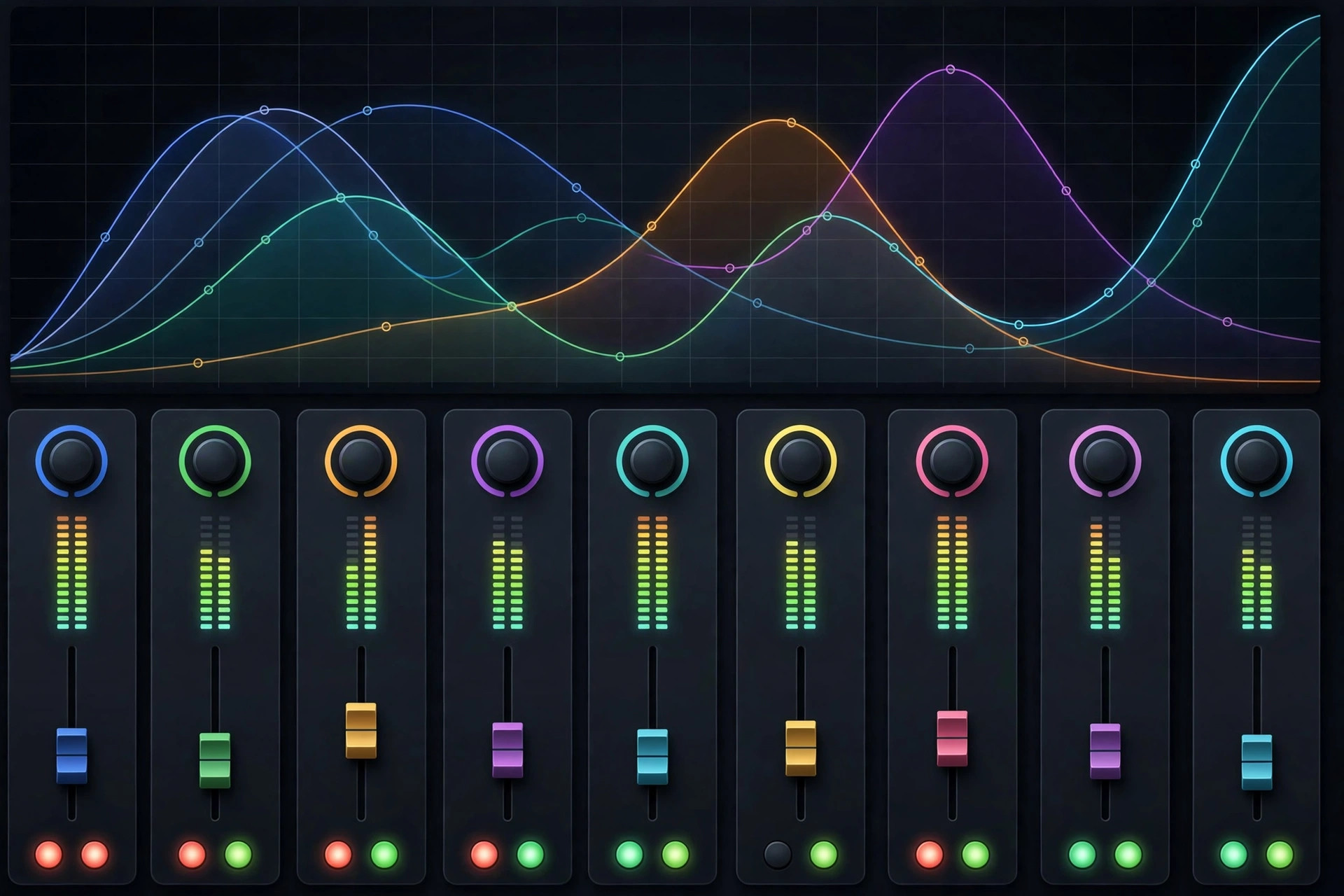
    iZotope Neutron 5 v5.2.0 is the Mac edition of the AI-assisted mixing suite that helps music producers shape cleaner, more balanced mixes. Neutron 5 combines a full channel-strip "mothership" plug-in with ten individual component modules — EQ, compressors, exciter, transient shaper and more — so you can work inside one interface or drop single tools onto tracks as needed. Its Mix Assistant analyzes your audio and suggests a starting point, which is genuinely useful when you are staring at a dense session and want a faster route to a balanced rough mix. Version 5 added a dedicated Phase module for fixing phase relationships between tracks, along with deeper Mid/Side and Transient/Sustain channel modes. On Mac it runs as AU, VST3 and AAX in 64-bit DAWs like Logic Pro, Pro Tools and Ableton Live.

    Key Features

    • 11 plug-ins in one suite — the Neutron 5 mothership plus 10 individual component modules.
    • AI-powered Mix Assistant that analyzes tracks and suggests a balanced starting mix.
    • New Phase module in Neutron 5 for aligning phase relationships across tracks.
    • Transient/Sustain and Mid/Side channel modes with Delta buttons for hearing each module's effect.
    • Runs in any AAX, AU or VST3 compatible 64-bit DAW on macOS.

    How to Download

    1. Download from the official site to reach the official iZotope Neutron 5 product page.
    2. Choose the full version or the more affordable Elements edition, or start with the official trial.
    3. Download the iZotope installer, run it on your Mac, and the plug-ins will appear in your DAW after a rescan.

    Is Neutron 5 free?

    Neutron 5 is paid software. iZotope offers a trial version so you can test the full suite in your own projects before buying.

    Which DAWs does Neutron 5 support on Mac?

    Neutron 5 works in any AAX, AU or VST3 compatible 64-bit DAW, including Logic Pro, Pro Tools, Ableton Live and Studio One.
  • Logic Pro 13.0 for Mac

    Logic Pro 13.0 for Mac

    Logic Pro 13.0 for Mac

    Logic Pro 13.0 for Mac

    Mac Audio
    Updated Nov 4, 2026
    Mac Audio • Updated Nov 4, 2026

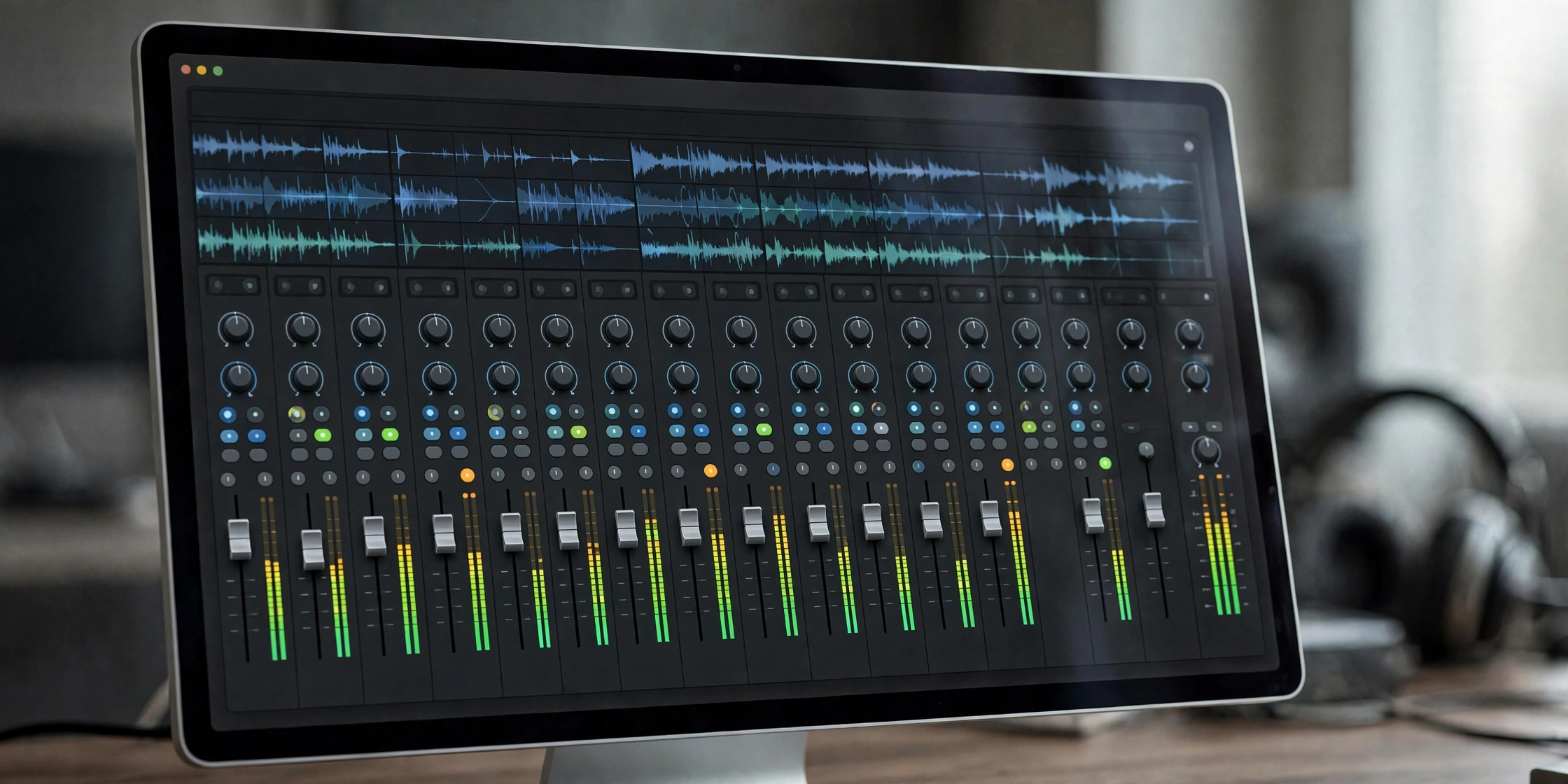
    Logic Pro 12.3.1 is Apple's professional music production software for the Mac. It combines a full multitrack recorder, MIDI sequencer, and mixing environment with a large library of instruments, loops, and effects. Version 12.3.1 continues the 12.x line aimed at Apple silicon Macs, where the app is tuned to handle demanding sessions smoothly.

    Key Features

    • Complete digital audio workstation: recording, MIDI sequencing, editing, and mixing in one app
    • Built-in instruments including Alchemy, Retro Synth, and the Session Players
    • Stem Splitter and Mastering Assistant for modern production workflows
    • Dolby Atmos spatial audio mixing tools
    • Round-trip projects between Logic Pro on Mac and Logic Pro on iPad

    How to Download

    1. Review features and system requirements on Apple's official Logic Pro page, then Download from the official site via the link to the Mac App Store.
    2. Logic Pro is a one-time purchase — it downloads and installs through the Mac App Store after you buy it with your Apple Account.
    3. It is also included in Apple Creator Studio, which offers a free trial for new subscribers.

    Is Logic Pro free?
    No. It is a paid one-time purchase on the Mac App Store, or included in the Apple Creator Studio subscription (which has a free trial).

    Which Macs can run it?
    Recent versions require a Mac with Apple silicon and a recent macOS. Check Apple's page for the exact requirements before buying.

  • FL Studio 2026.1.7 for Mac

    FL Studio 2026.1.7 for Mac

    FL Studio 2026.1.7 for Mac

    FL Studio 2026.1.7 for Mac

    Mac Audio
    Updated Nov 4, 2026
    Mac Audio • Updated Nov 4, 2026

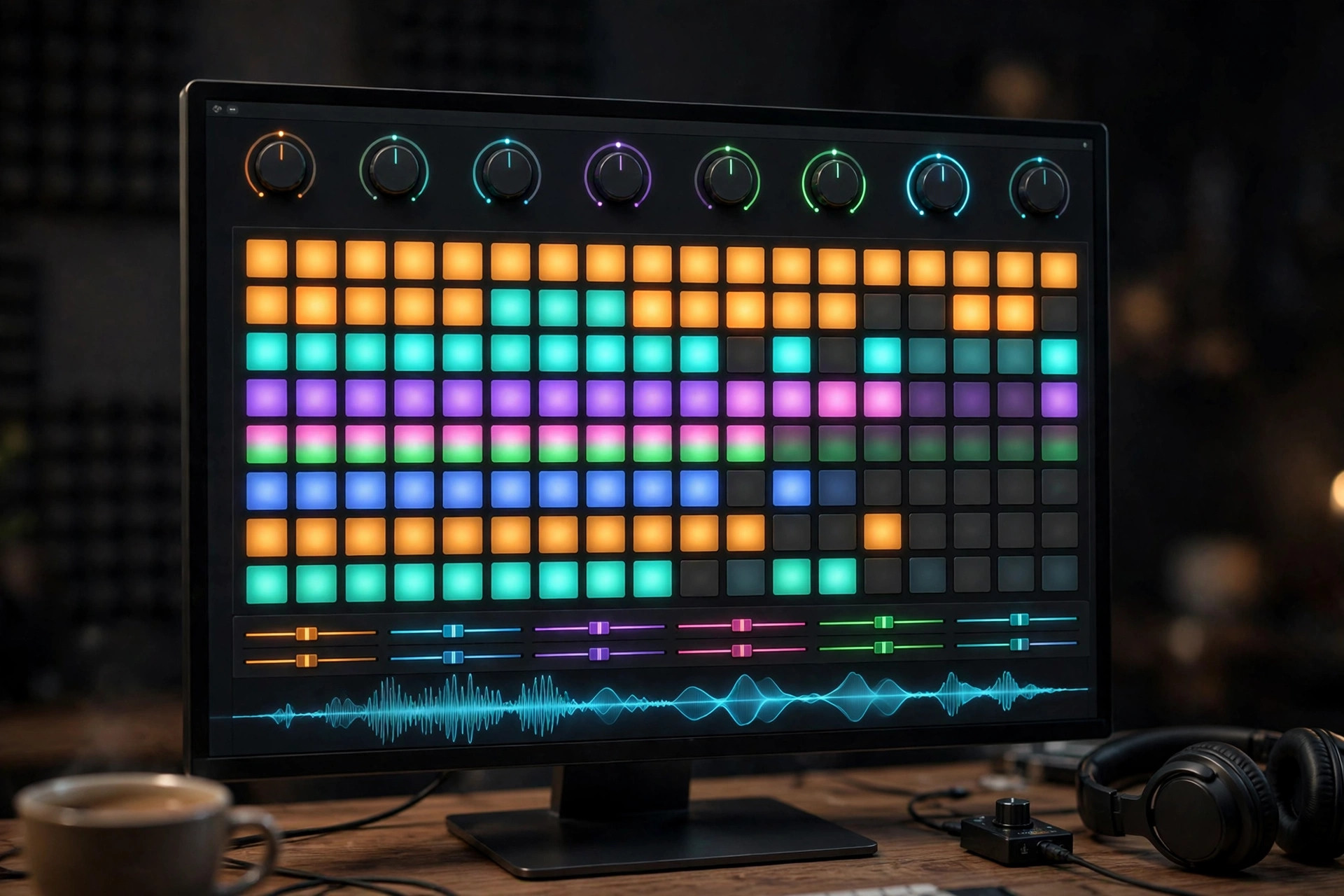
    FL Studio is the digital audio workstation from Image-Line that has been at the center of music production since the late nineties, when it was still called Fruity Loops. The Mac version has been available natively since 2018 and runs on both Apple Silicon and Intel Macs (macOS 10.15 or later), with no Rosetta translation needed. A single license works on both Windows and Mac, and every paid edition comes with lifetime free updates — buy once and you get all future versions of that edition forever.

    Image-Line offers a genuinely generous free trial: it's the full program with no time limit, including 80+ instruments and effects. The main limitation is that you can save projects but can't reopen them until you purchase a license. Paid editions start at $99, and you only ever need to buy once thanks to the lifetime updates policy.

    Key Features

    • Complete DAW with step sequencer, Piano Roll, and playlist arrangement
    • 80+ instruments, effects, and loop content included
    • Free unlimited trial — no time limit on the demo
    • Lifetime free updates with every paid edition
    • Native Apple Silicon support; one license covers Mac and Windows

    How to Download

    1. Visit the official Image-Line website and open the FL Studio download page.
    2. Choose the Mac installer from the official page: Download from the official site
    3. Install FL Studio, create an Image-Line account if you want to manage your license, and start producing with the free trial.

    Is FL Studio free?
    The trial is free with no time limit, but saved projects can't be reopened without a license. There's no free full version — avoid cracked copies, which often contain malware.

    Can I use my license on both Mac and Windows?
    Yes. A single FL Studio license works on both platforms, and you can install it on multiple personal computers.

  • FL Studio 2026 for Mac

    FL Studio 2026 for Mac

    FL Studio 2026 for Mac

    FL Studio 2026 for Mac

    Mac Audio
    Updated Nov 4, 2026
    Mac Audio • Updated Nov 4, 2026

    FL Studio 26 is the latest generation of Image-Line's legendary digital audio workstation, now fully at home on the Mac. FL Studio started life as a Windows-only step sequencer, but the native macOS version has been a first-class citizen since version 20, and the current release runs cleanly on Intel and Apple silicon Macs. It is a complete production environment: pattern-based beat making, multi-track recording, a deep piano roll, dozens of built-in instruments and effects, and flexible mixing and mastering tools. The 2026 line brings a redesigned FLEX instrument, cloud project backup and new assistance features aimed at keeping you in the creative flow. Image-Line's standout policy remains lifetime free updates — once you own an edition, every future release is yours at no extra cost.

    Key Features

    • Native macOS app for Intel and Apple silicon, with the same workflow as the Windows version.
    • Pattern-based step sequencer plus multi-track timeline, piano roll and playlist arrangement.
    • Dozens of built-in instruments and effects, including the redesigned FLEX synth.
    • Cloud project backup and integrated FL Cloud sounds, plugins and mastering options.
    • Lifetime free updates for every paid edition — buy once, get future versions free.

    How to Download

    1. Download from the official site to reach the official FL Studio page on image-line.com.
    2. Open the Downloads section and grab the macOS installer — the free trial is the full program with no time limit.
    3. Install on your Mac, then unlock the paid features any time by signing into your Image-Line account.

    Is FL Studio free on Mac?

    The trial is free and unlimited in time — you can make full projects, though saving and reopening requires a paid edition. Owners get lifetime free updates.

    Does FL Studio 26 run on Apple silicon?

    Yes. FL Studio runs natively on Apple silicon Macs and Intel Macs alike; the same license works on both macOS and Windows.

  • AudioForge for Mac

    AudioForge for Mac

    AudioForge for Mac

    AudioForge for Mac

    Mac Audio
    Updated Nov 4, 2026
    Mac Audio • Updated Nov 4, 2026

    Good audio software is the difference between a recording that sounds amateur and one that sounds polished. AudioForge belongs to the family of audio tools built for Mac creators — the kind of app you turn to for editing, cleaning up, and shaping sound, whether you're working on a podcast, a voiceover, or a music project. A solid audio editor lets you trim mistakes, reduce background noise, balance levels, and export your work in the formats your audience expects.

    We could not verify a single official vendor website for this app, since the name is used by several unrelated products. Because of that, download only from a source you have verified yourself, and avoid torrent sites and third-party download portals entirely.

    Key Features

    • Waveform editor for precise trimming and cutting of audio clips
    • Noise reduction and silence removal for cleaner recordings
    • Level normalization so your audio stays at consistent loudness
    • Export to common formats such as MP3 and WAV
    • Effects toolkit including echo, reverb, and speed control

    How to Download

    1. Confirm which developer publishes the version you want, then head to the vendor's official website.
    2. Find the Mac download or sign-up option on the vendor's official page — if no official link is shown for this app, check the Mac App Store listing instead and confirm the developer name before installing.
    3. Install or set up the app following the on-screen instructions, then test it on a short clip before committing to a paid plan.

    Is AudioForge free?
    We could not verify pricing without an official source. Check the vendor's own site for free tiers, trials, and plan details.

    Can I use it on my Mac?
    Verify the system requirements on the official site before downloading. Web-based audio tools generally work in any modern browser on macOS.

  • Ableton Live 12.4.16 for Mac

    Ableton Live 12.4.16 for Mac

    Ableton Live 12.4.16 for Mac

    Ableton Live 12.4.16 for Mac

    Mac Audio
    Updated Nov 4, 2026
    Mac Audio • Updated Nov 4, 2026

    Ableton Live 12 Suite for Mac is one of the most respected digital audio workstations in the world, used for everything from bedroom beats to stadium shows. Its signature Session View lets you trigger loops and ideas on the fly, while the Arrangement View is built for traditional songwriting and detailed editing. Live 12 adds new creative instruments like the MPE-capable Meld synthesizer and the Roar saturation device, plus MIDI Transformations that generate fresh musical ideas from your existing clips. The Suite edition is the complete package — every instrument, effect, and sound library Ableton makes — and you can try all of it free for 30 days.

    Key Features

    • Session and Arrangement views: improvise with clips live, then arrange them into finished songs.
    • New Live 12 instruments: Meld, a playful MPE synthesizer, and Roar, a flexible color and saturation device.
    • MIDI Transformations: reshape MIDI patterns with simple or complex variations to spark new ideas.
    • Complete Suite content: dozens of instruments, effects, and thousands of sounds with Max for Live included.
    • Built for performance: rock-solid audio engine and real-time warping for live shows and DJ sets.

    How to Download

    1. Visit Ableton's official page and Download from the official site to start the genuine installer.
    2. Create a free Ableton account, then download the Live 12 Suite trial installer for Mac.
    3. Run the installer, sign in, and enjoy the full Suite feature set free for 30 days, with saving and exporting included.

    Is there a free version of Ableton Live 12?

    Ableton offers a fully featured 30-day free trial of Live 12 Suite with no saving or exporting limits. There is no permanent free full version, but Live Lite is bundled free with many audio interfaces and MIDI controllers.

    Which macOS versions does Live 12 support?

    Ableton publishes its system requirements on the official site, and they change with updates — check the requirements page there before downloading to make sure your Mac is supported.