Acon Digital AudioLava 2.1.4 for Mac
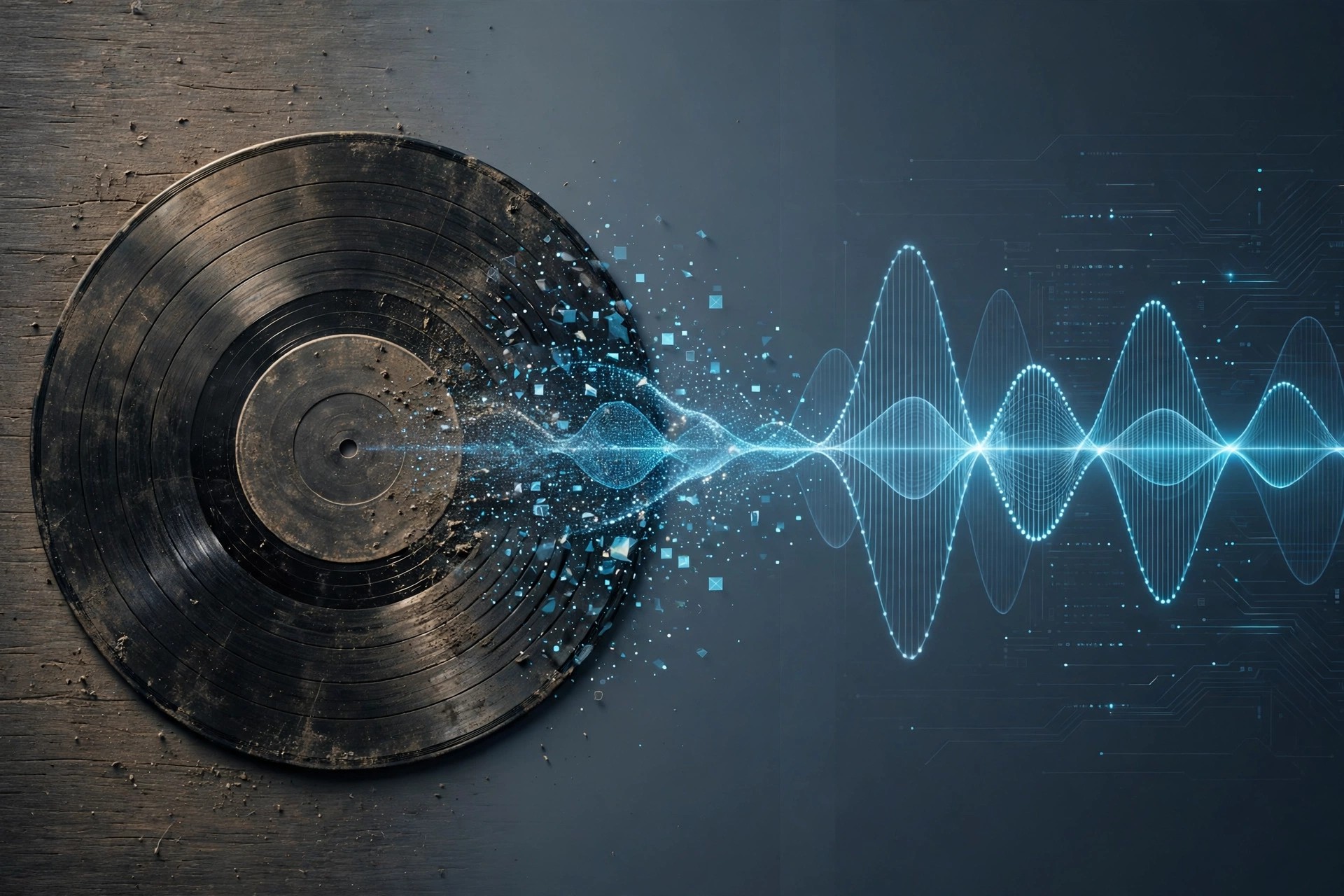
Mac AudioAcon Digital AudioLava 2.1.4 for Mac is made for one clear job: bringing old vinyl records and cassette tapes back to life on your Mac. If you have shelves of LPs or boxes of tapes you want to preserve digitally, this is a friendly, guided way to record and clean them.
Instead of overwhelming you with studio jargon, AudioLava walks you through recording, splitting tracks, cleaning the sound and saving or burning the result. Its restoration tools are based on Acon Digital's respected restoration technology, but presented in a simpler interface for home archivists and collectors.
Key Features
- Record LP and tape sources to your Mac with automatic track splitting
- Removes tape hiss, hum, clicks and crackle from ageing recordings
- Repairs clipped audio and emulates a phono preamplifier in software
- Real-time preview so you can fine-tune cleaning before you save
- Export restored tracks or burn them directly to audio CD
How to Download
- Connect your turntable or tape deck to your Mac and check compatibility first.
- Download from the official site and start with the trial version.
- Install AudioLava, record a short test side, and clean it before digitising everything.
Is Acon Digital AudioLava free?
No, AudioLava is affordable paid software. A free trial is available from Acon Digital, so you can test a real transfer before you pay.
Can AudioLava fix every damaged record?
It can greatly reduce hiss, clicks and hum, but deeply scratched or warped records will still have limits. Clean the disc first for the best result.







Leave a Reply