Category: Mac Audio

  • Aiseesoft MP3 Music Converter 1.0.15 for Mac

    Aiseesoft MP3 Music Converter 1.0.15 for Mac

    Aiseesoft MP3 Music Converter 1.0.15 for Mac

    Aiseesoft MP3 Music Converter 1.0.15 for Mac

    Mac Audio
    Updated Nov 4, 2026
    Mac Audio • Updated Nov 4, 2026

    Aiseesoft MP3 Music Converter 1.0.15 for Mac handles the everyday audio jobs that pile up in a music library: turning FLAC, WAV, M4A, or WMA files into MP3s that play anywhere, and pulling the audio out of videos as clean MP3 tracks.

    MP3 remains the safest format for car stereos, older players, and sharing, so this tool is aimed at Mac users who want a simple converter without a full audio workstation. You add files, choose MP3 or another output format, set the quality, and convert single tracks or a batch.

    Key Features

    • Run the installer, move the app to Applications, and open it.
    • Use the free trial to convert a test track, check the output quality, then register if you need unrestricted use.
    • Is Aiseesoft MP3 Music Converter free?
      There is a free trial download, but it is paid software. The trial limits how much of each file you can convert, and a licence removes those limits.

      What bitrate should I choose for MP3?
      For most music, 256 kbps or 320 kbps sounds close to the source. Use lower bitrates only when storage space matters more than detail, such as voice recordings.
  • Aiseesoft Audio Converter 9.2.22 for Mac

    Aiseesoft Audio Converter 9.2.22 for Mac

    Aiseesoft Audio Converter 9.2.22 for Mac

    Aiseesoft Audio Converter 9.2.22 for Mac

    Mac Audio
    Updated Nov 4, 2026
    Mac Audio • Updated Nov 4, 2026

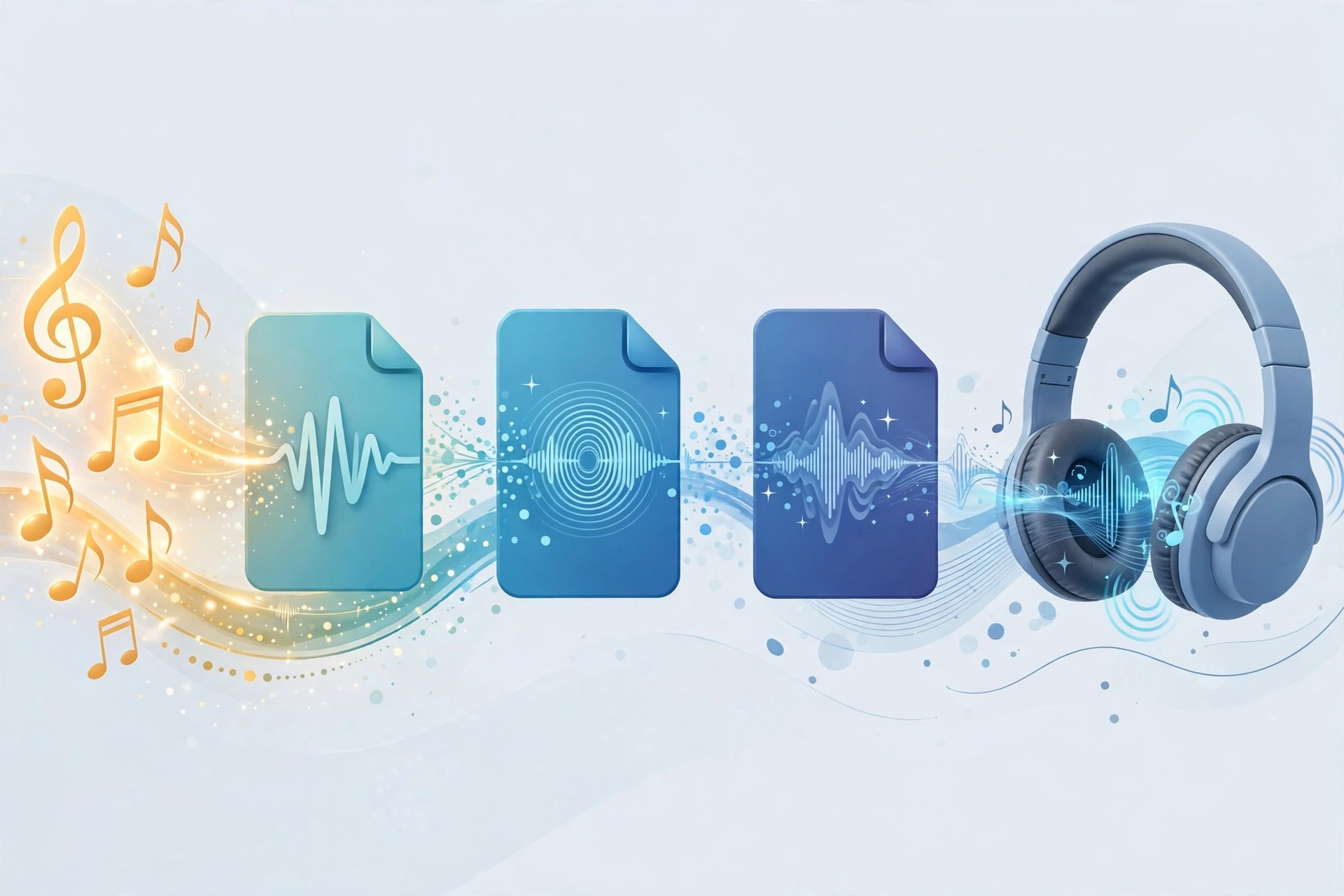
    Aiseesoft Audio Converter 9.2.22 for Mac is a desktop tool for converting audio files between formats and pulling soundtracks out of video. It suits Mac users who keep music, voice recordings or podcast files in mixed formats and need them to play in Apple Music, on an iPhone, or in an editor that prefers a specific format.

    Instead of juggling several small utilities, you add files in batches, choose an output format and quality, and let the app process the queue. Basic trimming and merging are included, so a long recording can be split into clips, or several short tracks joined into one file, before conversion.

    Key Features

    • Converts between MP3, AAC, FLAC, WAV, M4A, AIFF, WMA, OGG and ALAC
    • Extracts audio tracks from MP4, MOV, MKV and other common video files
    • Batch conversion for whole folders of music or recordings at once
    • Trim, merge and adjust volume, bitrate and sample rate before exporting
    • Designed to preserve the original sound quality during conversion

    How to Download

    1. Check the system requirements on the product page and confirm your macOS version is supported.
    2. Start your download from the official site: Download from the official site
    3. Open the installer, drag the app to Applications, and launch it to convert your first file.

    Is Aiseesoft Audio Converter free?
    No. It is paid software with a free trial download from Aiseesoft. The trial lets you test conversions and editing on your own files, and a licence is required to use the full version without trial limits.

    Can it turn a video into an MP3?
    Yes. Add a video file such as MP4 or MOV, choose MP3 or another audio format as the output, and the app extracts and converts just the soundtrack.

  • Airfoil 5.12.8 for Mac

    Airfoil 5.12.8 for Mac

    Airfoil 5.12.8 for Mac

    Airfoil 5.12.8 for Mac

    Mac Audio
    Updated Nov 4, 2026
    Mac Audio • Updated Nov 4, 2026

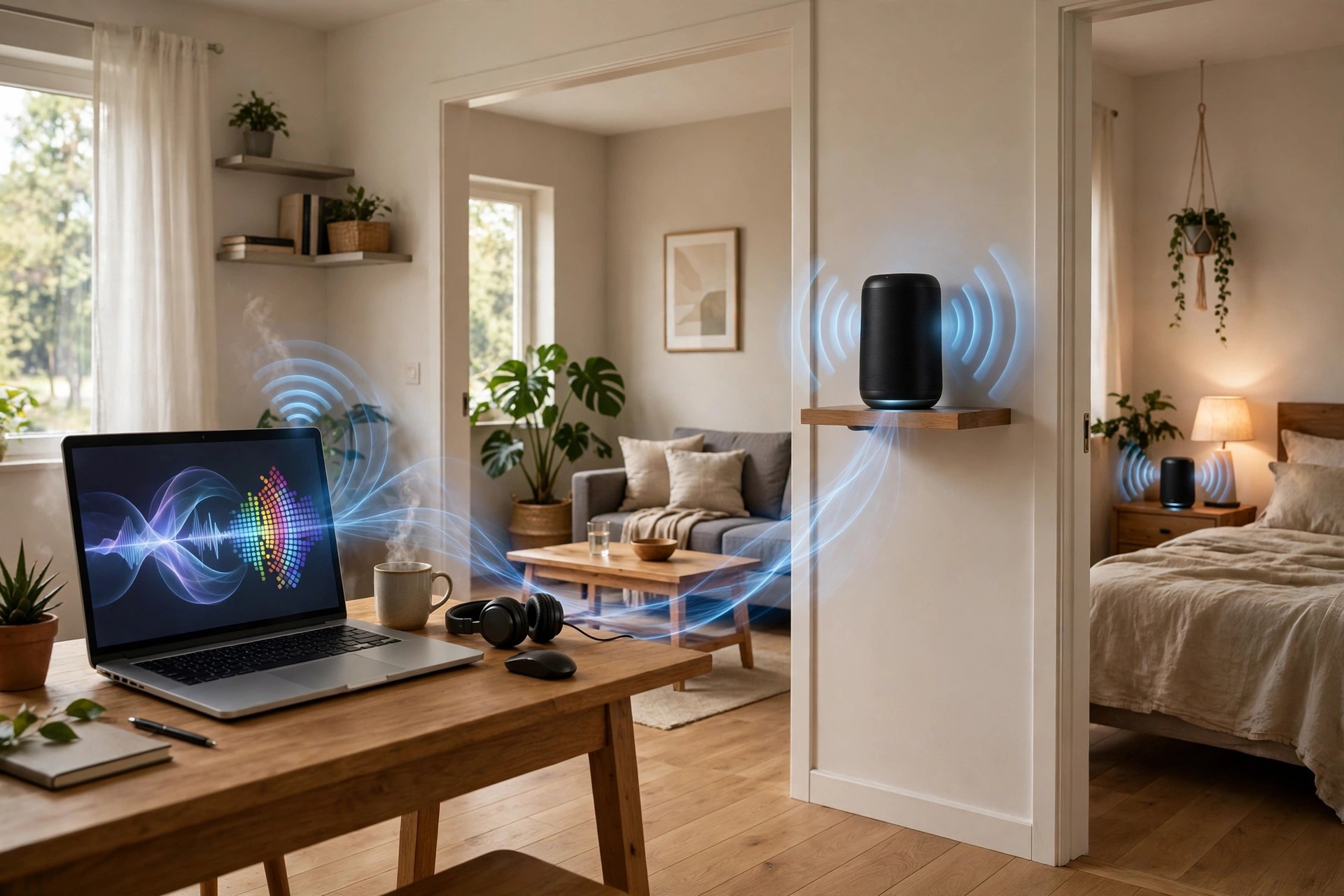
    Airfoil 5.12.8 for Mac, from Rogue Amoeba, sends any audio playing on your Mac to speakers and receivers around your home. macOS normally limits AirPlay output to certain apps and a single destination. Airfoil removes those limits: music from Spotify, a browser, or any other app can play through your Apple TV, HomePod, Chromecast, Sonos speakers and Bluetooth devices.

    Better still, you can play to several outputs at once, in sync, and group speakers for different rooms. A free companion app, Airfoil Satellite, turns other Macs, PCs and phones into receivers and lets you control playback remotely. It is made for anyone building a flexible multi-room setup from hardware they already own.

    Key Features

    • Streams audio from any Mac app, or all system audio, to AirPlay, Cast, Sonos and Bluetooth devices
    • Plays to multiple speakers at the same time with everything kept in sync
    • Speaker groups, auto-transmit on launch, menu bar mode and a built-in equalizer
    • Silence monitor can disconnect automatically when audio stops playing
    • Free Airfoil Satellite companion receives audio on other computers and mobile devices

    How to Download

    1. Go to Rogue Amoeba's official Airfoil page and check the macOS version your Mac needs.
    2. Start your download from the official site: Download from the official site
    3. Open the download, move Airfoil to Applications, and try it before buying a license key.

    Is Airfoil free?
    Rogue Amoeba offers a free trial download. In trial mode, noise is overlaid after ten minutes of streaming in a session. Buying a license key unlocks the same download for unlimited use.

    Can it play to different speaker brands together?
    Yes. Airfoil can send one stream to a mix of AirPlay, Chromecast, Sonos and Bluetooth outputs at the same time, and it keeps them playing in sync.

  • AIR Music Technology Xpand!2 2.3.1 for Mac

    AIR Music Technology Xpand!2 2.3.1 for Mac

    AIR Music Technology Xpand!2 2.3.1 for Mac

    AIR Music Technology Xpand!2 2.3.1 for Mac

    Mac Audio
    Updated Nov 4, 2026
    Mac Audio • Updated Nov 4, 2026

    AIR Music Technology Xpand!2 2.3.1 for Mac is the workstation plugin many producers first met inside Pro Tools, now available for any Mac DAW. It is a four-part multitimbral instrument: each patch can hold up to four sounds, each with its own MIDI channel, key zone, mix, arpeggiation, modulation and effects, which makes it easy to build layered keys, split keyboards and full mini-arrangements in a single instance.

    Its sounds are generated with a mix of wavetable and FM synthesis, tonewheel modelling and sample playback, and the library runs to more than 2,500 presets across 29 categories. On macOS it is supplied in AU and VST formats. For songwriters and producers who need good sounds fast, it remains one of the most practical all-rounders in the AIR catalogue.

    Key Features

    • Four stereo instrument parts per patch, each with its own MIDI channel and zone
    • Up to 64 voices per part, with mono and poly voice modes
    • 2,500+ presets and parts in 29 categories, from pianos to drums and synths
    • Two effects processors with 50 studio effects, including reverbs and Chaos Delay
    • AU and VST formats for macOS, with arpeggiation and modulation per part

    How to Download

    1. Confirm the current version and requirements on the official Xpand!2 page.
    2. Get it here: Download from the official site
    3. Install, authorize with your account, and load Xpand!2 in your DAW.

    Is Xpand!2 free?
    No, Xpand!2 is a paid plugin, although it is frequently discounted by AIR and authorized retailers. Avoid unofficial downloads, which cannot be licensed or updated safely.

    Does Xpand!2 work outside Pro Tools?
    Yes. The standalone release works in AU and VST hosts on Mac such as Logic Pro, Ableton Live and Cubase, not only in Pro Tools.

  • AIR Music Technology Vacuum Pro 1.2.0 for Mac

    AIR Music Technology Vacuum Pro 1.2.0 for Mac

    AIR Music Technology Vacuum Pro 1.2.0 for Mac

    AIR Music Technology Vacuum Pro 1.2.0 for Mac

    Mac Audio
    Updated Nov 4, 2026
    Mac Audio • Updated Nov 4, 2026

    AIR Music Technology Vacuum Pro 1.2.0 for Mac takes the tube-driven idea of the original Vacuum and expands it into a full polyphonic synthesizer. Six virtual vacuum tube circuits run through the signal path, adding crunch and warmth at every stage, which makes it easy to recreate the thick analogue sounds of the 1970s and 80s — or push them somewhere new.

    The instrument is built from two complete synth parts that can be stacked, split or layered across the keyboard, and it runs on macOS in AU, VST and AAX formats. With more than 350 presets from well-known sound designers, it works both as an instant source of vintage basses, pads and leads and as a deep subtractive synth for programmers.

    Key Features

    • Four-oscillator polyphonic design with vacuum tube circuit modelling
    • Six tube circuits adding grit throughout the signal path
    • Two synth parts that can be stacked, split and layered
    • 350+ tweakable presets by Richard Devine and Mark Ovenden
    • AU, VST and AAX plugin formats for macOS DAWs

    How to Download

    1. Check system requirements and pricing on the official product page.
    2. Get it here: Download from the official site
    3. Run the Mac installer, authorize online, and load Vacuum Pro in your DAW.

    Is Vacuum Pro free?
    No, Vacuum Pro is a paid plugin. Download it from AIR Music Technology or an authorized store so your licence, activation and updates work correctly.

    How is Vacuum Pro different from Vacuum?
    Vacuum Pro is polyphonic with four oscillators and two layerable parts, while the original Vacuum is a simpler monophonic synth focused on basses and leads.

  • AIR Music Technology Vacuum 1.4.0 for Mac

    AIR Music Technology Vacuum 1.4.0 for Mac

    AIR Music Technology Vacuum 1.4.0 for Mac

    AIR Music Technology Vacuum 1.4.0 for Mac

    Mac Audio
    Updated Nov 4, 2026
    Mac Audio • Updated Nov 4, 2026

    AIR Music Technology Vacuum 1.4.0 for Mac — also known as Vacuum Classic — is a monophonic vintage synthesizer built around vacuum tube circuit modelling. It first appeared in the Creative Collection bundled with Pro Tools, and its gritty, warm character made it a go-to for basses and leads long before it was released on its own.

    Now available as a standalone purchase in AU and VST formats for macOS, Vacuum focuses on hands-on subtractive synthesis: two tube oscillators, a mixer with drive and ring modulation, and high-pass and low-pass filters. Its Age controls can add pitch drift and crackle, so patches can sound freshly serviced or wonderfully worn. It suits producers who want analogue attitude without deep menu diving.

    Key Features

    • Two vacuum tube oscillators with four morphable wave shapes
    • Mixer section with drive/distortion and ring modulation
    • High-pass and low-pass filters, each with a saturation control
    • Age controls for oscillator drift and dust for authentic vintage character
    • Preset library by Richard Devine and Mark Ovenden, plus a built-in arpeggiator

    How to Download

    1. Review the current macOS requirements on the official Vacuum page.
    2. Get it here: Download from the official site
    3. Install the plugin, authorize it, and rescan it in your DAW.

    What is the difference between Vacuum and Vacuum Pro?
    Vacuum is the monophonic classic with two oscillators. Vacuum Pro is the larger polyphonic version with two layered synth parts and six tube circuits.

    Is Vacuum free?
    Vacuum has at times been bundled or promoted with other products, but it is a commercial plugin. The safe route is the official AIR page or an authorized retailer.

  • AIR Music Technology Sub Factory 1.2.1.11 for Mac

    AIR Music Technology Sub Factory 1.2.1.11 for Mac

    AIR Music Technology Sub Factory 1.2.1.11 for Mac

    AIR Music Technology Sub Factory 1.2.1.11 for Mac

    Mac Audio
    Updated Nov 4, 2026
    Mac Audio • Updated Nov 4, 2026

    AIR Music Technology Sub Factory 1.2.1.11 for Mac is a synthesizer with a single mission: serious bass. Rather than treating low end as one preset category among many, it is built entirely around crafting subs, 808s and weighty bass lines for hip hop, R&B, drum and bass, pop and electronic production.

    It runs on macOS in AU, VST and AAX formats and is also compatible with Akai MPC standalone and desktop systems. Two wavetable engines and a third sample-based engine can be combined in one patch, so a booming sampled kick can sit under a shaped wavetable sub. A generous preset library gives you starting points that go well beyond standard 808 sounds.

    Key Features

    • Dual wavetable engines, each with hundreds of waves and 127 index points per wave
    • Third sample engine with kicks, 808 loops, one-shots, noise and FX samples
    • Sample start, reverse, pitch and filter controls for detailed shaping
    • Unison, spread and width, plus ring mod, chorus, drive and EQ effects
    • AU, VST and AAX formats on Mac, with MPC standalone compatibility

    How to Download

    1. Check the macOS and MPC software requirements on the official page.
    2. Get it here: Download from the official site
    3. Install, authorize with your account, and load Sub Factory in your DAW.

    Is Sub Factory only for 808 sounds?
    No. It includes classic 808-style presets, but the wavetable and sample engines are designed for a much wider range of modern and vintage bass tones.

    Is Sub Factory a free plugin?
    No, it is a paid instrument. Buying from AIR or an authorized retailer ensures you get the official installer, licence and updates.

  • AIR Music Technology Solina 1.2.1.14 for Mac

    AIR Music Technology Solina 1.2.1.14 for Mac

    AIR Music Technology Solina 1.2.1.14 for Mac

    AIR Music Technology Solina 1.2.1.14 for Mac

    Mac Audio
    Updated Nov 4, 2026
    Mac Audio • Updated Nov 4, 2026

    AIR Music Technology Solina 1.2.1.14 for Mac recreates the lush sound of the classic string ensemble keyboards of the 1970s. Instead of a single string patch, it gives you six individual timbres — contrabass, cello, viola, violin, trumpet and horn — that you can blend freely to build anything from a soft pad to a full, sweeping ensemble.

    The instrument combines sampling with modelling for a responsive, expressive result, and runs on macOS in AU, VST and AAX formats as well as a standalone desktop app. It is a natural fit for producers adding vintage warmth to pop, disco, film scores and electronic tracks, and it also works with Akai MPC and Force systems.

    Key Features

    • Six timbres with independent volume, pan and pitch control per layer
    • Split, layer and balance the string and brass sections your own way
    • 75 factory presets plus formant, filter and age controls for shaping tone
    • Built-in effects including compressor, four-band EQ, spring reverb and delay
    • Flavour section for lo-fi colour, with AU, VST, AAX and standalone use on Mac

    How to Download

    1. Confirm your Mac meets the requirements listed by AIR.
    2. Get it here: Download from the official site
    3. Run the installer, authorize online, and load Solina in your DAW or the desktop app.

    Is Solina free?
    No, Solina is a paid virtual instrument. Purchase it from AIR Music Technology or an authorized store to receive a legitimate licence and support.

    Does Solina run on Apple Silicon?
    Yes. Current versions run natively on Apple Silicon Macs as well as Intel machines, with support for recent macOS releases listed on the official page.

  • AIR Music Technology Ring the Alarm 1.0.0.34 for Mac

    AIR Music Technology Ring the Alarm 1.0.0.34 for Mac

    AIR Music Technology Ring the Alarm 1.0.0.34 for Mac

    AIR Music Technology Ring the Alarm 1.0.0.34 for Mac

    Mac Audio
    Updated Nov 4, 2026
    Mac Audio • Updated Nov 4, 2026

    AIR Music Technology Ring the Alarm 1.0.0.34 for Mac is a small, focused synth built around one joyful idea: the dub siren. Inspired by the DIY siren boxes heard in Jamaican dancehalls, it turns a simple pulse-wave oscillator into wailing sirens, rising sweeps and sound-system effects for reggae, dub, ska and dancehall productions.

    Co-developed with Akai Professional, it runs on macOS in AU, VST and AAX formats and is also compatible with MPC standalone and desktop systems. The interface is deliberately hands-on — everything sits on one panel, and the instrument rewards live tweaking. AIR offers a 10-day trial of the desktop version from the official page.

    Key Features

    • PWM oscillator across the full range, responding to MIDI note pitch
    • LFO with four waveforms, speed and depth controls, plus an envelope that can automate LFO speed and the low-pass filter
    • Tape-style dub delay with self-resonating feedback
    • Built-in spring reverb for authentic sound-system space
    • AU, VST and AAX formats on Mac, plus MPC standalone support

    How to Download

    1. Check compatibility and the trial option on the official page.
    2. Get it here: Download from the official site
    3. Install the plugin, authorize it online, and open it in your DAW or MPC software.

    Can I try Ring the Alarm before buying?
    Yes. AIR offers a 10-day trial of the desktop AU/VST version from the official product page, so you can test it in your own tracks first.

    What styles is it made for?
    It is designed for dub, reggae, ska and dancehall sirens and effects, but the siren sweeps and echoes also work well in electronic and experimental music.

  • AIR Music Technology Odyssey 1.2.1.14 for Mac

    AIR Music Technology Odyssey 1.2.1.14 for Mac

    AIR Music Technology Odyssey 1.2.1.14 for Mac

    AIR Music Technology Odyssey 1.2.1.14 for Mac

    Mac Audio
    Updated Nov 4, 2026
    Mac Audio • Updated Nov 4, 2026

    AIR Music Technology Odyssey 1.2.1.14 for Mac is a virtual instrument that recreates the character of the ARP Odyssey, the much-loved 1970s analogue synthesizer. Developed with WayOutWare, the team behind the respected timeWARP2600 emulation, it uses detailed circuit modelling to capture the bite, drift and responsiveness that made the hardware a favourite for leads and basses.

    The plugin runs on macOS in AU, VST and AAX formats and also works as a standalone app, so you can play it in your DAW or on its own with a MIDI controller. It suits producers and keyboard players who want vintage analogue behaviour — mono, duophonic or up to four-voice polyphonic playing — without maintaining ageing hardware.

    Key Features

    • Dual oscillators with LFO, sample and hold and ring modulation
    • High-pass and low-pass filters modelled on the original hardware
    • Mono, duophonic and 4-voice polyphonic modes
    • Over 150 presets covering leads, pads, percussion and effects
    • AU, VST and AAX plugin formats plus a standalone desktop player

    How to Download

    1. Review the macOS requirements and pricing on the official product page.
    2. Get it here: Download from the official site
    3. Install, sign in to authorize, and load Odyssey in your DAW or standalone player.

    Is Odyssey a free plugin?
    No, Odyssey is a paid instrument. Buy and download it only from AIR Music Technology or an authorized retailer to get a valid licence and updates.

    Which DAWs does it work with on Mac?
    It works in any macOS host that supports AU, VST or AAX plugins, including Logic Pro, Ableton Live, Cubase and Pro Tools.