Category: Mac Audio

  • Ample Bass Upright 4.0 for Mac

    Ample Bass Upright 4.0 for Mac

    Ample Bass Upright 4.0 for Mac

    Ample Bass Upright 4.0 for Mac

    Mac Audio
    Updated Nov 4, 2026
    Mac Audio • Updated Nov 4, 2026

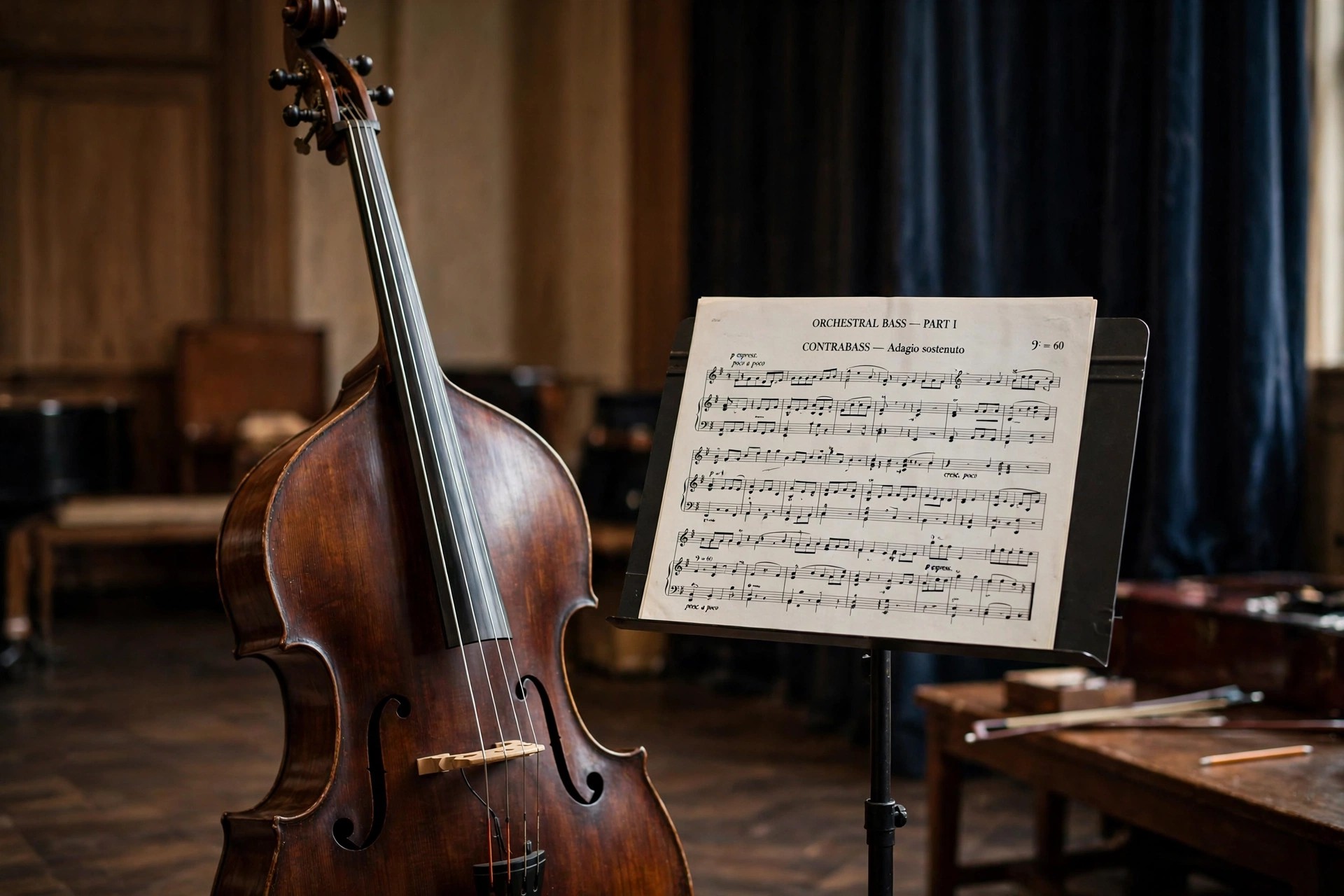
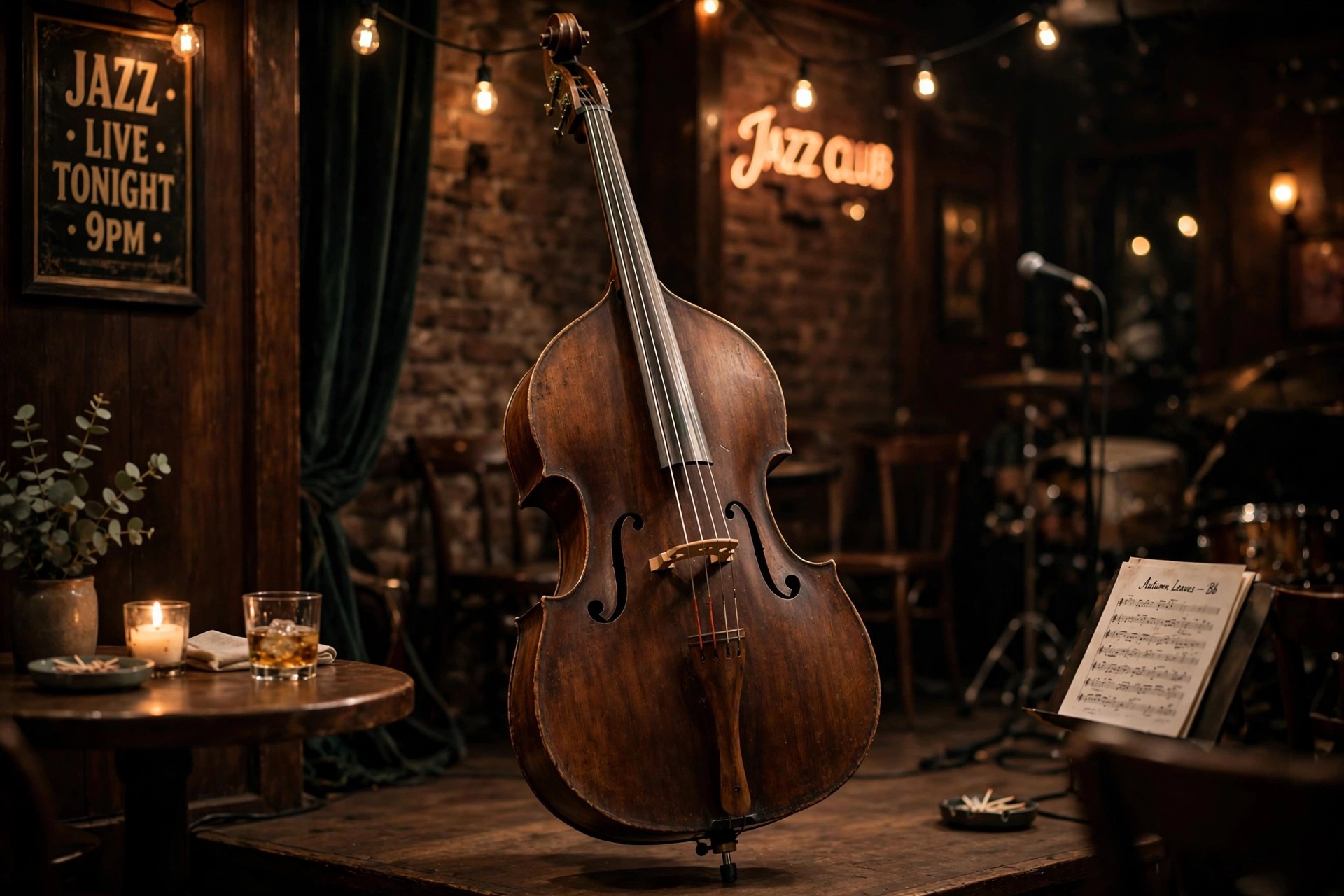
    Ample Bass Upright 4.0 for Mac brings Ample Sound's double bass instrument onto the version 4 engine. The upright bass is one of the most expressive instruments in jazz, blues and funk, and this library aims to keep that soul intact in software form, from soft fingerstyle walking lines to the woody thump of a ballad accompaniment.

    The recording uses three microphones — neck, body and room — alongside a DI feed, and the mixer lets you balance them in stereo or mono modes to move between an intimate close sound and a full ensemble image. Version 4.0 adds the Riffer 4 composition tools to that established sound set. It remains a paid instrument from Ample Sound, not a free full version; the official page carries the trial and the current licence price.

    Key Features

    • 4.26 GB upright bass library with a Fingerstyle playing style and per-position sampling
    • Slide system built for fretless instruments, with polyphonic legato at any interval and speed
    • Neck, body and room microphone signals plus DI, with two stereo and two mono mix modes
    • Riffer 4 editor with dual piano-roll and tab views, string visualisation and full MIDI import and export
    • AU, VST2, VST3, AAX and standalone on macOS 10.15 or later, for Intel and Apple Silicon Macs

    How to Download

    1. Download from the official site
    2. Try the trial build or purchase the licence, then download the Mac installer from your Ample Sound account.
    3. Install the library to an internal drive or fast external SSD, activate online, and load the AU or VST version in your DAW.

    Can it play convincing walking bass lines?
    Yes. The combination of detailed sustain samples, realistic slides and the Riffer's string-aware fingering makes walking patterns in jazz and blues feel natural rather than mechanically repeated.

    How much disk space does it need?
    Allow over 10 GB of free space for installation. Ample Sound recommends keeping the library on an internal drive or an SSD connected over USB 3.0 or faster, USB4 or Thunderbolt.

  • Ample Bass Upright III 3.2.0 for Mac

    Ample Bass Upright III 3.2.0 for Mac

    Ample Bass Upright III 3.2.0 for Mac

    Ample Bass Upright III 3.2.0 for Mac

    Mac Audio
    Updated Nov 4, 2026
    Mac Audio • Updated Nov 4, 2026

    Ample Bass Upright III 3.2.0 for Mac is the third-generation version of Ample Sound's virtual double bass. Built for jazz, blues, funk and acoustic styles, it captures the upright's rounded, singing tone with a 4.26 GB library recorded naturally at every position, leaving the dynamics unprocessed so the instrument responds like the real thing under your fingers or your MIDI programming.

    A highlight of the III generation is its slide behaviour: because the upright has no frets, the legato system is designed specifically for fretless playing and can reproduce smooth slides of any duration, speed and pitch, even polyphonically. It is a paid Ample Sound product with a trial available from the official site — there is no free full version — so the trial is the right way to hear how it sits in your arrangements.

    Key Features

    • Upright bass sampled in detail, with sustain, mute, natural harmonic, hammer-on and pull-off, legato slide and slide in and out articulations
    • Fretless-specific slide mechanism for expressive glides and singing legato lines
    • Recorded with neck, body and room microphones plus DI, with flexible stereo and mono mixing
    • Riffer for programming realistic parts and a Tab Player that performs imported tablature with natural fingering
    • Mac formats include AU, VST, AAX and standalone, fitting Logic Pro, Cubase, Ableton Live and Pro Tools workflows

    How to Download

    1. Download from the official site
    2. Start with the official trial or buy the licence, then sign in to download the macOS installer.
    3. Install the sample library on a fast drive, activate the product online, and rescan your plugins before the first session.

    What styles does Upright III suit best?
    Jazz, blues and funk are its home ground, but the same warm acoustic tone also serves folk, country, Latin and film or game scoring where a real double bass feel is needed.

    Does it work standalone, without a DAW?
    Yes. A standalone host is included, which is handy for practising, auditioning presets and sketching basslines before you open a full project.

  • Ample Bass Upright 3.2.0 for Mac

    Ample Bass Upright 3.2.0 for Mac

    Ample Bass Upright 3.2.0 for Mac

    Ample Bass Upright 3.2.0 for Mac

    Mac Audio
    Updated Nov 4, 2026
    Mac Audio • Updated Nov 4, 2026

    Ample Bass Upright 3.2.0 for Mac is the current 3.2.0 update build of Ample Sound's upright bass instrument, sometimes shortened to Ample Bass U. It recreates the double bass that underpins jazz, blues, funk and roots music, with the woody resonance and gentle attack that an electric bass simply cannot imitate, making it ideal for walking lines, ballads and acoustic arrangements.

    Because an upright is fretless, Ample Sound built a dedicated slide system for this instrument that reproduces smooth legato glides at any speed, pitch or duration. The library was captured with neck, body and room microphones plus a DI signal, so you can blend a natural acoustic image with a more direct, electric-style component. The instrument is a paid Ample Sound licence; owners update through their account, and a trial is offered on the official page.

    Key Features

    • Upright bass library of 4.26 GB, recorded naturally at every position without destructive processing
    • Fretless slide mechanism designed specifically for smooth, realistic upright legato
    • Four signal sources — neck, body and room microphones plus DI — with stereo and mono mix modes
    • Articulations include sustain, mute, natural harmonic, hammer-on and pull-off, and slides in and out
    • AU, VST, VST3, AAX and standalone formats for macOS, ready for Logic Pro, Cubase and Pro Tools

    How to Download

    1. Download from the official site
    2. New users can start with the trial or buy the licence; existing owners sign in to their Ample Sound account to get the 3.2.0 update.
    3. Install or update the library on an internal drive or fast SSD, activate online, and rescan the plugin in your DAW.

    Is the 3.2.0 update a separate product?
    No. It is an update build of the same Ample Bass Upright instrument, not a different library. Your existing licence and account are what you use to download and activate it.

    Does it suit non-jazz styles?
    Yes. Beyond jazz and blues, the upright tone works well in folk, country, film scoring and singer-songwriter productions anywhere an acoustic, organic low end is wanted.

  • Ample Bass P 4.0 for Mac

    Ample Bass P 4.0 for Mac

    Ample Bass P 4.0 for Mac

    Ample Bass P 4.0 for Mac

    Mac Audio
    Updated Nov 4, 2026
    Mac Audio • Updated Nov 4, 2026

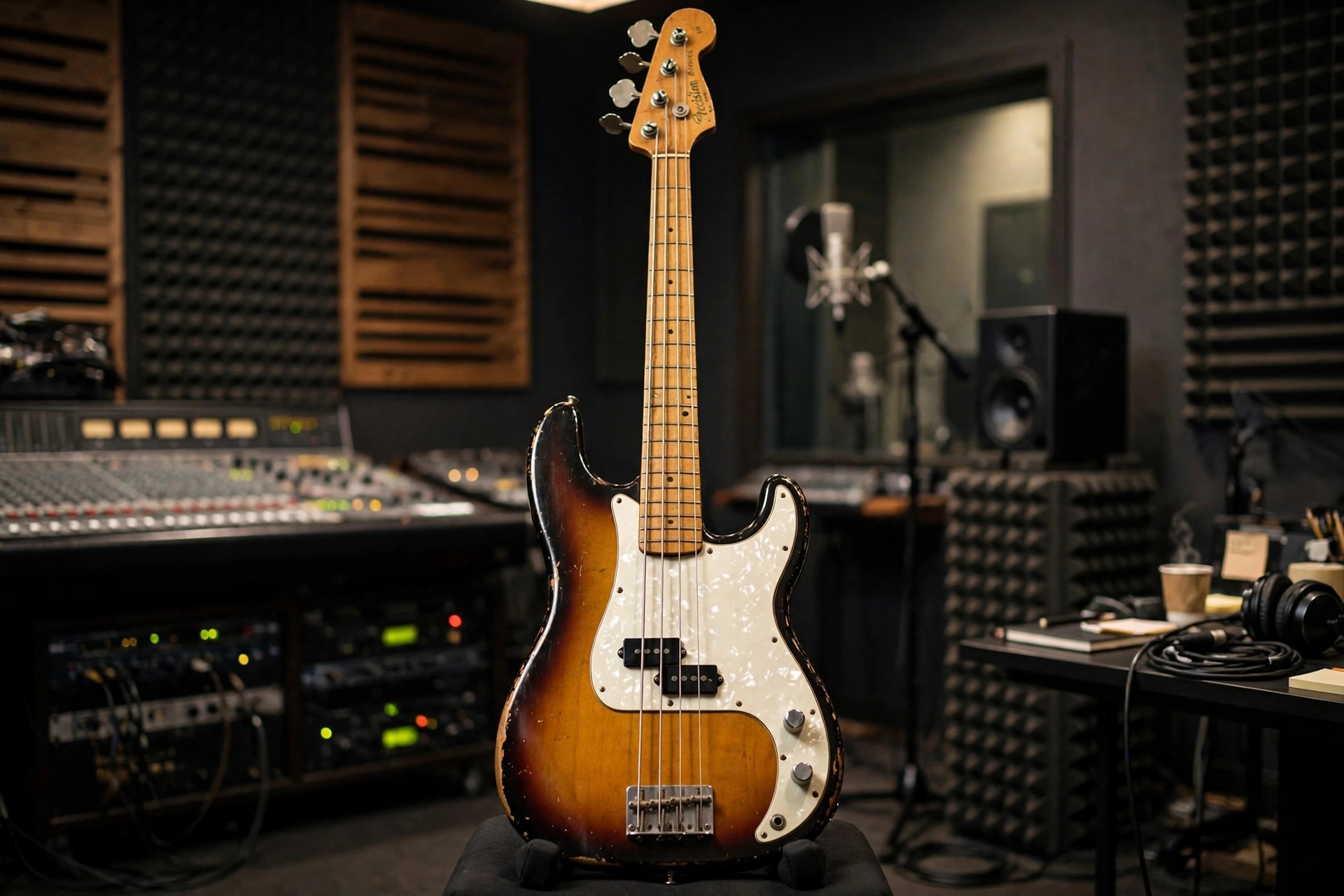
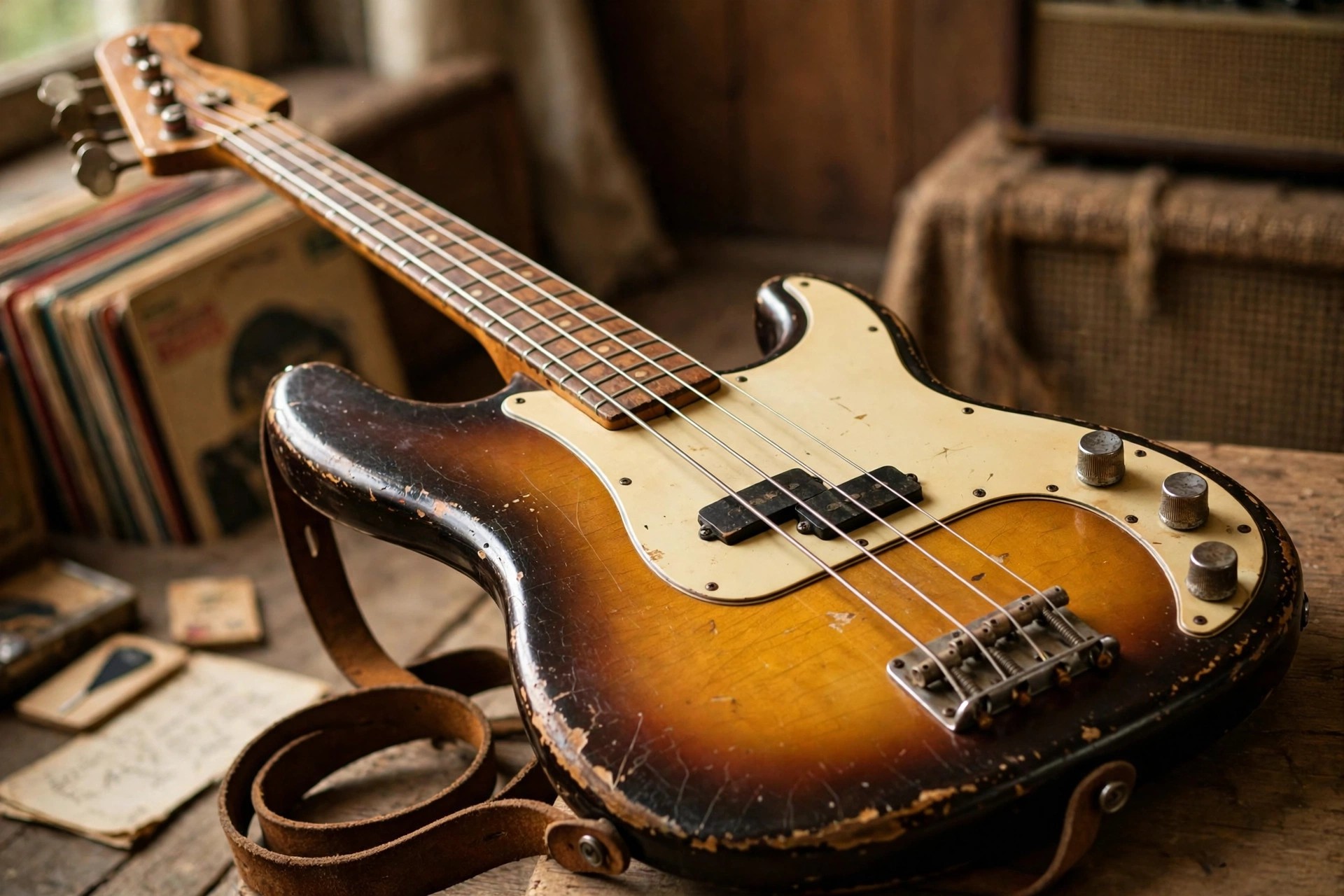
    Ample Bass P 4.0 for Mac is Ample Sound's take on the classic Fender Precision Bass, the split-coil workhorse that has anchored rock, soul, Motown and pop records for decades. Version 4.0 moves the instrument onto Ample Sound's newest engine, pairing the familiar warm, punchy P-Bass character with a modern MIDI composition workflow for producers who write basslines rather than play them.

    Two libraries, Fingerstyle and Pick, cover both rounded finger playing and firmer picked parts, and the samples are recorded at every fret without destructive processing so the tone stays natural in a mix. This is paid software from Ample Sound, not a free full version; a trial is available from the official product page, which is also where you will find the current price.

    Key Features

    • Fender Precision Bass samples in Fingerstyle and Pick styles, 5.2 GB of content in the current build
    • 13 articulations: sustain, palm mute, harmonic, hammer-on and pull-off, slides, slap, pop, tap and more
    • Riffer 4 MIDI editor with piano-roll and tab views, string visualisation and a large riff library
    • Built-in amp system with three bass amp heads, four cabinets and four microphone models, plus EQ, compression, delay and reverb
    • AU, VST2, VST3 and AAX plugins plus standalone, for macOS 10.15 or later on Intel and Apple Silicon

    How to Download

    1. Download from the official site
    2. Use the trial option to test it first, or purchase the licence and sign in to your Ample Sound account for the Mac download.
    3. Install the plugin and library to an internal drive or fast SSD, activate online, then rescan plugins in your DAW.

    Does Ample Bass P work in Logic Pro?
    Yes. The Audio Unit version loads directly in Logic Pro, and the standalone app lets you audition sounds and build riffs outside any DAW.

    Is version 4.0 a free upgrade?
    Upgrade terms are set by Ample Sound and have varied between releases. Sign in to your account on the official site to see the upgrade price, if any, attached to your existing licence.

  • Ample Bass P III 3.1.0 for Mac

    Ample Bass P III 3.1.0 for Mac

    Ample Bass P III 3.1.0 for Mac

    Ample Bass P III 3.1.0 for Mac

    Mac Audio
    Updated Nov 4, 2026
    Mac Audio • Updated Nov 4, 2026

    Ample Bass P III 3.1.0 for Mac is the third-generation release of Ample Sound's Fender Precision Bass instrument. The Precision sound is all about a solid midrange thump that supports a song without fighting it, and this library captures that character with per-fret sampling and a wide articulation set that goes well beyond plain sustained notes, into slap, pop and tapped playing.

    Version 3.1.0 sits on the mature version 3 engine, with the Riffer for programming grooves and a Tab Player that can load popular tablature formats and perform them with realistic fingering logic. Ample Sound sells the instrument as a paid licence from its official store, with trial downloads offered on the product page; it is not a free full version, so use the trial to judge the tone in your own mixes first.

    Key Features

    • Classic Fender Precision Bass recorded fret by fret in 24-bit quality
    • Articulations include sustain, palm mute, natural harmonic, hammer-on and pull-off, legato slide, slap, pop, tap and dead note
    • Riffer with genre presets to shape and humanise programmed basslines
    • Tab Player that reads common guitar and bass tablature formats and adds performance detail automatically
    • AU, VST, AAX and standalone formats for Mac, suited to Logic Pro, Cubase, Ableton Live and Pro Tools sessions

    How to Download

    1. Download from the official site
    2. Pick the trial or complete your purchase, then download the Mac installer from your Ample Sound account.
    3. Install the library, activate with your serial while online, and load the plugin in your DAW to start writing parts.

    What is the difference between Bass P III and Bass P 4.0?
    They are two generations of the same Precision Bass instrument. The III release uses the version 3 engine, while 4.0 adds the newer Riffer 4 workflow and engine updates. Both share the same official product page.

    Can I play it from a MIDI keyboard?
    Yes. You can perform it live from any MIDI controller, trigger articulations with key switches, and it also supports MIDI guitar input for players who prefer to track parts on a guitar controller.

  • Ample Bass Metal Ray5 3.1.0 for Mac

    Ample Bass Metal Ray5 3.1.0 for Mac

    Ample Bass Metal Ray5 3.1.0 for Mac

    Ample Bass Metal Ray5 3.1.0 for Mac

    Mac Audio
    Updated Nov 4, 2026
    Mac Audio • Updated Nov 4, 2026

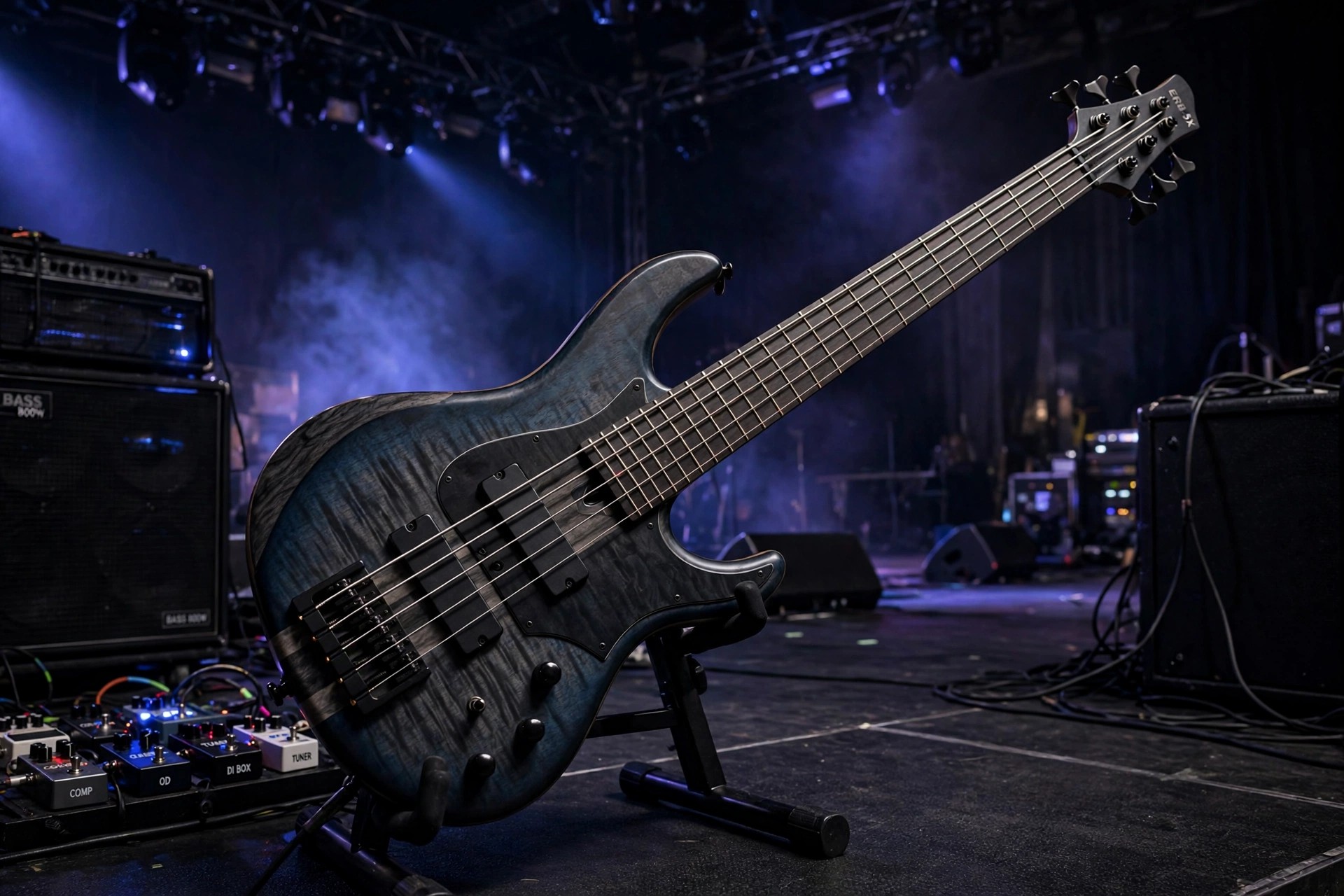
    Ample Bass Metal Ray5 3.1.0 for Mac is Ample Sound's virtual five-string bass, sampled from a Music Man StingRay 5 Classic. That instrument is known for a hard, bright attack that cuts through dense guitars, which makes this library a natural fit for metal, hard rock and modern productions that need low end with real definition rather than a soft, buried rumble.

    The 3.1.0 build belongs to the third-generation Ample Sound engine, with separate Fingerstyle and Pick playing styles so you can choose between a rounder fingered tone and a more aggressive picked edge. It is a paid instrument, not a free full version; Ample Sound sells it from its own store and offers trial downloads from the official site, so check the product page for the current price and trial terms before you buy.

    Key Features

    • Sampled Music Man StingRay 5 Classic with Fingerstyle and Pick libraries included
    • Nine articulations including sustain, palm mute, natural harmonic, hammer-on and pull-off, legato slides and dead notes
    • Drop tuning support down to A0 for extended low-range metal parts
    • Riffer MIDI editor and Tab Reader for building realistic basslines and importing Guitar Pro files
    • Runs as VST, VST3, AU and AAX plugins or standalone on macOS 10.15 and later, including Apple Silicon Macs

    How to Download

    1. Download from the official site
    2. On the Ample Sound page, choose the trial or buy the licence, then create your account to receive the Mac installer.
    3. Run the installer, place the sample library on an internal drive or fast SSD, and activate the product online before loading it in your DAW.

    Is Ample Bass Metal Ray5 free?
    No. It is a commercial instrument sold by Ample Sound. The official site offers a trial so you can test the sound and workflow in your own sessions before paying for the full licence.

    Which DAWs can use it on a Mac?
    Any host that accepts AU, VST, VST3 or AAX plugins, including Logic Pro, Cubase, Ableton Live, Studio One and Pro Tools, plus the included standalone app for quick practice and preset browsing.

  • Ample Sound Ample Bass Metal Ray 3.3.0 for Mac

    Ample Sound Ample Bass Metal Ray 3.3.0 for Mac

    Ample Sound Ample Bass Metal Ray 3.3.0 for Mac

    Ample Sound Ample Bass Metal Ray 3.3.0 for Mac

    Mac Audio
    Updated Nov 4, 2026
    Mac Audio • Updated Nov 4, 2026

    Ample Sound Ample Bass Metal Ray 3.3.0 for Mac is the virtual 5-string bass that Ample Sound sells today as Ample Metal Ray5. It is sampled from a Music Man StingRay 5 Classic, a bright, aggressive instrument with an extra low string, and it runs on macOS as an AU, VST or AAX plugin or in a standalone host for use in any modern DAW.

    The low tuning support, down to A0, and the hard, cutting character of the StingRay make this edition the one aimed at rock and metal producers, although fingerstyle and picked libraries keep it usable for pop and funk too. Version 3.3.0 is from the paid version 3 generation; Ample Sound offers a short full-feature trial, with current pricing and newer versions listed on the official page.

    Key Features

    • Music Man StingRay 5 Classic 5-string bass sampled on every fret
    • Pick and fingerstyle libraries for aggressive or rounded playing styles
    • Articulations including sustain, palm mute, harmonics, slides and dead notes
    • Drop tuning down to A0 for modern metal and extended-range parts
    • Riffer MIDI editor, Tab Reader, built-in amp models, cabinets and effects

    How to Download

    1. Download from the official site
    2. Start the Ample Sound trial or buy the licence, then download the Mac installer from your account.
    3. Install the library and plugin, activate it, and load it as an AU, VST or AAX instrument in your DAW.

    Is Ample Metal Ray5 free?
    No, it is a paid instrument. Ample Sound provides a limited full-feature trial, but long-term use requires a purchased licence; no legitimate free full version exists.

    Why choose this over other Ample basses?
    For the 5-string range and the StingRay bite. If your tracks need low, tight, aggressive bass that cuts through dense guitars, this is the Ample Sound edition built for that job.

  • Ample Sound Ample Bass Jaco Fretless 3.2.0 for Mac

    Ample Sound Ample Bass Jaco Fretless 3.2.0 for Mac

    Ample Sound Ample Bass Jaco Fretless 3.2.0 for Mac

    Ample Sound Ample Bass Jaco Fretless 3.2.0 for Mac

    Mac Audio
    Updated Nov 4, 2026
    Mac Audio • Updated Nov 4, 2026

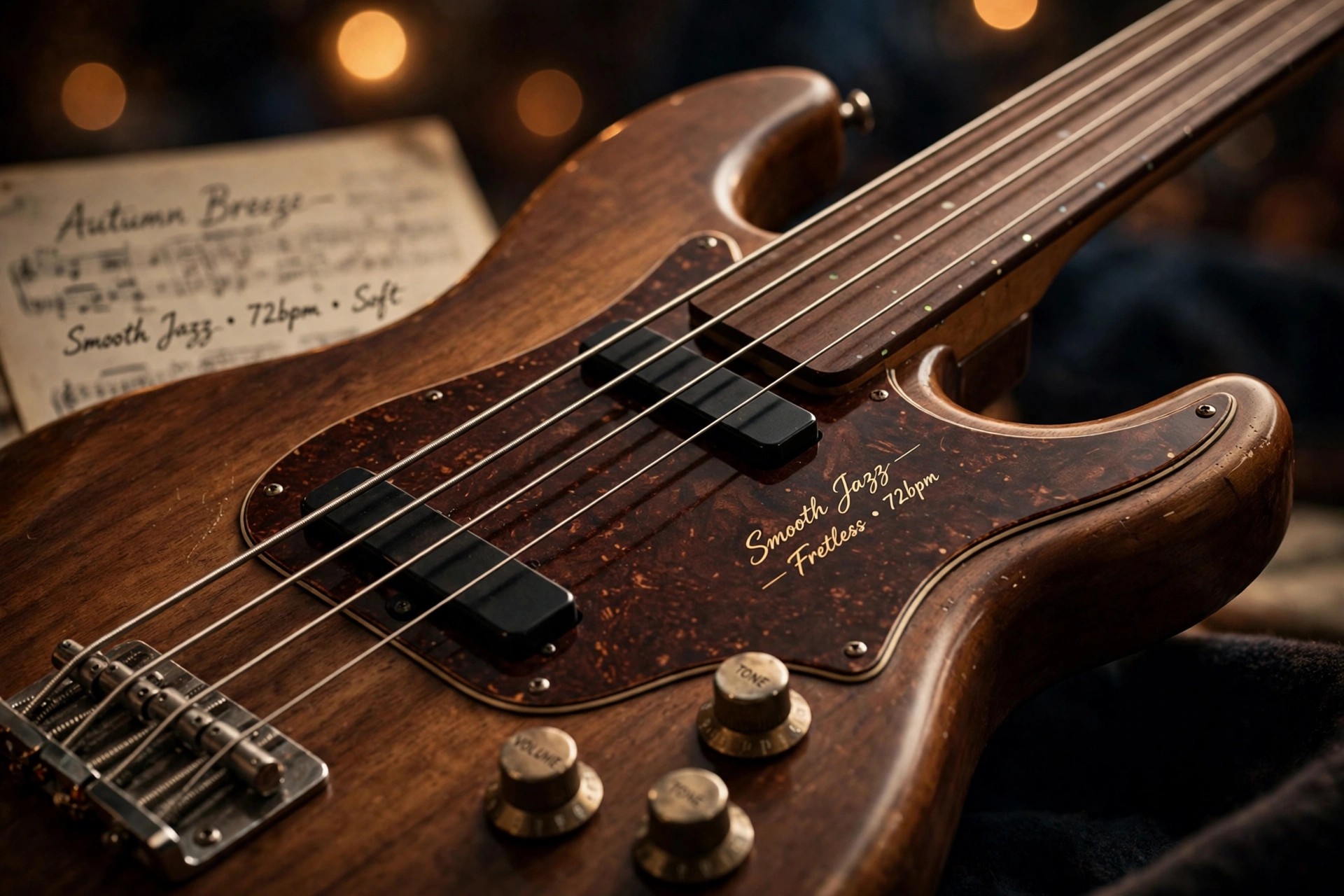
    Ample Sound Ample Bass Jaco Fretless 3.2.0 for Mac is a virtual bass built from samples of a Fender Custom Shop Jaco Pastorius Relic Fretless Jazz Bass. Made by Ample Sound, it runs as an AU, VST or AAX plugin or standalone on macOS, giving producers that singing, sliding fretless tone most associated with jazz and fusion, directly inside a DAW session.

    Because the source instrument has no frets, this edition includes a slide system designed specifically for fretless playing, so legato lines can glide over any interval and speed instead of stepping between notes. Version 3.2.0 belongs to the paid version 3 generation. Ample Sound offers a short full-feature trial, and the official page now covers newer releases, so check it for today's price.

    Key Features

    • Fender Custom Shop Jaco Pastorius Relic Fretless Jazz Bass, 2.2 GB library
    • Fretless slide engine with polyphonic legato for smooth, vocal-like lines
    • Articulations including sustain, palm mute, harmonics, slap, pop and slides
    • Riffer MIDI editor and Tab Reader for Guitar Pro file import
    • Built-in bass amp models, four cabinets with microphone choices, and effects

    How to Download

    1. Download from the official site
    2. Take Ample Sound's trial or purchase the licence, then get the Mac installer from your account.
    3. Install and activate the plugin, then load it as an AU, VST or AAX instrument in your DAW.

    Is Ample Bass Jaco Fretless free?
    No, it is paid software. A limited full-feature trial is available from Ample Sound, but there is no legitimate free full version of this instrument.

    What music suits a fretless bass?
    Jazz, fusion, funk and expressive pop or film work, anywhere a smooth gliding bass line should sing rather than thump. The fretless engine is what sets this edition apart from Ample Sound's fretted models.

  • Ample Sound Ample Bass Acoustic 3.2.0 for Mac

    Ample Sound Ample Bass Acoustic 3.2.0 for Mac

    Ample Sound Ample Bass Acoustic 3.2.0 for Mac

    Ample Sound Ample Bass Acoustic 3.2.0 for Mac

    Mac Audio
    Updated Nov 4, 2026
    Mac Audio • Updated Nov 4, 2026

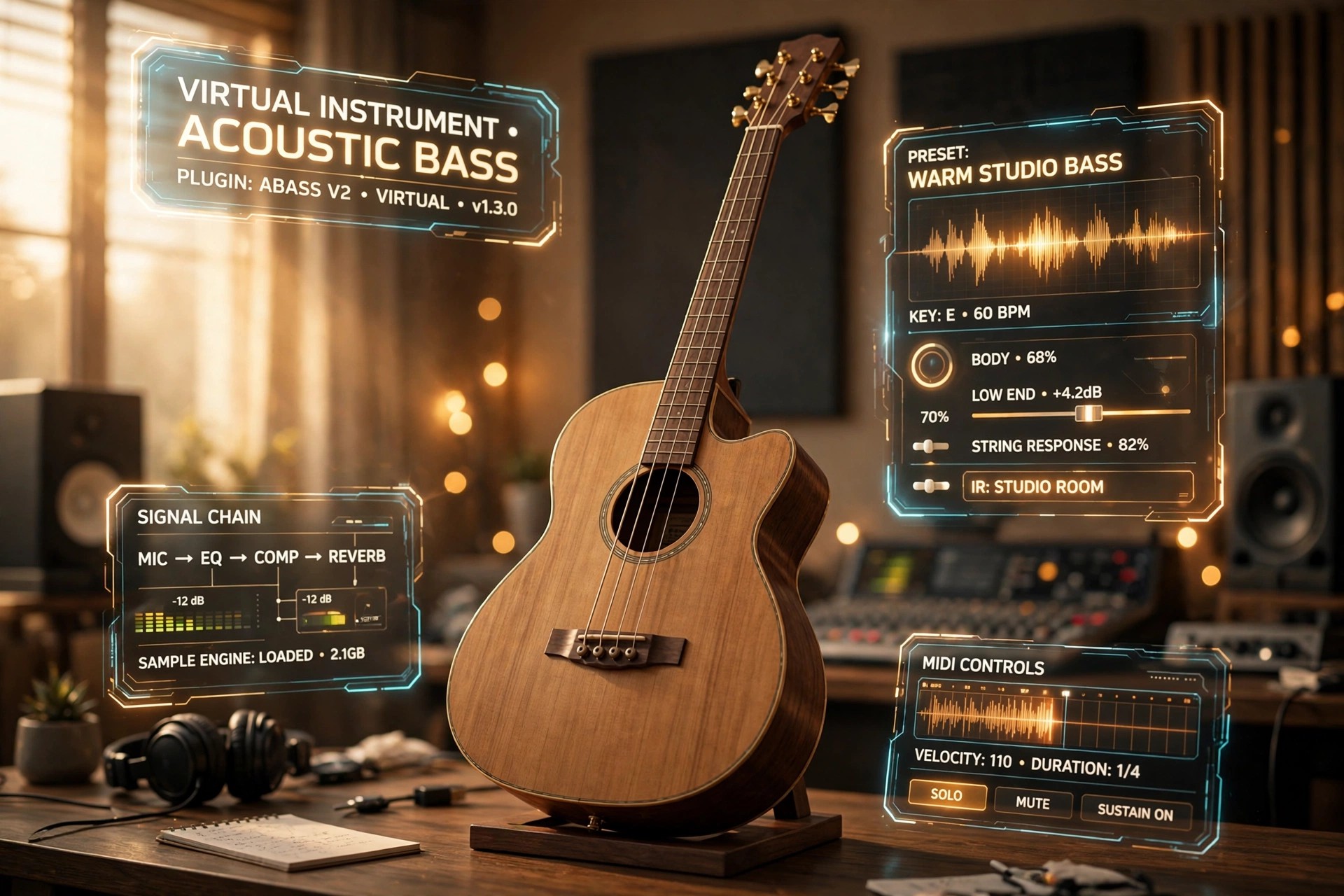
    Ample Sound Ample Bass Acoustic 3.2.0 for Mac is a virtual instrument that recreates a Guild B-54 CE acoustic bass inside your DAW. Made by Ample Sound, it runs as an AU, VST or AAX plugin, or standalone, so you can play warm acoustic low end in Logic Pro, Cubase, Pro Tools and other hosts without owning the physical instrument.

    The library was recorded on every fret with body and room microphones plus a DI signal, and the two can be blended: keep the natural acoustic body for folk and unplugged sessions, or lean on the DI for a tighter, more electric feel. Version 3.2.0 is a paid release from the version 3 generation; Ample Sound offers a short full-feature trial, so confirm current pricing on the official page.

    Key Features

    • Guild B-54 CE acoustic bass sampled on every fret, around 4.89 GB
    • Articulations including sustain, palm mute, harmonics, slides, slap and pop
    • Separate mic and DI signals with their own mixing and stereo modes
    • Riffer MIDI editor and Tab Reader for importing Guitar Pro bass lines
    • Built-in bass amp models, cabinets and effects including EQ and reverb

    How to Download

    1. Download from the official site
    2. Start Ample Sound's trial or buy the licence, then download the Mac installer from your account.
    3. Install the library and plugin, activate it, and load it as an AU, VST or AAX instrument in your DAW.

    Is Ample Bass Acoustic free?
    No, it is a paid instrument. Ample Sound offers a limited full-feature trial, but continued use requires buying a licence; there is no legitimate free full version.

    Which DAWs does it work in?
    Any Mac host that supports AU, VST or AAX plugins, such as Logic Pro, Cubase, Ableton Live and Pro Tools, and it can also run in its standalone host.

  • Amazing Slow Downer 4.1.5 for Mac

    Amazing Slow Downer 4.1.5 for Mac

    Amazing Slow Downer 4.1.5 for Mac

    Amazing Slow Downer 4.1.5 for Mac

    Mac Audio
    Updated Nov 4, 2026
    Mac Audio • Updated Nov 4, 2026

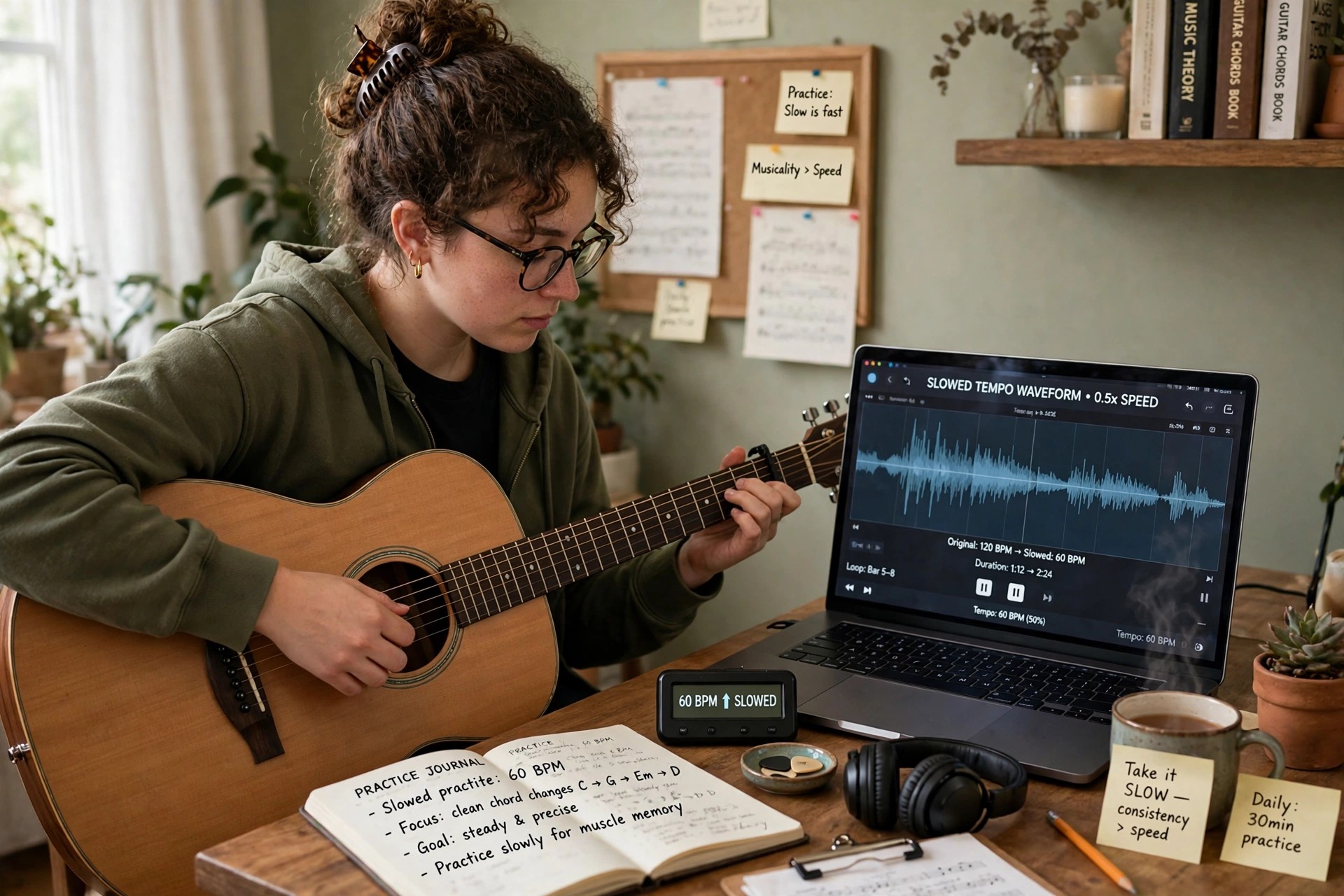
    Amazing Slow Downer 4.1.5 for Mac is a practice tool from Roni Music, the Swedish developer Rolf Nilsson's software label, built for musicians, transcribers and dancers. Its one job is done exceptionally well: it changes the speed of music in real time — from 20 percent of the original tempo up to double speed — without changing the pitch, so a fast guitar solo can be slowed to a crawl while staying in the same key.

    You can load songs from your own files or straight from a CD, set loop points around a tricky passage and repeat it until it clicks, and shift the pitch in semitones when you need the recording to match your instrument. It is paid software, and Roni Music offers a free trial that limits playback to the first part of each file, which is enough to judge whether it suits your practice routine.

    Key Features

    • Real-time tempo change from 20% to 200% with no change in pitch
    • Pitch shifting in semitones, at full or reduced speed, for matching your instrument's key
    • Loop any section with precise start and end points for focused practice
    • Works with audio CDs plus MP3, AAC/MP4, FLAC, Ogg, AIFF and WAV files
    • Built-in equaliser and the option to save slowed-down versions as new files

    How to Download

    1. Download from the official site
    2. On Roni Music's site, open the download area and choose the Mac version to get the free trial.
    3. Install the app, try it on your own tracks, and buy the licence from Roni Music if you want the trial limits removed.

    Is Amazing Slow Downer free?
    There is a free trial, but it only plays the first portion of each file or CD track. The full version is a paid licence — it is not a free full version, and unlocking it requires buying from Roni Music.

    Does it work with Spotify or Apple Music streaming?
    No. The Mac version works with files you own and with CDs, and streaming services are not supported for slowed-down playback, so build your practice library from your own audio files.