Category: Mac Audio

  • Ample Guitar Twelve 3.2.0 for Mac

    Ample Guitar Twelve 3.2.0 for Mac

    Ample Guitar Twelve 3.2.0 for Mac

    Ample Guitar Twelve 3.2.0 for Mac

    Mac Audio
    Updated Nov 4, 2026
    Mac Audio • Updated Nov 4, 2026

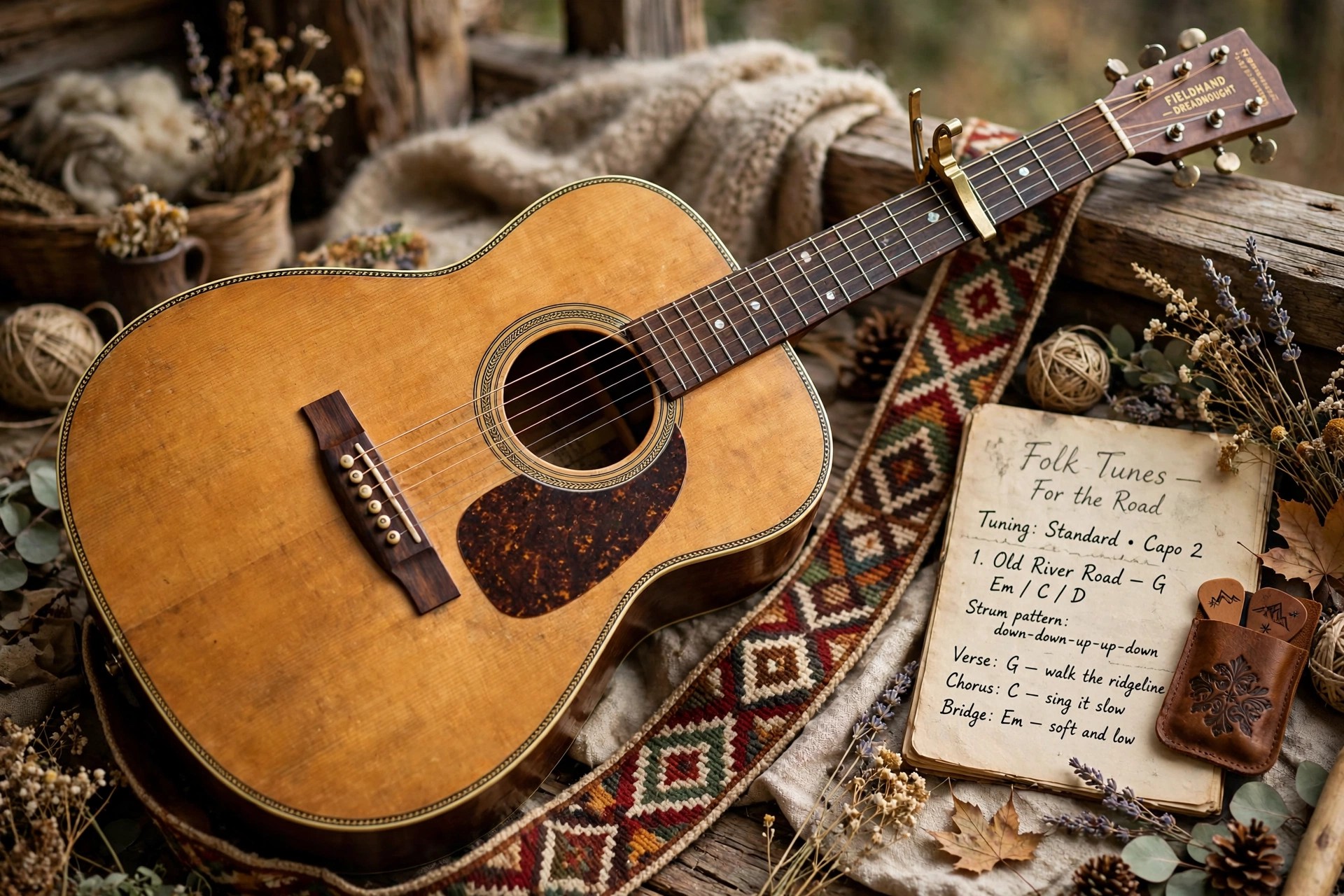
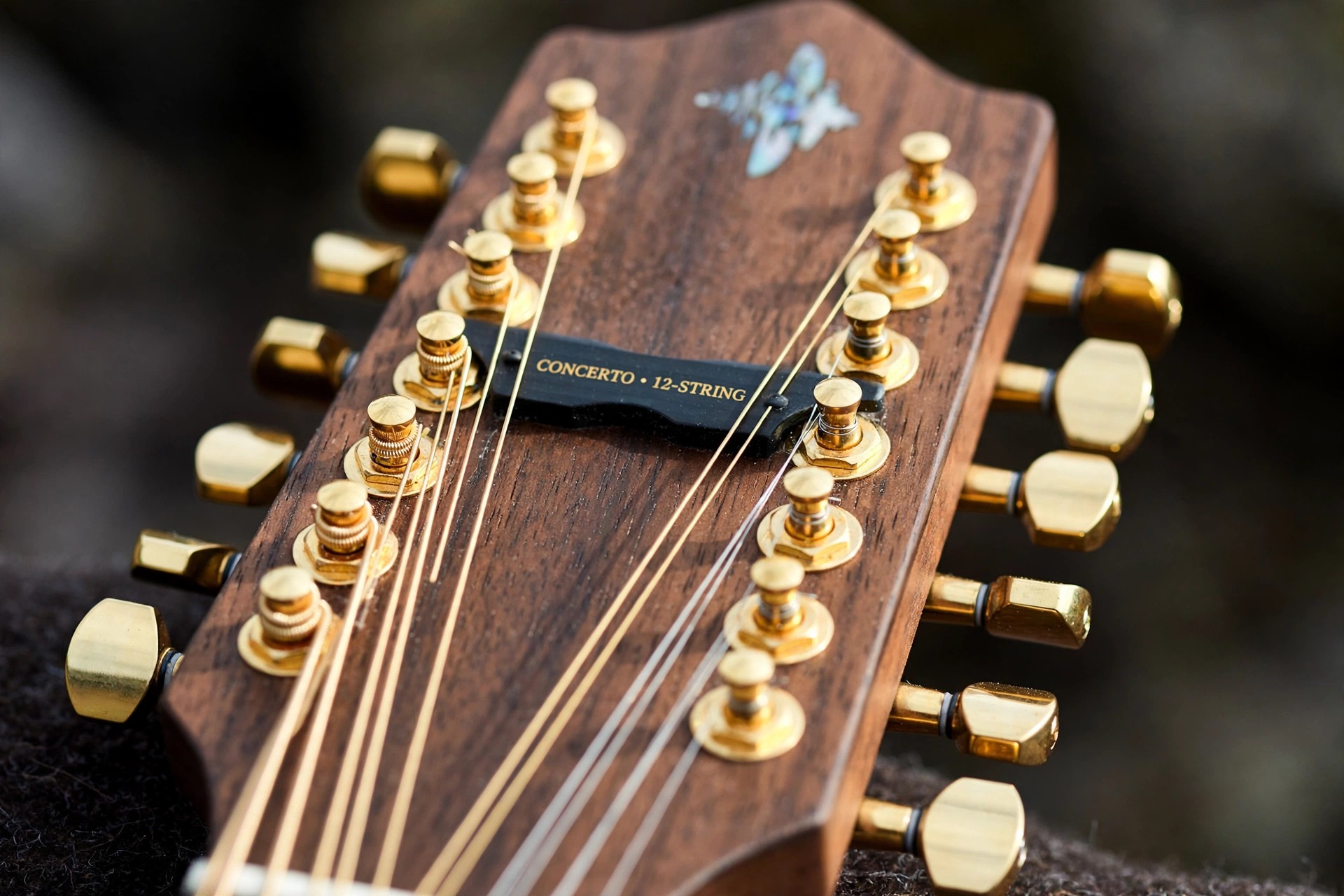
    Ample Guitar Twelve 3.2.0 for Mac is Ample Sound's dedicated 12-string instrument, sampled from a Taylor 956 CE. A real 12-string gets its shimmer from paired courses of strings ringing slightly against each other, and this library records that properly instead of faking it with a chorus effect on a six-string.

    It is a paid instrument, not a free full version, with a short full-feature trial offered by the developer. The 8.3 GB library includes strum, finger and thumb-pick playing styles, needs macOS 10.15 or later, and runs on Mac as AU, VST2, VST3 and AAX or as a standalone application.

    Key Features

    • Taylor 956 CE 12-string sampled in three libraries: strum, fingerstyle and thumb-pick
    • Eight articulations including sustain, palm mute, natural harmonic, legato slide and pop
    • Genuine paired-string chorus and phasing from real recordings, with adjustable acoustic resonance
    • Strummer engine with select and detect chord modes, custom chords and sequence-based strumming at any rhythm
    • Riffer 4 MIDI editor, Tab Reader for Guitar Pro files, and built-in EQ, compressor, delay and convolution reverb

    How to Download

    1. Download from the official site
    2. Start the trial or purchase the licence, then download the Mac installer and library from your MyAmpleSound account.
    3. Install to a fast drive, activate through the Activation Manager, and load the plugin in your DAW for instant 12-string tracks.

    Is Ample Guitar Twelve free?
    No, it is a commercial Ample Sound library. A limited full-feature trial is available on the official page, which is the safest way to hear how the 12-string sits in your own mixes first.

    When would I use a 12-string instead of a normal acoustic?
    When a six-string part feels too thin but a synth pad feels too artificial — jangly folk-rock strumming, shimmering pop choruses and cinematic acoustic beds are where the Twelve earns its place.

  • Ample Guitar T 3.2.0 for Mac

    Ample Guitar T 3.2.0 for Mac

    Ample Guitar T 3.2.0 for Mac

    Ample Guitar T 3.2.0 for Mac

    Mac Audio
    Updated Nov 4, 2026
    Mac Audio • Updated Nov 4, 2026

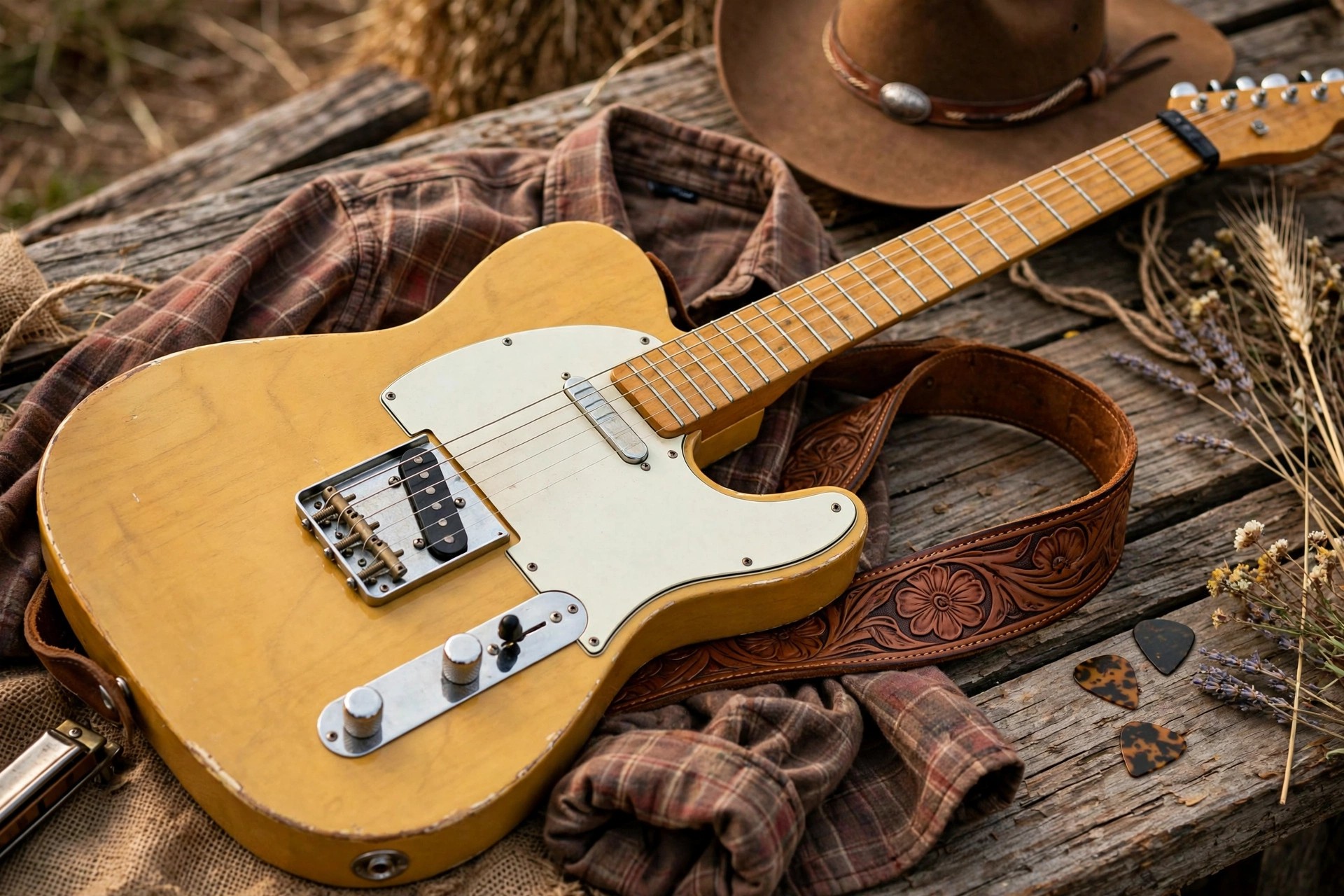
    Ample Guitar T 3.2.0 for Mac brings a Taylor 714CE acoustic into your studio. Where a big dreadnought leans warm and heavy, the 714CE's grand auditorium body sounds balanced and articulate, with a bright top end that cuts through dense pop and modern country arrangements without heavy EQ work.

    The instrument is sold by Ample Sound as a paid library, not a free full version, although a short full-feature trial is available. Its 5.21 GB of samples are organised into finger, pick and strum libraries, and the Mac version requires macOS 10.15 or later and runs as AU, VST2, VST3 and AAX, plus a standalone edition.

    Key Features

    • Taylor 714CE sampled across fingerstyle, pick and strum playing styles
    • Nine articulations including sustain, palm mute, natural harmonic, legato slide, pop and slide guitar
    • Strummer with select and detect chord modes, custom chord definitions and a rhythm pattern library with MIDI drag-and-drop
    • Riffer 4 editor with dual piano roll and tab views, plus Tab Reader support for Guitar Pro files from GP3 to GP8
    • Adjustable acoustic resonance, authentic performance noises and built-in EQ, compressor, delay and convolution reverb

    How to Download

    1. Download from the official site
    2. Take the trial or buy a licence in Ample Sound's store, then download the macOS installer from your MyAmpleSound account.
    3. Install the library onto a fast internal or SSD drive, activate the plugin, and open it in Logic Pro or your DAW of choice.

    Is Ample Guitar T free?
    No, it is a paid Ample Sound instrument. The developer offers a limited trial with full features, so check the official product page for the current price and trial conditions.

    How is it different from Ample Guitar M?
    The M is a Martin D-41 dreadnought with a warmer, bigger low end, while the T's Taylor 714CE is brighter and more articulate. Producers often pick the T for busy pop mixes and the M for sparse folk arrangements.

  • Ample Metal Hellrazer 3.1.0 for Mac

    Ample Metal Hellrazer 3.1.0 for Mac

    Ample Metal Hellrazer 3.1.0 for Mac

    Ample Metal Hellrazer 3.1.0 for Mac

    Mac Audio
    Updated Nov 4, 2026
    Mac Audio • Updated Nov 4, 2026

    Ample Metal Hellrazer 3.1.0 for Mac is Ample Sound's extreme-range metal guitar, sampled from a Schecter Hellraiser nine-string. Its factory tuning dives through C# and F# down into territory most guitar plugins never reach, which makes it a specialist tool for djent, metalcore, progressive metal and modern death metal productions.

    Hellrazer is a paid instrument, not a free full version, with a short full-feature trial available from the developer. It focuses entirely on the bridge pickup — the position metal rhythm playing actually lives on — and on macOS it loads as AU, VST2, VST3 and AAX or standalone, ready for Logic Pro, Cubase or Pro Tools sessions.

    Key Features

    • Nine-string Schecter Hellraiser sampled at the bridge pickup, tuned for ultra-low modern metal styles
    • Ten articulations including tight palm mutes, pinch harmonics, taps, legato slides and hammer-on and pull-off
    • Drop tuning support reaching down to B-1, with polyphonic legato for fast, technical riffing
    • Built-in amp suite with metal-focused amp heads, eight cabinets and multiple microphone options per cabinet
    • Riffer editor and Tab Reader for programming complex riffs and importing Guitar Pro arrangements

    How to Download

    1. Download from the official site
    2. Start the trial or purchase a licence — Hellrazer is also sold inside Ample Sound's 3-in-1 Metal Bundle if you want its stablemates too.
    3. Install the library from your MyAmpleSound account, activate it, and load the plugin on a track ready for high-gain processing.

    Is Ample Metal Hellrazer free?
    No, it is a commercial Ample Sound instrument. A limited full-feature trial is offered on the official site, so you can test whether the nine-string range suits your productions before buying.

    Why only a bridge pickup library?
    Low-tuned metal rhythm work is almost always tracked on the bridge pickup for its tightness and attack. Ample Sound concentrated the whole sampling budget there instead of spreading it across positions metal players rarely use.

  • Ample Guitar M 4.0 for Mac

    Ample Guitar M 4.0 for Mac

    Ample Guitar M 4.0 for Mac

    Ample Guitar M 4.0 for Mac

    Mac Audio
    Updated Nov 4, 2026
    Mac Audio • Updated Nov 4, 2026

    Ample Guitar M 4.0 for Mac is Ample Sound's flagship acoustic instrument, sampled from a Martin D-41 dreadnought. The D-41's big body and premium tonewoods produce the warm, full low-mid voice that underpins folk, country and singer-songwriter records, and version 4.0 rebuilds that sound on the developer's newest engine.

    Ample Guitar M is a paid library, not a free full version — a free Lite edition and a short full-feature trial exist if you want to test the concept first. The full instrument includes finger, pick and strum sample libraries, needs macOS 10.15 or later, and runs as AU, VST2, VST3 and AAX or standalone on Intel and Apple Silicon Macs.

    Key Features

    • Martin D-41 acoustic sampled in three libraries: fingerstyle, pick and dedicated strum recordings
    • Riffer 4 MIDI editor with piano roll and tab views, string visualisation and a large riff library
    • Strummer with chord detection that maps keyboard voicings to natural guitar positions, plus custom chords
    • Polyphonic legato, adjustable resonance and realistic left-hand and fret performance noises
    • Tab Reader 4 imports Guitar Pro files with fingering and articulations preserved, and built-in EQ, compressor, delay and reverb finish the sound

    How to Download

    1. Download from the official site
    2. Try the trial or the free M Lite edition first if you like, then buy the full licence from Ample Sound's store.
    3. Download the Mac installer from your MyAmpleSound account, install the library to a fast drive and activate it before opening your DAW.

    Is Ample Guitar M 4.0 free?
    The full instrument is paid. Ample Sound does give away Ample Guitar M Lite as a smaller free edition, and offers a limited trial of the full version, so you can judge the tone before spending anything.

    Does version 4.0 work on Apple Silicon?
    Yes. The current Ample Sound engine supports Apple Silicon Macs alongside Intel, and the official requirements list macOS 10.15 or later with an M1 or better recommended for the smoothest performance.

  • Ample Guitar LP 3.2.0 for Mac

    Ample Guitar LP 3.2.0 for Mac

    Ample Guitar LP 3.2.0 for Mac

    Ample Guitar LP 3.2.0 for Mac

    Mac Audio
    Updated Nov 4, 2026
    Mac Audio • Updated Nov 4, 2026

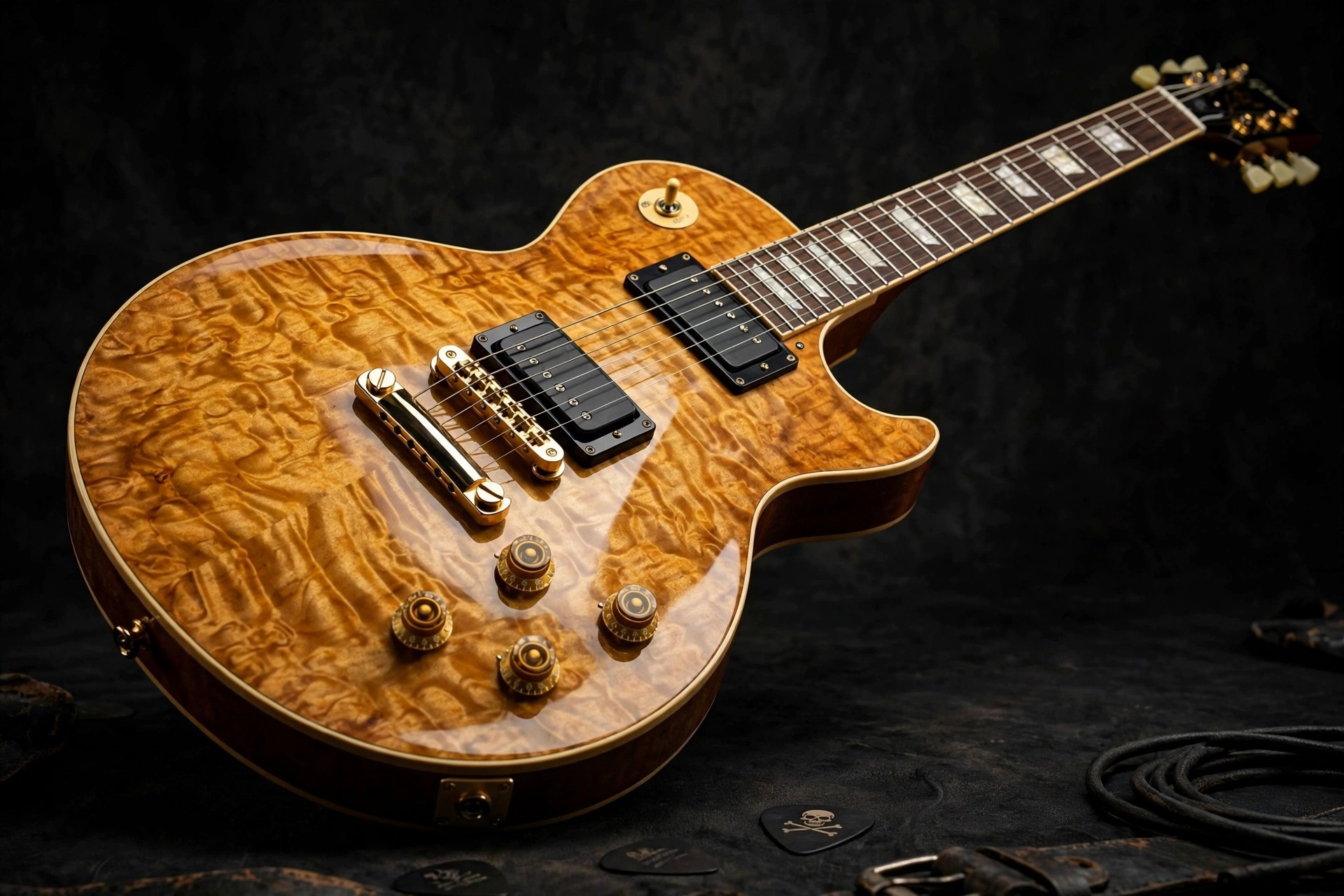
    Ample Guitar LP 3.2.0 for Mac recreates a Gibson Les Paul 1958 Reissue, the mahogany-and-maple classic behind decades of rock, blues and hard rock records. Ample Sound sampled it across its neck, bridge and combined pickup positions, so one plugin covers warm clean chords, singing leads and thick distorted rhythm work.

    This is a paid instrument, not a free full version, though a short full-feature trial is available from the developer. The version 3 generation runs on macOS and loads as AU, VST2, VST3 and AAX, or standalone, and its built-in amp and cabinet modelling means you can go from a dry DI-style signal to a finished guitar tone without extra plugins.

    Key Features

    • Gibson Les Paul 1958 Reissue sampled in neck, bridge and both-pickup libraries
    • Deep articulation set with sustain, palm mute, pinch harmonic, slide guitar, legato slide and hammer-on and pull-off
    • Built-in amp simulator with classic amp heads, matching cabinets and multiple microphone choices
    • Doubled guitar mode for wide, layered rhythm parts, plus a strumming engine with custom chord support
    • Riffer MIDI editor and Tab Reader for turning Guitar Pro files into realistic performances

    How to Download

    1. Download from the official site
    2. Start the trial or buy the licence in Ample Sound's store, then grab the Mac installer from your MyAmpleSound account.
    3. Install the library to a fast drive, activate it, and open the plugin inside Logic Pro, Cubase, Pro Tools or your preferred DAW.

    Is Ample Guitar LP free?
    No, it is a paid Ample Sound instrument. The developer offers a limited full-feature trial, and existing owners often receive upgrade pricing, so check the official page for today's terms.

    Do I need a separate amp plugin?
    Not necessarily. The LP includes its own amp and cabinet system modelled on well-known rock amps, but the direct signal is also available if you prefer your own amp sims later in the chain.

  • Ample Guitar LP III 3.1.0 for Mac

    Ample Guitar LP III 3.1.0 for Mac

    Ample Guitar LP III 3.1.0 for Mac

    Ample Guitar LP III 3.1.0 for Mac

    Mac Audio
    Updated Nov 4, 2026
    Mac Audio • Updated Nov 4, 2026

    Ample Guitar LP III 3.1.0 for Mac is the third-generation edition of Ample Sound's Les Paul instrument, built around a Gibson Les Paul 1958 Reissue. Version III was the release that consolidated the range under clearer names and added a proper built-in amp system, turning the library into a complete virtual guitarist for rock and blues production.

    LP III is a commercial plugin, not a free full version; Ample Sound sells it directly and offers a short full-feature trial. Its 7.5 GB library covers neck, bridge and both pickup positions, and on the Mac it runs as AU, VST2, VST3 and AAX, plus a standalone host, so it fits Logic Pro, Pro Tools and most other DAWs.

    Key Features

    • Three pickup libraries — neck, bridge and both — sampled from a 1958 Reissue Les Paul
    • Ten articulations including sustain, palm mute, natural and pinch harmonics, slides and slide guitar playing
    • Amp simulator with five classic amp models and seven cabinets, each with multiple microphone options
    • Polyphonic legato, slide smoothing and rich fret noises for believable phrasing
    • Strummer, Riffer and Tab Reader tools for programming chords, riffs and full tab arrangements

    How to Download

    1. Download from the official site
    2. Use the trial or purchase a licence, noting that the product is now listed simply as Ample Guitar LP on the developer's site.
    3. Download the installer via your MyAmpleSound account, install, activate, and load the plugin in your DAW.

    What changed in version III?
    The III generation renamed the older Ample Guitar G line to LP, refreshed the interface and added the built-in amp and cabinet suite, so tones could be finished inside the plugin instead of relying only on external amp sims.

    Is LP III the same product as Ample Guitar LP?
    Yes, it is the same Les Paul instrument at its version 3 stage. Newer releases dropped the Roman numeral from the name, and the official product page now covers the current version of the LP.

  • Ample Guitar L 3.3.0 for Mac

    Ample Guitar L 3.3.0 for Mac

    Ample Guitar L 3.3.0 for Mac

    Ample Guitar L 3.3.0 for Mac

    Mac Audio
    Updated Nov 4, 2026
    Mac Audio • Updated Nov 4, 2026

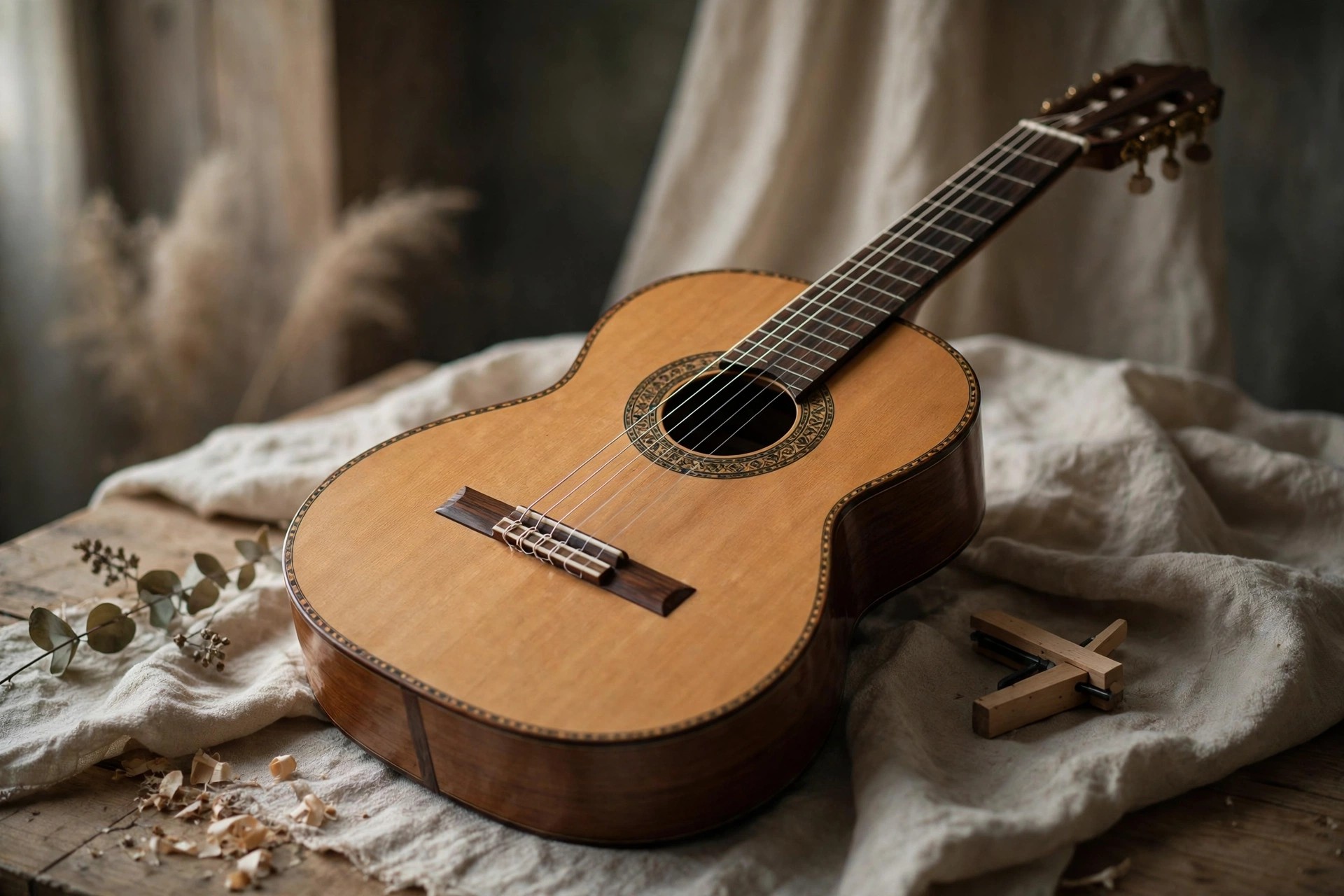
    Ample Guitar L 3.3.0 for Mac is Ample Sound's virtual classical guitar, sampled from an Alhambra Luthier, a handcrafted Spanish nylon-string instrument. It is made for producers and composers who need warm fingerstyle passages, gentle arpeggios or melodic lines that a steel-string library simply cannot voice convincingly.

    The instrument is a paid release, not a free full version, but Ample Sound provides a short full-feature trial through its official site. The 3.97 GB library ships in fingerstyle and pick versions, runs on macOS 10.15 or later, and loads as AU, VST2, VST3 or AAX in your DAW, with a standalone mode included as well.

    Key Features

    • Alhambra Luthier classical guitar captured in two libraries: expressive fingerstyle and clearer pick playing
    • Eight articulations including sustain, palm mute, natural harmonic, hammer-on and pull-off, legato slide and pop
    • Polyphonic legato with a slide smoother, so melodic runs and ornaments stay connected at any speed
    • Strummer and Riffer 4 tools for building realistic chord patterns, with a Tab Reader that imports Guitar Pro files
    • Controllable body resonance, authentic fret and finger noises, and built-in EQ, compression, delay and reverb

    How to Download

    1. Download from the official site
    2. Take the trial or purchase a licence, then download the macOS installer from your MyAmpleSound account.
    3. Run the installer, point it to a fast internal or SSD drive for the library, and activate through the Activation Manager.

    Is Ample Guitar L free?
    No, it is a commercial instrument sold by Ample Sound. A limited trial with full features is offered, so use the official product page to confirm the current price and trial terms before buying.

    Who is a nylon-string library for?
    Anyone writing classical, flamenco-tinged, bossa nova, folk or film music. The softer attack and rounder tone sit very differently in a mix from a steel-string acoustic, which is exactly why this library exists.

  • Ample Ethno Ukulele III 3.2.0 for Mac

    Ample Ethno Ukulele III 3.2.0 for Mac

    Ample Ethno Ukulele III 3.2.0 for Mac

    Ample Ethno Ukulele III 3.2.0 for Mac

    Mac Audio
    Updated Nov 4, 2026
    Mac Audio • Updated Nov 4, 2026

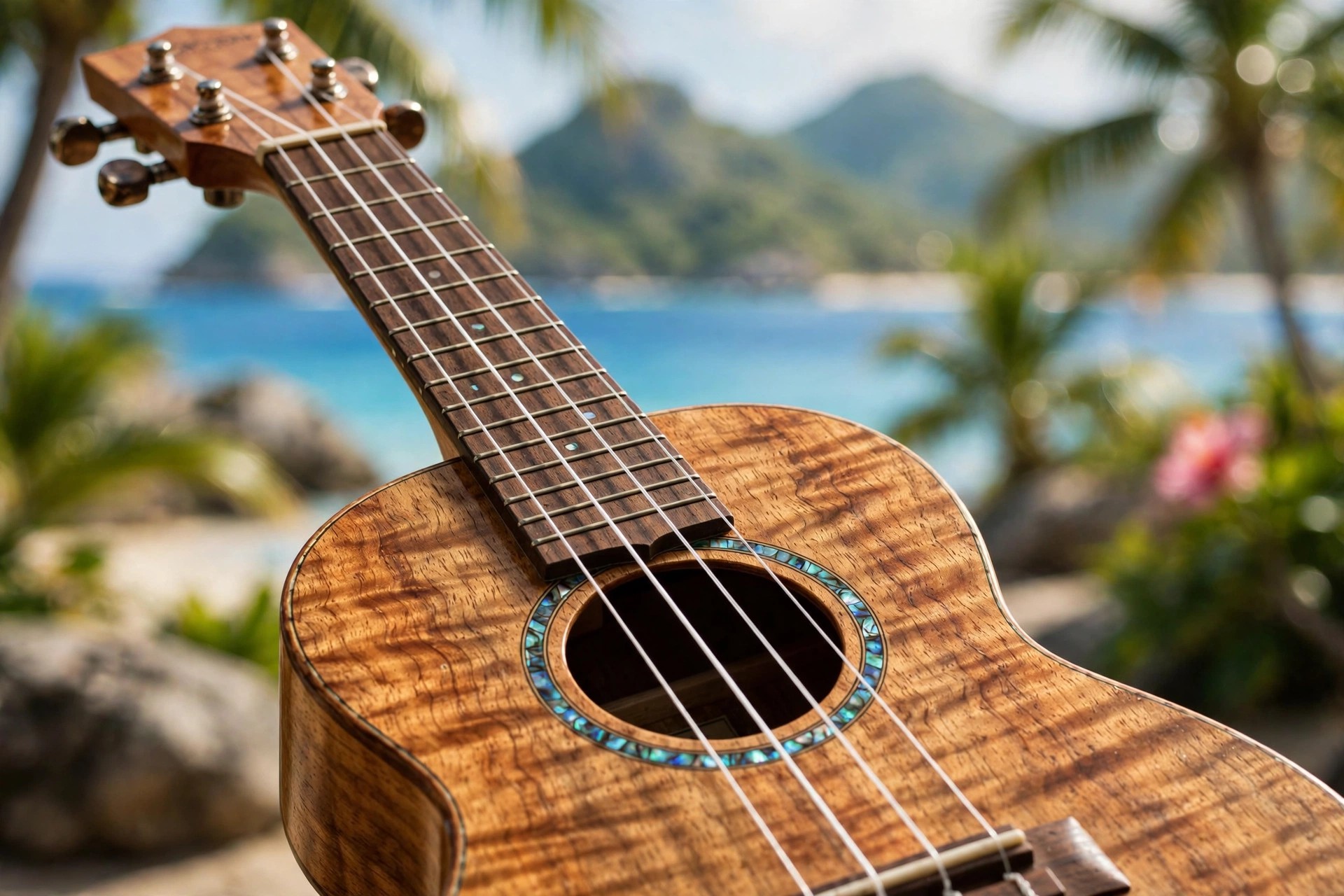
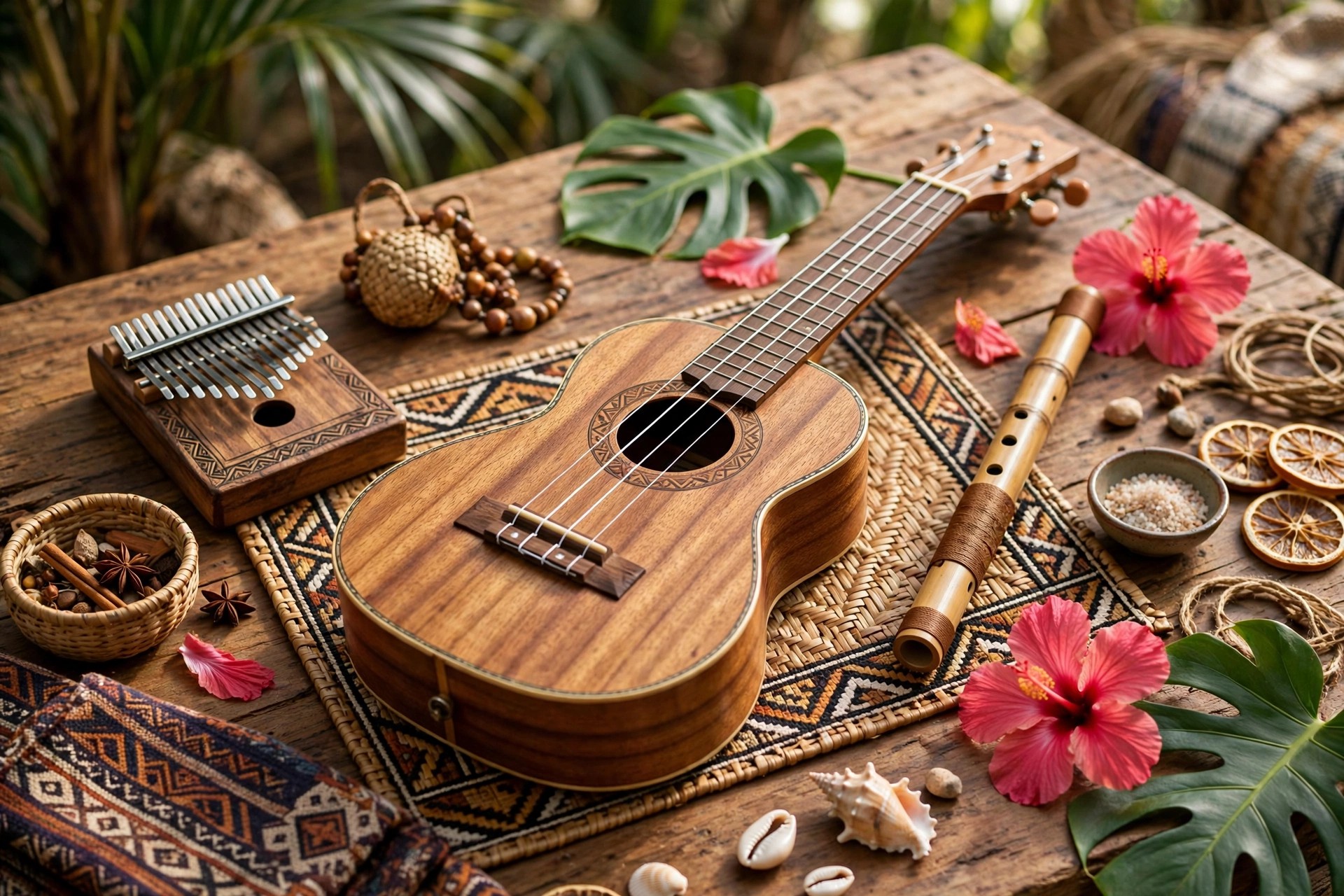
    Ample Ethno Ukulele III 3.2.0 for Mac is a virtual ukulele from Ample Sound, built from detailed samples of a Kamaka HF-3, the Hawaiian tenor ukulele favoured by professional performers. It brings that bright, cheerful island tone into your DAW for folk, pop, children's music, advertising cues and relaxed singer-songwriter arrangements.

    Version 3.2.0 is a paid instrument, not a free full version, although Ample Sound offers a short full-feature trial so you can test it in your own projects first. The 2.15 GB library includes both High G and Low G tunings, and the plugin runs on macOS 10.15 or later as AU, VST2, VST3 and AAX, plus a standalone version for playing outside a DAW.

    Key Features

    • Kamaka HF-3 ukulele sampled in 24-bit, with separate High G and Low G libraries
    • Nine articulations including sustain, palm mute, natural harmonic, legato slide, pop and dedicated strum samples
    • Strummer engine with selectable and chord-detect modes, custom chords and rhythm patterns you can drag into your DAW as MIDI
    • Riffer 4 MIDI editor with piano roll and tab views, plus a Tab Reader for Guitar Pro files
    • Adjustable resonance, left-hand performance noises and built-in EQ, compressor, delay and convolution reverb

    How to Download

    1. Download from the official site
    2. Start the trial or buy a licence on Ample Sound's store, then sign in to your MyAmpleSound account to get the Mac installer.
    3. Install the plugin and library, activate it in the Activation Manager, and load it in Logic Pro, GarageBand or your DAW of choice.

    Is Ample Ethno Ukulele III free?
    No, it is a paid instrument. Ample Sound offers a limited full-feature trial, so check the official page for the current trial length, price and any bundle deals with the other Ethno instruments.

    What is the difference between High G and Low G?
    High G is the classic re-entrant ukulele tuning with a bright, traditional sound, while Low G gives a deeper, more guitar-like bottom string. This instrument includes both, so you can pick per song.

  • Ample Ethno Ukulele 3.2.0 for Mac

    Ample Ethno Ukulele 3.2.0 for Mac

    Ample Ethno Ukulele 3.2.0 for Mac

    Ample Ethno Ukulele 3.2.0 for Mac

    Mac Audio
    Updated Nov 4, 2026
    Mac Audio • Updated Nov 4, 2026

    Ample Ethno Ukulele 3.2.0 for Mac is the current 3.2.0 build of Ample Sound's Ethno U instrument, a virtual ukulele sampled from a Kamaka HF-3, the handmade Hawaiian tenor ukulele built from koa wood. Its bright, gentle voice is a staple of folk, island and acoustic pop arrangements, and it doubles as an easy way to add light rhythmic texture to almost any production.

    Two tunings are included, High G and Low G, so you can pick the classic reentrant sparkle or a fuller low-string sound for fingerpicked parts. Strumming is handled by a dedicated Strummer engine alongside the Riffer, which makes chord patterns feel played rather than typed. The instrument is a paid Ample Sound licence — existing owners receive updates through their account — and a trial is available from the official product page.

    Key Features

    • Kamaka HF-3 tenor ukulele sampled in 24-bit quality, 2.15 GB across both libraries
    • High G and Low G instrument libraries for traditional and fingerstyle playing
    • Nine articulations including sustain, palm mute, natural harmonic, hammer-on and pull-off, slides, pop and a dedicated strum articulation
    • Strummer with chord detection and custom chords, plus Riffer for detailed MIDI parts
    • AU, VST, VST3, AAX and standalone formats for macOS 10.15 and later, including Apple Silicon

    How to Download

    1. Download from the official site
    2. New users can run the trial first or buy the licence; owners sign in to their Ample Sound account to download the 3.2.0 update.
    3. Install the library, activate online, and open the plugin in your DAW or the standalone app to start strumming.

    Is the 3.2.0 release a separate product from Ample Ethno Ukulele?
    No. It is the current update build of the same instrument. One licence covers it, and updates are delivered through your Ample Sound account rather than as a new purchase.

    Can it strum chords realistically?
    Yes. The Strummer engine and strum articulation are designed for exactly that, with control over rhythm, speed and chord voicings, while fingerpicked lines can be programmed note by note in the Riffer.

  • Ample Bass Yinyang 3.1.0 for Mac

    Ample Bass Yinyang 3.1.0 for Mac

    Ample Bass Yinyang 3.1.0 for Mac

    Ample Bass Yinyang 3.1.0 for Mac

    Mac Audio
    Updated Nov 4, 2026
    Mac Audio • Updated Nov 4, 2026

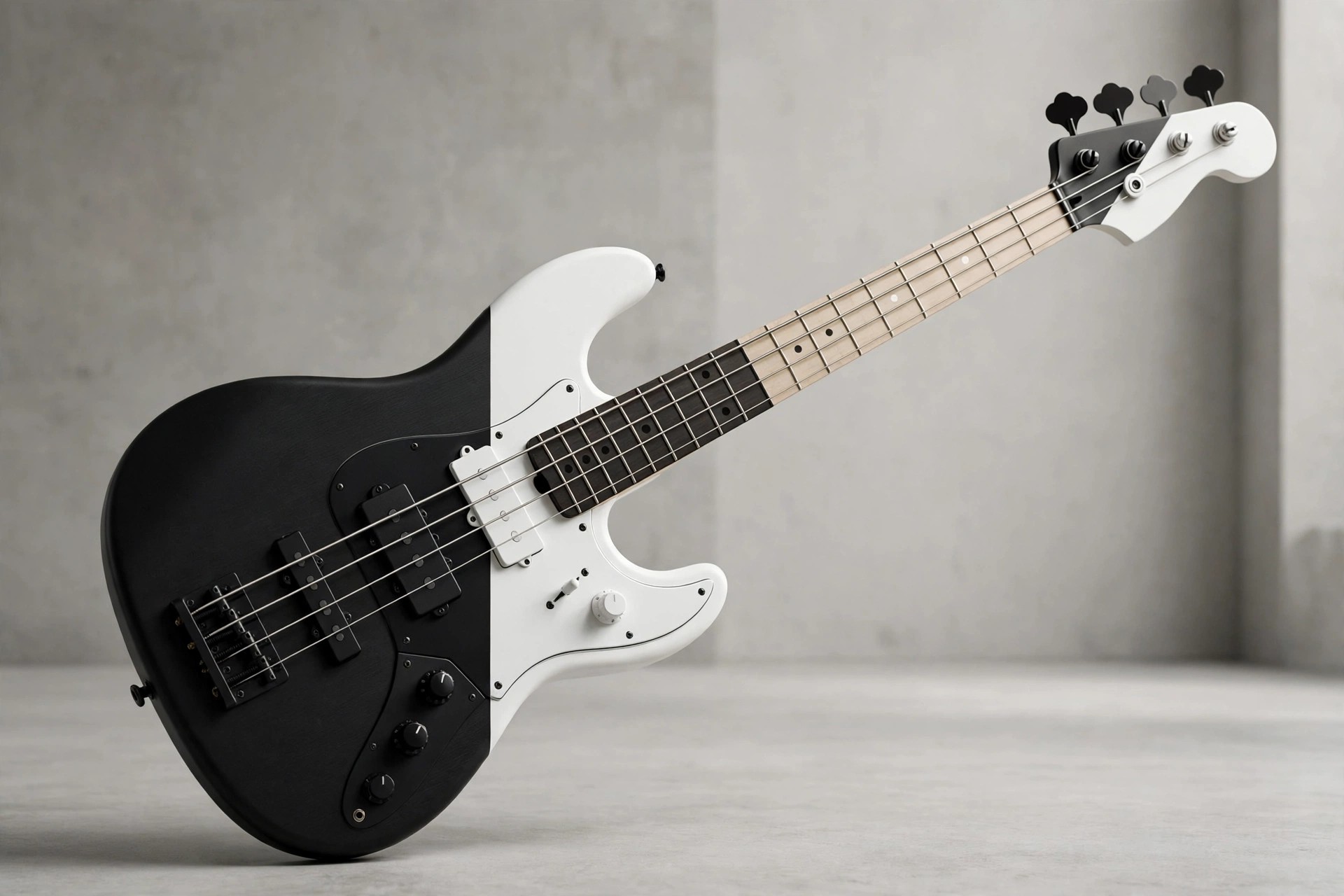
    Ample Bass Yinyang 3.1.0 for Mac is Ample Sound's virtual version of the Fodera Yin Yang, the boutique bass closely associated with Victor Wooten and prized for balancing warmth with a clear, articulate top end. That balance suits funk, jazz fusion and modern pop, where the bass needs to be melodic and present rather than just a low foundation.

    The 3.1.0 release carries a 5.1 GB library with a deep articulation set built for expressive playing, including the slap, pop and tap techniques that define the Yin Yang style. Ample Sound sells it as a paid licence through its official store and offers a trial from the product page; it is not free software, and the trial is the safest way to check the tone against your own material.

    Key Features

    • Fodera Yin Yang bass sampled fret by fret, 5.1 GB of 24-bit content
    • 13 articulations including sustain, palm mute, harmonic, hammer-on and pull-off, legato slide, slap, pop, tap and dead note
    • Polyphonic legato and a slide smoother for fluid melodic lines across any interval
    • Riffer groove editor and Tab Player with automatic fingering and articulation logic
    • AU, VST, AAX and standalone formats for Mac, with drop tuning down to B0 for extended range parts

    How to Download

    1. Download from the official site
    2. Choose the trial to evaluate it, or purchase and sign in to your Ample Sound account for the Mac installer.
    3. Install the library on an internal drive or fast SSD, activate online, then load the plugin in your DAW of choice.

    Why choose the Yinyang over a Precision or Jazz style bass?
    Its boutique active character is brighter and more articulate, which flatters slap, tapping and melodic fusion playing. Traditional P and J style instruments sit warmer and rounder in a classic band mix.

    Is there a Mac trial?
    Yes, Ample Sound provides trial downloads from the official product page. The trial lets you test the sound and the Riffer workflow in your own DAW before committing to the paid licence.