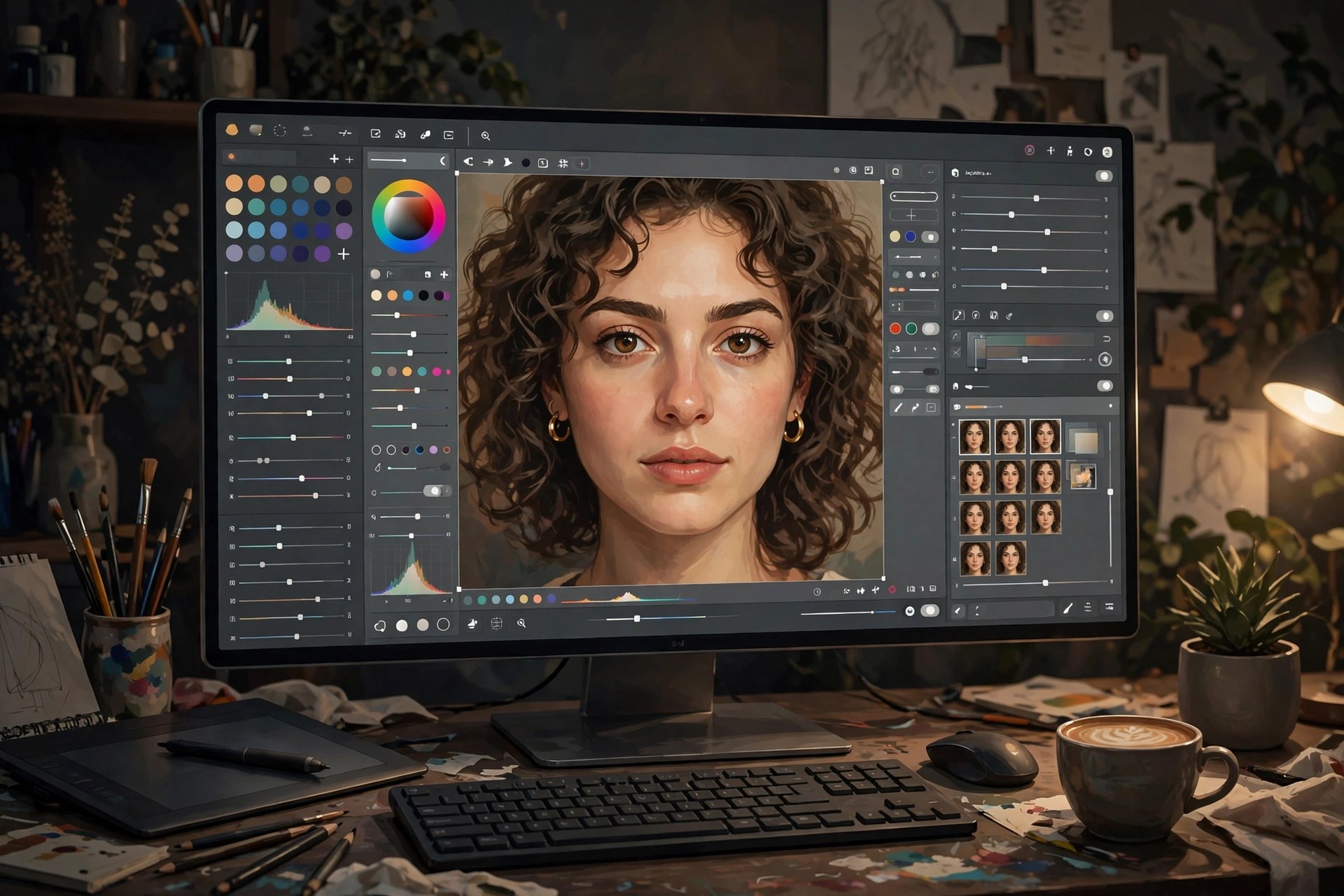
Adobe Photoshop 27.11 for Mac
Mac Photo & DesignAdobe Photoshop 27.11 for Mac is the current professional standard for raster image editing, used for photo retouching, compositing, graphic design and digital painting. Working with layers, masks and adjustment layers, it lets you combine images, remove or replace elements, correct colour precisely and build artwork that stays editable at every step.
It suits photographers, designers, illustrators and social media creators who need control that phone editors cannot offer, including AI-assisted tools for selection, background work and generative edits inside a full desktop workflow. Photoshop is paid Creative Cloud software sold by subscription; Adobe offers a free trial for new users, but there is no free full version of the desktop app.
Key Features
- Layer-based editing with masks, blend modes and non-destructive adjustment layers
- Advanced retouching: healing, cloning, object removal and AI-assisted selections
- Precise colour correction, Camera Raw processing and professional print-ready CMYK support
- Brushes, pen tools and text tools for illustration, painting and graphic design layouts
- Deep Creative Cloud integration with Lightroom, Illustrator and cloud documents
How to Download
- Download from the official site
- Start the free trial or sign in with the Adobe account that holds your subscription, then install Photoshop through the Creative Cloud app.
- Open Photoshop from Applications and sign in to activate it on your Mac.
Is Adobe Photoshop free?
No. Photoshop is subscription software with a free trial for new users. The separate, limited Photoshop Express app is not a free full version of the desktop program.
Does Photoshop 27.11 run on Apple Silicon Macs?
Yes, current Photoshop releases run natively on both Apple Silicon and Intel Macs. Check Adobe's published system requirements for your exact macOS version before installing.







Leave a Reply