Author: admin

  • Aescripts Malty Simple Camera Rig 2.2 for Mac

    Aescripts Malty Simple Camera Rig 2.2 for Mac

    Aescripts Malty Simple Camera Rig 2.2 for Mac

    Aescripts Malty Simple Camera Rig 2.2 for Mac

    Mac Video
    Updated Nov 4, 2026
    Mac Video • Updated Nov 4, 2026

    malty: Simple Camera Rig is an After Effects script by Maltaannon, sold through aescripts + aeplugins, that rigs the built-in 3D camera in one click. Anyone who has fought with After Effects camera keyframes will appreciate its approach: a proper rig with intuitive controls, plus techniques its author and other artists used for smooth, beautiful camera moves on projects of any size.

    Honest status for Mac users: aescripts now marks this product as discontinued, and the official page recommends HandyCam, a modern plugin-based camera rig, instead. Existing owners can still use version 2.2 in After Effects on macOS, but new buyers should look at the successor first.

    Key Features

    • One-click rigging of the real built-in After Effects 3D camera
    • Fully featured rig controls for easy, predictable camera animation
    • Rig and camera speed parameters for automatic, smooth moves
    • Works with native 3D layers and popular plugins such as Element 3D and Plexus
    • Includes the author's tutorial workflow for professional camera techniques

    How to Download

    1. Read the discontinuation notice on the official page and consider HandyCam if you are a new buyer: Download from the official site
    2. If you already own it, download version 2.2 again from your aescripts account library.
    3. Install the script into ScriptUI Panels on your Mac, restart After Effects, and apply the rig to your camera.

    Is Simple Camera Rig still on sale?
    No. The official aescripts page states the product has been discontinued and directs users to HandyCam. Do not buy copies offered by third-party sites claiming to sell new licences.

    Is it free?
    It was a paid script (listed at $49.90) and there is no free full version. Owners keep access to their purchased files through their aescripts account.
  • Aescripts LongShadow 1.6 for Mac

    Aescripts LongShadow 1.6 for Mac

    Aescripts LongShadow 1.6 for Mac

    Aescripts LongShadow 1.6 for Mac

    Mac Video
    Updated Nov 4, 2026
    Mac Video • Updated Nov 4, 2026

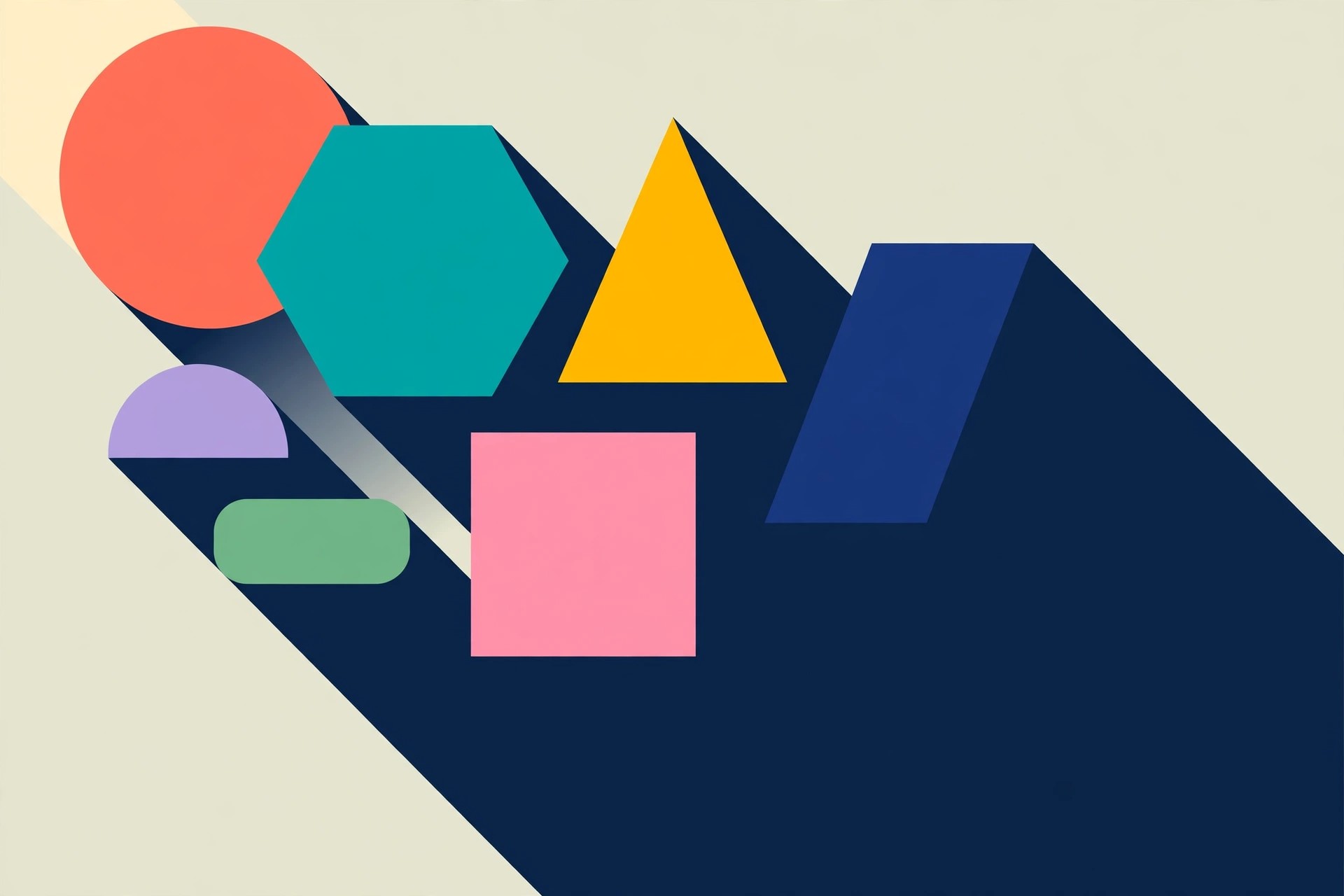
    LongShadow is a shadow plugin for Adobe After Effects sold through aescripts + aeplugins. The current release, LongShadow 2, is a full-featured, GPU-accelerated tool that gives you control over every aspect of a shadow, far beyond the flat drop shadows built into After Effects. Version 1.6 belongs to the earlier generation of the plugin.

    It is made for Mac motion designers working on flat-design titles, icons, logos and infographics inside After Effects on macOS, where long, clean shadows add depth without a 3D render. A simplified companion, SoftShadow, covers quick solid-colour shadows when you do not need the full control set.

    Key Features

    • Directional, radial and inverse radial shadow types, plus soft shadows
    • GPU acceleration for fast previews and renders on Mac
    • Precise colour and transparency control, including an external layer as a texture
    • 1D and 2D texture modes for gradient and patterned shadow fills
    • Applies to text, shape layers, logos and other layers with an alpha channel

    How to Download

    1. Note that new licences are for LongShadow 2; check its After Effects compatibility for your Mac first.
    2. Get it from the official listing: Download from the official site
    3. Install using the aescripts + aeplugins manager app, restart After Effects, and apply the effect from the Effects menu.

    Is LongShadow free?
    No. It is a paid plugin (LongShadow 2 is listed at $49). A trial is normally offered through aescripts, letting you test the shadow types on your own project before buying.

    Can I still buy version 1.6?
    New sales are for the current LongShadow 2 release. If you own an older licence, your downloads remain in your aescripts account, and upgrading is the supported path for current macOS and After Effects versions.

  • Aescripts LoadUP! for After Effects 1.66 for Mac

    Aescripts LoadUP! for After Effects 1.66 for Mac

    Aescripts LoadUP! for After Effects 1.66 for Mac

    Aescripts LoadUP! for After Effects 1.66 for Mac

    Mac Video
    Updated Nov 4, 2026
    Mac Video • Updated Nov 4, 2026

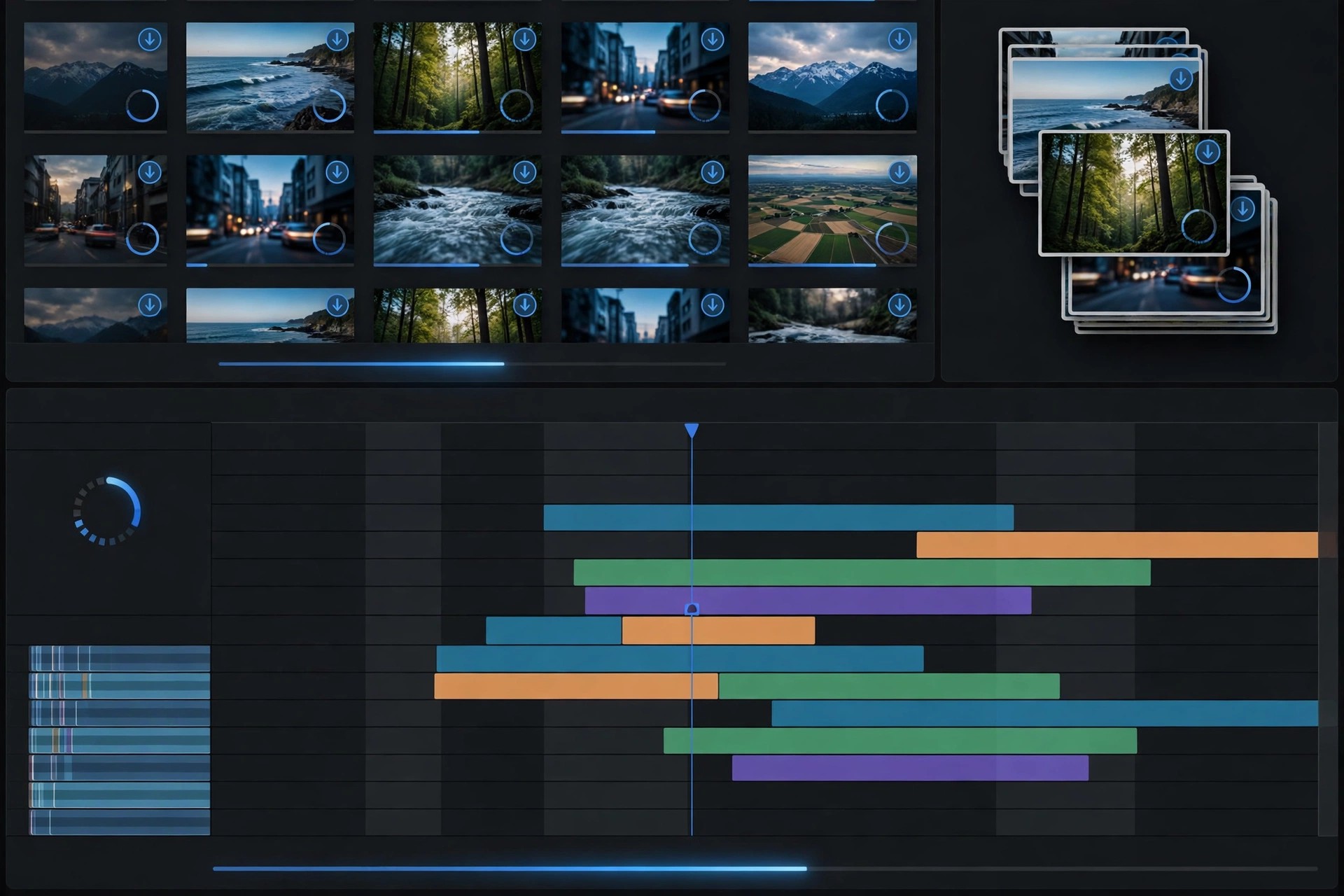
    LoadUP! is an After Effects script by Real Creations, sold through aescripts + aeplugins, that creates loading and progress bars quickly and cleanly. Instead of aligning, masking and hand-writing expressions for a simple bar, LoadUP! generates the shape and text layers for you, inserts the key expressions, and adds convenient effect controls for customisation.

    It suits Mac editors and motion designers building HUDs, app and web UI mock-ups, infographics, charts and TV or news graphics inside After Effects on macOS. It runs either as a dockable panel from the Window menu or as a window from the Scripts menu.

    Key Features

    • Creates linear and circular loading and progress bars in a few clicks
    • 40 ready-made linear and circular presets to start from and adapt
    • 13 numbering modes for counters, percentages and time displays
    • Automatic fix for the character wiggling seen in animated counting text
    • Language independent — works in any international version of After Effects

    How to Download

    1. Check the compatibility list for your Mac version of After Effects on the product page.
    2. Buy it from the official listing: Download from the official site
    3. Install with the aescripts + aeplugins manager app or place the script in ScriptUI Panels, then restart After Effects.

    Is LoadUP! free?
    No. It is a paid script (listed at $29.99). Check the official page for any current trial offer before buying, and avoid so-called free copies on mirror sites.

    Does it work on macOS?
    Yes. The developer states it has been tested on macOS as well as Windows across a wide range of After Effects versions. Confirm your exact version in the compatibility table on aescripts.

  • Aescripts Limber for After Effects 1.6 for Mac

    Aescripts Limber for After Effects 1.6 for Mac

    Aescripts Limber for After Effects 1.6 for Mac

    Aescripts Limber for After Effects 1.6 for Mac

    Mac Video
    Updated Nov 4, 2026
    Mac Video • Updated Nov 4, 2026

    Limber is a character rigging tool for Adobe After Effects, sold through aescripts + aeplugins and made by experienced character animators Steve Kirby and Mike Overbeck (version 1.x was created with Fraser Davidson). Instead of wrestling with complex rigs, you generate ready-to-animate limbs from shape layers and pose them with a simple inverse kinematics system.

    It is built for Mac motion designers and character animators who want walk cycles, gestures and full performances inside After Effects on macOS, without switching to a dedicated animation program. Limbs are lightweight, highly customisable, and designed to be fun rather than technical to animate.

    Key Features

    • Fast inverse kinematics (IK) for arms and legs, with an anti-pop system at full stretch
    • Limbs built from native shape layers — lightweight and easy to restyle
    • Customisable designs, tapers and joints to match different character styles
    • Forward kinematics mode and easy limb duplication for multi-character scenes
    • Made and maintained by working character animators, with regular updates

    How to Download

    1. Check that your Mac version of After Effects is supported on the product page (Limber has since moved to version 2).
    2. Purchase or trial it from the official listing: Download from the official site
    3. Install via the aescripts + aeplugins manager app, restart After Effects, and open Limber from the Window menu.

    Is Limber free?
    No. Limber is a paid, one-off purchase rather than a subscription. A trial is offered through aescripts, so you can rig a test character on your Mac before buying.

    Do I need other plugins to use Limber?
    No. Limber works with native After Effects shape layers, so a standard After Effects installation on macOS is enough to start rigging and animating characters.

  • Aescripts Geometrize 1.0.0.1 for Mac

    Aescripts Geometrize 1.0.0.1 for Mac

    Aescripts Geometrize 1.0.0.1 for Mac

    Aescripts Geometrize 1.0.0.1 for Mac

    Mac Video
    Updated Nov 4, 2026
    Mac Video • Updated Nov 4, 2026

    Geometrize! is an Adobe After Effects extension sold through aescripts + aeplugins that recreates a still image as an abstract arrangement of shapes. Given a source picture, it generates hundreds of candidate rectangles, triangles and ellipses, then repeatedly mutates and ranks thousands of them behind the scenes, keeping only the best-fitting shapes in the final artwork.

    That hill-climbing approach makes it popular with Mac motion designers who want a distinctive geometric illustration style for posters, title cards and social graphics, without placing every shape by hand. The result stays editable inside After Effects on macOS and can also be exported for use elsewhere.

    Key Features

    • Recreates images using three geometric primitives: rectangles, triangles and ellipses
    • Hill-climbing optimisation ranks thousands of generated shapes and keeps the best fits
    • Alpha channel support for images with transparency
    • Export finished artwork to SVG and PNG formats
    • Works as a panel extension inside After Effects on Mac

    How to Download

    1. Confirm your version of After Effects for Mac is listed as compatible on the product page.
    2. Get the extension from the official listing: Download from the official site
    3. Install it with the aescripts + aeplugins manager app, restart After Effects, and open it from the Window menu.

    Is Geometrize free?
    No. It is a paid extension (listed at $49.90). A trial version is available, limited to 150 shapes and 3 states, which is enough to judge the style before buying.

    Can I use the output outside After Effects?
    Yes. You can export your geometrized artwork as SVG or PNG, so it can be finished in a vector editor, used in print, or dropped into other design tools.

  • Aescripts Geometric Filter for After Effects 1.0.1 for Mac

    Aescripts Geometric Filter for After Effects 1.0.1 for Mac

    Aescripts Geometric Filter for After Effects 1.0.1 for Mac

    Aescripts Geometric Filter for After Effects 1.0.1 for Mac

    Mac Video
    Updated Nov 4, 2026
    Mac Video • Updated Nov 4, 2026

    Geometric Filter is a native effect plugin for Adobe After Effects and Premiere Pro, sold through aescripts + aeplugins. It rebuilds your footage as a geometric approximation, tracing contours and similar regions with a custom proximity-matching algorithm so the result keeps a slightly hand-drawn, human feel rather than a cold pixelated look.

    It is aimed at motion designers, music-video editors and VJs on Mac who want an artistic, shape-based treatment inside the host app on macOS, instead of exporting frames to a separate program. Every parameter is fully keyframable, so the effect can evolve over time in a composition.

    Key Features

    • Transforms footage into lines, curves, triangles, squares, circles and rectangles
    • Custom proximity-matching algorithm that traces contours and similar colour regions
    • 20 built-in presets, with easy creation and saving of your own presets
    • All parameters fully keyframable for animated geometric looks over time
    • Runs natively inside After Effects and Premiere Pro on macOS

    How to Download

    1. Make sure you have a supported version of After Effects or Premiere Pro installed on your Mac.
    2. Buy or start a trial from the official listing: Download from the official site
    3. Install with the aescripts + aeplugins manager app or the supplied installer, then restart your host app.

    Is Geometric Filter free?
    No. It is a paid plugin (listed at $43.99). A limited trial is offered through aescripts, so you can test it on your own footage before buying a licence.

    Does it work on Apple silicon Macs?
    Current builds ship as a universal macOS binary with Apple silicon support for After Effects and Premiere Pro. Check the compatibility table on the official page for your exact host version.

  • Fast Camera Lens Blur for After Effects & Premiere Pro 5.0.2 for Mac

    Fast Camera Lens Blur for After Effects & Premiere Pro 5.0.2 for Mac

    Fast Camera Lens Blur for After Effects & Premiere Pro 5.0.2 for Mac

    Fast Camera Lens Blur for After Effects & Premiere Pro 5.0.2 for Mac

    Mac Video
    Updated Nov 4, 2026
    Mac Video • Updated Nov 4, 2026

    Fast Camera Lens Blur for After Effects & Premiere Pro 5.0.2 for Mac does exactly what its name promises: it renders realistic camera lens blur — the soft, depth-of-field bokeh of a real lens — in a fraction of the time taken by After Effects' built-in Camera Lens Blur effect. You get the same convincing out-of-focus highlights and iris shapes, without the render times that make the native effect painful on long sequences.

    It is made for editors, compositors and VFX artists who need shallow depth of field, focus pulls and tilt-shift style looks in Adobe After Effects or Premiere Pro on macOS. The plug-in is paid software sold through aescripts + aeplugins, and it is not a standalone app — one of those Adobe host apps is required. Check the official product page for current pricing and any trial option.

    Key Features

    • Realistic lens blur that matches the look of AE's native Camera Lens Blur, rendered much faster
    • Multiple iris shapes, including hexagon, octagon, 12-gon and 16-gon bokeh
    • Depth-map support for true depth-of-field and animated focus pulls
    • Works in both Adobe After Effects and Adobe Premiere Pro
    • Native Apple Silicon support on modern Macs

    How to Download

    1. Buy a licence on the official aescripts product page, or check that page first for any trial version offered by the vendor.
    2. Download the Mac installer from your aescripts account, install it, and apply the effect in After Effects or Premiere Pro.

    Is Fast Camera Lens Blur free?
    No. It is a paid plug-in sold through aescripts. There is no free full version, so avoid unofficial copies, which are frequently bundled with unwanted software.

    Which apps does it work with?
    It runs inside Adobe After Effects and Adobe Premiere Pro on Mac. It does not work on its own, so you need at least one of those host apps installed and licensed.

  • Deep Glow 1.6.6 for Mac

    Deep Glow 1.6.6 for Mac

    Deep Glow 1.6.6 for Mac

    Deep Glow 1.6.6 for Mac

    Mac Video
    Updated Nov 4, 2026
    Mac Video • Updated Nov 4, 2026

    Deep Glow 1.6.6 for Mac is a glow plug-in for Adobe After Effects that produces a soft, physically accurate bloom instead of the flat, clipped halo you get from the built-in glow effect. It spreads light the way a real lens does, with smooth falloff and proper handling of very bright values, which makes neon signs, light streaks, titles and energy effects look convincingly photographic.

    It is built for motion designers, VFX artists and title designers who work in After Effects on macOS and need high-quality glow without stacking multiple blur and screen layers. Deep Glow is paid software sold through aescripts + aeplugins — the current listing there is Deep Glow 2, the newer successor to this version. It is not a standalone app, so a licensed copy of After Effects is required.

    Key Features

    • Physically accurate glow with smooth, natural light falloff
    • HDR-friendly rendering that keeps bright highlights from clipping harshly
    • Radius, exposure and threshold controls for precise glow shaping
    • Works on text, shape layers, footage and precompositions in After Effects
    • GPU-friendly performance for interactive previews on Mac

    How to Download

    1. Buy a licence on the official aescripts product page — the current version sold there is Deep Glow 2 — or check that page for any trial version offered by the vendor.
    2. Download the Mac installer from your aescripts account, install it, and apply Deep Glow from the Effects panel in After Effects.

    Is Deep Glow free?
    No. Deep Glow is a paid After Effects plug-in sold through aescripts. There is no free full version, and copies offered on crack or torrent sites are unofficial and risky to install.

    Does Deep Glow need After Effects?
    Yes. It is a plug-in that runs inside Adobe After Effects, so you need After Effects installed and licensed on your Mac before you can use it.

  • ClearPlus 2.2 for Mac

    ClearPlus 2.2 for Mac

    ClearPlus 2.2 for Mac

    ClearPlus 2.2 for Mac

    Mac Video
    Updated Nov 4, 2026
    Mac Video • Updated Nov 4, 2026

    ClearPlus 2.2 for Mac is a video enhancement plug-in that rescues footage which looks washed out or murky: hazy outdoor shots, underwater clips with a heavy colour cast, and low-light video that has lost its contrast. Its dehaze and shadows controls recover detail in dark areas while keeping the image natural, so colours pop again without the harsh, over-processed look of simple contrast sliders.

    It is aimed at editors and colourists working in Adobe After Effects on macOS — and, per the vendor, the plug-in is also GPU accelerated for Adobe Premiere Pro. ClearPlus is paid software, priced at $24.99 on aescripts + aeplugins, and it is not a standalone app: you need After Effects installed for an After Effects workflow. Check the official product page for any current trial or demo option.

    Key Features

    • Dehaze slider that clears haze and fog while preserving a natural look
    • Shadows and highlights controls to recover dark areas without clipping
    • White balance tools well suited to underwater colour correction
    • Sky enhancement for flat, washed-out outdoor footage
    • GPU accelerated for faster previews and renders on Mac

    How to Download

    1. Download from the official site
    2. Buy a licence on the official aescripts product page, or check that page first for any trial version offered by the vendor.
    3. Download the Mac installer from your aescripts account, install it, and apply ClearPlus from the effects panel in After Effects.

    Is ClearPlus free?
    No. ClearPlus is a paid plug-in, priced at $24.99 on the official aescripts page. There is no free full version, and unofficial copies from download sites are not endorsed by the vendor.

    Does ClearPlus work on its own?
    No. It is a plug-in for Adobe After Effects (with Premiere Pro support noted by the vendor), so you need the host app installed and licensed on your Mac.

  • Character Swing Rigging 1.5.5 for Mac

    Character Swing Rigging 1.5.5 for Mac

    Character Swing Rigging 1.5.5 for Mac

    Character Swing Rigging 1.5.5 for Mac

    Mac Video
    Updated Nov 4, 2026
    Mac Video • Updated Nov 4, 2026

    Character Swing Rigging 1.5.5 for Mac is an Adobe After Effects tool that adds secondary motion to 2D characters: the natural follow-through when hair swings, clothing trails behind a step, or ears bounce as a character moves. Instead of keyframing every delayed movement by hand, you build a simple swing rig and let the tool generate the overlapping action.

    It is made for character animators, motion designers and explainer-video artists working in After Effects on macOS. The plug-in is paid software sold through aescripts + aeplugins, listed at $29.99, and it is not a standalone app — a licensed copy of Adobe After Effects is required to run it. Check the official product page for any current trial or demo option before you buy.

    Key Features

    • Quick swing rigs for hair, clothes, fur, ears, tongues and tails
    • Automatic secondary motion that follows your main character animation
    • Adjustable swing behaviour so stiff and loose elements move differently
    • Saves hours compared with hand-keyframing follow-through and overlap
    • Runs inside Adobe After Effects on Mac as part of your normal rigging workflow

    How to Download

    1. Buy a licence on the official aescripts product page, or check that page first for any trial version offered by the vendor.
    2. Download the Mac installer from your aescripts account, install it, and open the tool inside Adobe After Effects.

    Is Character Swing Rigging free?
    No. It is a paid After Effects tool, listed at $29.99 on aescripts. There is no free full version, so be wary of any site offering one — those downloads are unofficial and often unsafe.

    Does it work without After Effects?
    No. Character Swing Rigging is a plug-in that runs inside Adobe After Effects, so you need After Effects installed and licensed on your Mac to use it.