Author: admin

  • Aiseesoft HEIC Converter 1.0.50 for Mac

    Aiseesoft HEIC Converter 1.0.50 for Mac

    Aiseesoft HEIC Converter 1.0.50 for Mac

    Aiseesoft HEIC Converter 1.0.50 for Mac

    Mac Photo & Design
    Updated Nov 4, 2026
    Mac Photo & Design • Updated Nov 4, 2026

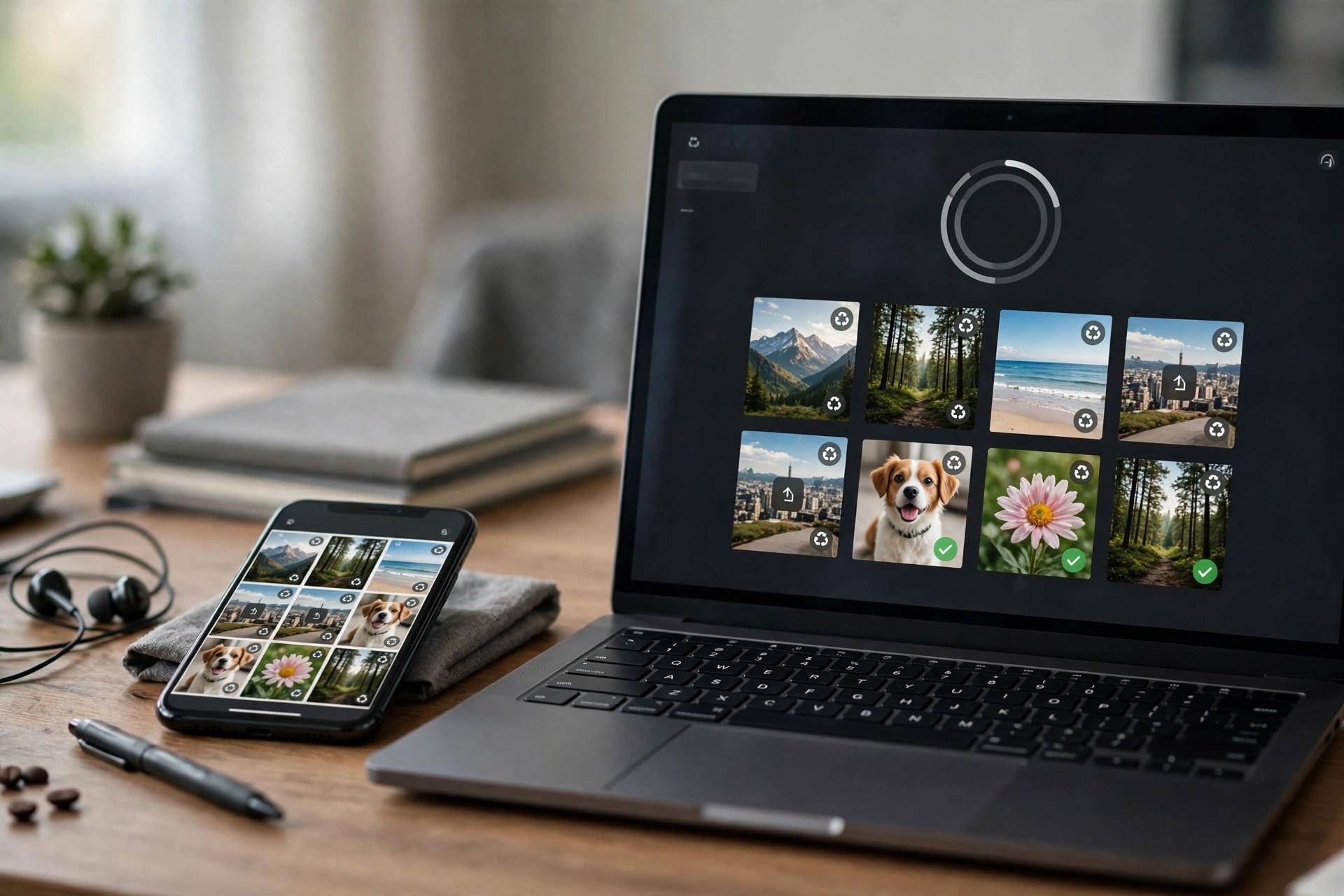
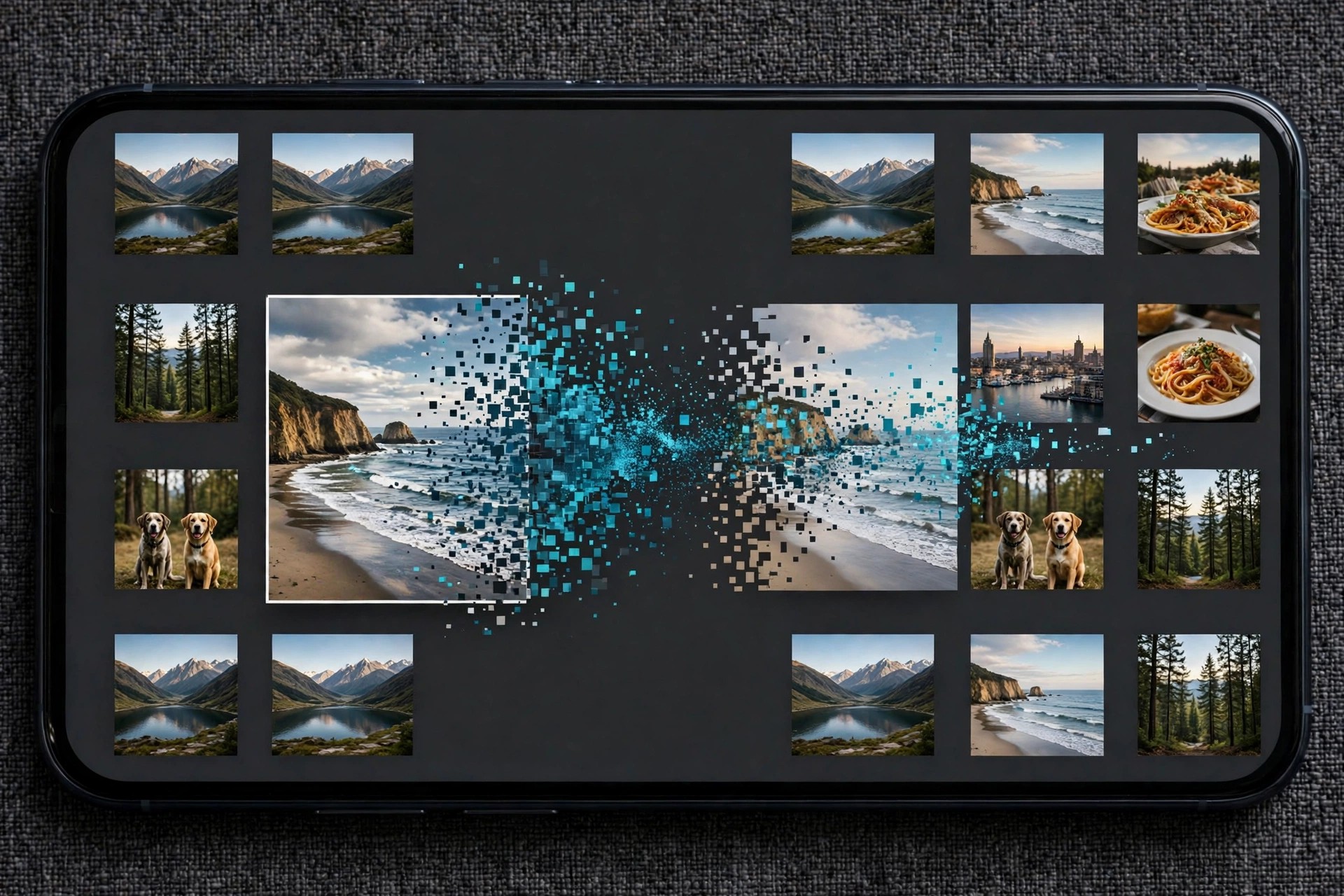
    Aiseesoft HEIC Converter for Mac solves a familiar problem: photos taken on an iPhone are saved in Apple's HEIC format, which many websites, older programs and non-Apple devices still cannot open. This focused tool converts HEIC and HEIF images into JPG or PNG files that work almost everywhere.

    It is designed for anyone who regularly moves iPhone or iPad photos to a Mac and needs them in a standard format for editing, sharing, uploading or printing. Conversion happens locally on your Mac, and your original HEIC files are left untouched.

    Key Features

    • Install the app, add your HEIC photos, choose JPG or PNG, and click convert.
    • Is HEIC Converter free?
      The free trial lets you convert a limited number of photos (10 images) so you can check the quality first. Converting without limits requires a paid licence.

      Does conversion delete my original photos?
      No. The converter creates new JPG or PNG copies in the folder you choose, and your original HEIC files stay exactly as they were.


  • Aiseesoft HD Converter 9.2.26 for Mac

    Aiseesoft HD Converter 9.2.26 for Mac

    Aiseesoft HD Converter 9.2.26 for Mac

    Aiseesoft HD Converter 9.2.26 for Mac

    Mac Video
    Updated Nov 4, 2026
    Mac Video • Updated Nov 4, 2026

    Aiseesoft HD Converter for Mac is a video conversion tool built for high-definition footage. It converts HD and 4K video, as well as standard-definition files, into widely supported formats such as MP4, MOV, AVI, MKV and WMV, so your clips play correctly on your Mac, phone, tablet, TV or editing software.

    It suits anyone working with camera, camcorder or downloaded footage in formats like MTS, M2TS, TS, MOD, TOD and MXF that other apps refuse to open. You add your files, pick an output format or device preset, and convert while keeping the picture quality as close to the original as possible.

    Key Features

    • Convert HD and 4K video, plus regular SD video, between popular formats including MP4, MOV, AVI, MPEG, MKV and WMV
    • Handles camcorder formats such as M2TS, MTS, TS, MOD, TOD and MXF/P2 MXF
    • Convert video down from 4K or HD, or between HD formats, without a complicated workflow
    • Basic editing controls to adjust brightness, contrast, saturation, hue and volume, and improve interlaced video
    • Batch conversion, so a whole folder of clips can be processed in one run

    How to Download

    1. Open the Aiseesoft HD Converter page and confirm the Mac system requirements for your macOS version.
    2. Install the app, add your video files, select an output format, and start the conversion.

    Is HD Converter free?
    It is a paid program with a free trial download, so you can test conversions on your own footage first. Full use requires a licence from Aiseesoft.

    Will converting reduce my video quality?
    Converting between formats always re-encodes the video, but choosing the same resolution and a high-quality preset keeps any difference minimal and usually unnoticeable in normal viewing.

  • Aiseesoft FoneTrans 9.3.16 for Mac

    Aiseesoft FoneTrans 9.3.16 for Mac

    Aiseesoft FoneTrans 9.3.16 for Mac

    Aiseesoft FoneTrans 9.3.16 for Mac

    Mac Utilities
    Updated Nov 4, 2026
    Mac Utilities • Updated Nov 4, 2026

    Aiseesoft FoneTrans for Mac is an iOS transfer and management tool that moves files between your iPhone, iPad or iPod and your Mac without forcing you through iTunes syncing. It is a practical option when you want to copy photos off a full phone, add music to a device, or move content to a new iPhone.

    Instead of an all-or-nothing sync, FoneTrans lets you browse what is on the device and transfer only the items you pick, in either direction. That makes it handy for quick backups of important data and for keeping your media library organised.

    Key Features

    • Transfer photos, music, videos, contacts, messages, notes, calendars, eBooks and call logs
    • Move files between iOS devices, from iOS to Mac, from Mac to iOS, and between a device and iTunes
    • Export text messages and MMS from iPhone to Mac as CSV, HTML or TXT files
    • Manage playlists and podcasts, and back up contacts in CSV or vCard format
    • Built-in extras include a ringtone maker and a HEIC to JPG/PNG converter

    How to Download

    1. Visit the Aiseesoft website and open the Mac FoneTrans product page to check macOS compatibility.
    2. Install the app, connect your iPhone or iPad with a USB cable, and choose the files you want to transfer.

    Is FoneTrans free?
    FoneTrans is paid software with a free trial. The trial limits how many files you can transfer, and a licence unlocks full, unlimited transfers.

    Does it replace iTunes completely?
    For everyday file transfer and device content management, yes, most users will not need iTunes. Some system-level tasks, such as firmware restores, still require Apple's own tools.

  • Aiseesoft FoneLab 10.6.28 for Mac

    Aiseesoft FoneLab 10.6.28 for Mac

    Aiseesoft FoneLab 10.6.28 for Mac

    Aiseesoft FoneLab 10.6.28 for Mac

    Mac Utilities
    Updated Nov 4, 2026
    Mac Utilities • Updated Nov 4, 2026

    Aiseesoft FoneLab 10.6.28 for Mac is an iOS data recovery tool for the moments an iPhone or iPad loses something important: a deleted message thread, photos removed by accident, or contacts lost after a failed update. It scans the device itself, or an iTunes or iCloud backup, and lets you preview recoverable items before restoring them.

    It suits everyday iPhone and iPad owners rather than repair technicians. You connect the device to your Mac, scan, and choose what to bring back, either onto the computer or directly to the device. Existing data on the phone is kept intact while the missing items are recovered.

    Key Features

    • Recovers photos, messages, contacts, call history, notes, calendars and WhatsApp data
    • Three recovery sources: the iOS device, iTunes backups and iCloud backups
    • Preview photos, messages and contacts before choosing what to restore
    • Restore selected items without wiping or overwriting current device data
    • Supports recent iPhone, iPad and iPod touch models and current iOS versions

    How to Download

    1. Stop using the iPhone or iPad heavily, so new data does not overwrite what you lost.
    2. Start your download from the official site: Download from the official site
    3. Install the app, connect your device or pick a backup, scan and preview what can be recovered.

    Is Aiseesoft FoneLab free?
    The download and scan are offered as a free trial, so you can preview what is recoverable on your device or backup first. Restoring the data requires a paid licence.

    Can it recover data with no backup?
    Often, yes, by scanning the device directly, as long as the deleted data has not been overwritten. A backup gives the best odds, so try the device scan quickly and avoid installing new apps meanwhile.

  • Aiseesoft FoneLab for Android 5.0.62 for Mac

    Aiseesoft FoneLab for Android 5.0.62 for Mac

    Aiseesoft FoneLab for Android 5.0.62 for Mac

    Aiseesoft FoneLab for Android 5.0.62 for Mac

    Mac Utilities
    Updated Nov 4, 2026
    Mac Utilities • Updated Nov 4, 2026

    Aiseesoft FoneLab for Android for Mac is a data recovery tool that helps you get back files lost from an Android phone or tablet using your Mac. If you have deleted photos by mistake, lost text messages after a system problem, or cleared contacts and call history you still need, the program scans the device and shows what can still be recovered.

    It is made for everyday Android users rather than technicians. You connect the phone to your Mac, run a scan, preview the results, and then choose exactly which items to save back to your computer instead of restoring everything blindly.

    Key Features

    • Recover deleted photos, videos, music and documents from Android phones, tablets and SD cards
    • Restore text messages, message attachments, contacts and call history, including WhatsApp data
    • Preview found files before recovery so you only save the items you actually need
    • Works with popular Android brands such as Samsung, Huawei, Sony, LG, HTC and Xiaomi
    • Also useful for backing up existing Android data to your Mac for safekeeping

    How to Download

    1. Check that your Mac meets the system requirements listed on the Aiseesoft product page.
    2. Start your download from the official site: Download from the official site
    3. Open the downloaded installer, install the app, then connect your Android device with a USB cable to scan it.

    Is FoneLab for Android free?
    No. It is paid software with a free trial download. The trial lets you scan your device and preview recoverable files, and a licence is needed to complete the recovery.

    Can it recover data after a factory reset?
    Recovery depends on whether the data has been overwritten. Stop using the phone as soon as possible and scan it promptly, because new data written to the storage reduces the chance of a successful recovery.

  • Aiseesoft FoneEraser 1.0.22 for Mac

    Aiseesoft FoneEraser 1.0.22 for Mac

    Aiseesoft FoneEraser 1.0.22 for Mac

    Aiseesoft FoneEraser 1.0.22 for Mac

    Mac Utilities
    Updated Nov 4, 2026
    Mac Utilities • Updated Nov 4, 2026

    Aiseesoft FoneEraser 1.0.22 for Mac is a privacy tool for anyone selling, trading in or handing down an iPhone, iPad or iPod touch. A normal factory reset can leave traces that recovery software may dig up; FoneEraser overwrites the storage so messages, photos, contacts, accounts and settings are erased permanently.

    You connect the iOS device to your Mac, choose how thorough the wipe should be, and let the app do the rest. It can erase more than one connected device, which is handy for families or small businesses clearing several handsets at once. Back up anything you still need first, because the process cannot be undone.

    Key Features

    • Permanently erases messages, photos, contacts, call history, notes and app data
    • Three erasing levels: one, two or three overwrite passes for speed or maximum security
    • Wipes iPhone, iPad and iPod touch, including several devices connected at once
    • Also clears junk and temporary files to free up space without a full erase
    • Simple connect, choose a level and erase workflow with a clear progress display

    How to Download

    1. Back up the iOS device first if there is anything on it you still need.
    2. Start your download from the official site: Download from the official site
    3. Install the app, connect your device by cable, pick an erasing level and start the wipe.

    Is Aiseesoft FoneEraser free?
    It is paid software with a free trial download. The trial is limited, and a licence is required to complete a full permanent erase of a device.

    Can erased data be recovered afterwards?
    That is the point of the tool: after overwriting, data should not be recoverable, even with recovery software. Treat every erase as final and double-check your backup before you begin.

  • Aiseesoft FilmAi 1.0.6 for Mac

    Aiseesoft FilmAi 1.0.6 for Mac

    Aiseesoft FilmAi 1.0.6 for Mac

    Aiseesoft FilmAi 1.0.6 for Mac

    Mac Video
    Updated Nov 4, 2026
    Mac Video • Updated Nov 4, 2026

    Aiseesoft FilmAi 1.0.6 for Mac is an AI video enhancer for footage that looks dated, soft or noisy: old family recordings, low-resolution downloads and clips shot in poor light. Instead of manual colour and sharpening work, you pick an AI model matched to the problem and the app processes the video for you.

    FilmAi is part of Aiseesoft's evolving AI enhancer line, which the company also markets under its video enhancer and newer VidHex branding, so the official page linked here is Aiseesoft's enhancer page. The workflow stays simple: import a clip, choose a model, preview the result and export at a higher resolution.

    Key Features

    • AI upscaling of SD and HD video up to 4K, with 8K output on supported plans
    • Specialised models for faces, anime, general footage and detail restoration
    • Denoise model for grainy, low-light recordings and a colourise model for black-and-white video
    • Frame interpolation and SDR-to-HDR conversion on supported models
    • Works with common formats including MP4, MOV, MKV and AVI

    How to Download

    1. Check the enhancer page for current Mac system requirements, since AI processing is demanding.
    2. Start your download from the official site: Download from the official site
    3. Install the app, import a short clip and run a preview before processing a full video.

    Is Aiseesoft FilmAi free?
    No. It is paid software. The free trial is limited to a short preview of the first few seconds of a video; exporting full enhanced videos requires a paid plan.

    Can AI enhancement create real detail?
    It can make footage look noticeably cleaner and sharper, but it reconstructs likely detail rather than recovering what was never recorded. Results vary a lot with the quality of the source clip.

  • Aiseesoft DVD Creator 5.2.38 for Mac

    Aiseesoft DVD Creator 5.2.38 for Mac

    Aiseesoft DVD Creator 5.2.38 for Mac

    Aiseesoft DVD Creator 5.2.38 for Mac

    Mac Video
    Updated Nov 4, 2026
    Mac Video • Updated Nov 4, 2026

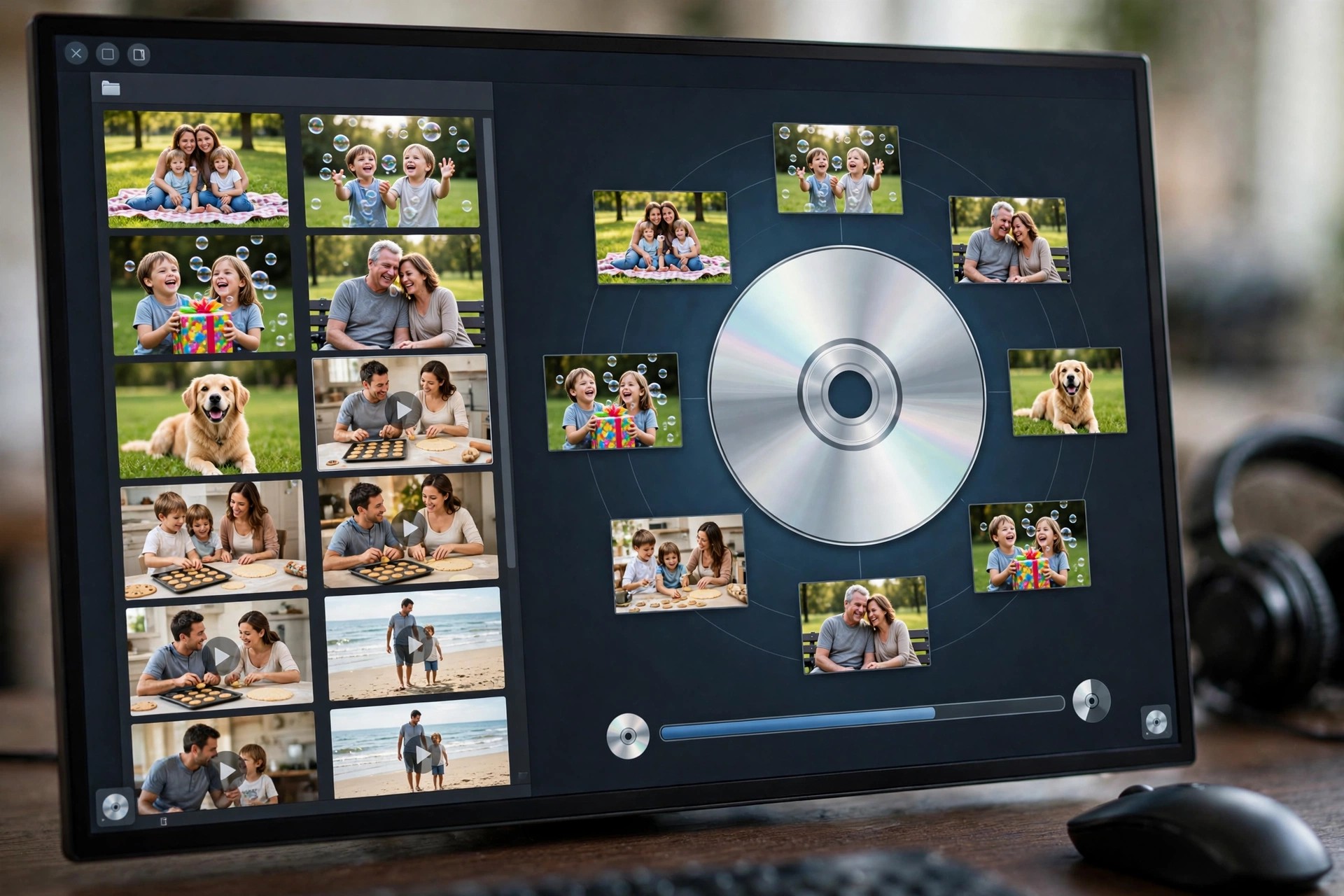
    Aiseesoft DVD Creator 5.2.38 for Mac turns video files stored on your Mac into proper DVDs that play in a standard DVD player. It is made for people archiving family footage, weddings and travel videos, or anyone who still shares video with relatives whose main screen is a television rather than a computer.

    You add your clips, choose or customise a menu, and burn to a DVD disc, a DVD folder or an ISO image. Light editing is built in, so clips can be trimmed and tidied up, and subtitles and extra audio tracks added, before anything is committed to disc.

    Key Features

    • Burns MP4, MOV, MKV, AVI, FLV and many other formats to DVD disc, folder or ISO
    • Customisable DVD menus with templates, background music and your own titles
    • Add subtitle files and multiple audio tracks to a single DVD
    • Built-in editing to trim, crop, adjust effects and add watermarks
    • Supports DVD-5 and DVD-9 discs and common recordable DVD formats

    How to Download

    1. Check that your Mac has access to a DVD burner, built in or external, if you want physical discs.
    2. Start your download from the official site: Download from the official site
    3. Install the app, add your videos, pick a menu template and burn to disc or save an ISO image.

    Is Aiseesoft DVD Creator free?
    No. It is paid software with a free trial download. The trial lets you build a project and test the workflow, and a licence is needed for unrestricted burning.

    Can I burn videos downloaded from the internet?
    You can add common video formats from your own files, but only burn content you own or have the rights to use. The app does not download videos from streaming sites for you.

  • Aiseesoft Data Recovery 1.8.32 for Mac

    Aiseesoft Data Recovery 1.8.32 for Mac

    Aiseesoft Data Recovery 1.8.32 for Mac

    Aiseesoft Data Recovery 1.8.32 for Mac

    Mac Utilities
    Updated Nov 4, 2026
    Mac Utilities • Updated Nov 4, 2026

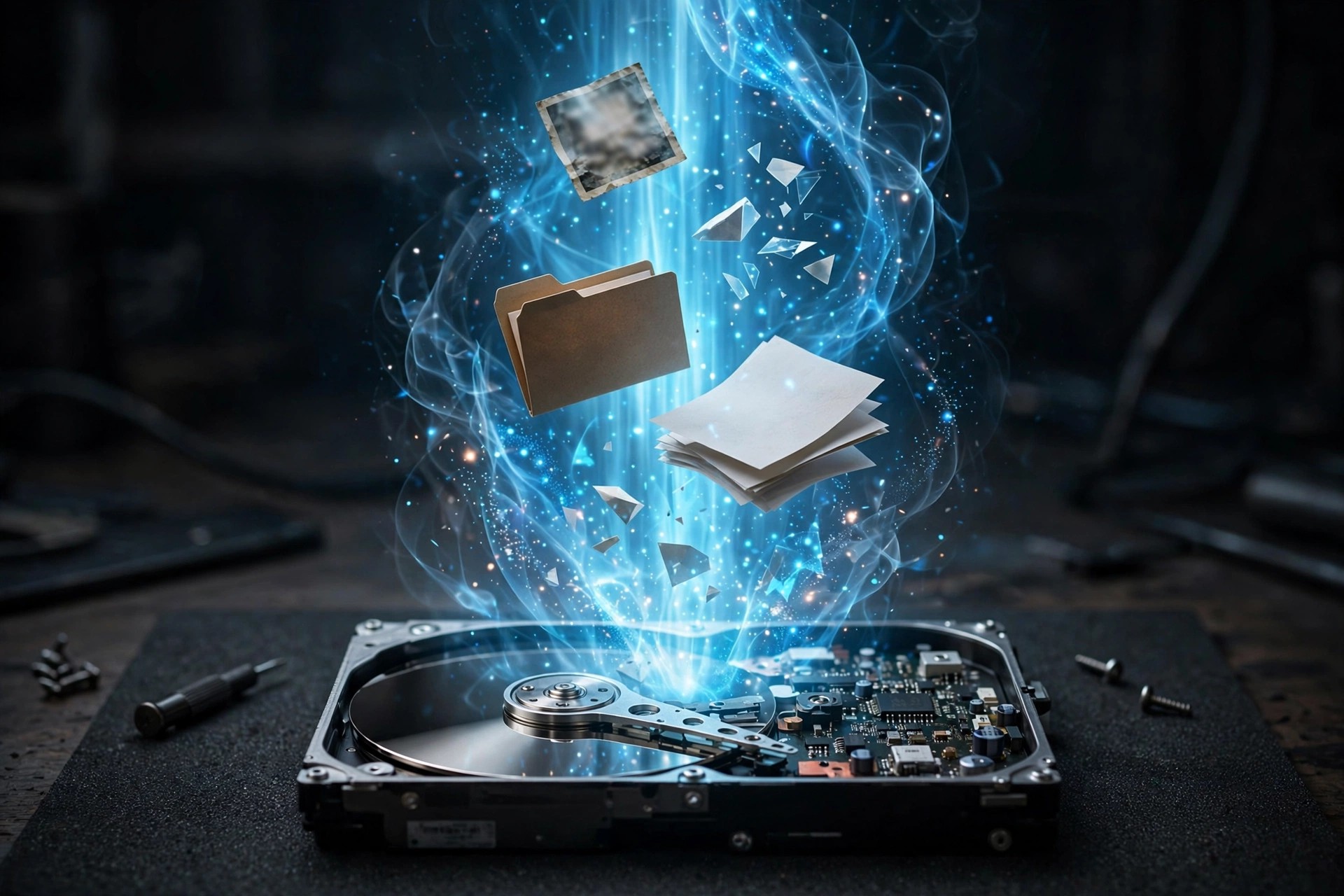
    Aiseesoft Data Recovery 1.8.32 for Mac is a file recovery tool for files lost through accidental deletion, an emptied Trash, a formatted drive or a system crash. It scans your Mac's internal drive as well as external hard drives, USB sticks, memory cards and cameras, then lets you preview what it finds before restoring anything.

    It is built for everyday users facing a lost folder of photos, documents or work files, not for forensic specialists. As with all recovery software, results depend on the drive: files that have already been overwritten by new data usually cannot be brought back, so scanning sooner gives the best chance.

    Key Features

    • Recovers photos, videos, audio, documents, emails and archives
    • Scans internal drives, external disks, USB drives, SD cards and cameras
    • Handles deletion, formatting, partition problems and system crashes
    • Quick scan and deeper scan modes, with filters to find files faster
    • Preview found files before recovery, and restore them to a different drive

    How to Download

    1. Stop writing new files to the drive you lost data from, to avoid overwriting it.
    2. Start your download from the official site: Download from the official site
    3. Install the app, run a scan of the affected drive, preview the results and save recovered files somewhere else.

    Is Aiseesoft Data Recovery free?
    The download and scan are offered as a free trial, so you can see which files are recoverable first. Actually restoring files in the full version requires a paid licence.

    Can it guarantee my files will come back?
    No recovery tool can guarantee that. If the space your deleted files occupied has been reused, they are gone for good. Scan as early as possible and never recover files onto the same drive.

  • Aiseesoft Blu-ray Player 6.6.60 for Mac

    Aiseesoft Blu-ray Player 6.6.60 for Mac

    Aiseesoft Blu-ray Player 6.6.60 for Mac

    Aiseesoft Blu-ray Player 6.6.60 for Mac

    Mac Video
    Updated Nov 4, 2026
    Mac Video • Updated Nov 4, 2026

    Aiseesoft Blu-ray Player 6.6.60 for Mac fills a gap Apple never closed: macOS has no built-in Blu-ray playback. Connect an external Blu-ray drive to your Mac, and this player handles commercial and homemade discs, Blu-ray folders and ISO images, with disc menus, chapter navigation and subtitle and audio track selection.

    It is aimed at film collectors who still own Blu-ray libraries and want proper playback on a Mac screen or a connected display, rather than ripping every disc first. Alongside discs, it doubles as a general media player for DVDs and everyday video files, including 4K material.

    Key Features

    • Plays Blu-ray discs from any region, plus Blu-ray folders and ISO files
    • Full disc menu support with chapters, subtitles and multiple audio tracks
    • Playback up to 4K UHD, with lossless DTS-HD Master Audio and Dolby TrueHD passthrough
    • Also plays DVDs and common video formats such as MP4, MKV and MOV
    • Screenshot capture and on-screen controls for picture and sound adjustments

    How to Download

    1. Make sure you have an external USB Blu-ray drive, since Macs do not include one.
    2. Start your download from the official site: Download from the official site
    3. Install the player, connect the drive, insert a disc and choose Open Disc to start watching.

    Is Aiseesoft Blu-ray Player free?
    No. It is paid software, offered with a free trial download so you can test playback with your own drive and discs. A licence is required for continued full use.

    Does it work without a Blu-ray drive?
    Yes, for files. The player opens Blu-ray folders and ISO images stored on your Mac, and plays DVDs and regular video files, none of which need a Blu-ray drive.