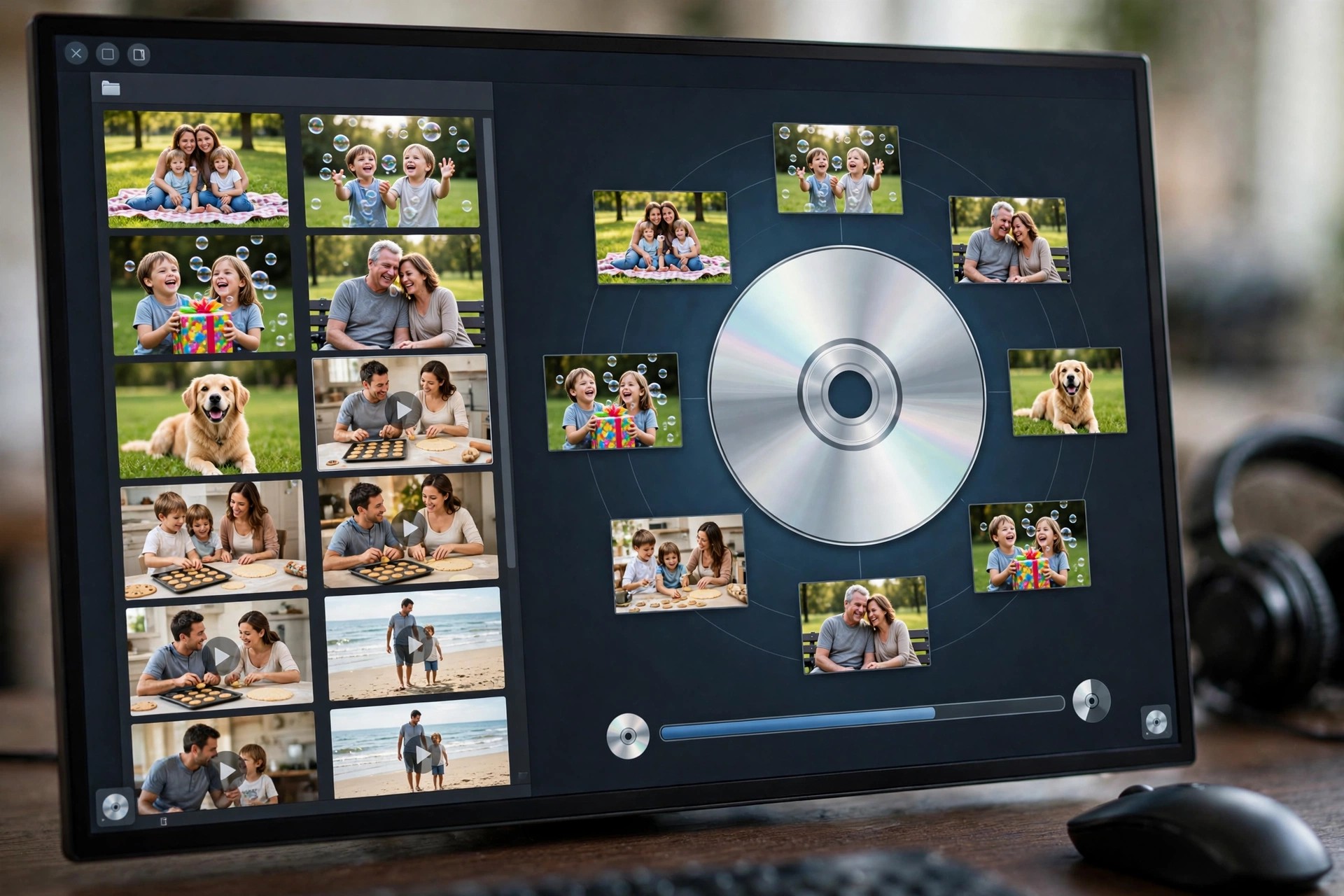
Aiseesoft DVD Creator 5.2.38 for Mac
Mac VideoAiseesoft DVD Creator 5.2.38 for Mac turns video files stored on your Mac into proper DVDs that play in a standard DVD player. It is made for people archiving family footage, weddings and travel videos, or anyone who still shares video with relatives whose main screen is a television rather than a computer.
You add your clips, choose or customise a menu, and burn to a DVD disc, a DVD folder or an ISO image. Light editing is built in, so clips can be trimmed and tidied up, and subtitles and extra audio tracks added, before anything is committed to disc.
Key Features
- Burns MP4, MOV, MKV, AVI, FLV and many other formats to DVD disc, folder or ISO
- Customisable DVD menus with templates, background music and your own titles
- Add subtitle files and multiple audio tracks to a single DVD
- Built-in editing to trim, crop, adjust effects and add watermarks
- Supports DVD-5 and DVD-9 discs and common recordable DVD formats
How to Download
- Check that your Mac has access to a DVD burner, built in or external, if you want physical discs.
- Start your download from the official site: Download from the official site
- Install the app, add your videos, pick a menu template and burn to disc or save an ISO image.
Is Aiseesoft DVD Creator free?
No. It is paid software with a free trial download. The trial lets you build a project and test the workflow, and a licence is needed for unrestricted burning.
Can I burn videos downloaded from the internet?
You can add common video formats from your own files, but only burn content you own or have the rights to use. The app does not download videos from streaming sites for you.







Leave a Reply