Author: admin

  • Aiseesoft Mac Screen Recorder 2.1.32 for Mac

    Aiseesoft Mac Screen Recorder 2.1.32 for Mac

    Aiseesoft Mac Screen Recorder 2.1.32 for Mac

    Aiseesoft Mac Screen Recorder 2.1.32 for Mac

    Mac Video
    Updated Nov 4, 2026
    Mac Video • Updated Nov 4, 2026

    Aiseesoft Mac Screen Recorder 2.1.32 for Mac records whatever happens on your Mac screen, together with system sound, microphone narration and webcam video if you want it. It is built for capturing online meetings, classes, tutorials, gameplay and video calls in clear quality, without complicated setup or a steep learning curve.

    It suits teachers, trainers, support teams, creators and anyone who needs to show rather than describe something on screen. You can record the full screen or just a selected area or window, add annotations while recording, and save the result in popular formats such as MP4. It is a paid Aiseesoft product with a free trial that limits recording length.

    Key Features

    • Record full screen, a custom area, a window, webcam, or all together
    • Capture system audio and microphone voice at the same time
    • Real-time drawing, text and annotation tools while you record
    • Save recordings in formats including MP4, MOV and GIF, plus snapshots
    • Scheduled recording and hotkeys for quick, hands-free control

    How to Download

    1. Download from the official site
    2. Install the recorder on your Mac, grant the screen and microphone permissions macOS asks for, then pick your recording area.
    3. Record a short test in the free trial, and buy a licence for unlimited recording time.

    Is Mac Screen Recorder free?
    No. There is a free trial, but it limits how long you can record. A paid licence removes that limit and unlocks the full feature set.

    Can it record audio as well as video?
    Yes. It can capture system sound, microphone input, or both alongside the screen, and it also offers an audio-only recording mode.


  • Aiseesoft Mac PDF to Word Converter 3.3.12 for Mac

    Aiseesoft Mac PDF to Word Converter 3.3.12 for Mac

    Aiseesoft Mac PDF to Word Converter 3.3.12 for Mac

    Aiseesoft Mac PDF to Word Converter 3.3.12 for Mac

    Mac Business
    Updated Nov 4, 2026
    Mac Business • Updated Nov 4, 2026

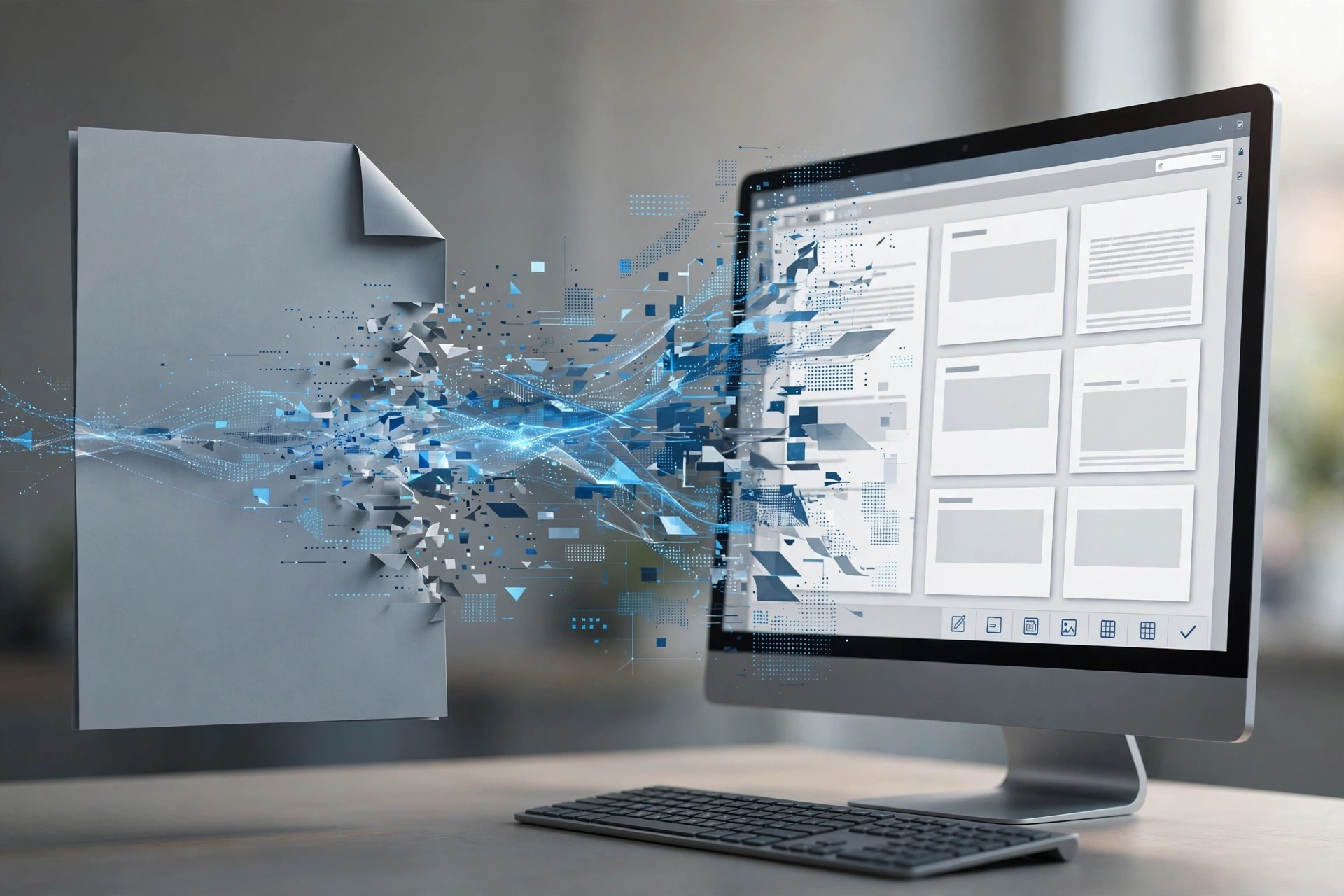
    Aiseesoft Mac PDF to Word Converter 3.3.12 for Mac converts PDF files into editable Microsoft Word documents in DOCX format, as well as RTF and plain text. It works to carry over the original text, images, graphics, layout and formatting, so the Word file you get looks like the PDF you started with, but can finally be edited.

    It is for Mac users who need to reuse contracts, reports, forms and articles that only exist as PDFs, without retyping them or rebuilding the layout by hand. OCR support covers scanned PDFs in many languages. This older standalone Mac tool appears to have been folded into Aiseesoft's current PDF Converter line, which includes the same PDF to Word function. It is paid software with a free trial.

    Key Features

    • Convert PDF to editable Word DOCX, RTF and text documents
    • Aims to preserve text, images, graphics, layout and formatting
    • OCR technology recognises scanned PDFs in over 190 languages
    • Batch mode and page-range selection for partial conversions
    • Handles password-protected PDFs once you enter the password

    How to Download

    1. Download from the official site
    2. On Aiseesoft's current PDF converter page, download the Mac trial, install it and add your PDF file.
    3. Choose Word as the output, check the result in the free trial, and buy a licence for full use.

    Is Mac PDF to Word Converter free?
    No. It is a paid program with a free trial. You can test a conversion in the trial, and a licence unlocks unrestricted converting.

    Can it convert a scanned PDF?
    Yes. Its OCR feature is built to recognise text in image-based and scanned PDFs, so the resulting Word document contains editable text rather than a picture of a page.

  • Aiseesoft Mac PDF to Excel Converter 3.3.20 for Mac

    Aiseesoft Mac PDF to Excel Converter 3.3.20 for Mac

    Aiseesoft Mac PDF to Excel Converter 3.3.20 for Mac

    Aiseesoft Mac PDF to Excel Converter 3.3.20 for Mac

    Mac Business
    Updated Nov 4, 2026
    Mac Business • Updated Nov 4, 2026

    Aiseesoft Mac PDF to Excel Converter 3.3.20 for Mac does one job well: it turns PDF files, especially reports and documents built around tables, into editable Microsoft Excel spreadsheets in XLS or XLSX format. Instead of retyping figures locked inside a PDF, you convert the file and get rows, columns and values you can sort, calculate and reuse.

    It is made for Mac users in finance, administration, research and small business who receive statements, price lists and data tables as PDFs. OCR support means scanned documents can also be processed, not just digitally created PDFs. The standalone Mac version appears to have been folded into Aiseesoft's current PDF Converter line, which offers the same PDF to Excel conversion, and it is paid software with a free trial.

    Key Features

    • Convert PDF documents to editable Excel XLS and XLSX files
    • Designed to preserve table structure, values and formatting
    • OCR technology for scanned, image-based PDFs
    • Batch conversion to process several PDFs at the same time
    • Convert all pages, or only a selected page range

    How to Download

    1. Download from the official site
    2. On Aiseesoft's current PDF converter page, download the Mac trial, install it and add your PDF.
    3. Choose Excel as the output, test the result in the free trial, and buy a licence for full conversions.

    Is Mac PDF to Excel Converter free?
    No. It is a paid converter with a free trial download. The trial is for testing, and a paid licence is needed for unrestricted use.

    Will my tables stay in order?
    That is the point of the tool: it aims to keep the PDF's table layout in the Excel output. Complex merged cells or scanned pages may still need a quick manual check.

  • Aiseesoft Mac PDF Converter 3.3.11 for Mac

    Aiseesoft Mac PDF Converter 3.3.11 for Mac

    Aiseesoft Mac PDF Converter 3.3.11 for Mac

    Aiseesoft Mac PDF Converter 3.3.11 for Mac

    Mac Business
    Updated Nov 4, 2026
    Mac Business • Updated Nov 4, 2026

    Aiseesoft Mac PDF Converter 3.3.11 for Mac converts PDF documents into editable files you can actually work with, including Word, Excel, PowerPoint, ePub, HTML, text and common image formats. It aims to keep the original text, images, layout and formatting intact, so a converted contract, report or table does not need hours of manual cleanup.

    It is aimed at office and home users on Mac who regularly receive locked-down PDFs they need to edit, reuse or extract data from. Built-in OCR handles scanned, image-based PDFs and can recognise text in many languages. Aiseesoft sells it as a paid converter with a free trial download, so you can test a conversion before buying.

    Key Features

    • Convert PDF to Word, Excel, PowerPoint, HTML, ePub, text and images
    • Preserves original layout, fonts, images and formatting where possible
    • OCR technology recognises scanned PDFs in over 190 languages
    • Batch conversion and page-range selection to convert only what you need
    • Standalone Mac app — no Adobe Acrobat or Reader install required

    How to Download

    1. Download from the official site
    2. Install the converter on your Mac, add a PDF, choose your output format and page range, then convert.
    3. Use the free trial to check output quality, and buy a licence for unrestricted conversions.

    Is Mac PDF Converter free?
    No. It is a paid program with a free trial. The trial lets you test conversions, and a licence removes the trial limits.

    Can it convert scanned PDFs?
    Yes. Its OCR feature is designed to recognise text in scanned or image-based PDFs in many languages, and turn that text into editable output.

  • Aiseesoft Mac FoneTrans 9.2.6 for Mac

    Aiseesoft Mac FoneTrans 9.2.6 for Mac

    Aiseesoft Mac FoneTrans 9.2.6 for Mac

    Aiseesoft Mac FoneTrans 9.2.6 for Mac

    Mac Utilities
    Updated Nov 4, 2026
    Mac Utilities • Updated Nov 4, 2026

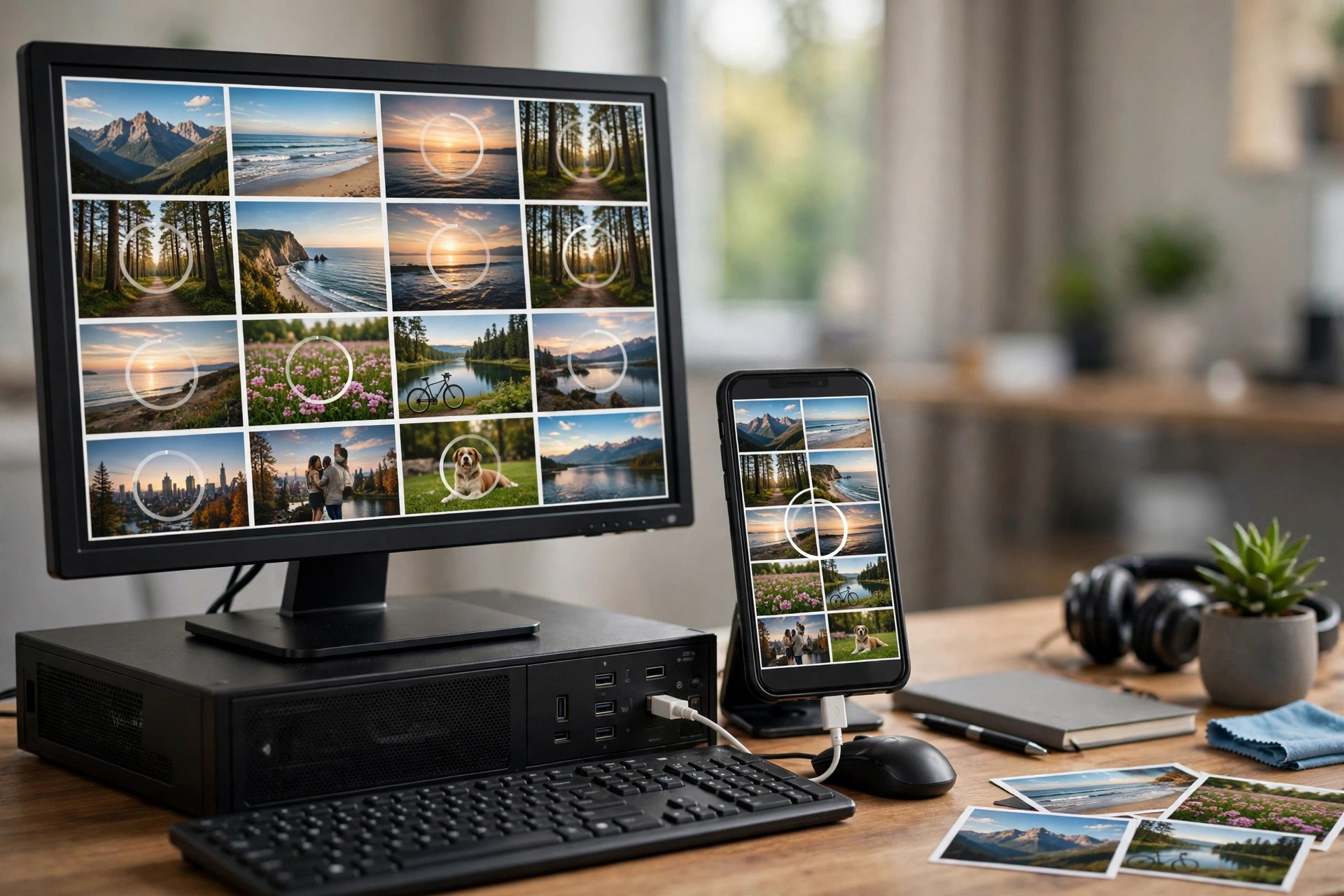
    Aiseesoft Mac FoneTrans 9.2.6 for Mac is an iOS transfer and management tool for moving data between your Mac and an iPhone, iPad or iPod touch. It was built as a more flexible alternative to a full iTunes sync: you choose exactly which photos, songs, contacts or messages to move, and in which direction, without overwriting everything else on the device.

    It suits Mac users setting up a new iPhone, backing up a photo library, or keeping music and contacts organised across devices. Files can go from Mac to iOS, from iOS to Mac, between two iOS devices, or to and from iTunes. It is a paid Aiseesoft product with a free trial that limits how much you can transfer.

    Key Features

    • Transfer photos, music, videos, contacts, messages and voice memos
    • Move files between iOS devices, Mac and iTunes in any direction
    • Export iPhone messages to Mac as CSV, HTML or TXT files
    • Create and edit playlists, and manage albums and media on the device
    • Built-in tools including a ringtone maker and HEIC photo converter

    How to Download

    1. Download from the official site
    2. Install FoneTrans on your Mac, connect your iPhone or iPad by USB and let the program detect it.
    3. Try the free trial for a small transfer, then buy a licence for unlimited transfers and full management tools.

    Is Mac FoneTrans free?
    No. There is a free trial, but it limits the number of files you can transfer. A paid licence unlocks unlimited transfers.

    Do I still need iTunes?
    You do not need to sync through iTunes to use it, and FoneTrans can also export files to iTunes. Keeping iTunes or Finder support up to date on your Mac is still recommended for device drivers.

  • Aiseesoft Mac FoneLab 10.3.18 for Mac

    Aiseesoft Mac FoneLab 10.3.18 for Mac

    Aiseesoft Mac FoneLab 10.3.18 for Mac

    Aiseesoft Mac FoneLab 10.3.18 for Mac

    Mac Utilities
    Updated Nov 4, 2026
    Mac Utilities • Updated Nov 4, 2026

    Aiseesoft Mac FoneLab 10.3.18 for Mac is Aiseesoft's iOS data recovery tool for Mac users who have lost or accidentally deleted data on an iPhone, iPad or iPod touch. Instead of accepting that a deleted photo, message thread or contact is gone for good, it scans the device, or an existing backup, and lets you preview what can still be recovered before you restore anything.

    It is made for anyone facing a failed update, a damaged screen or simple accidental deletion. You can recover directly from the device, extract data from an iTunes backup, or browse an iCloud backup, even when the device no longer works normally. It is a paid product with a free trial, so you can scan and preview first.

    Key Features

    • Recover photos, messages, contacts, call history, notes, calendars and more
    • Three recovery modes: from the iOS device, from iTunes backup and from iCloud backup
    • Preview recoverable files before restoring them to your Mac or device
    • Supports WhatsApp data, Safari bookmarks, reminders and voice memos
    • Works with iPhone, iPad and iPod touch on Mac

    How to Download

    1. Download from the official site
    2. Open the downloaded installer on your Mac, install FoneLab, then connect your iOS device or choose a backup to scan.
    3. Use the free trial to preview recoverable data, and buy a licence if you need to complete the recovery.

    Is Mac FoneLab free?
    No. It is a paid program with a free trial. The trial lets you scan and preview what can be recovered, and a paid licence is needed to restore the data.

    Can it recover data without a backup?
    In many cases, yes. It can scan the device directly, as well as iTunes and iCloud backups. Results depend on whether the deleted data has since been overwritten.

  • Aiseesoft Mac Blu-ray Player 6.6.16 for Mac

    Aiseesoft Mac Blu-ray Player 6.6.16 for Mac

    Aiseesoft Mac Blu-ray Player 6.6.16 for Mac

    Aiseesoft Mac Blu-ray Player 6.6.16 for Mac

    Mac Video
    Updated Nov 4, 2026
    Mac Video • Updated Nov 4, 2026

    Aiseesoft Mac Blu-ray Player gives your Mac something macOS does not include by default: proper Blu-ray playback. Connect an external Blu-ray drive, insert a disc, and the player handles commercial Blu-ray movies with disc menus, chapter navigation and full HD 1080p picture quality.

    It is aimed at movie fans who keep a Blu-ray or DVD collection and want to watch it on a Mac or Mac-connected display. Beyond discs, it also opens Blu-ray folders and ISO images stored on your drive, and plays regular video files including 4K, so it can serve as an everyday media player too.

    Key Features

    • Play commercial Blu-ray discs, Blu-ray folders and ISO files
    • Full HD 1080p playback with support for disc menus and chapter selection
    • High-quality audio support, including DTS-HD and Dolby TrueHD soundtracks
    • Also plays DVDs and common video formats, including 4K video files
    • Playback controls for audio tracks, subtitles and screen capture while watching

    How to Download

    1. Make sure you have an external USB Blu-ray drive if you plan to play physical discs.
    2. Start your download from the official site: Download from the official site
    3. Install the player, insert a disc or open a Blu-ray folder or ISO file, and press play.

    Is Mac Blu-ray Player free?
    It is paid software with a free trial download, so you can test playback with your own drive and discs first. A licence removes the trial limits.

    Do I need extra hardware to play Blu-ray discs?
    Yes. Macs do not include Blu-ray drives, so you need an external USB Blu-ray drive for discs. No drive is needed for Blu-ray folders, ISO files or ordinary video files already on your Mac.

  • Aiseesoft iPhone Unlocker 2.0.80 for Mac

    Aiseesoft iPhone Unlocker 2.0.80 for Mac

    Aiseesoft iPhone Unlocker 2.0.80 for Mac

    Aiseesoft iPhone Unlocker 2.0.80 for Mac

    Mac Utilities
    Updated Nov 4, 2026
    Mac Utilities • Updated Nov 4, 2026

    Aiseesoft iPhone Unlocker for Mac is a utility for regaining access to your own iPhone, iPad or iPod when you are locked out. Typical situations include a forgotten screen passcode, a device disabled after too many attempts, Face ID or Touch ID no longer working, or an old phone you want to set up as your own again.

    The program walks you through each task step by step from your Mac. Before you start, be aware that removing a screen passcode or an Apple ID erases the data on the device, so it is best treated as a way to recover a usable device, ideally with a backup you can restore afterwards.

    Key Features

    • Remove a forgotten 4-digit or 6-digit screen passcode, Touch ID and Face ID from your own iPhone or iPad
    • Remove an Apple ID from a device you own when you have forgotten the Apple ID password
    • Recover or remove a forgotten Screen Time passcode without data loss
    • Remove MDM restrictions and iTunes backup encryption settings on supported devices
    • Supports a wide range of iPhone, iPad and iPod models and recent iOS versions

    How to Download

    1. Read the notes on the Aiseesoft product page carefully, especially which modes erase device data.
    2. Start your download from the official site: Download from the official site
    3. Install the app, connect your device with a USB cable, and follow the on-screen steps for your situation.

    Is iPhone Unlocker free?
    The download is free to try, but it is paid software. The trial mainly detects your device; actually performing an unlock requires a licence.

    Will I lose my data?
    For screen passcode and Apple ID removal, yes — the device is erased during the process, as Aiseesoft states on its product page. Screen Time passcode recovery is the exception and works without data loss.

  • Aiseesoft iPhone Password Manager 1.0.16 for Mac

    Aiseesoft iPhone Password Manager 1.0.16 for Mac

    Aiseesoft iPhone Password Manager 1.0.16 for Mac

    Aiseesoft iPhone Password Manager 1.0.16 for Mac

    Mac Utilities
    Updated Nov 4, 2026
    Mac Utilities • Updated Nov 4, 2026

    Aiseesoft iPhone Password Manager for Mac helps you find the many passwords saved on your own iPhone or iPad when you can no longer remember them. Instead of digging through settings one account at a time, the program scans the device from your Mac and lists the stored credentials in organised categories.

    It is made for people who have forgotten a Wi-Fi password, need an old email or app login, or want a backup of their saved credentials before switching to a new phone. Found passwords can be viewed on screen and exported for transfer or safekeeping.

    Key Features

    • Install the app, connect your iPhone with a USB cable, tap Trust on the device, and run a scan.
    • Is iPhone Password Manager free?
      No. It is paid software with a free trial download that lets you scan your device; viewing and exporting the full results requires a licence.

      Is it safe to scan my passwords with it?
      The scan runs locally between your iPhone and your Mac, and the tool is intended for use on your own devices. Treat exported password files as highly sensitive: store them somewhere secure and delete copies you no longer need.

  • Aiseesoft iPhone Cleaner 1.0.36 for Mac

    Aiseesoft iPhone Cleaner 1.0.36 for Mac

    Aiseesoft iPhone Cleaner 1.0.36 for Mac

    Aiseesoft iPhone Cleaner 1.0.36 for Mac

    Mac Utilities
    Updated Nov 4, 2026
    Mac Utilities • Updated Nov 4, 2026

    Aiseesoft iPhone Cleaner for Mac helps you reclaim storage on an iPhone, iPad or iPod that keeps running out of space. Run from your Mac, it scans the connected device and shows how much room is taken by junk and temporary files, unused apps, unwanted photos and large files, so you can see exactly what is worth removing.

    It is useful when your phone feels slow, updates will not install for lack of space, or you are preparing a device for sale. Alongside everyday cleanup, it can back up important data to your Mac first and permanently erase content when you want a device wiped thoroughly.

    Key Features

    • Install the app, connect your iPhone with a USB cable, and run a scan to see what can be cleaned.
    • Is iPhone Cleaner free?
      It is paid software with a free trial. The trial lets you scan and preview your device data with limited functions, and a licence unlocks the full cleaning and erasing features.

      Is it safe to use on my iPhone?
      Downloaded from the official Aiseesoft site, it is a legitimate commercial tool. Because some modes permanently delete data, back up anything important to your Mac before erasing.