AnyRec DVD Creator 1.0.8 for Mac
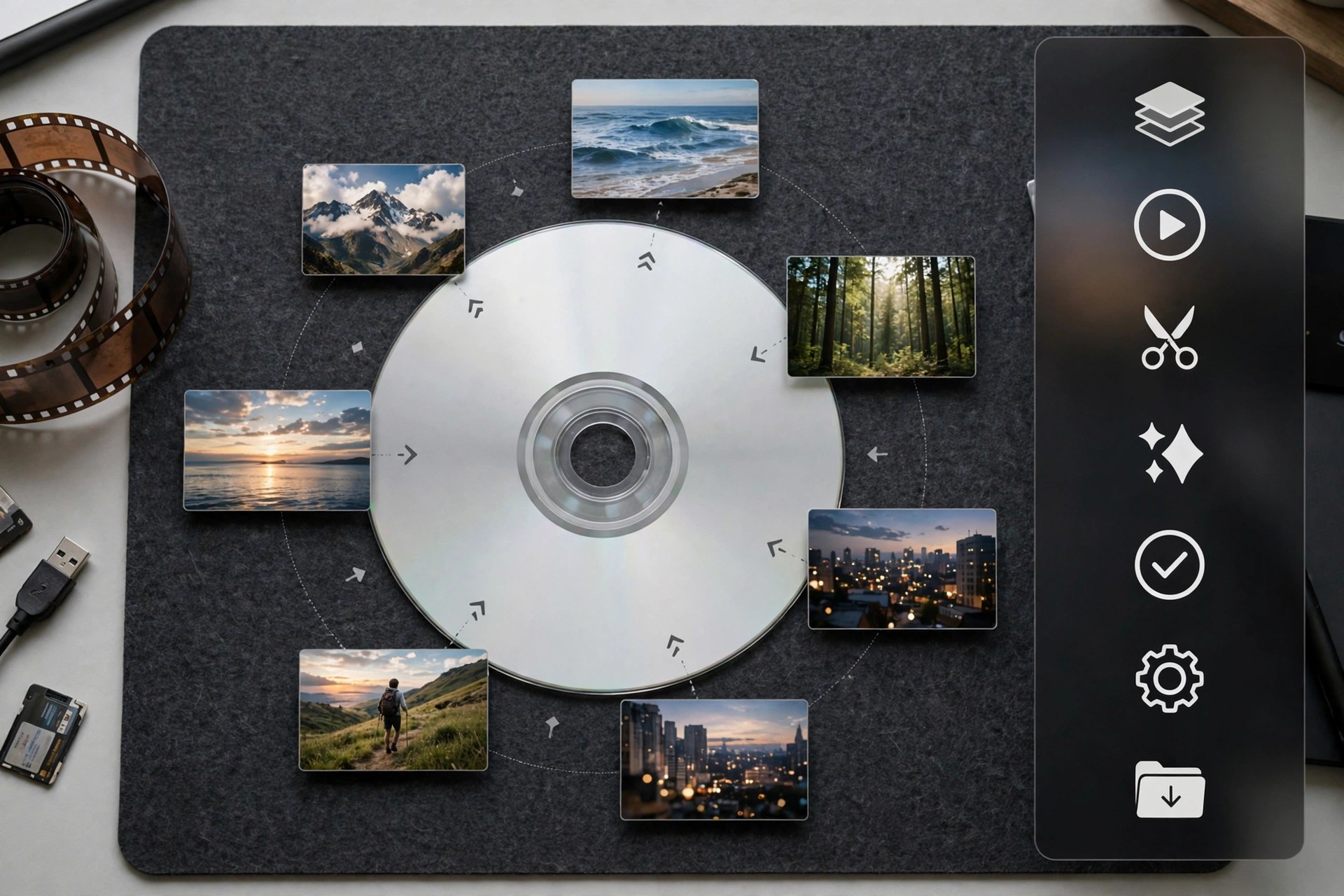
Mac VideoAnyRec DVD Creator 1.0.8 for Mac turns video files sitting on your Mac into proper DVDs you can play anywhere. It burns homemade DVDs from almost any video format — MP4, MTS, MKV, WMV, MOV and more — whether the footage came from a camera, a camcorder or a phone. For family archives, wedding films and event recordings, a well-made DVD is still the easiest way to hand someone a copy that just plays.
What lifts it above a plain burner is the authoring layer. You get free menu templates for themes like holidays, family, weddings and travel, and you can customise the menu frame, buttons, fonts, text and thumbnails, add chapters, and adjust audio tracks and subtitles. A built-in editor handles trimming, cropping, rotating, watermarks and effects before burning, and GPU acceleration keeps the burn fast while preserving quality. It is paid software with a trial available from the vendor, AnyRec — note that we could not verify a dedicated official product page for this title, so download only from AnyRec's official domain, anyrec.io, and avoid third-party download sites.
Key Features
- Burns videos from cameras, phones and camcorders to DVD in most popular formats
- Customisable DVD menus with free templates for holidays, family, weddings and travel
- Built-in editor for trimming, cropping, rotating, watermarks and video effects
- Add and merge chapters, and edit audio tracks and subtitles before burning
- GPU-accelerated burning that keeps the original video quality, with real-time menu preview
How to Download
- Visit AnyRec's official website and look for DVD Creator in its product range.
- Install the app, add your videos, choose a menu template, and burn to a blank DVD.
Which video formats can I burn?
Most common ones, including MP4, MKV, MOV, MTS, WMV, AVI and FLV, from phones, cameras and camcorders. The software converts them to DVD format as part of the burn.
Is AnyRec DVD Creator free?
It is paid software, though menu templates are included free and a trial lets you test the workflow. Avoid sites offering a cracked full version — those downloads are unauthorised and often unsafe.







Leave a Reply