AnyMP4 DVD Creator 6.2.38 for Mac
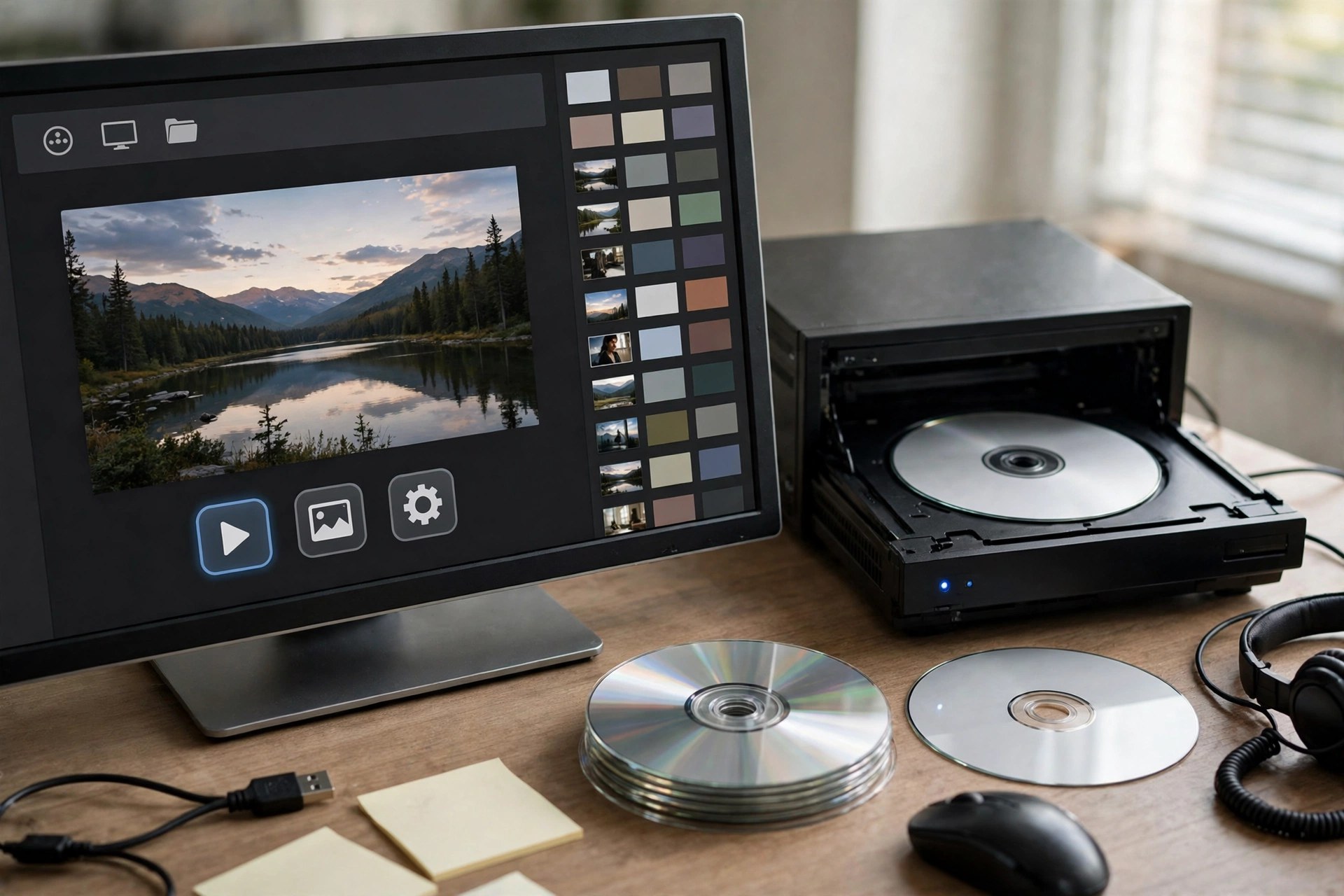
Mac VideoAnyMP4 DVD Creator for Mac works in the opposite direction from most tools on this page: it takes the video files scattered across your Mac — MP4, MOV, MKV, MTS, AVI and hundreds more — and authors them into a proper DVD or Blu-ray that plays in a standard living-room player. Output can go straight to a blank disc, or be saved as an ISO file or disc folder for burning later.
What makes the result feel finished is the menu system. Themed templates for family, travel, weddings and holidays are included, and every element is adjustable: swap in your own background photo or music, move buttons, and edit the titles. Light editing tools handle trimming, cropping, watermarks and subtitle selection before you commit. It is paid software with a free trial that lets you create a disc a few times, runs on macOS 10.9 and later, and follows NTSC and PAL standards so discs play anywhere.
Key Features
- Burns almost any video format to DVD or Blu-ray disc, ISO file or folder
- Supports DVD-5, DVD-9, DVD±R/RW and Blu-ray BD-R/BD-RE media
- Customisable menu templates with your own backgrounds, music, frames and text
- Power Tools for merging, clipping, rotating, cropping, filters and watermarks
- NTSC/PAL TV standard selection plus audio track and subtitle controls
How to Download
- Insert a blank DVD or Blu-ray disc into your Mac's drive, or plan to save an ISO first if no burner is attached.
- Start your download from the official site: Download from the official site
- Install and open the creator, add your videos, choose a menu template, and click Burn to produce the disc.
Can the finished disc play in a regular DVD player?
Yes. The creator authors a standard video DVD (or Blu-ray) with menus and chapters, and you pick NTSC or PAL to match your region's players.
What can I do on the free trial?
The trial lets you create DVDs or Blu-rays a limited number of times — AnyMP4 lists three creations — which is enough to test menus and burning before buying.







Leave a Reply