Sketch 2026.3.1 for Mac
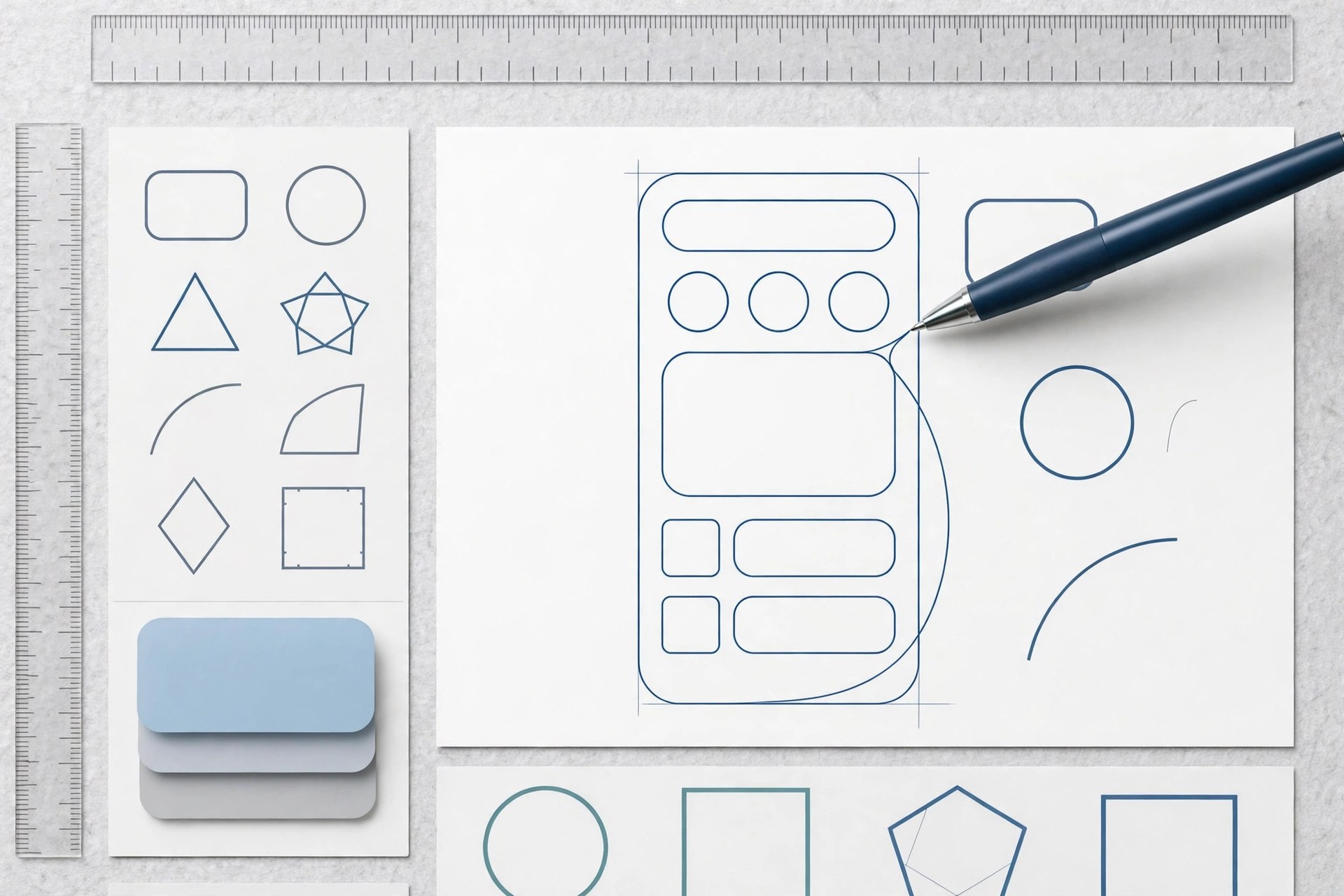
Mac UtilitiesSketch is a design app made only for the Mac. Designers use it to draw app interfaces, websites and icons with vector tools that stay sharp at any size. Work can be shared through the Sketch web app, where teammates view files, comment and inspect designs for development without needing a Mac.
Key Features
- Precise vector editing with boolean operations, corner smoothing and flexible styling controls
- Symbols and shared libraries keep buttons, menus and brand elements consistent across files
- Stacks layout arranges layers with spacing and sizing rules that adapt as content changes
- Prototyping tools link screens together, so a user flow can be played through and tested early
- Web app for sharing, comments and developer handoff, with free access for viewers
How to Download
- Download from the official site and get the current Mac app archive.
- Unzip the download and move the Sketch app into your Applications folder.
- Open Sketch, sign in or start your licence, and create your first document.
System Requirements
Sketch 2026.3.1 needs macOS 15 Sequoia or later, since the Florence line raised the minimum system. Internet is needed for sharing, library sync and updates, while local documents live on your Mac.
FAQs
Is Sketch available for Windows?
No. The design app itself runs only on macOS. Teammates on Windows can still view, comment on and inspect shared files through the Sketch web app in a browser.
Can I work on files without internet?
Yes. Local documents open and edit without a connection. Sharing, comments and cloud libraries need you online.
What licence options does Sketch offer?
Sketch sells subscriptions and a Mac only licence option. Check the official pricing page for current terms before you buy.







Leave a Reply