BlueStacks 5.21.790.7505 for Mac
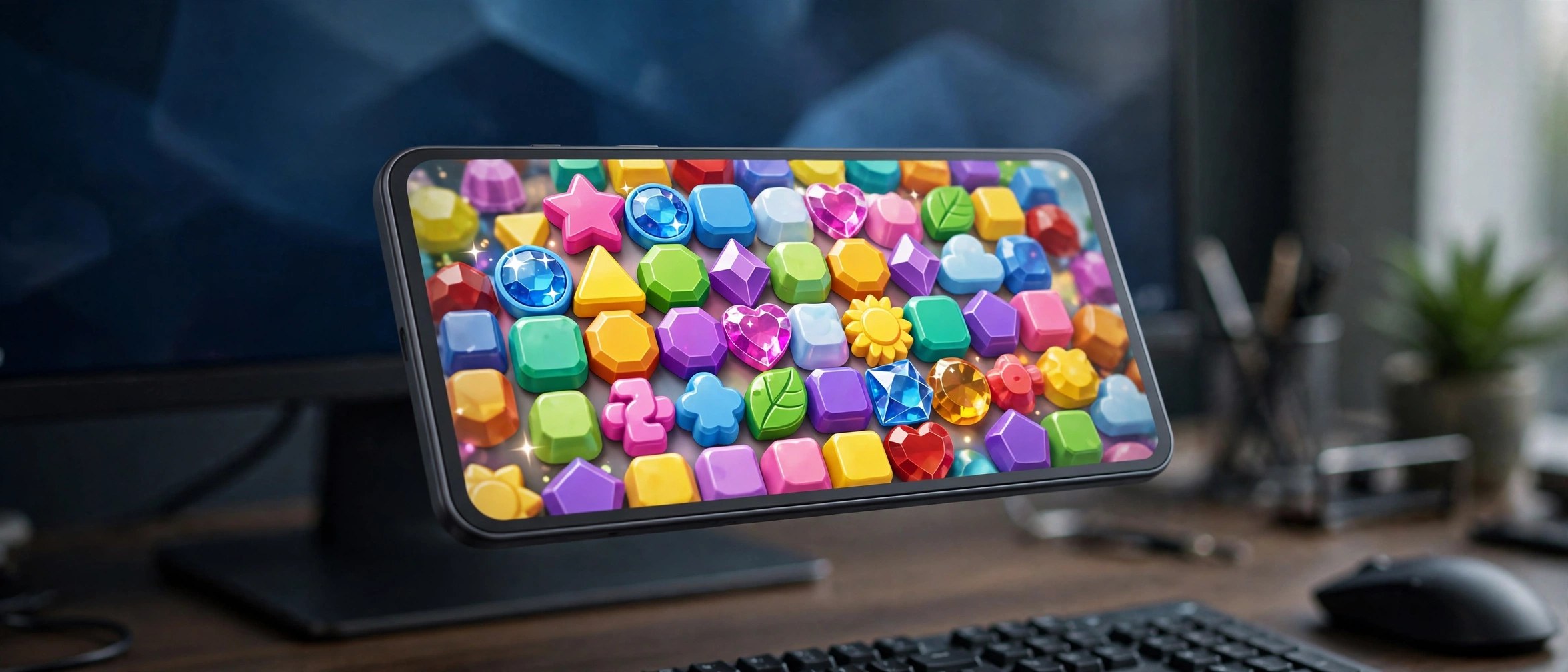
Mac UtilitiesBlueStacks lets you run Android games on your computer, and on modern Macs that experience arrives as BlueStacks Air. Built for Apple silicon, it runs games natively on M series chips with controls mapped to keyboard and trackpad. It suits players who want a larger screen and longer, more comfortable sessions.
Key Features
- Native Apple silicon support, with fast and responsive game play on modern Macs
- Controls mapped in advance to the keyboard and trackpad for popular Android games
- Retina display support, so supported games look sharp and clear on Mac screens
- Access to a wide store of Android games that install inside the player itself
- Free to use, with your Google account used for game store sign in
How to Download
- Download from the official site and get the Mac installer package.
- Open the installer file and follow the setup steps shown on your screen.
- Launch BlueStacks, sign in, and install your first game.
System Requirements
The current Mac release targets Apple silicon, so an M series chip gives the intended experience. Intel Macs may not be supported by the newest build, so check the official Mac page for your model. You also need free disk space and stable internet for downloads.
FAQs
Is BlueStacks free on Mac?
Yes. BlueStacks Air is free for Mac users. The player costs nothing, though some games offer optional purchases.
Is the Mac version the same as the Windows BlueStacks 5 line?
No. The Mac offer is BlueStacks Air, built for Apple silicon, with build numbers that differ from the Windows 5 line. Take the Mac build from the official Mac page.
Can BlueStacks run every Android app?
No. It is built mainly for games, and most popular titles run well. Some apps that depend on phone hardware may not work.







Leave a Reply