ForkLift 4.7.7 for Mac
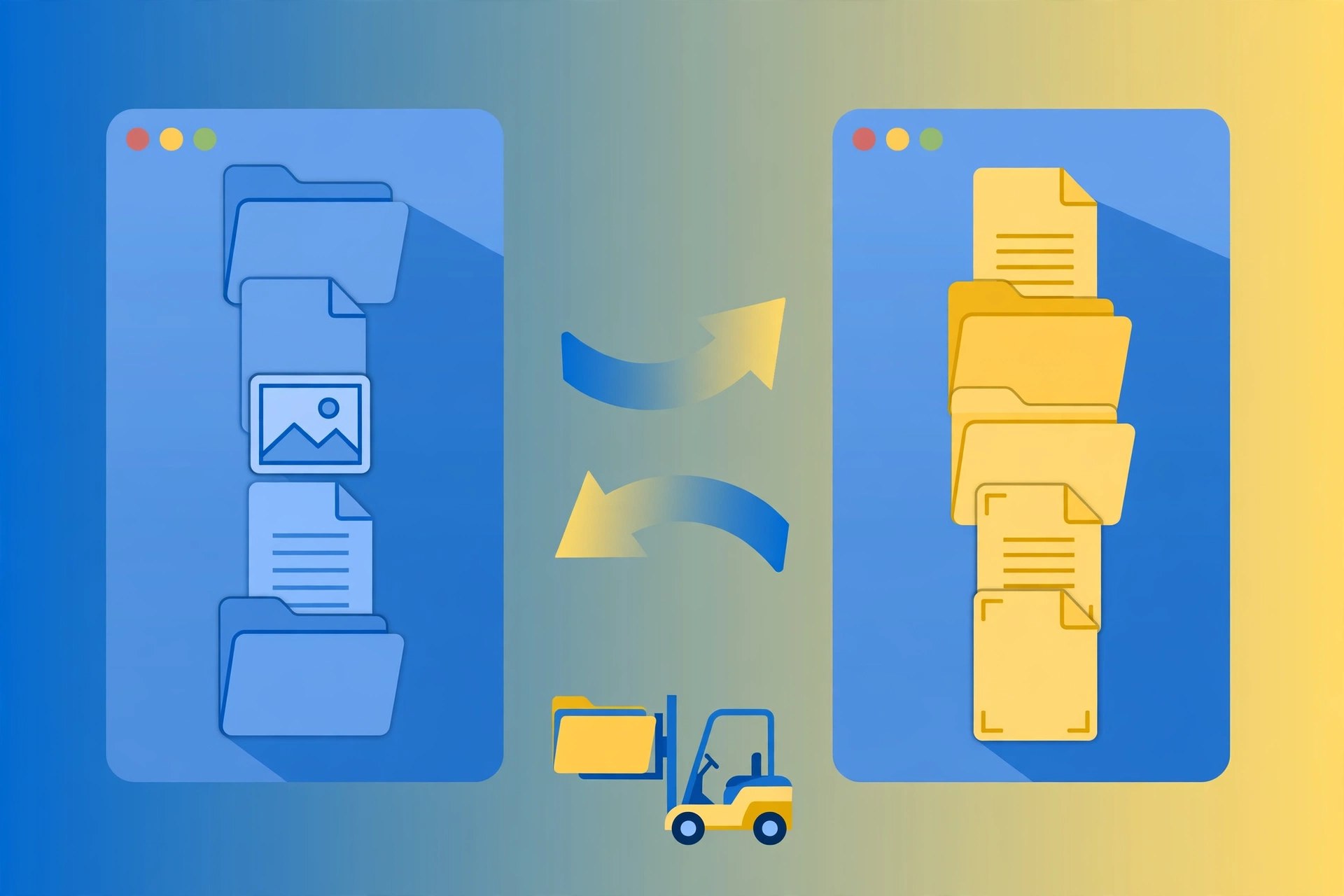
Mac UtilitiesForkLift, from BinaryNights, is the file manager many Mac power users switch to when Finder starts to feel limiting. It shows two panes side by side for fast copying, connects directly to FTP, SFTP, WebDAV and cloud storage, and adds tools like folder sync and batch renaming that Finder simply does not have.
Key Features
- Dual-pane browsing for fast file copying and moving
- Connect to FTP, SFTP, WebDAV, Amazon S3 and cloud drives
- Two-way folder sync to keep directories in step
- Batch rename, archive handling and a built-in file viewer
- Themes, favourites and a mini mode for quick transfers
How to Download
- Click the green Download button on this page to start, and note the version shown above.
- Download from the official site and get the Mac version or trial.
- Open the downloaded file, install or drag the app to your Applications folder, and launch it.
System Requirements
ForkLift 4.7.7, the latest version listed by BinaryNights, requires macOS 14.6 or later and runs natively on Apple silicon and Intel Macs. Older builds for earlier macOS versions are available on the developer's download page if your Mac cannot update that far.
FAQs
Is ForkLift free?
ForkLift offers a free trial from the BinaryNights website. Licences are a one-off purchase — a single-user lifetime licence with a period of free updates — and it is also available via Setapp.
Can ForkLift replace Finder completely?
For most file work, yes: many users run it as their default manager for local and remote files. Finder still handles some system tasks, but day-to-day copying, syncing and server work is faster in ForkLift.







Leave a Reply