PDF Compressor & PDF Toolbox 6.3.7 for Mac
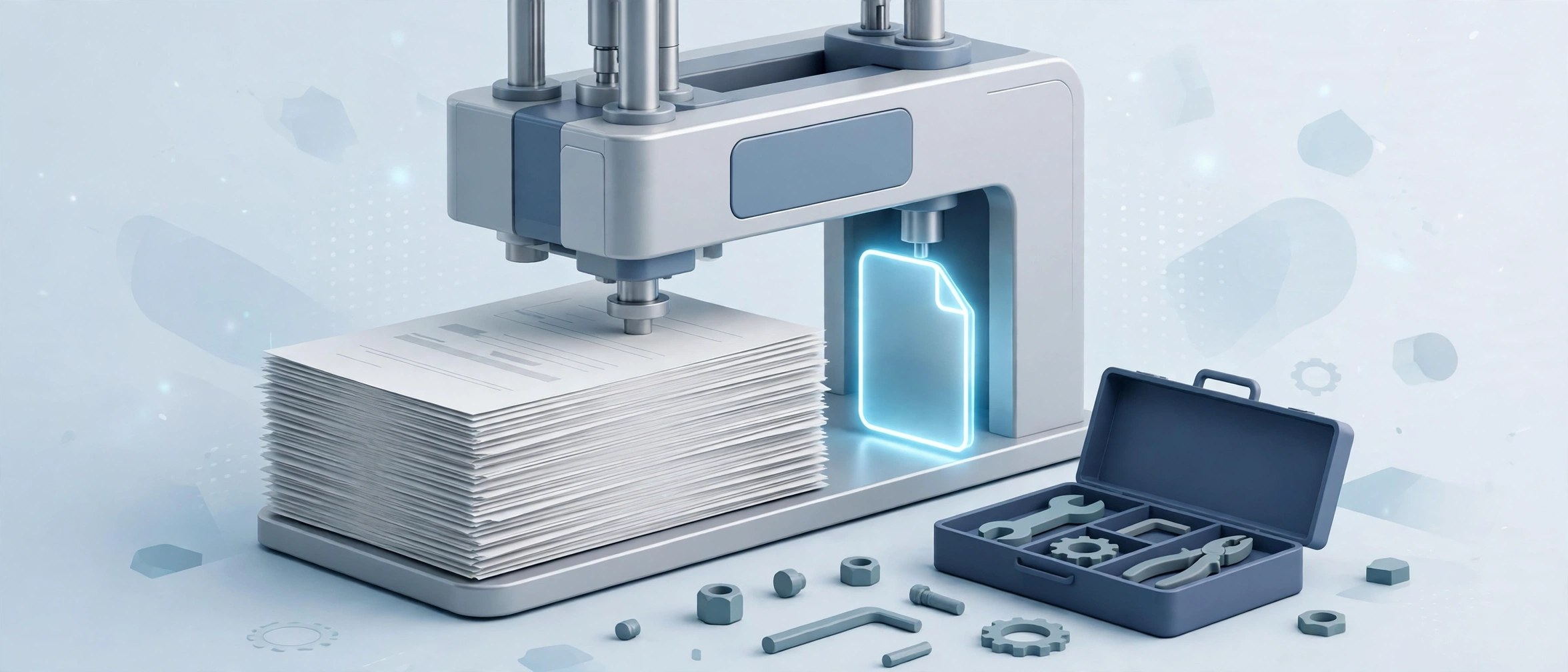
Mac UtilitiesA scanned contract arrives at 40 MB and your email limit is 10. PDF Compressor & PDF Toolbox is a small Mac app built for that problem, and for the small PDF jobs around it. It compresses oversized files so they can be shared, and bundles page and export tools so you are not opening three different apps for one document.
Updated: Aug 17, 2026
Key Features
- Compresses large PDFs down to a size that is easy to share
- Rearrange and manage pages inside a document
- Export content from a PDF as images or plain text
- Works on your Mac without sending documents to a cloud service
- One compact toolbox instead of several single purpose apps
How to Download
- Use the download button on this page to get the Mac version.
- Open the downloaded file and move the app into your Applications folder.
- Launch it, add a PDF, and pick the tool you need from the toolbox.
System Requirements
The app targets macOS 10.13 or later and stays light at only a few megabytes. Some toolbox tools may need the one time unlock purchase described on its store listing.
FAQs
Will compression make my PDF look worse?
Smaller files usually mean recompressed images. For screen reading the change is minor, but keep the original if the file is meant for print.
Are my documents uploaded anywhere?
No. The processing happens on your Mac, and the store privacy label for the app reports that no data is collected.
Why does one PDF barely shrink?
Files that are mostly text, or already well compressed, have little left to remove. Image heavy scans shrink the most by far.







Leave a Reply