Color Folder Pro 5.5 for Mac
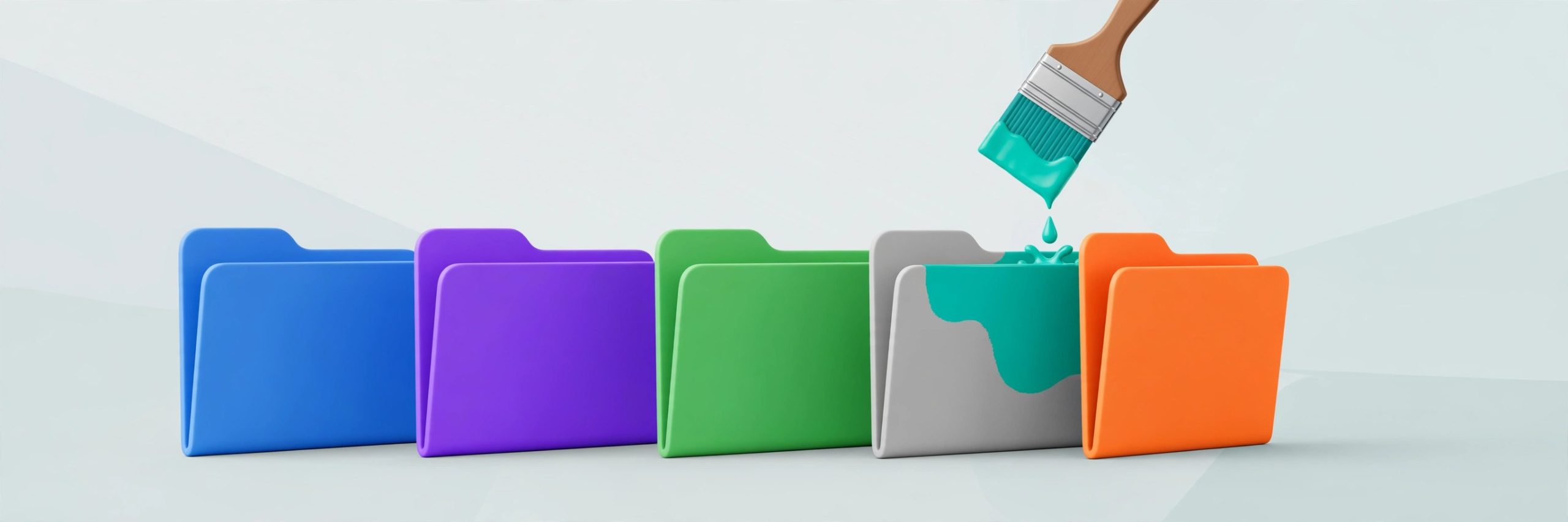
Mac UtilitiesWhen every folder on your Mac is the same flat blue, finding the right one becomes a reading chore. Color Folder Pro fixes that with color. It lets you recolor folder icons, apply ready made templates, or use your own image as a folder icon, so work, photos and personal projects each get a look you can spot at a glance.
Updated: Aug 17, 2026
Key Features
- Change folder icon colors quickly with any color you like
- More than 700 built in icon templates to choose from
- Set your own image as a custom folder icon
- Batch change icons for many folders at the same time
- Gradient colors for folders that need to stand out more
How to Download
- Get the app from its store page here: Download from the official site
- Install it from the Mac App Store and open it once.
- Pick a folder, choose a color, template or image, and apply it.
System Requirements
The Mac App Store listing requires macOS 11.5 or later. The app is small, and because it only changes folder icons, it runs happily alongside everything else on your Mac.
FAQs
Can I change many folders at once?
Yes. The app supports changing icons for multiple folders in one go, which saves real time on a big tidy up.
Can I undo a folder color?
You can change a folder again at any time, including setting it back to a plain standard look if a project ends.
Does it move or rename my files?
No. It only restyles the folder icon. Your files, names and folder structure stay exactly where they were.







Leave a Reply