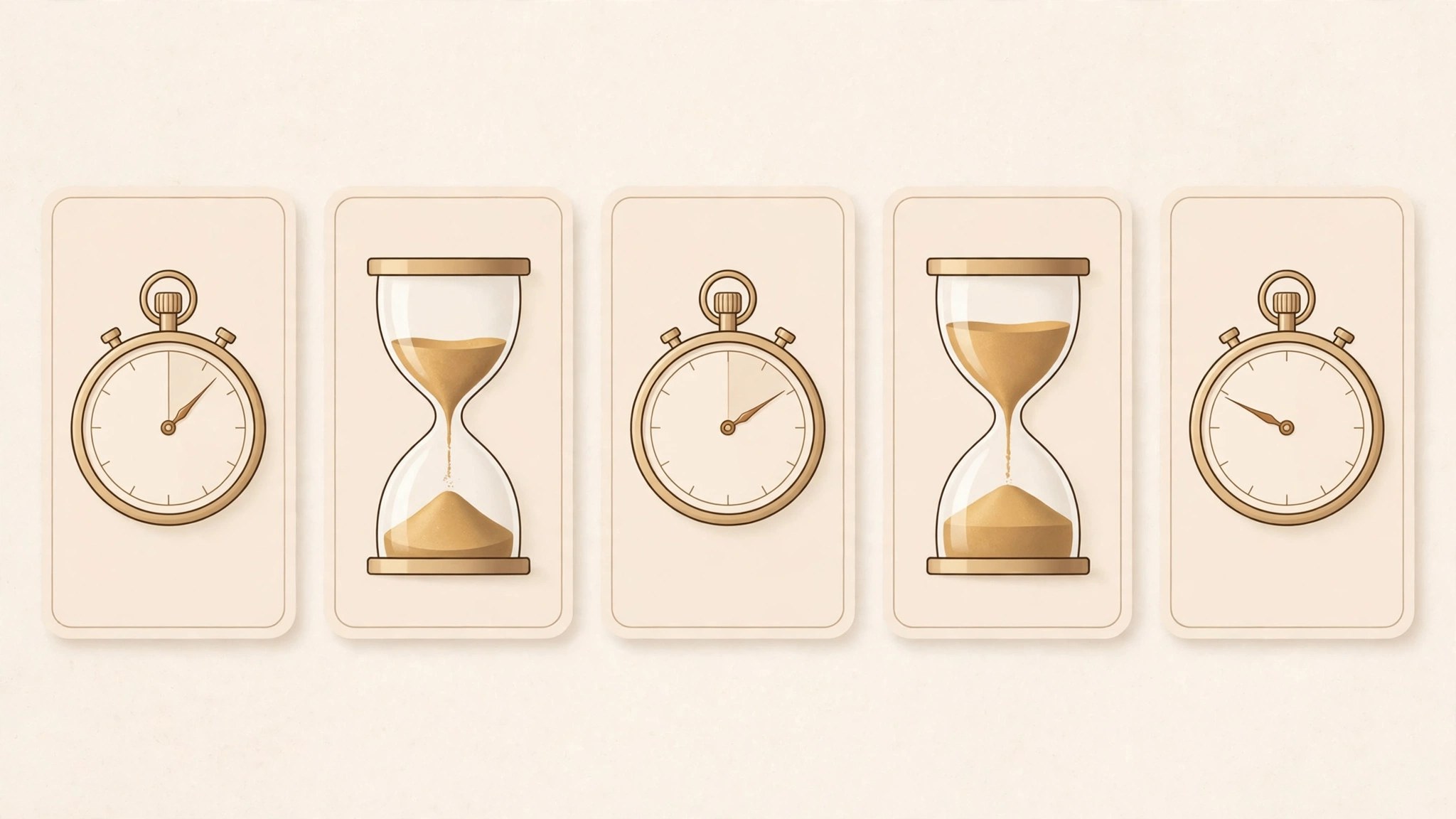
Multi List Timer 11.8 for Mac
Mac UtilitiesMulti List Timer solves a simple annoyance. One countdown is rarely enough. A study session has reading, notes and review stages. Dinner has prep, cooking and resting time. This app lets you build a list of named timers that run one after another, so you follow the whole routine without resetting a clock again and again.
Key Features
- Create timer lists for study, work, cooking and training routines
- Chain timers so the next stage starts when one ends
- Name every step so alerts tell you what just finished
- Save lists you use often and run them again anytime
- Get sound and on screen alerts at the end of stages
How to Download
- Use the download button on this page and save the app file on your Mac.
- Open the downloaded file and move the app to your Applications folder.
- Launch the app, allow notifications when asked, and build your first timer list.
System Requirements
You need a Mac running a current version of macOS with notifications allowed so stage alerts can reach you. The app is light, needs little storage, and sits comfortably alongside the study, cooking or training apps you already use during the day.
FAQs
Can timers run one after another?
Yes. That is the main idea. Build a list in order and each timer starts as the one before it finishes.
Does it suit Pomodoro style study?
Yes. Set work and break stages as a repeating routine, name each stage, and save the list for your next session.
Can I reuse a list on another day?
Yes. Saved lists stay ready to run again, which makes regular routines quick to start without setting times from scratch.







Leave a Reply