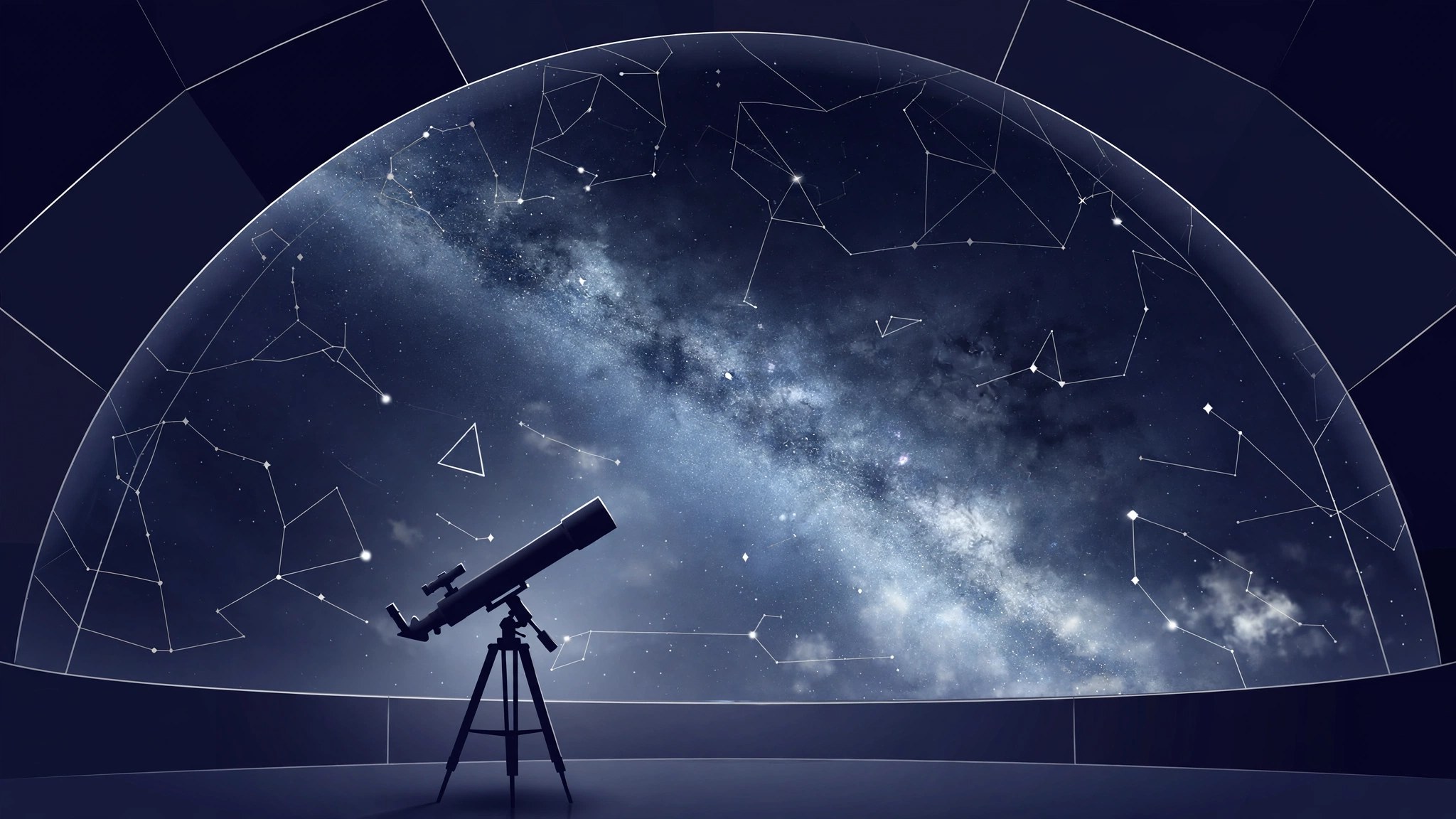
Stellarium 26.3 for Mac
Mac UtilitiesStellarium is a free planetarium that shows the sky as it really looks from your location. Set where you are, and the screen fills with stars, planets and the Moon in the right places. It is loved by beginners learning the constellations and by serious observers planning an evening with a telescope outside.
Key Features
- Watch a realistic sky in 3D for any place and time
- Explore a large catalogue of stars and deep sky objects
- Search planets, constellations and satellites and follow their paths
- Learn constellation lines and artwork from many sky cultures
- Control supported telescopes and plan observing sessions in advance
How to Download
- Use the download button on this page and save the Mac package file.
- You can also Download from the official site and pick the macOS build offered there.
- Open the package, move Stellarium to Applications, launch it and set your location.
System Requirements
You need a Mac with graphics that support OpenGL and a current version of macOS. Extra star catalogues can be fetched from inside the app when you want more detail, so an internet connection helps at first, though the main sky works offline.
FAQs
Is Stellarium really free?
Yes. The desktop version is free and open source. You can install it, use every main feature and share it with students freely.
Can it show the sky from my town?
Yes. Pick your location from the list or enter coordinates, and the view matches the sky above that place and time.
Does it work without a telescope?
Yes. Most people use it on its own to learn the sky. Telescope control is an extra for those who own one.







Leave a Reply