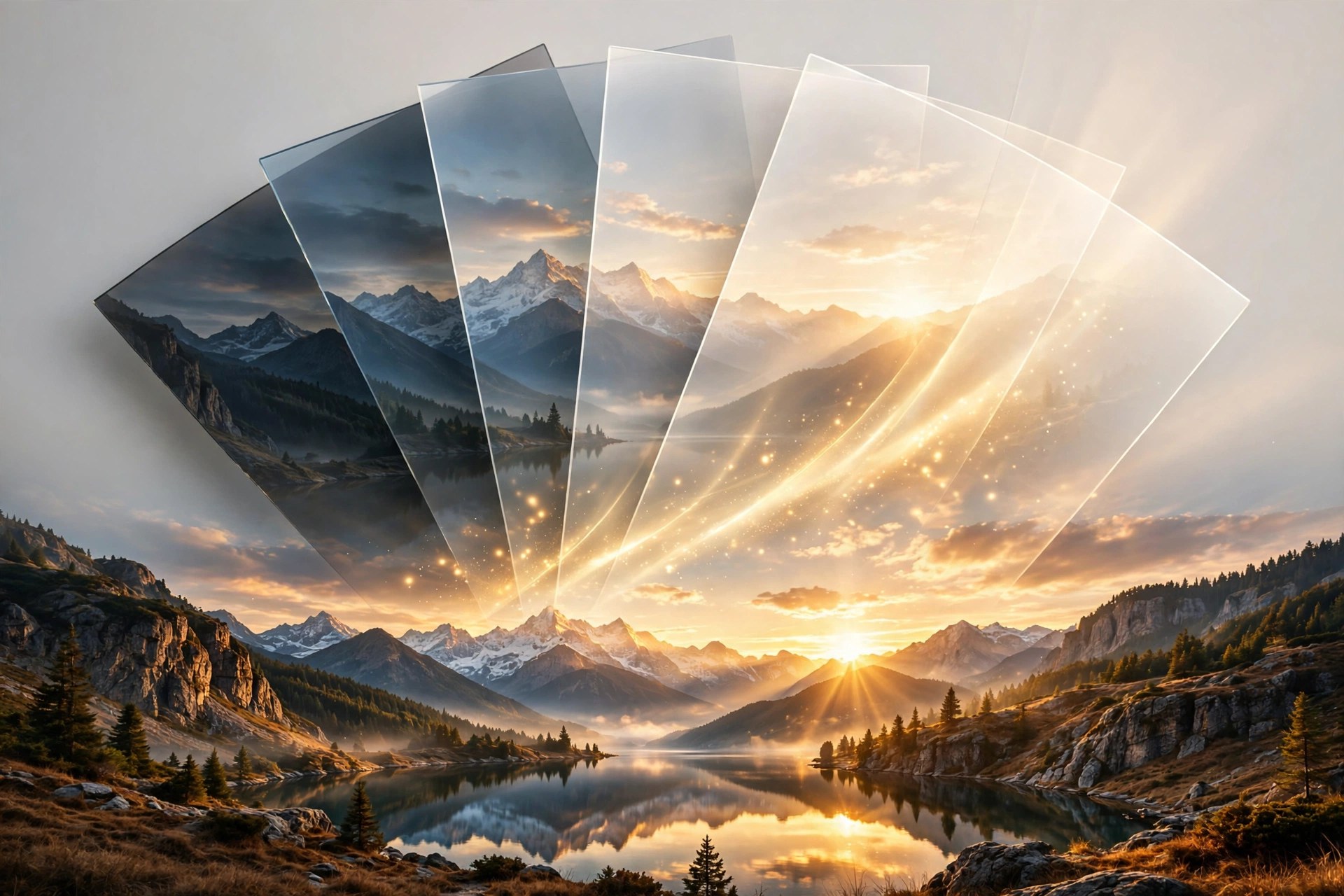
Hydra 4.6.1 for Mac
Mac UtilitiesHydra, from Creaceed, builds high dynamic range photos from bracketed exposures. A single shot often loses detail in bright skies or deep shadow, because the sensor cannot hold both at once. Hydra merges the set into one image that keeps detail at both ends, closer to what your eyes saw. Aim for a natural result or push contrast for drama, with previews at full resolution.
Key Features
- Merges bracketed exposures, including RAW files, into one high dynamic range image
- Alignment tools, automatic and manual, that correct small camera movement between shots
- Ghost removal regions that exclude moving subjects from chosen source images
- Tone mapper with twelve presets plus manual controls and snapshot comparisons
- Metal based processing with wide color support and export to JPG, TIFF, HDR and OpenEXR
How to Download
- Use the download button on this page to get the Mac app, or Download from the official site instead.
- Open the downloaded file and move Hydra into your Applications folder.
- Launch Hydra, add a set of bracketed photos of one scene and let it build your first merged image.
System Requirements
Version 4.6.1 requires macOS 13.2 or later, as stated in the vendor release notes. It is built for modern Macs and uses Metal for fast full resolution previews.
FAQs
Do I need a tripod to use Hydra?
No. A tripod helps, but alignment tools correct small shifts between hand held shots, and ghost regions handle moving subjects.
Can Hydra work with RAW photos?
Yes. It accepts RAW input alongside JPEG and HDR formats, and exports in several formats and color spaces for further editing.
Does Hydra work with Apple Photos?
Yes. It integrates with the Photos app, so images from your library can be sent to Hydra and finished results brought back.







Leave a Reply