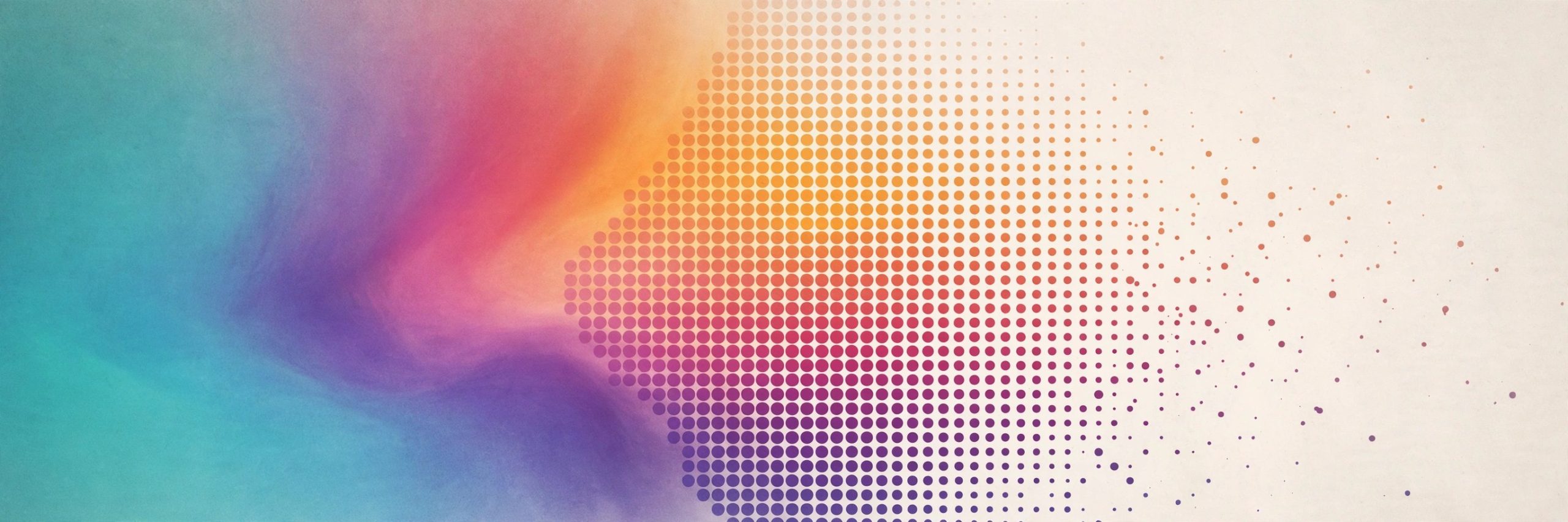
Aescripts Dither Decay 1.1.2 for Mac
Mac UtilitiesDither Decay is an effect plugin for Adobe After Effects and Premiere Pro that gives clean footage a worn, lo fi character. Apply it to a layer and the image is rebuilt with classic dithering patterns, the kind once seen on old game consoles and degraded broadcast signals. Keep it subtle, or push it hard for chunky pixels and bold retro color.
Key Features
- Eight classic dithering methods including Floyd Steinberg, Atkinson, Burkes, Stucki and Sierra
- Eleven ready made color palettes plus a custom palette selector for your own colors
- Detail control that ranges from chunky visible pixels to a fine subtle texture
- Seed and Blend controls for varying the pattern and mixing with the source
- Works inside both After Effects and Premiere Pro timelines
How to Download
- Use the download button on this page to get the Mac package, or Download from the official site instead.
- Run the installer or follow the included install notes, then restart your Adobe host app.
- Apply Dither Decay to a layer, pick a dithering method and a palette, then adjust Detail to taste.
System Requirements
You need a Mac with a supported version of Adobe After Effects or Premiere Pro installed. The vendor lists compatibility with a wide range of host versions, from older Creative Cloud releases to current ones.
FAQs
Which apps does Dither Decay work in?
It works in Adobe After Effects and Premiere Pro on Mac and Windows, as a standard effect on footage or adjustment layers.
Can I use my own colors?
Yes. Alongside the eleven supplied palettes, a custom selector lets you build your own color set.
Is the effect only for heavy retro looks?
No. With Detail set high and source colors kept, the result is a gentle texture that takes the digital edge off clean footage.







Leave a Reply