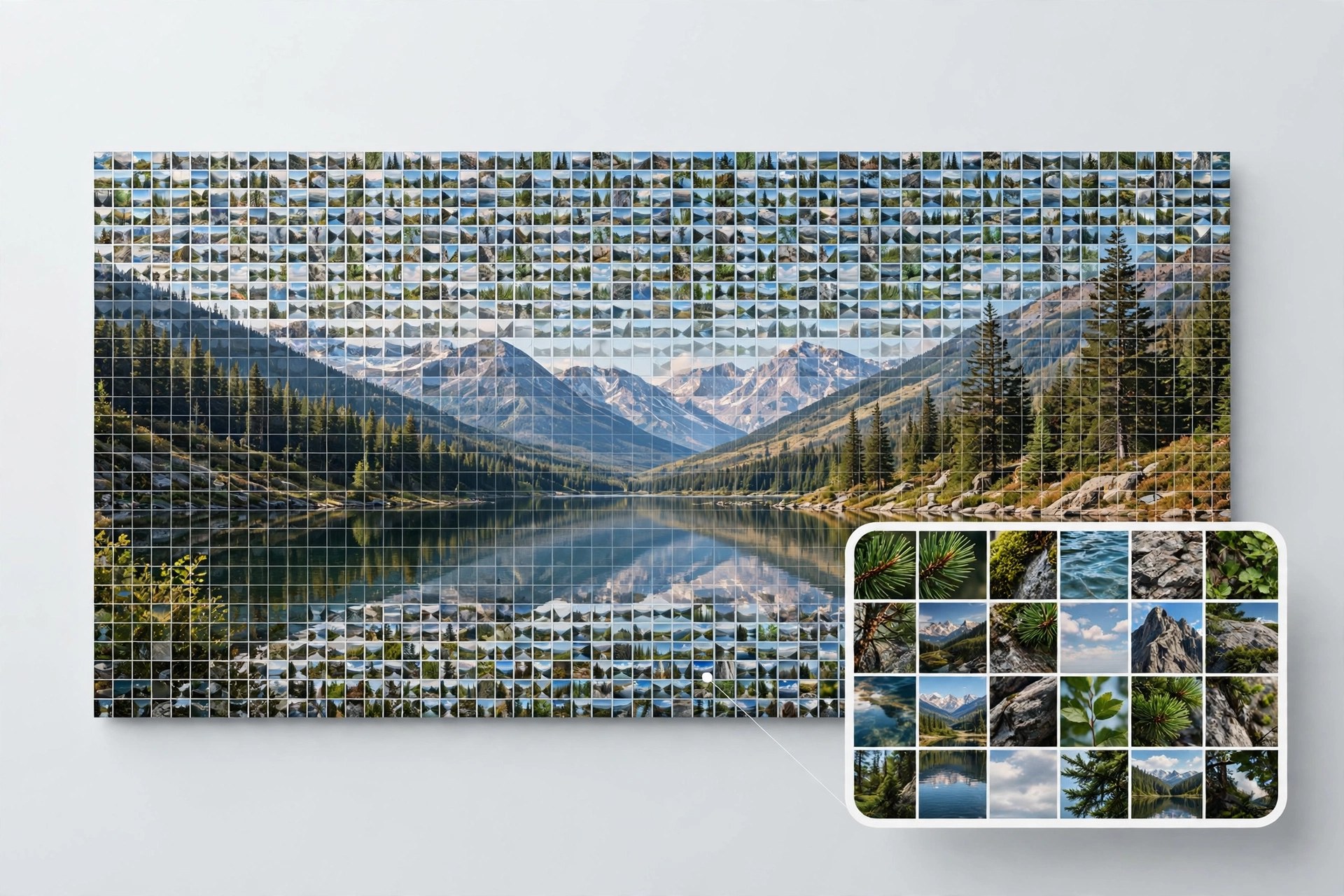
TurboMosaic Pro Plus 3.6.10 for Mac
Mac UtilitiesTurboMosaic Pro Plus creates a large picture out of hundreds of smaller photos, so an image that looks striking from a distance reveals personal memories up close. It suits anyone making a poster or family gift from many smaller moments.
Key Features
- Photo mosaics built from your own image library with careful color matching
- Tile shapes beyond squares, including circular, hexagonal, diamond and rectangular tiles
- Controls for tile count and detail so you can balance clarity and texture
- Export to JPEG, PNG or TIFF for printing at home or at a print service
- Guided workflow that takes you from main image to finished mosaic in order
How to Download
- Use the download button on this page to get the Mac version, or Download from the official site for the vendor page.
- Open the downloaded file and install the app by following the prompts.
- Launch TurboMosaic, choose your main image, add a folder of tile photos and generate your first mosaic.
System Requirements
The vendor states that TurboMosaic needs macOS 10.11 or newer. Large mosaics use plenty of memory, so closing other heavy apps helps, and you can confirm your macOS version under About This Mac.
FAQs
How many tile photos do I need?
More is better. A varied library gives the app more colors and tones to match against your main image, which usually produces a clearer and richer mosaic.
Can I print a finished mosaic?
Yes. Export the result as a JPEG, PNG or TIFF file and print it yourself or send it to a printing service. Choose a large export size for big prints.
Are square tiles the only option?
No. TurboMosaic is known for offering other tile shapes such as circles, hexagons and diamonds, which give your mosaic a more distinctive texture than plain squares.







Leave a Reply