Fractal Noise Browser 1.2.1 for Mac
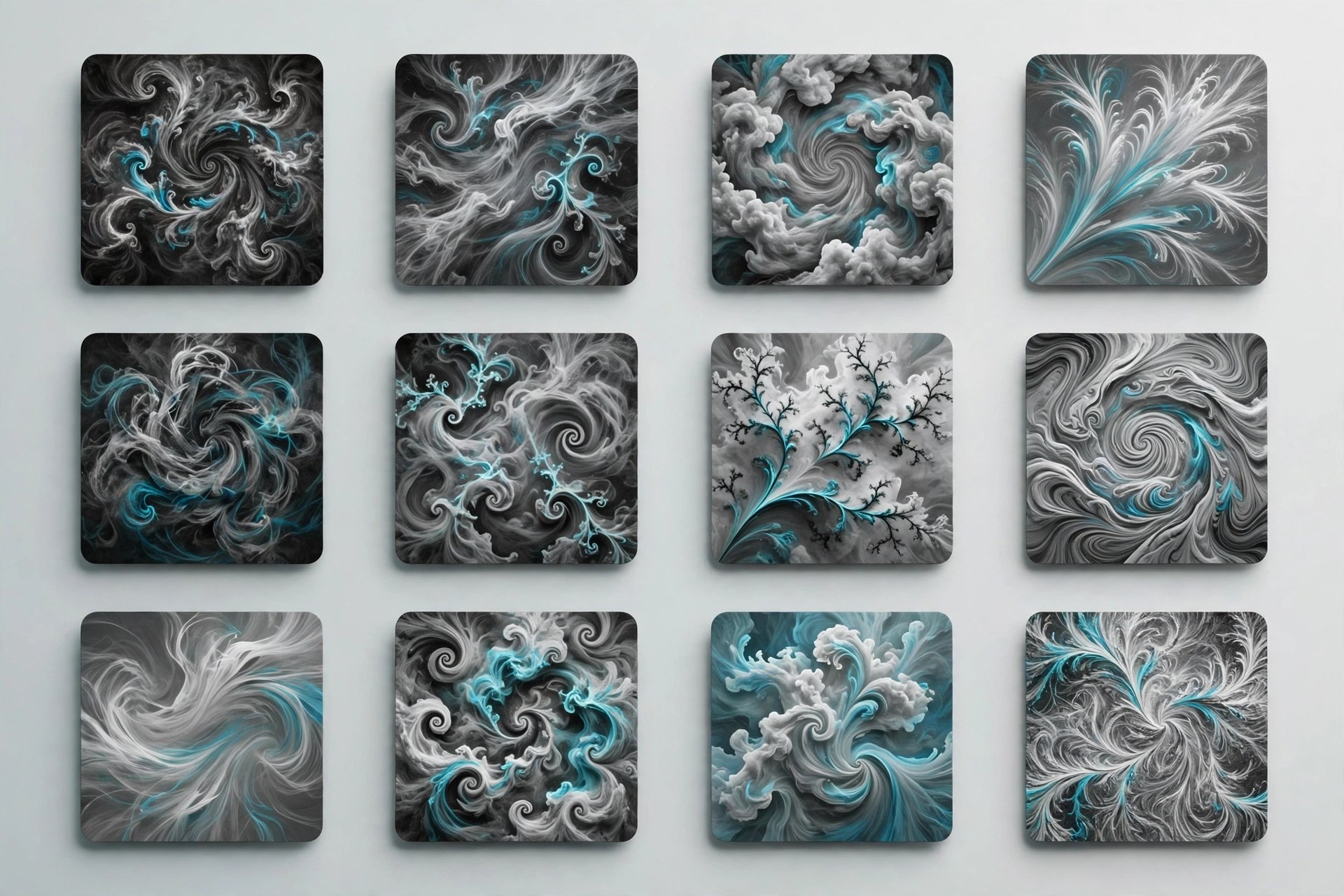
Mac UtilitiesFractal Noise is one of the most useful effects in After Effects and one of the least inviting. A wall of sliders hides looks designers rely on daily, from smoke and fog to worn textures and glitch patterns. Fractal Noise Browser, sold through aescripts, turns that process visual. You browse presets as thumbnails with animated previews and apply the one that fits.
Key Features
- A large curated library of Fractal Noise and Turbulent Noise presets
- Visual thumbnails and animated previews before you apply anything
- Categories covering organic textures, atmospheres, grunge and glitch
- A user presets section for saving and browsing your own creations
- A dockable panel that sits inside the normal After Effects workspace
How to Download
- Use the download button on this page to get the installer package for your Mac.
- Run the installer or follow the included steps, which usually involve the aescripts manager app.
- Open After Effects, load the panel from the Window menu, and apply a preset to a selected layer.
System Requirements
Fractal Noise Browser runs inside Adobe After Effects on macOS, so a current After Effects installation is required. Preview speed improves on Macs with stronger graphics and more memory.
FAQs
Does this replace the built in Fractal Noise effect?
No. It works with the native effects and saves you from building every look from raw sliders. Each preset lands as editable settings you can keep adjusting.
Can I save my own presets?
Yes. Recent versions include a user presets section where your own noise setups can be saved and browsed next to the library, with the same visual preview style.
Where is the panel after installing?
Like most After Effects extensions, it appears under the Window menu. Open it there and dock it beside your other panels.