Camo Studio 2.9.0 for Mac
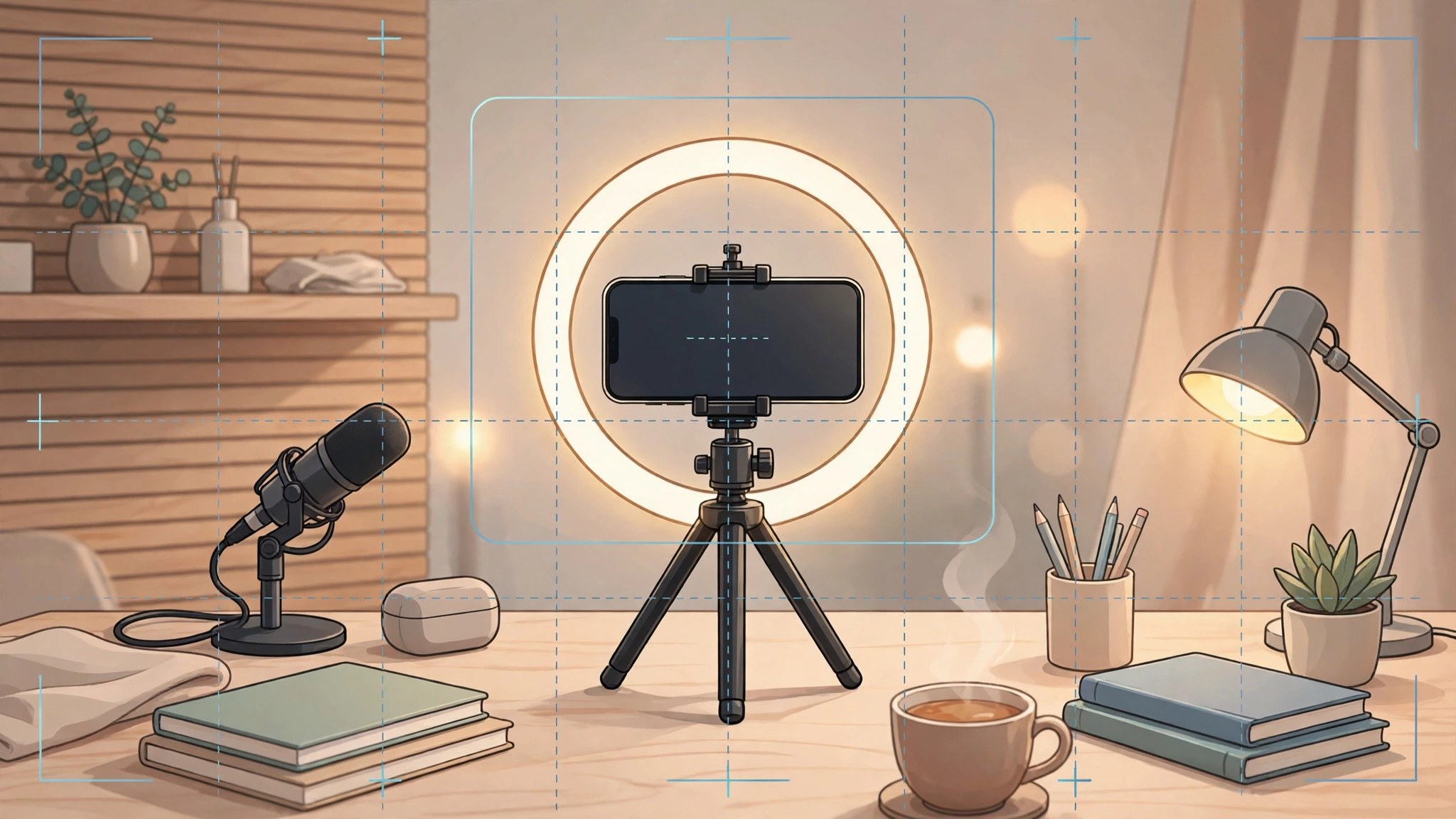
Mac UtilitiesThe camera in your phone is far better than the one built into most laptops, and Camo Studio puts it to work on your Mac. Studio receives the phone feed, lets you shape it with scenes, backgrounds and overlays, and passes a clean virtual camera to Zoom, Teams, OBS and similar tools. Recent releases add streaming and recording, so one setup covers a team call in the morning and a live show in the evening.
Key Features
- Use an iPhone or Android phone as a sharp camera for calls and streams
- Adjust zoom, focus, exposure, color and framing from the Mac app
- Build scenes with layers, backgrounds and overlays for a polished look
- Stream and record in landscape and portrait at the same time
- Works with Zoom, Google Meet, Microsoft Teams, OBS and many other video apps
How to Download
- Click the download button on this page, or Download from the official site if you prefer to go direct.
- Install Camo Studio, then install the companion Camo Camera app on your phone.
- Connect by cable or wireless pairing, then choose Camo in your video app.
System Requirements
Camo Studio needs macOS 12.3 or later, plus a phone running Camo Camera. A cable gives the most stable feed, while wireless pairing gives more freedom.
FAQs
Do I need the phone app as well?
Yes. Studio runs on your Mac and shapes the picture, while Camo Camera on your phone provides the feed.
Can I connect without a cable?
Yes. Wireless pairing lets you position the phone freely. For long recordings, a cable remains the safer choice.
Which apps can use the Camo camera?
Almost any app that accepts a camera. Once Studio runs, Camo appears as a camera choice in meeting, recording and streaming software.







Leave a Reply