Aseprite 1.3.18.6 for Mac
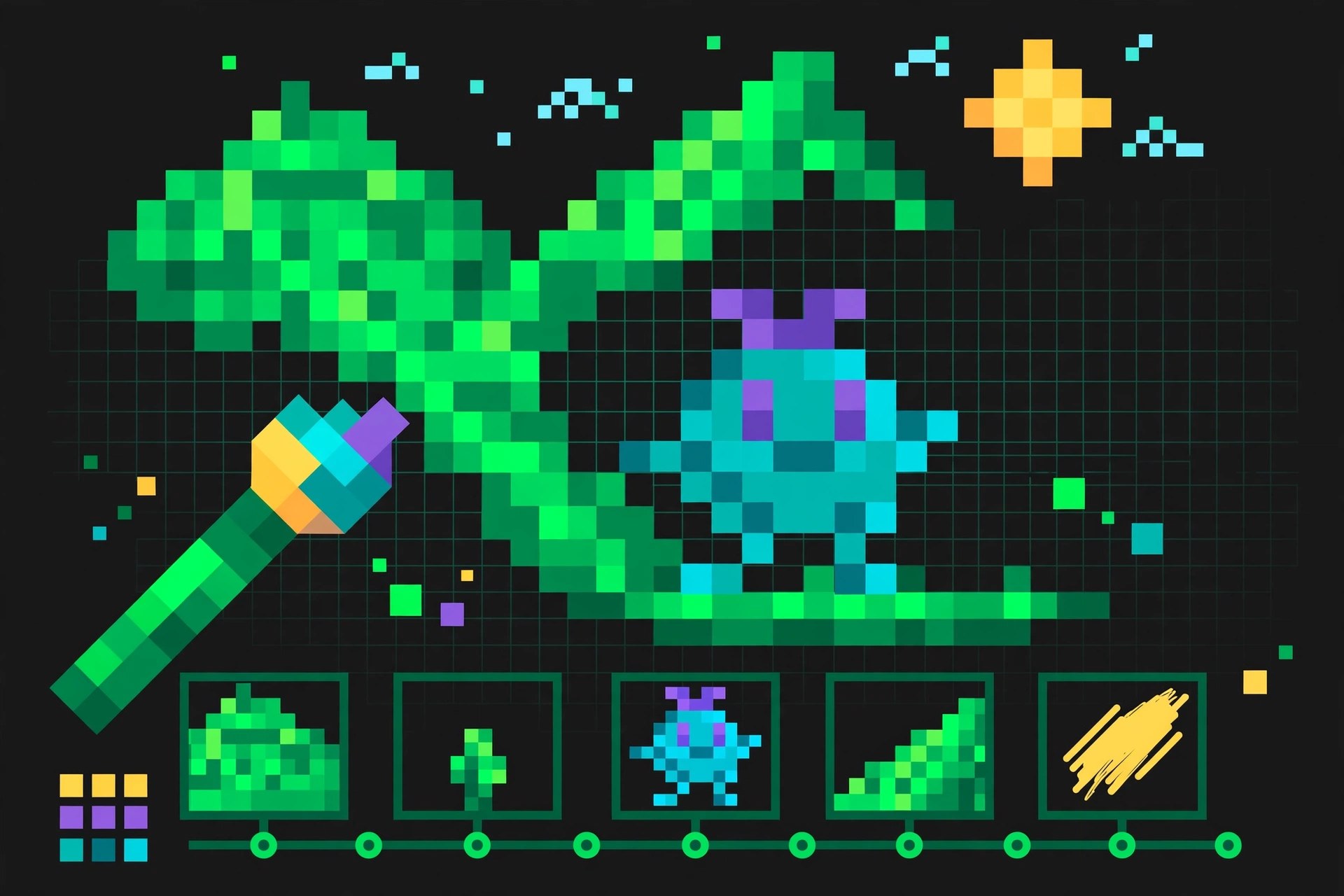
Mac Photo & DesignAseprite, made by Igara Studio, is an image editor designed specifically for pixel art and animated sprites. On Mac it gives game artists and hobbyists a focused workspace: a pixel-perfect drawing canvas, a timeline for frame-by-frame animation, and tools such as tilemaps and onion skinning that general photo editors do not offer. Version 1.3.18.6 is a maintenance release in the long-running 1.3 series.
Key Features
- Pixel art drawing tools with layers, frames and a dedicated animation timeline
- Onion skinning to preview surrounding frames while you animate
- Tilemap support for building game levels and repeating textures
- Export to sprite sheets and common image formats for game engines
- Extensible with scripts and a Lua API for custom workflows
How to Download
- Use the green Download button on this page or visit the official Aseprite site.
- Download from the official site — the trial is available there, and the full version is sold through the site and stores such as Steam.
- Open the downloaded file, move Aseprite to Applications and launch it.
System Requirements
Aseprite runs on a recent version of macOS and works on both Apple silicon and Intel Macs. It is lightweight, so most Macs that run current macOS comfortably meet its needs; check the official site for the exact minimum version.
FAQs
Is Aseprite free?
There is a free trial from the official site, but it cannot save files. The full version is a paid purchase, and the official site also explains the source-available licensing for users who compile it themselves.
Is Aseprite only for games?
Games are its main focus, but it is equally handy for icons, GIFs, avatars and any small-scale pixel artwork or animation.







Leave a Reply