Arduino IDE 2.3.10 for Mac
Mac Developer ToolsThe Arduino IDE is the official, free development environment from Arduino for programming Arduino boards — including the ever-popular Arduino Uno — and thousands of compatible boards. You write sketches in a C/C++-based language, click upload, and the IDE compiles and flashes your code to the board over USB. The current 2.x generation is a ground-up rewrite of the classic 1.x editor, adding autocompletion, a built-in debugger and a much faster interface, while keeping the same simple workflow beginners learn on. Version 2.3.10 is the current release for Mac.
Key Features
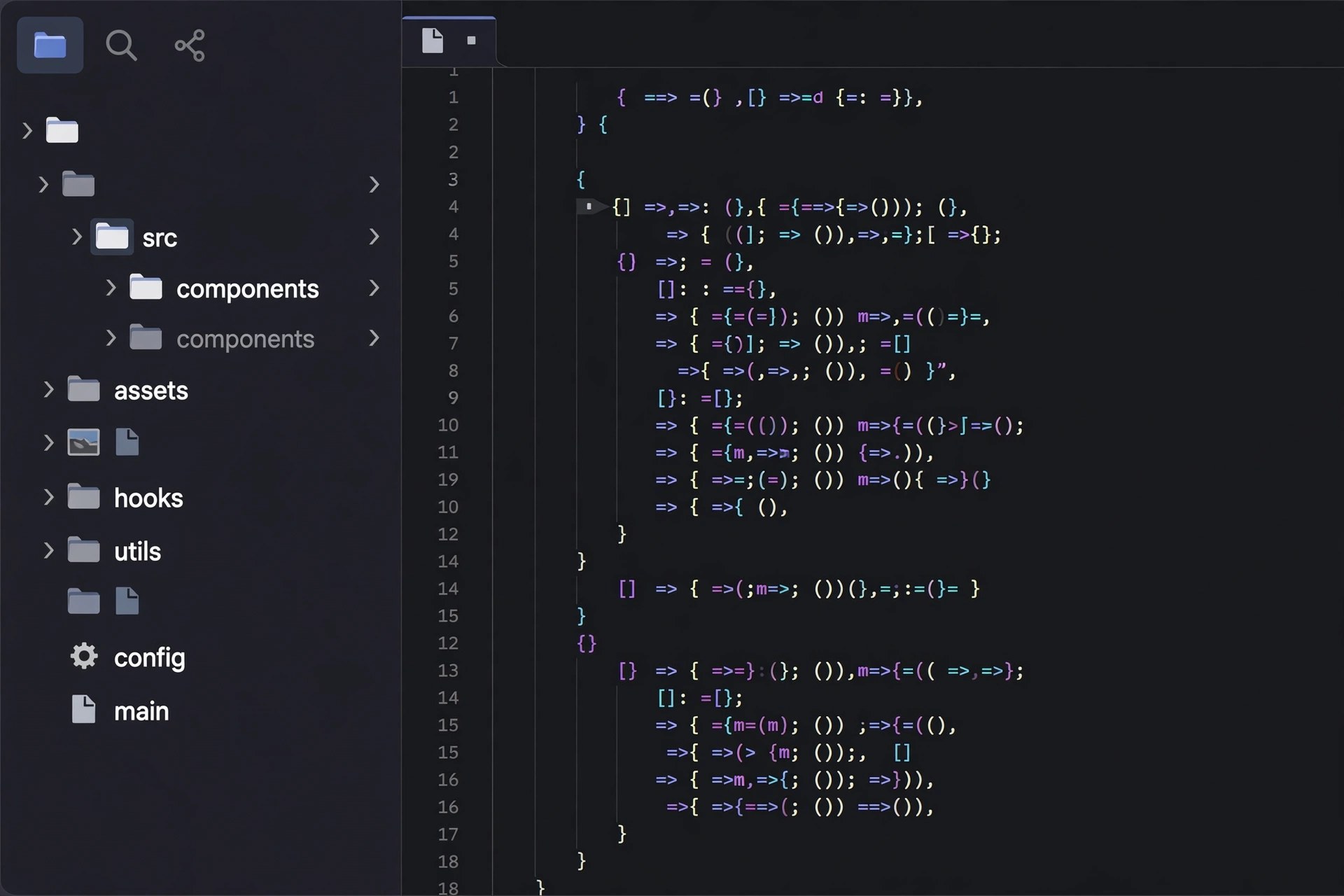
- Code editor with autocompletion, syntax highlighting and a dark theme
- Built-in debugger for supported boards, plus Serial Monitor and Serial Plotter
- Boards Manager and Library Manager to add support for new hardware in a click
- Works with Uno, Nano, Mega, ESP32 and many third-party boards
- Completely free and open source, with a huge collection of built-in examples
How to Download
- Check whether your Mac has an Apple silicon or Intel chip under Apple menu > About This Mac.
- Download from the official site and pick the macOS build that matches your chip.
- Open the downloaded disk image, drag Arduino IDE to Applications, connect your board and select it under Tools > Board and Tools > Port.
System Requirements
Arduino IDE 2.3.10 needs a recent 64-bit version of macOS. Arduino publishes separate downloads for Apple silicon and Intel Macs, so choose the build for your processor; the legacy IDE 1.8.19 remains available for very old systems.
FAQs
Is the Arduino IDE really free?
Yes. The IDE is free, open-source software from Arduino. The download page offers an optional donation, but paying is not required to use any feature.
Does it work with an Arduino Uno?
Absolutely — the Uno is one of the boards supported out of the box. Just connect it by USB, choose Arduino Uno in the Boards menu, pick the serial port, and upload your sketch.