App Icon Generator 1.7.0 for Mac
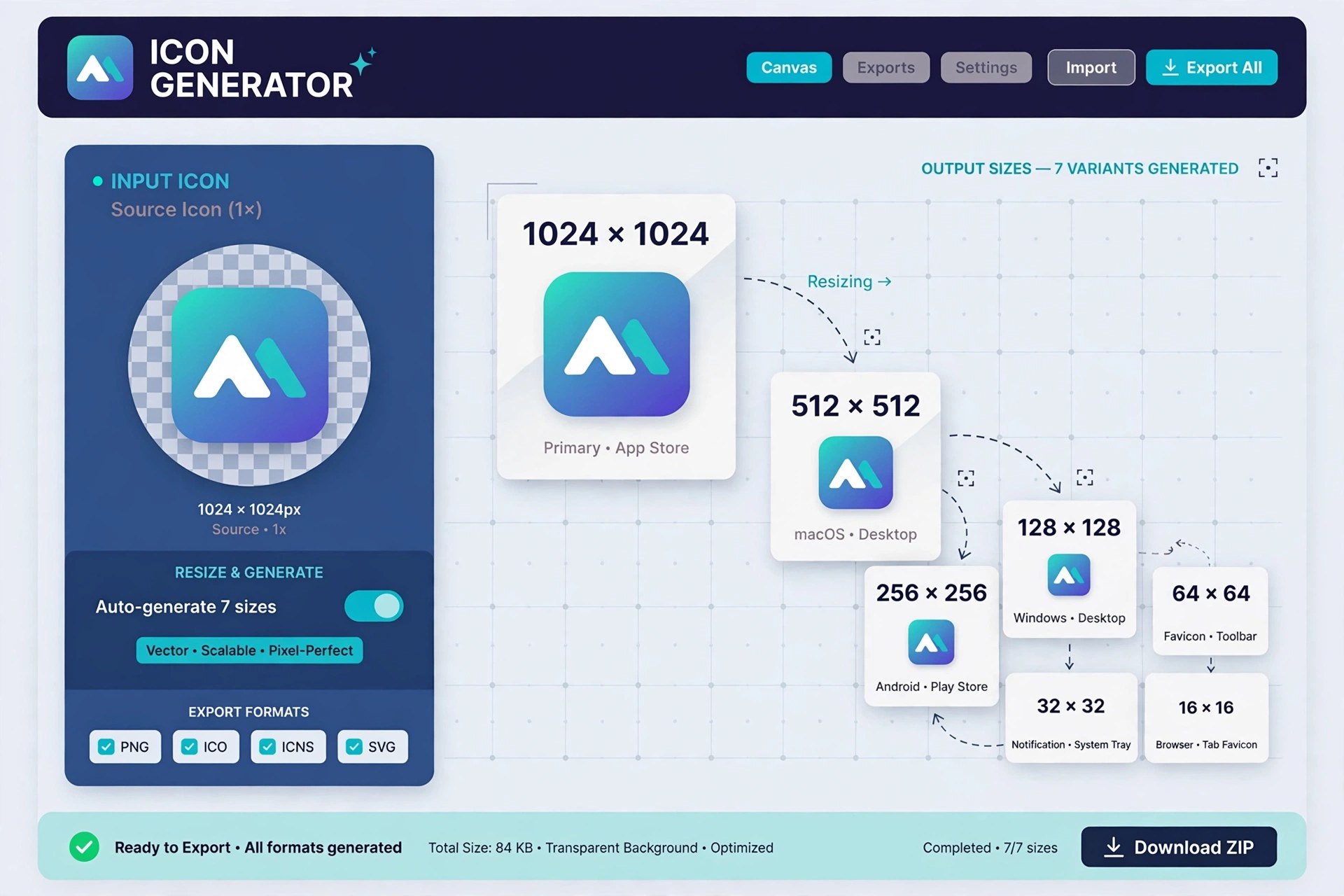
Mac Developer ToolsApp Icon Generator, by developer Thomas Coomer, is a small App Store utility that removes one of the fiddliest jobs in app development: resizing a single icon into the long list of sizes Apple requires. Feed it one source image, choose the platforms you are shipping for, and it exports correctly sized, correctly named PNG files for iPhone, iPad, Apple Watch, iMessage apps and Mac in seconds.
Version 1.7, the current App Store release, can also export a complete App Icon Set that you drag straight into your Xcode asset catalog, with every image already assigned to the right slot. The developer states that no data is collected by the app, and the tool itself was used to generate its own icons. It is a paid app — listed at £2.99 in the UK store, with regional pricing elsewhere — not a free download, and on Mac it requires macOS 14.0 or later.
Key Features
- Generates every required icon size for iOS, watchOS, iMessage and macOS from one image
- Exports an Xcode-ready App Icon Set for direct drag-and-drop into asset catalogs
- Alternatively exports individual PNG files, named by size and ready to use
- Kept up to date with Apple's current size and resolution requirements
- Privacy-friendly design, with the developer stating that no data is collected
How to Download
- Open the App Store listing and confirm the price in your region.
- Start your download from the official site: Download from the official site
- Buy and install it, then pick your source image, choose your target devices and export.
What source image should I use?
Start with your largest, highest-quality square icon artwork. The app resizes and converts it to PNG at every required size, so a clean, high-resolution original gives the best results.
Is App Icon Generator free?
No. It is a low-cost paid app on the App Store, priced at £2.99 in the UK at the time of writing. There is no separate free full version.







Leave a Reply