
Category: Mac Developer Tools

  • Adobe Dreamweaver CC 19.2.1 for Mac

    Adobe Dreamweaver CC 19.2.1 for Mac

    Adobe Dreamweaver CC 19.2.1 for Mac

    Adobe Dreamweaver CC 19.2.1 for Mac

    Mac Developer Tools
    Updated Nov 4, 2026
    Mac Developer Tools • Updated Nov 4, 2026

    Adobe Dreamweaver CC 19.2.1 for Mac is Adobe's website design and development app, combining a visual layout view with a proper code editor in one workspace. It works with HTML, CSS, JavaScript and server-side languages, so you can build anything from a simple landing page to a complete dynamic site without switching between separate design and coding tools.

    It suits web designers who want visual help without giving up code control, and developers who want faster routine work. Features like code hints, live preview and multi-monitor support help you see changes as you make them. Dreamweaver is paid software sold through an Adobe Creative Cloud subscription, with a short free trial for new users — there is no free full version.

    Key Features

    • Visual design view and code editor side by side, with live preview of changes in a real browser
    • Smart coding engine with hints and error highlighting for HTML, CSS and JavaScript
    • Responsive design tools and starter templates that adapt pages to phones, tablets and desktops
    • Built-in support for Git, FTP publishing and dynamic content workflows
    • Creative Cloud Libraries and Adobe Stock integration to reuse assets across projects

    How to Download

    1. Download from the official site
    2. Start the free trial or sign in with the Adobe account that holds your subscription, then install Dreamweaver through the Creative Cloud desktop app.
    3. Launch Dreamweaver on your Mac, sign in if asked, and create or open your first site folder.

    Is Adobe Dreamweaver CC free?
    No. Dreamweaver is paid subscription software. Adobe offers a short free trial for new users, after which a Creative Cloud plan is required to keep using the full app.

    Can I still use version 19.2.1?
    That was a 2019-era release. Creative Cloud now installs the current supported version, which is the safer choice for modern macOS versions, current web standards and security updates.
  • VMware Fusion Pro 26H1u1 for Mac

    VMware Fusion Pro 26H1u1 for Mac

    VMware Fusion Pro 26H1u1 for Mac

    VMware Fusion Pro 26H1u1 for Mac

    Mac Developer Tools
    Updated Nov 4, 2026
    Mac Developer Tools • Updated Nov 4, 2026

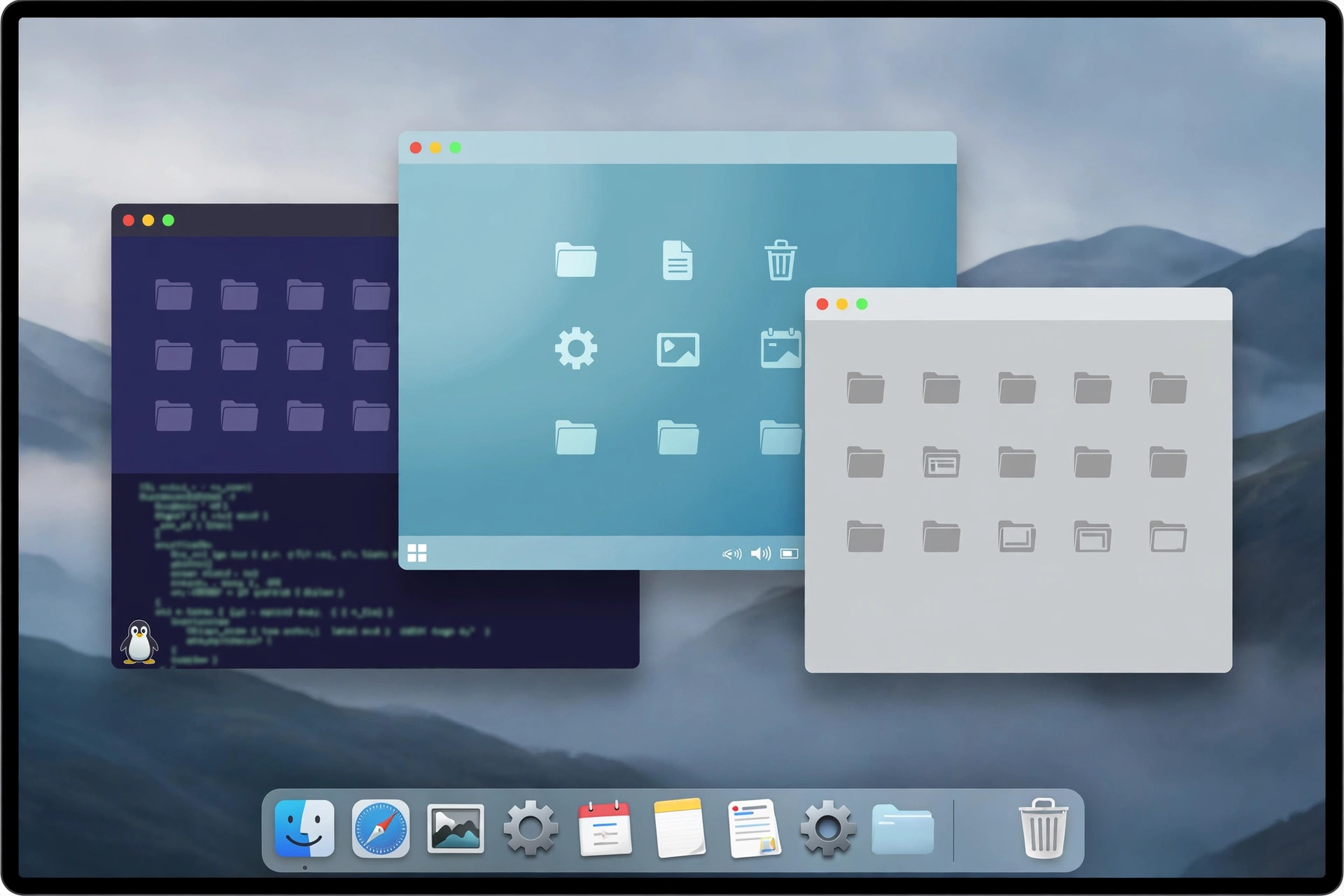
    VMware Fusion Pro for Mac lets you run Windows, Linux, and other operating systems on your Mac without rebooting. It is a full desktop hypervisor, so a Windows machine runs side by side with your Mac apps in a window — or even integrates with your Mac desktop. Since Broadcom acquired VMware, Fusion Pro has become free for personal, educational, and commercial use with no license key required, which makes it one of the most capable virtualization options on the platform. It supports both Apple Silicon and Intel Macs, so whichever Mac you own, you can spin up virtual machines for work, development, or testing.

    Key Features

    • Run Windows and Linux on macOS: install guest operating systems in virtual machines without partitioning your drive.
    • Apple Silicon and Intel support: universal builds cover both modern M-series Macs and older Intel models.
    • Snapshots and clones: save a VM's state, experiment freely, and roll back in seconds if something breaks.
    • Strong graphics support: runs 3D applications and games inside virtual machines with hardware acceleration.
    • Now free to use: no license key is needed for personal, educational, or commercial use since the Broadcom policy change.

    How to Download

    1. Download from the official site to reach VMware's official Fusion product page on the current Broadcom-managed site.
    2. Create a free Broadcom account if asked, then download the Fusion Pro .DMG installer for macOS.
    3. Open the installer, drag Fusion Pro to Applications, and launch it — at the license prompt, choose the free option.

    Is VMware Fusion Pro really free now?

    Yes. Broadcom made Fusion Pro free for personal, educational, and commercial use, and no license key is required. You may still need a free Broadcom account to access the download.

    Do I need a Windows license?

    Fusion Pro itself does not include Windows. You will need your own valid Windows or Linux license or installer image for the guest operating system you run inside it.