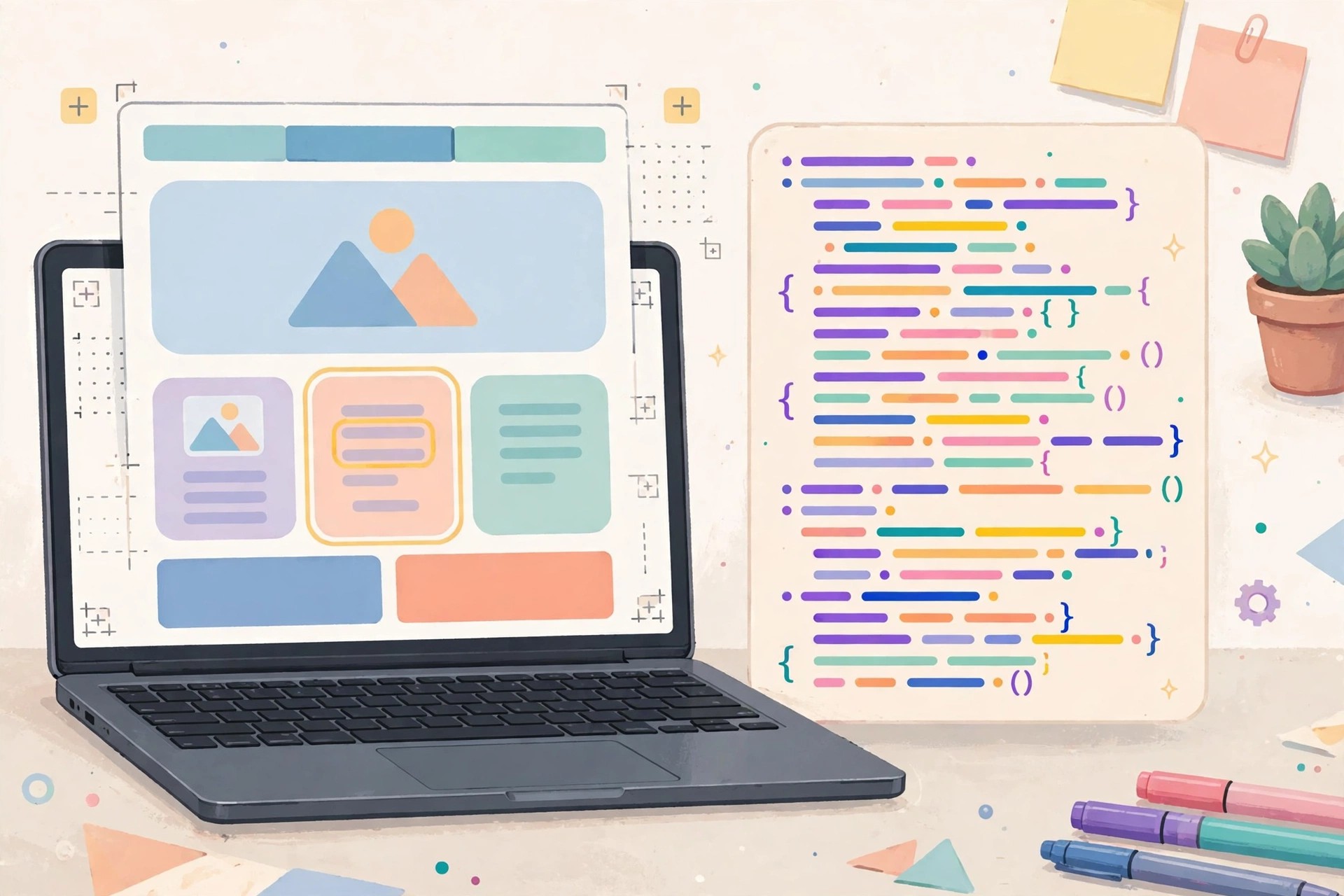
Adobe Dreamweaver 21.7 for Mac
Mac Developer ToolsAdobe Dreamweaver 21.7 for Mac is Adobe's long-running website design and development tool, combining a visual layout editor with a proper code editor in one window. Build pages by dragging elements into place, then switch straight to the underlying HTML, CSS, JavaScript or PHP to fine-tune exactly what the browser receives.
It suits web designers, front-end developers and site owners who manage real, hand-coded websites rather than hosted drag-and-drop builders — especially anyone maintaining several sites who wants previewing, file management and publishing in one app. Dreamweaver is subscription software, sold as a single-app plan or within Creative Cloud All Apps, with a short free trial for new users.
Key Features
- Visual design surface and code editor side by side, changes reflected live in both
- Smart code hints and error checking for HTML, CSS, JavaScript and PHP
- Responsive design tools and Live View previews at phone, tablet and desktop sizes
- Built-in Git support, plus FTP and SFTP publishing to your web server
- Pull assets directly from Creative Cloud Libraries and Adobe Stock into projects
How to Download
- Download from the official site
- Start the free trial, or sign in with the Adobe account holding your Dreamweaver or All Apps subscription.
- Install Dreamweaver via the Creative Cloud desktop app and sign in to activate it on your Mac.
Is Adobe Dreamweaver free?
No. Dreamweaver is paid subscription software, not a free full version. Adobe offers a short free trial for new users, after which a single-app plan or Creative Cloud All Apps subscription is required to keep using it.
Is Dreamweaver good for beginners?
It can be: starter templates, visual editing and code hints help new users build real sites while learning how HTML and CSS work. Anyone who never wants to touch code may still find a hosted builder simpler.







Leave a Reply