Category: Mac Business

  • Adobe Acrobat Pro DC 2022.001.20112 for Mac

    Adobe Acrobat Pro DC 2022.001.20112 for Mac

    Adobe Acrobat Pro DC 2022.001.20112 for Mac

    Adobe Acrobat Pro DC 2022.001.20112 for Mac

    Mac Business
    Updated Nov 4, 2026
    Mac Business • Updated Nov 4, 2026

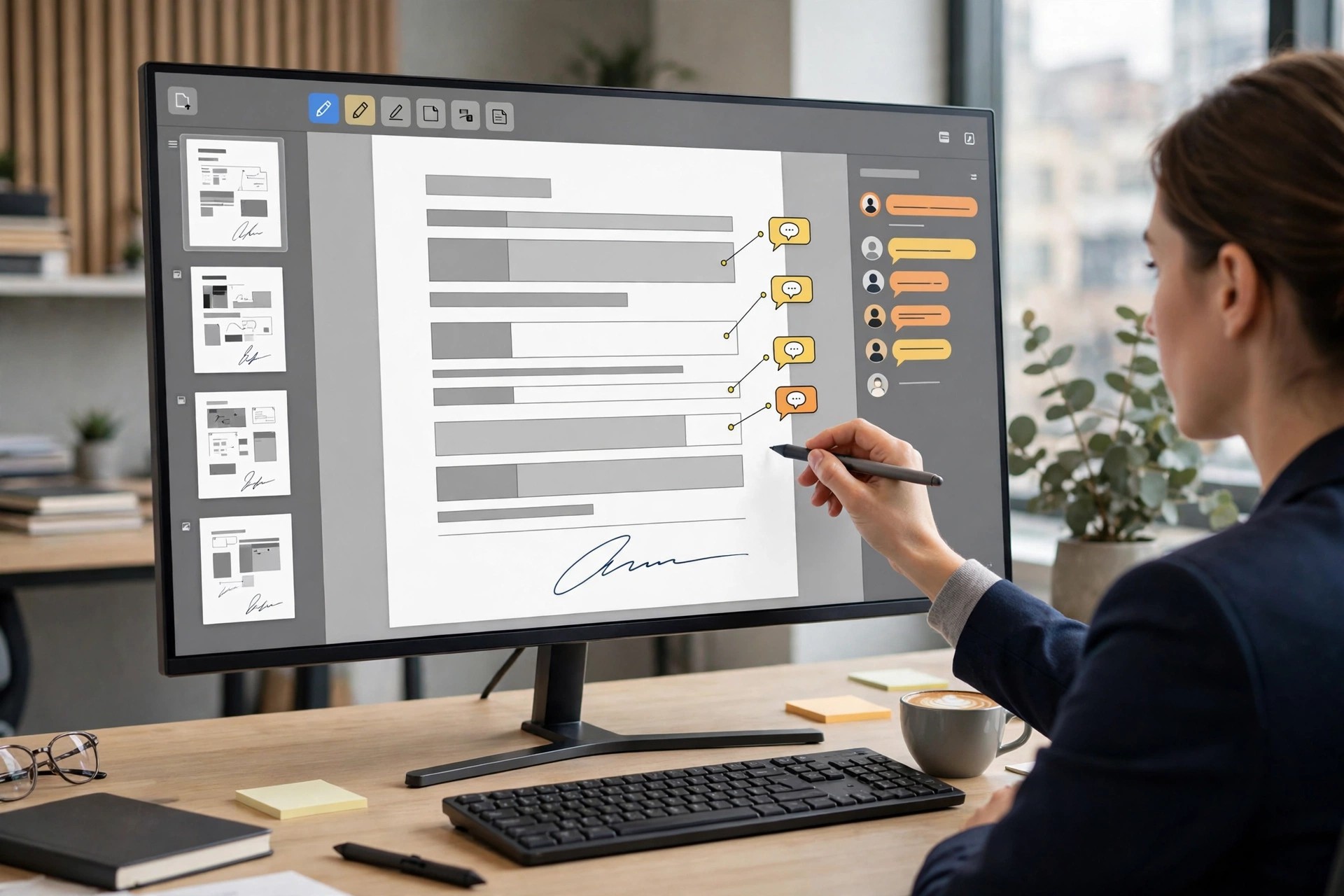
    Adobe Acrobat Pro DC 2022.001.20112 for Mac is the full-featured edition of Adobe's PDF software, aimed at professionals who do far more than read documents. On top of standard viewing and editing, the Pro edition adds powerful tools for preparing, protecting and standardising PDFs for business, legal and publishing work.

    With Acrobat Pro DC you can turn scans into editable text, permanently remove sensitive information, compare two versions of a file, and automate repetitive tasks across many documents. Everything integrates with Adobe's cloud services, so files stay synced between your Mac, the web and mobile apps.

    Key Features

    • Full PDF editing plus conversion to Microsoft Office formats
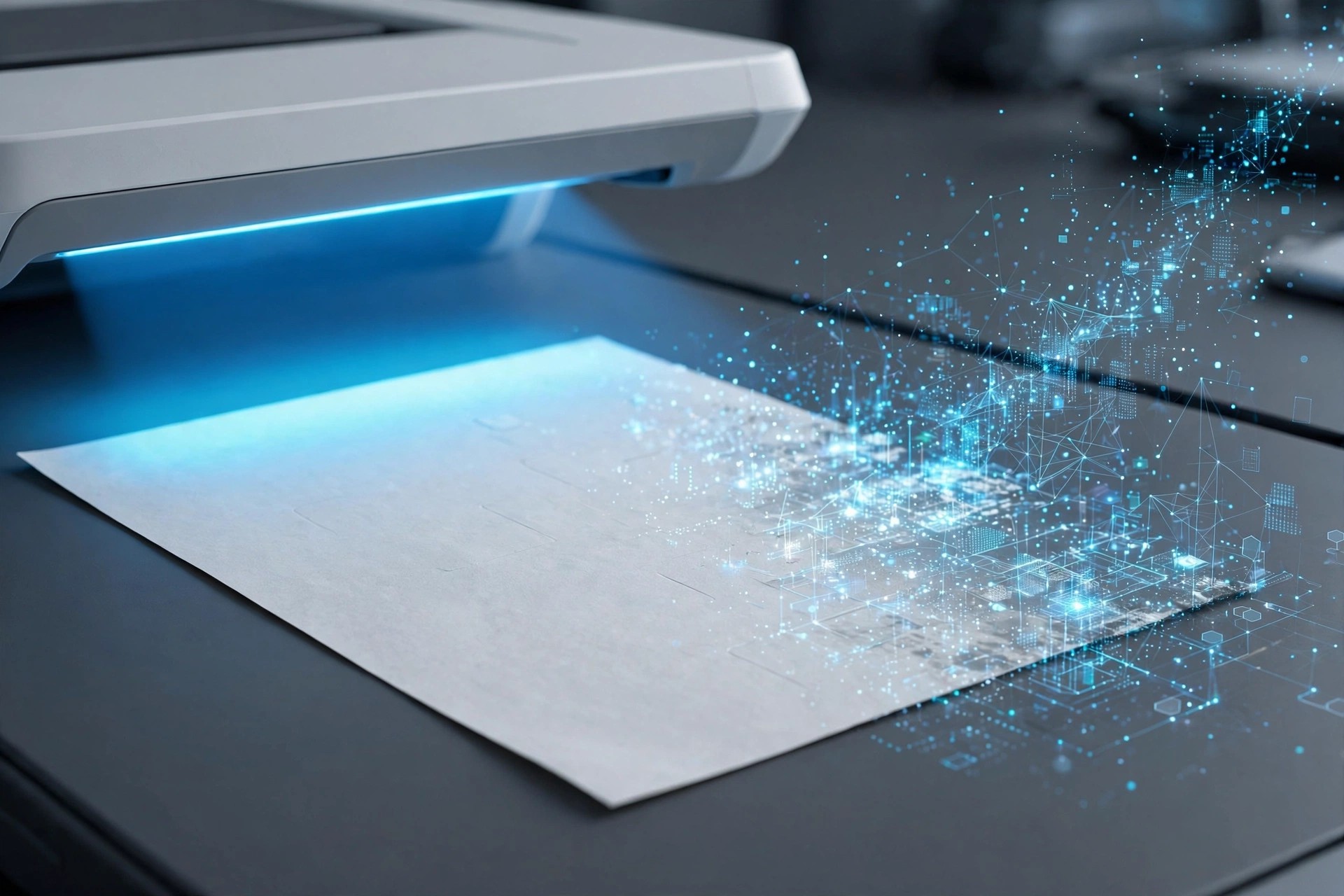
    • OCR that turns scanned pages into searchable, editable text
    • Redaction tools to permanently remove confidential content
    • Compare files side by side to spot text and image differences
    • Preflight, accessibility checks and batch actions for professionals

    How to Download

    1. Download from the official site and select the Acrobat Pro plan or trial.
    2. Sign in with your Adobe account, download the macOS installer, and run the setup package.
    3. Complete the installation prompts and open Acrobat Pro from Applications to activate it.

    Is Adobe Acrobat Pro DC free?
    No, Acrobat Pro DC is paid subscription software, with a free trial available from Adobe for new users. Anyone advertising a free full version is not offering a genuine Adobe product, and those downloads frequently stop working or cause security problems.

    What is the difference between Acrobat DC and Acrobat Pro DC?
    Pro includes everything in the standard edition plus OCR, redaction, file comparison, richer form tools and advanced print and accessibility features. If you only read, fill and sign simple PDFs, the standard tools may be enough.


  • Adobe Acrobat DC 24.004.20219.7 for Mac

    Adobe Acrobat DC 24.004.20219.7 for Mac

    Adobe Acrobat DC 24.004.20219.7 for Mac

    Adobe Acrobat DC 24.004.20219.7 for Mac

    Mac Business
    Updated Nov 4, 2026
    Mac Business • Updated Nov 4, 2026

    Adobe Acrobat DC 24.004.20219.7 for Mac is Adobe's well-known PDF solution for everyday document work. It lets you open, create, edit and convert PDFs on macOS, fix text and images directly inside a file, and share documents for comments without juggling multiple tools or worrying about layout changes.

    Connected to Adobe's Document Cloud services, Acrobat DC keeps your files available across desktop, web and mobile, so a contract started on your Mac can be reviewed or signed elsewhere. It suits home users, students and professionals who handle forms, reports and scanned paperwork regularly.

    Key Features

    • Create and edit PDFs with direct text and image editing
    • Convert PDFs to Word, Excel and PowerPoint, and back again
    • Fill, sign and send forms with legally binding e-signatures
    • Combine, split, reorder and compress PDF files in seconds
    • Cloud storage and sharing for review, comments and tracking

    How to Download

    1. Download from the official site and choose the Acrobat plan or free trial that suits you.
    2. Sign in with an Adobe account, download the macOS installer, and open the downloaded package.
    3. Follow the setup prompts, then launch Acrobat from your Applications folder.

    Is Adobe Acrobat DC free?
    No, Acrobat DC is subscription software, although Adobe offers a free trial for new users. The free Acrobat Reader app can view and annotate PDFs, but editing, converting and advanced signing features require a paid Acrobat subscription.

    Is it safe to download Acrobat from other sites?
    No. Unofficial sites promising a free full version often distribute outdated, modified or malware-bundled installers. Downloading from Adobe guarantees a genuine, updated app, secure activation with your account, and access to official support and security patches.

  • Adobe Acrobat XI Pro 11.0.17 for Mac

    Adobe Acrobat XI Pro 11.0.17 for Mac

    Adobe Acrobat XI Pro 11.0.17 for Mac

    Adobe Acrobat XI Pro 11.0.17 for Mac

    Mac Business
    Updated Nov 4, 2026
    Mac Business • Updated Nov 4, 2026

    Adobe Acrobat XI Pro 11.0.17 for Mac was the final maintenance update of the Acrobat XI generation, Adobe's professional PDF editor of its time. Teams used it to build PDFs from office files, correct text in place, assemble long documents from mixed sources, and collect information through fillable forms.

    That history matters when you choose what to install today. Adobe ended support for Acrobat XI in 2017, so version 11.0.17 gets no security fixes and was never designed for current macOS releases. The maintained successor is today's Adobe Acrobat, sold by subscription with ongoing updates.

    Key Features

    • PDF creation from documents and scans, plus export to editable Word, Excel and PowerPoint files
    • In-place editing of text and graphics, page merging, splitting and reordering
    • Form authoring, commenting, review mark-up and electronic signature workflows
    • Redaction, password encryption and permission settings to protect shared documents
    • Action wizards and batch tools for repeating the same PDF tasks across many files

    How to Download

    1. Download from the official site — Adobe now provides the current Acrobat here.
    2. Create or sign in to an Adobe account, then start a trial or choose a plan.
    3. Install, launch Acrobat from your Applications folder, and sign in to finish.

    Is Acrobat XI Pro 11.0.17 free?
    No. XI Pro was a paid product and Adobe has discontinued it entirely. There is no legitimate free full version; the current Acrobat is the version Adobe offers with a free trial.

    Should I still run Acrobat XI on my Mac?
    It is not recommended. Without security updates since support ended, old Acrobat versions carry known risks, and installers found on unofficial sites are frequently tampered with. The current Acrobat from Adobe is the safe option.

  • Adobe Acrobat XI Pro 11.0.10 for Mac

    Adobe Acrobat XI Pro 11.0.10 for Mac

    Adobe Acrobat XI Pro 11.0.10 for Mac

    Adobe Acrobat XI Pro 11.0.10 for Mac

    Mac Business
    Updated Nov 4, 2026
    Mac Business • Updated Nov 4, 2026

    Adobe Acrobat XI Pro 11.0.10 for Mac was a widely used edition of Adobe's professional PDF software, released as part of the Acrobat XI generation. It let Mac users create PDFs from office documents, edit text and images inside existing files, combine several documents into one, and prepare forms.

    Important context: Acrobat XI is a legacy product. Adobe ended support for Acrobat XI years ago, no longer sells this version, and it receives no security updates. On a modern Mac, the supported choice is the current Adobe Acrobat, which is maintained, patched and built for recent versions of macOS.

    Key Features

    • Create PDFs from documents, scans and web pages, and export PDFs back to Word or Excel
    • Edit text, images and page order directly inside a PDF file
    • Fillable form creation, electronic signing and document commenting tools
    • Password protection, redaction and permissions controls for sensitive files
    • Merge, split and reorganise PDFs, with preflight checks for print work

    How to Download

    1. Download from the official site — this leads to the current, supported Adobe Acrobat.
    2. Sign in with an Adobe account and choose a plan or start the free trial.
    3. Run the installer, open Acrobat from Applications, and sign in to activate.

    Is Acrobat XI Pro 11.0.10 free?
    No. It was commercial software, and Adobe no longer sells it. The current Acrobat offers a free trial; anyone promising a free full copy of XI Pro is not an official source.

    Is it safe to install Acrobat XI from download sites?
    No. Unofficial copies of discontinued Adobe software are a common source of malware and cannot be activated or updated legally. Use Adobe's current Acrobat instead for a patched, supported PDF tool.

  • ABBYY FineReader PDF 15.2.14 for Mac

    ABBYY FineReader PDF 15.2.14 for Mac

    ABBYY FineReader PDF 15.2.14 for Mac

    ABBYY FineReader PDF 15.2.14 for Mac

    Mac Business
    Updated Nov 4, 2026
    Mac Business • Updated Nov 4, 2026

    ABBYY FineReader PDF 15.2.14 for Mac is ABBYY's current all-in-one PDF and OCR application for macOS. It handles the full life of a document: scan paper, recognise the text, edit the resulting PDF, convert it to Office formats, and archive it as a searchable, standards-compliant file.

    The redesigned interface keeps frequent jobs one click away, while the underlying AI-based OCR — ABBYY's long-standing speciality — protects layout and formatting during conversion. Continuity Camera support even lets you photograph a page with your iPhone and send it straight into the app.

    Key Features

    • AI-based OCR with support for documents in up to 198 languages
    • Edit text, tables and images directly inside PDFs, scans and photos
    • Convert PDFs to Word, Excel, PowerPoint and 15-plus other editable formats
    • Create searchable PDFs and PDF/A files for long-term archiving
    • Password-protect digitised documents and import captures via Continuity Camera

    How to Download

    1. Download from the official site
    2. From ABBYY's FineReader PDF for Mac pages, start the free trial or buy a 1-year or 3-year licence.
    3. Download the installer, drag the app to Applications, activate, and open your first PDF or scan.

    Is ABBYY FineReader PDF free?
    No, but there is a genuine free trial: 7 days with up to 100 converted pages for individuals, and a longer business trial. After that, a licence from ABBYY's site or a subscription through the Mac App Store is required — there is no free full version.

    Should I download it from third-party sites?
    No. Unofficial copies cannot be activated properly, miss OCR updates and may be tampered with. ABBYY's own site and the Mac App Store offer identical functionality, so use one of those official channels.

  • ABBYY FineReader OCR Pro 12.1.14 for Mac

    ABBYY FineReader OCR Pro 12.1.14 for Mac

    ABBYY FineReader OCR Pro 12.1.14 for Mac

    ABBYY FineReader OCR Pro 12.1.14 for Mac

    Mac Business
    Updated Nov 4, 2026
    Mac Business • Updated Nov 4, 2026

    ABBYY FineReader OCR Pro 12.1.14 for Mac was ABBYY's professional optical character recognition app, built to free information trapped in scans, photos and image-only PDFs. It recognises printed text and rebuilds the document's layout — columns, tables and headings — so the result is genuinely editable rather than a plain text dump.

    ABBYY discontinued FineReader Pro for Mac in September 2021 and replaced it with FineReader PDF for Mac, which is why the official link above leads to ABBYY's upgrade page. Existing Pro licences still describe a capable tool, but new buyers should choose the current product for modern macOS support.

    Key Features

    • High-accuracy OCR that preserves document layout, tables and formatting
    • Convert to DOCX, XLSX, PPTX, RTF, HTML, EPUB and searchable PDF or PDF/A
    • Batch conversion and Automator and AppleScript support for repeated jobs
    • Screenshot Reader to capture and recognise text from any area of the screen
    • Recognition for documents in a very wide range of languages

    How to Download

    1. Download from the official site
    2. On ABBYY's site, choose the current FineReader PDF for Mac trial or purchase instead of the discontinued Pro edition.
    3. Install, launch the app, and open a scan or PDF to run your first conversion.

    Is ABBYY FineReader OCR Pro free?
    No. FineReader Pro was paid software, and it is no longer sold. Its successor, FineReader PDF for Mac, offers a free trial — 7 days and up to 100 pages for individuals — before a licence or subscription is required.

    Can I still download Pro 12 from other sites?
    Avoid it. Because ABBYY no longer sells this edition, unofficial sites offering it are distributing old or cracked installers that will not receive fixes. The official upgrade path gives you a supported version for current macOS releases.

  • 4Video PDF Converter 3.3.11 for Mac

    4Video PDF Converter 3.3.11 for Mac

    4Video PDF Converter 3.3.11 for Mac

    4Video PDF Converter 3.3.11 for Mac

    Mac Business
    Updated Nov 4, 2026
    Mac Business • Updated Nov 4, 2026

    4Video PDF Converter 3.3.11 for Mac, from 4Videosoft, turns locked-down PDF files back into documents you can actually edit. It converts PDF to Word, Rich Text, Excel, Text, HTML and ePub, plus popular image formats such as JPEG, PNG, TIFF and GIF, so you can reuse reports, forms and archived pages without retyping them.

    The standout tool is built-in OCR. For scanned or image-based PDFs that are really just pictures of text, OCR reads the page and produces editable text instead of an empty document. You can also choose all pages or just a page range, adjust layout and encoding, and control image size and resolution on output.

    Key Features

    • Converts PDF to Word, Excel, Text, HTML, ePub and image formats
    • OCR technology converts scanned, image-based PDFs to editable text
    • Batch conversion for handling several PDFs in one pass
    • Page-range selection so you convert only the pages you need
    • Control over layout, text encoding, image format and resolution

    How to Download

    1. Download from the official site
    2. Open the installer and follow the prompts to add the app to your Mac.
    3. Add your PDF files, pick an output format, and start the conversion.

    Is 4Video PDF Converter free?
    No. It is paid software, normally offered with a free trial so you can test conversion quality before buying. Do not expect a free full version; the trial has limits, and a licence unlocks the complete product.

    Can I get it free from another download site?
    We do not recommend it. Unofficial copies can be outdated or bundled with unwanted software. Download only from 4Videosoft's own site to get the genuine installer and support.

  • 2Do 2.9.76 for Mac

    2Do 2.9.76 for Mac

    2Do 2.9.76 for Mac

    2Do 2.9.76 for Mac

    Mac Business
    Updated Nov 4, 2026
    Mac Business • Updated Nov 4, 2026

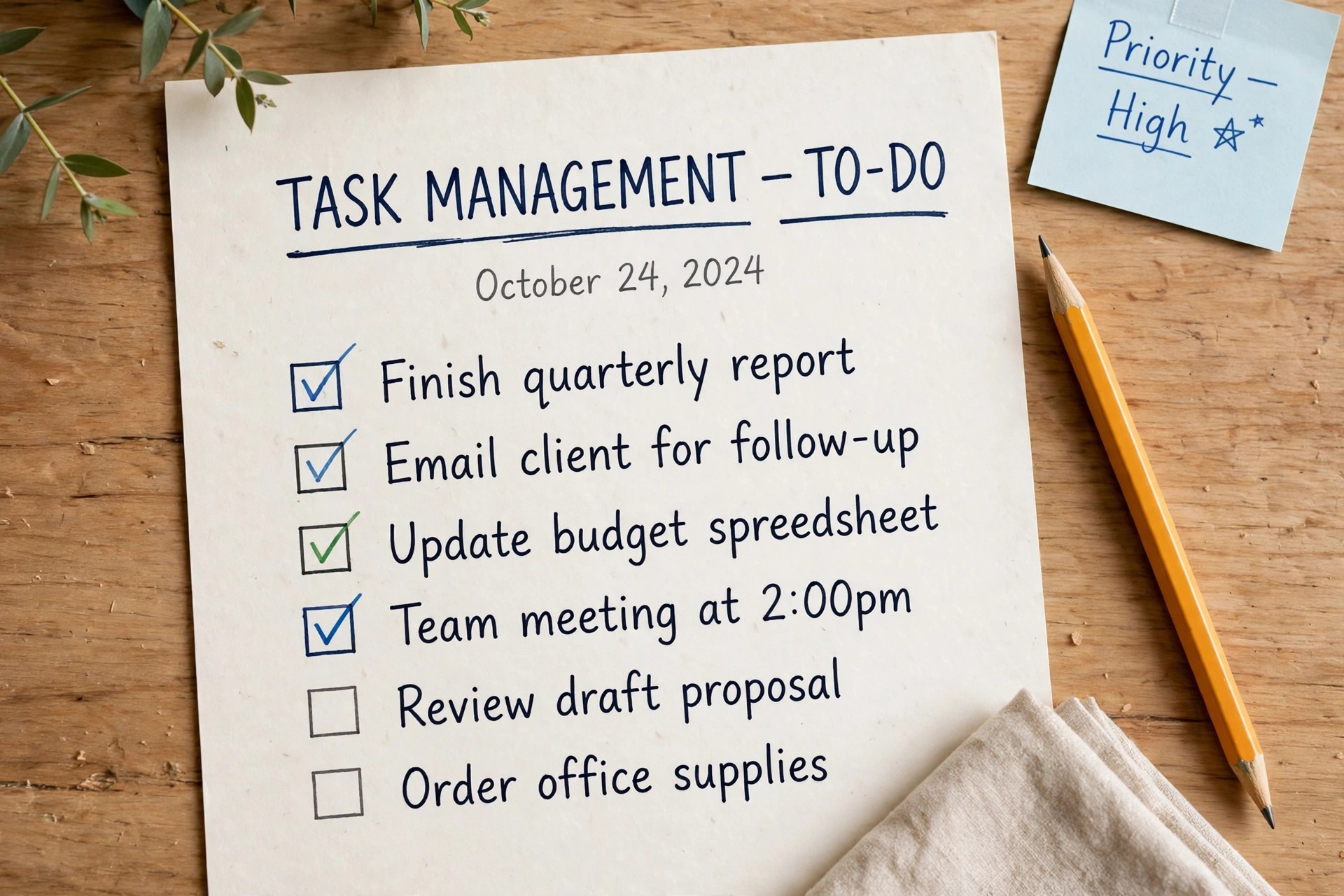
    2Do is a task manager built for people who juggle work, study, and everyday life on their Mac. It keeps tasks, checklists, and projects in one calm workspace, so nothing important slips through the cracks. You can add ideas in seconds, then organise them into lists that match how you actually work.

    What sets 2Do apart is its flexibility. Due dates, repeats, reminders, priorities, tags, and notes all work together, letting you plan a single errand or a full project with the same tool. It also syncs with services you may already use, including iCloud, Dropbox, and CalDAV, so your lists stay current across your devices.

    Key Features

    • Lists, projects, and checklists with due dates, repeats, and reminders
    • Smart Lists and tags to filter tasks by priority, context, or deadline
    • Quick Entry to capture a task from anywhere on your Mac in seconds
    • Sync with iCloud, Dropbox, Apple Reminders, Todoist, and CalDAV servers
    • Notes, attachments, and location-based alerts for richer task planning

    How to Download

    1. Download from the official site
    2. Open the installer and drag 2Do into your Applications folder.
    3. Launch the app, choose your sync service, and start adding tasks.

    Is 2Do free?
    2Do is paid software with a free trial, not a free full version. Try the trial first to see if its lists and sync options suit your workflow, then buy a licence if you decide to keep it.

    Is it safe to download 2Do from other sites?
    Stick to the official site or the Mac App Store. Unofficial download sites may bundle modified installers, so avoid them even if they promise a free full version.

  • Microsoft Office 2024 v16.114.4 for Mac

    Microsoft Office 2024 v16.114.4 for Mac

    Microsoft Office 2024 v16.114.4 for Mac

    Microsoft Office 2024 v16.114.4 for Mac

    Mac Business
    Updated Nov 4, 2026
    Mac Business • Updated Nov 4, 2026

    Microsoft Office 2024 (version 16.107) is the one-time-purchase edition of Microsoft's productivity suite for macOS. Unlike Microsoft 365, you pay once and keep the apps — Word, Excel, PowerPoint, Outlook, and OneNote — with no monthly or yearly fee. It is built for people who want a stable, familiar office setup that doesn't change on them every few months.

    Key Features

    • Full Word, Excel, PowerPoint, Outlook, and OneNote for Mac
    • One-time purchase — no subscription required, yours to keep
    • Opens and saves standard Office formats like .docx, .xlsx, and .pptx
    • Modern ribbon interface tailored for macOS conventions
    • Runs on both Apple silicon and Intel Macs

    How to Download

    1. Download from the official site via Microsoft's store page for Office Home & Business 2024 for Mac.
    2. Buy the one-time license tied to your Microsoft account — you can install or reinstall the apps any time from your account page.
    3. Run the installer and sign in with the account you purchased with to activate.

    Is Office 2024 free?
    No. Office 2024 is a paid one-time purchase. Microsoft offers a free web-only version of Office, but the full Mac desktop apps require a license.

    How is it different from Microsoft 365?
    Office 2024 is pay-once software you keep on your computer. Microsoft 365 is a subscription with always-latest updates and extra cloud services.

  • GraphPad Prism 11.1.0 for Mac

    GraphPad Prism 11.1.0 for Mac

    GraphPad Prism 11.1.0 for Mac

    GraphPad Prism 11.1.0 for Mac

    Mac Business
    Updated Nov 4, 2026
    Mac Business • Updated Nov 4, 2026

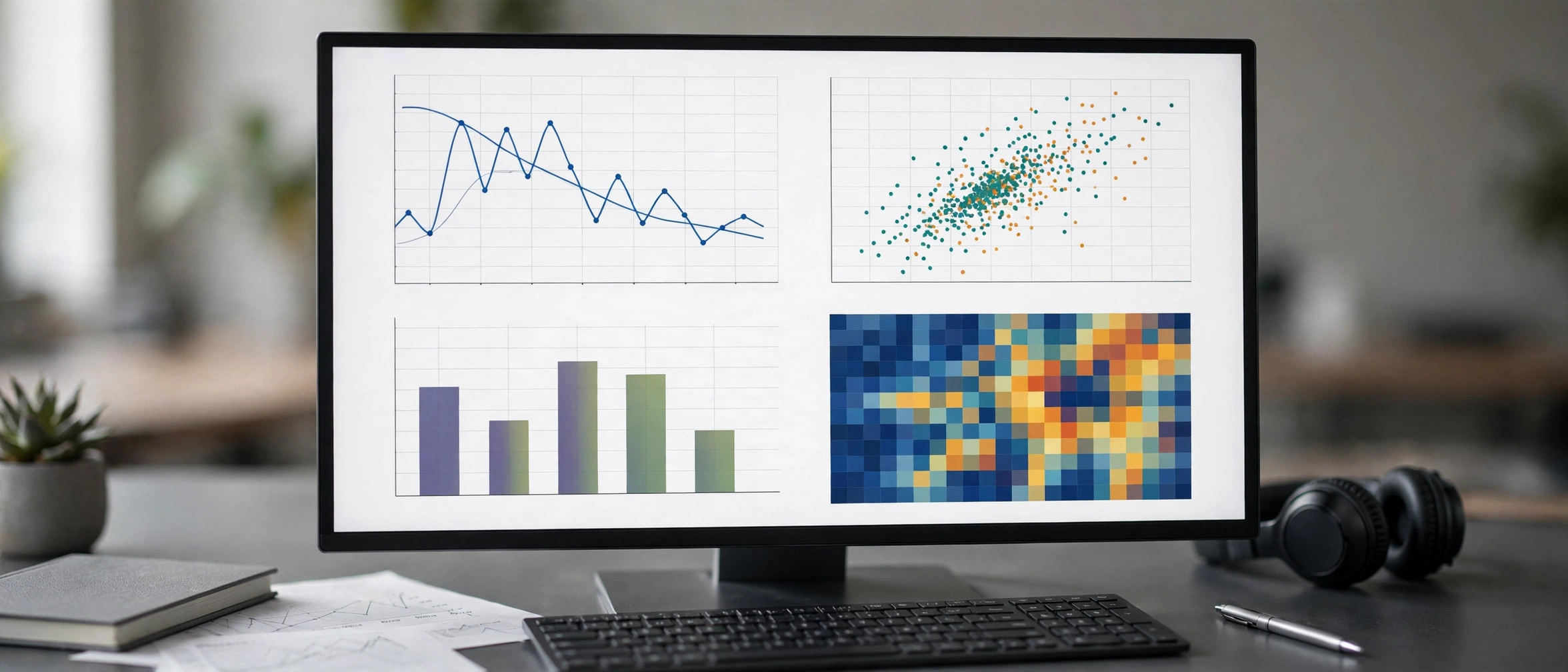
    GraphPad Prism 10.1.1.270 is the Mac release of the scientific graphing and statistics package trusted across life-science labs, used for everything from dose-response curves to clinical survival analysis. Prism combines data organization, statistical analysis and publication-ready graphing in one program, so you rarely need to jump between a spreadsheet, a stats tool and a drawing app. The Prism 10 generation introduced a new open file format, a Graph Inspector for multi-variable graphs and Prism Cloud for sharing projects with colleagues, alongside expanded capacity for large data tables. It is built for researchers who want defensible statistics without writing code: every analysis walks you through the right tests and presents results in plain language. A 30-day free trial is available from GraphPad, which needs no credit card.

    Key Features

    • Guided statistical analysis including t-tests, ANOVA, regression, survival analysis and more, with results explained clearly.
    • Publication-quality graphs with the Graph Inspector for customizing complex multi-variable plots.
    • New .prism file format that keeps data, analysis parameters, results and graphs accessible in one file.
    • Prism Cloud sharing to publish and discuss projects with collaborators online.
    • Large data capacity — data tables can now hold over 2000 columns and plots can show thousands of data sets.

    How to Download

    1. Visit the official GraphPad site — Download from the official site — and head to the Prism free trial section.
    2. Register with your email to start the 30-day trial; the macOS installer will be provided for download.
    3. Install Prism on your Mac and sign in; after the trial it becomes a perpetual free viewer, or you can purchase a plan.

    Is GraphPad Prism free?

    Prism is commercial software, but GraphPad offers a 30-day free trial with no credit card required, and the expired trial keeps working as a free viewer.

    Can Prism 10.1.1.270 run on Apple silicon Macs?

    Yes. Prism 10 is a native Mac release that supports current macOS versions on Intel and Apple silicon machines.