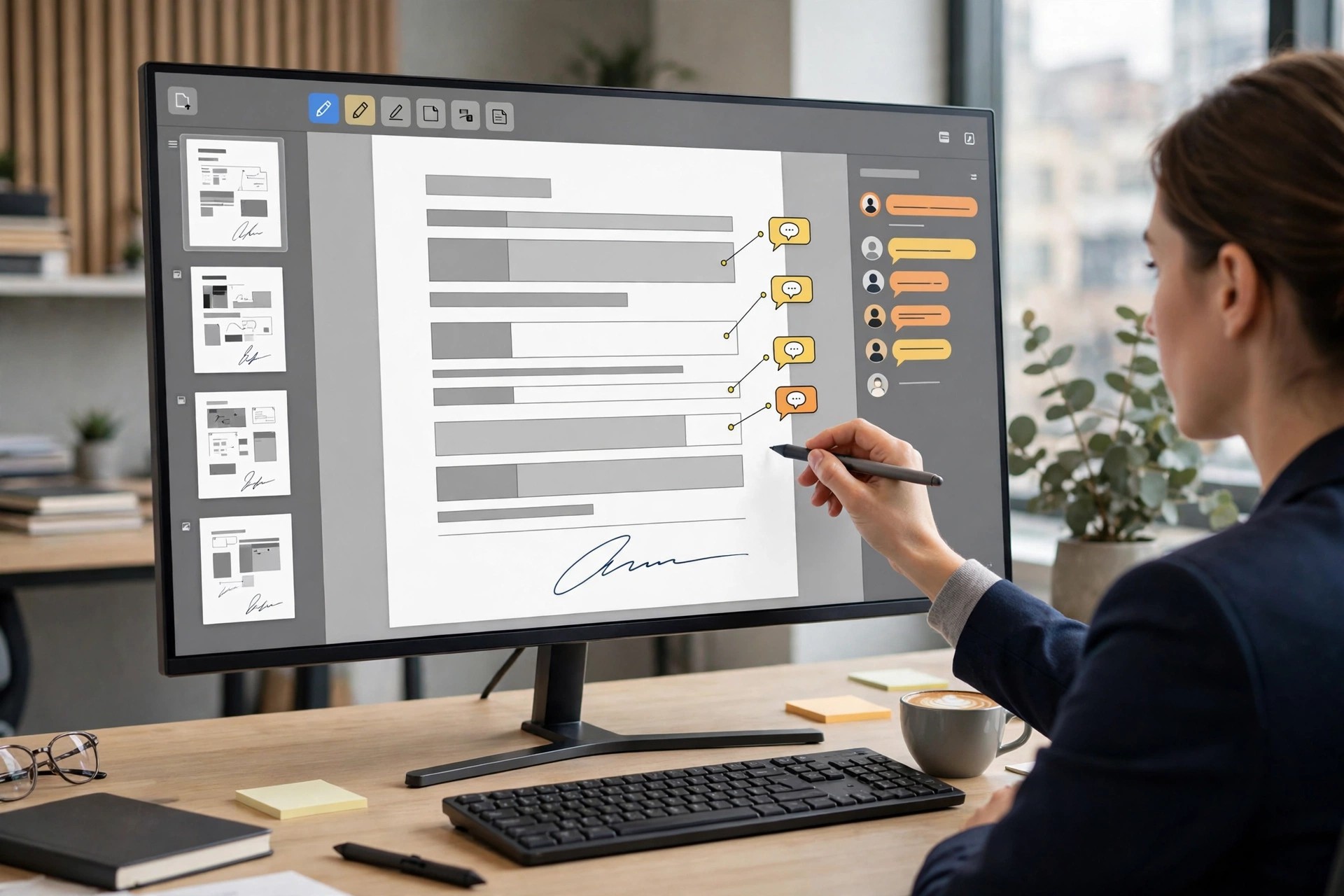
Adobe Acrobat Pro DC 2022.001.20112 for Mac
Mac BusinessAdobe Acrobat Pro DC 2022.001.20112 for Mac is the full-featured edition of Adobe's PDF software, aimed at professionals who do far more than read documents. On top of standard viewing and editing, the Pro edition adds powerful tools for preparing, protecting and standardising PDFs for business, legal and publishing work.
With Acrobat Pro DC you can turn scans into editable text, permanently remove sensitive information, compare two versions of a file, and automate repetitive tasks across many documents. Everything integrates with Adobe's cloud services, so files stay synced between your Mac, the web and mobile apps.
Key Features
- Full PDF editing plus conversion to Microsoft Office formats
- OCR that turns scanned pages into searchable, editable text
- Redaction tools to permanently remove confidential content
- Compare files side by side to spot text and image differences
- Preflight, accessibility checks and batch actions for professionals
How to Download
- Download from the official site and select the Acrobat Pro plan or trial.
- Sign in with your Adobe account, download the macOS installer, and run the setup package.
- Complete the installation prompts and open Acrobat Pro from Applications to activate it.
Is Adobe Acrobat Pro DC free?
No, Acrobat Pro DC is paid subscription software, with a free trial available from Adobe for new users. Anyone advertising a free full version is not offering a genuine Adobe product, and those downloads frequently stop working or cause security problems.
What is the difference between Acrobat DC and Acrobat Pro DC?
Pro includes everything in the standard edition plus OCR, redaction, file comparison, richer form tools and advanced print and accessibility features. If you only read, fill and sign simple PDFs, the standard tools may be enough.







Leave a Reply