4Video PDF Converter 3.3.11 for Mac
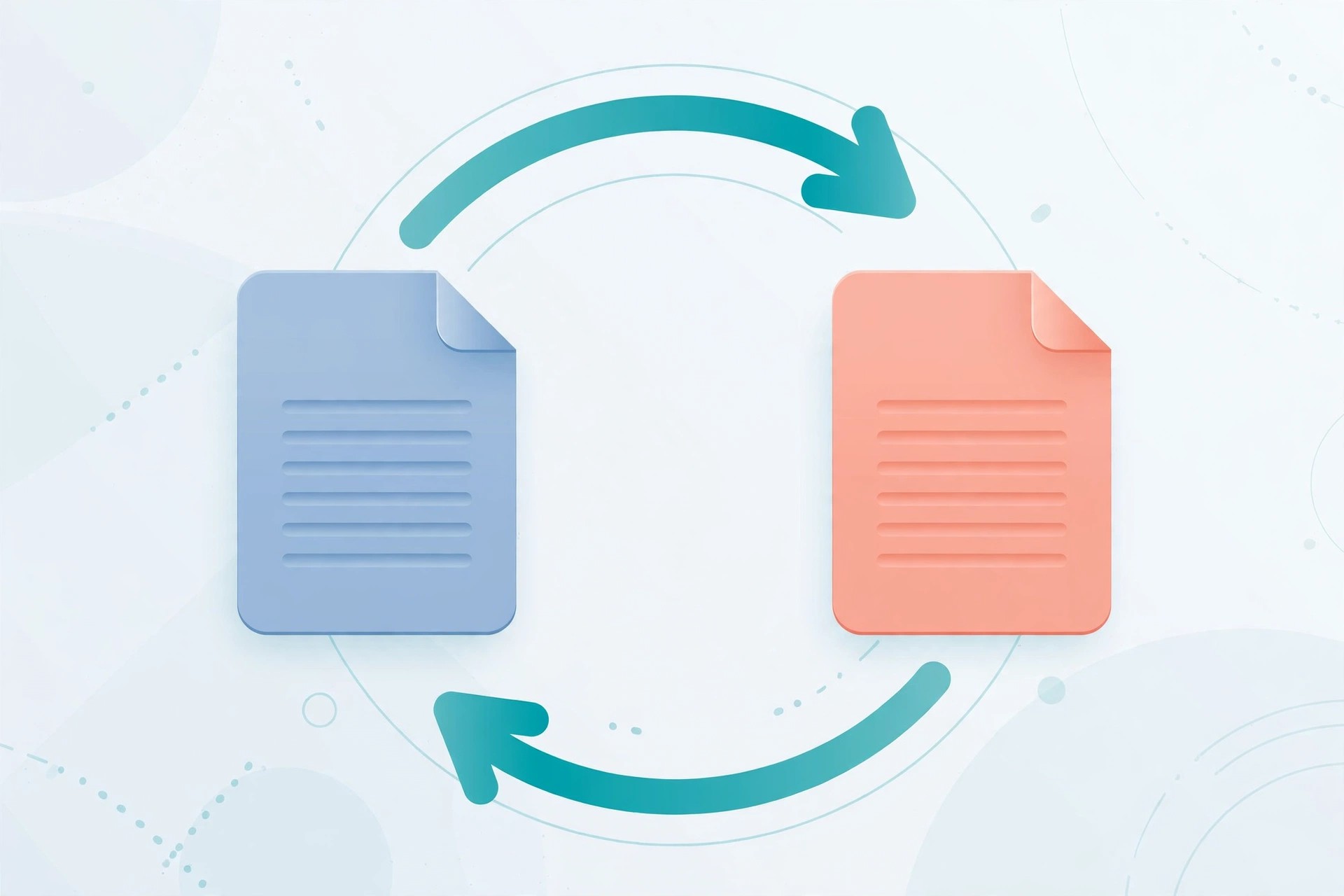
Mac Business4Video PDF Converter 3.3.11 for Mac, from 4Videosoft, turns locked-down PDF files back into documents you can actually edit. It converts PDF to Word, Rich Text, Excel, Text, HTML and ePub, plus popular image formats such as JPEG, PNG, TIFF and GIF, so you can reuse reports, forms and archived pages without retyping them.
The standout tool is built-in OCR. For scanned or image-based PDFs that are really just pictures of text, OCR reads the page and produces editable text instead of an empty document. You can also choose all pages or just a page range, adjust layout and encoding, and control image size and resolution on output.
Key Features
- Converts PDF to Word, Excel, Text, HTML, ePub and image formats
- OCR technology converts scanned, image-based PDFs to editable text
- Batch conversion for handling several PDFs in one pass
- Page-range selection so you convert only the pages you need
- Control over layout, text encoding, image format and resolution
How to Download
- Download from the official site
- Open the installer and follow the prompts to add the app to your Mac.
- Add your PDF files, pick an output format, and start the conversion.
Is 4Video PDF Converter free?
No. It is paid software, normally offered with a free trial so you can test conversion quality before buying. Do not expect a free full version; the trial has limits, and a licence unlocks the complete product.
Can I get it free from another download site?
We do not recommend it. Unofficial copies can be outdated or bundled with unwanted software. Download only from 4Videosoft's own site to get the genuine installer and support.







Leave a Reply