Category: Mac Business

  • AnyMP4 PDF to Word Converter 3.1.7 for Mac

    AnyMP4 PDF to Word Converter 3.1.7 for Mac

    AnyMP4 PDF to Word Converter 3.1.7 for Mac

    AnyMP4 PDF to Word Converter 3.1.7 for Mac

    Mac Business
    Updated Nov 6, 2026
    Mac Business • Updated Nov 6, 2026

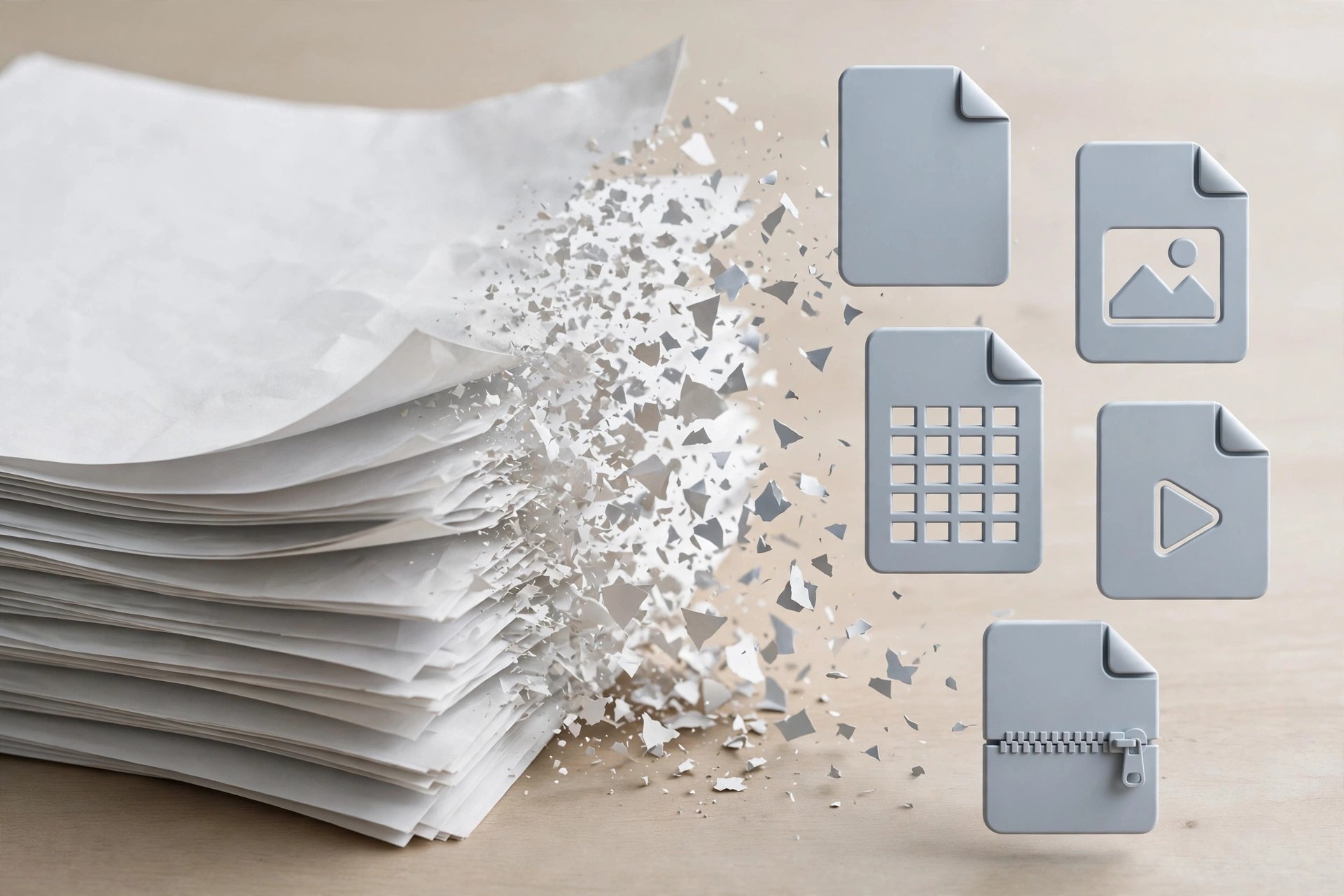
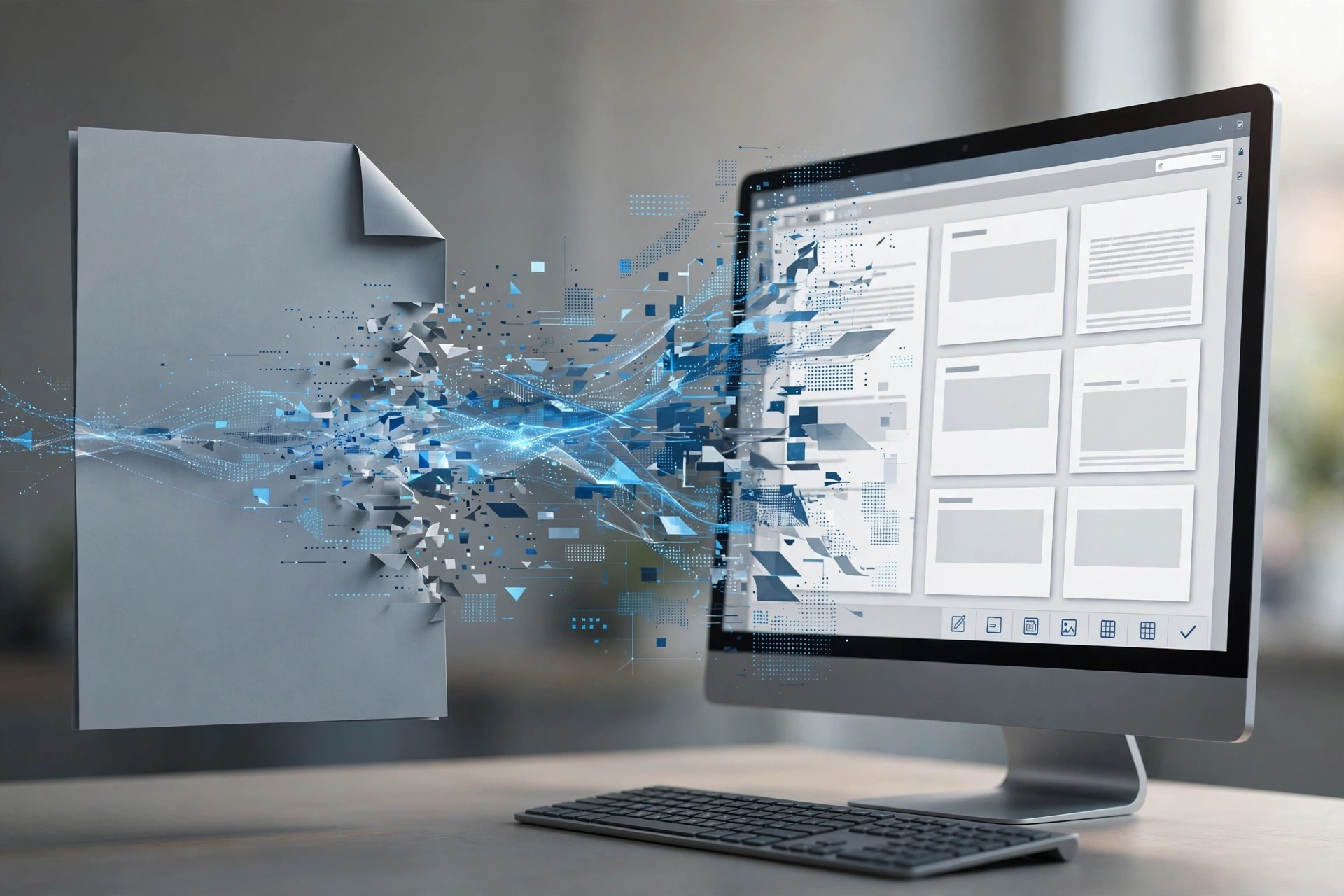
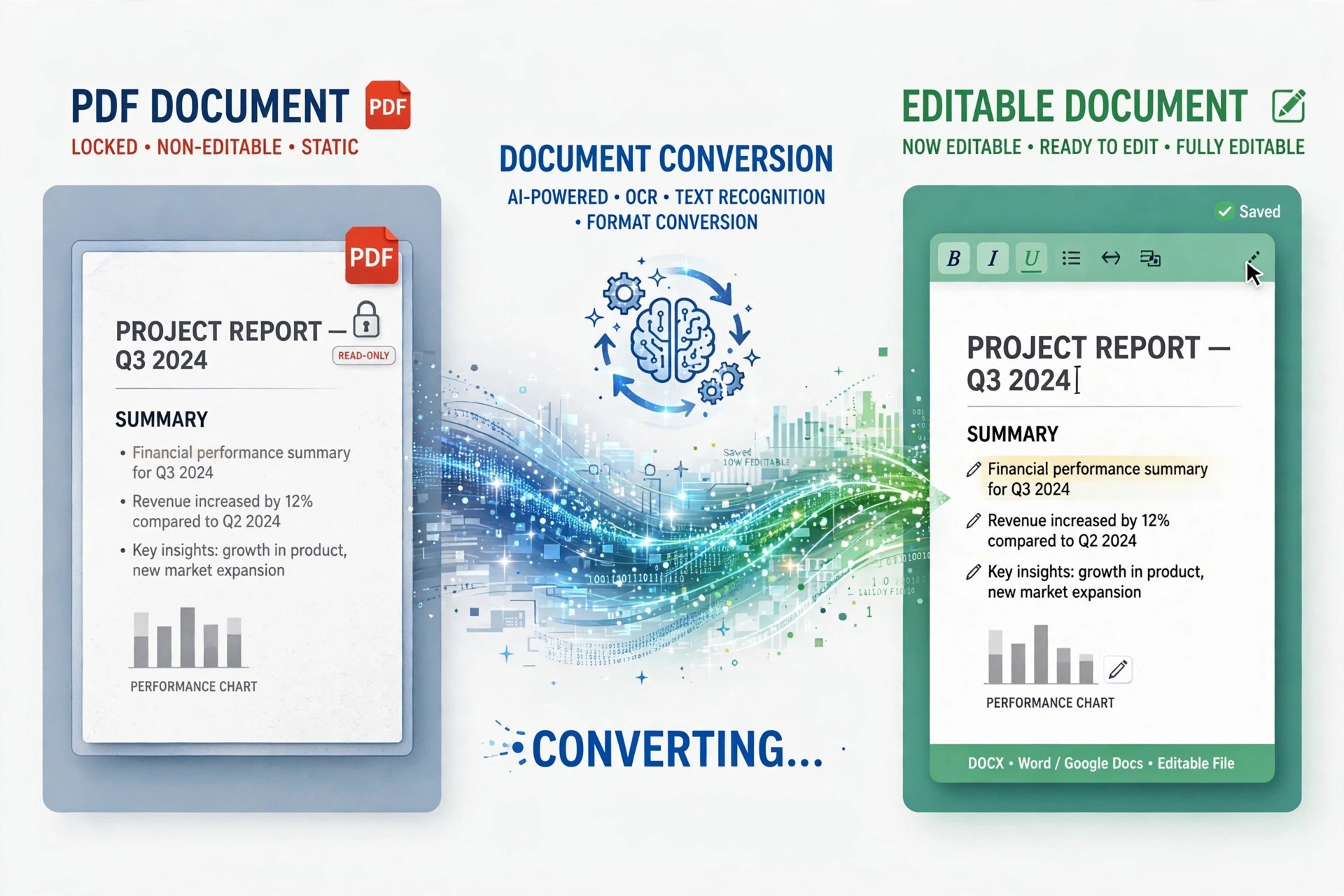
    Sometimes you do not need a dozen output formats — you just need one PDF back in Word to fix a paragraph, reuse a table or update a contract. AnyMP4 PDF to Word Converter 3.1.7 for Mac is the single-purpose version of AnyMP4's PDF tools: it converts PDFs to Microsoft Word and Rich Text Format, keeping the document editable instead of leaving you retyping it.

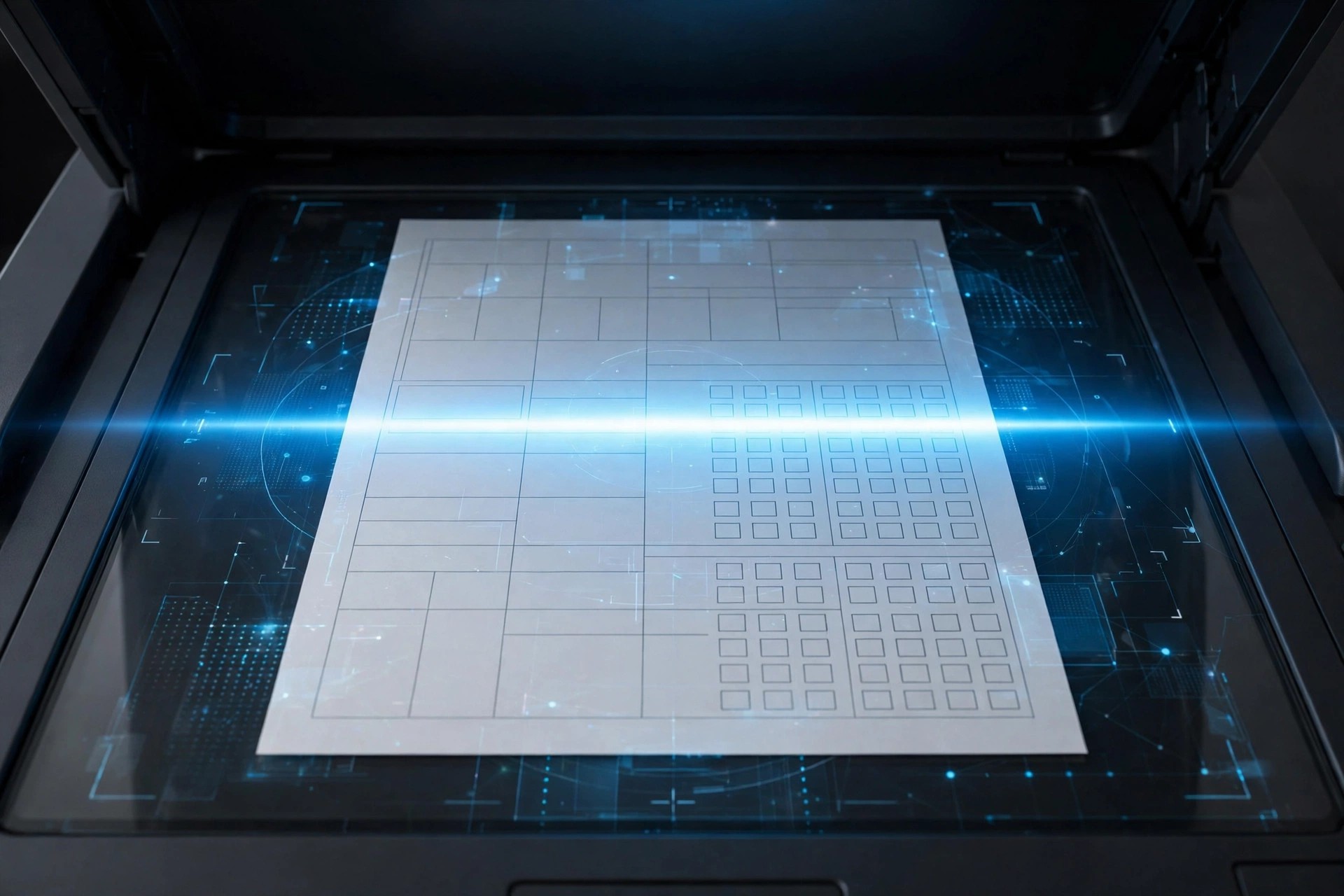
    It includes the same OCR technology as its bigger sibling, so scanned PDFs can be recognised as real text, with Accuracy, Balance and Speed modes to trade quality against time. You choose all pages or a custom range, and can queue multiple PDFs at once. AnyMP4 describes it as a home and small-business app; it is paid software, not a free utility.

    Key Features

    • Converts PDF to Microsoft Word 97-2003, Word 2007 (.docx-era) and Rich Text Format
    • OCR recognition for scanned PDFs, with Accuracy, Balance and Speed modes
    • Multiple OCR languages for documents that are not only in English
    • Convert all pages or a custom page range, and rename files before output
    • Batch conversion to turn several PDFs into Word documents in one session

    How to Download

    1. Note which pages you actually need in Word — converting a range keeps files smaller and faster.
    2. Start your download from the official site: Download from the official site
    3. Install the app, load your PDF, choose Word or RTF output and the page range, then convert and open the result in Word or Pages.

    Will my layout survive the conversion?
    Simple text documents usually convert cleanly. Complex layouts with columns, floating images or unusual fonts may shift in Word, so review the output — choosing the OCR Accuracy mode helps on scanned files.

    How is this different from AnyMP4 PDF Converter?
    This app does one conversion — PDF to Word or RTF. The full PDF Converter also outputs Excel, PowerPoint, ePub, HTML and images. Choose this one only if Word is all you need.
  • AnyMP4 PDF Converter 3.2.10 for Mac

    AnyMP4 PDF Converter 3.2.10 for Mac

    AnyMP4 PDF Converter 3.2.10 for Mac

    AnyMP4 PDF Converter 3.2.10 for Mac

    Mac Business
    Updated Nov 6, 2026
    Mac Business • Updated Nov 6, 2026

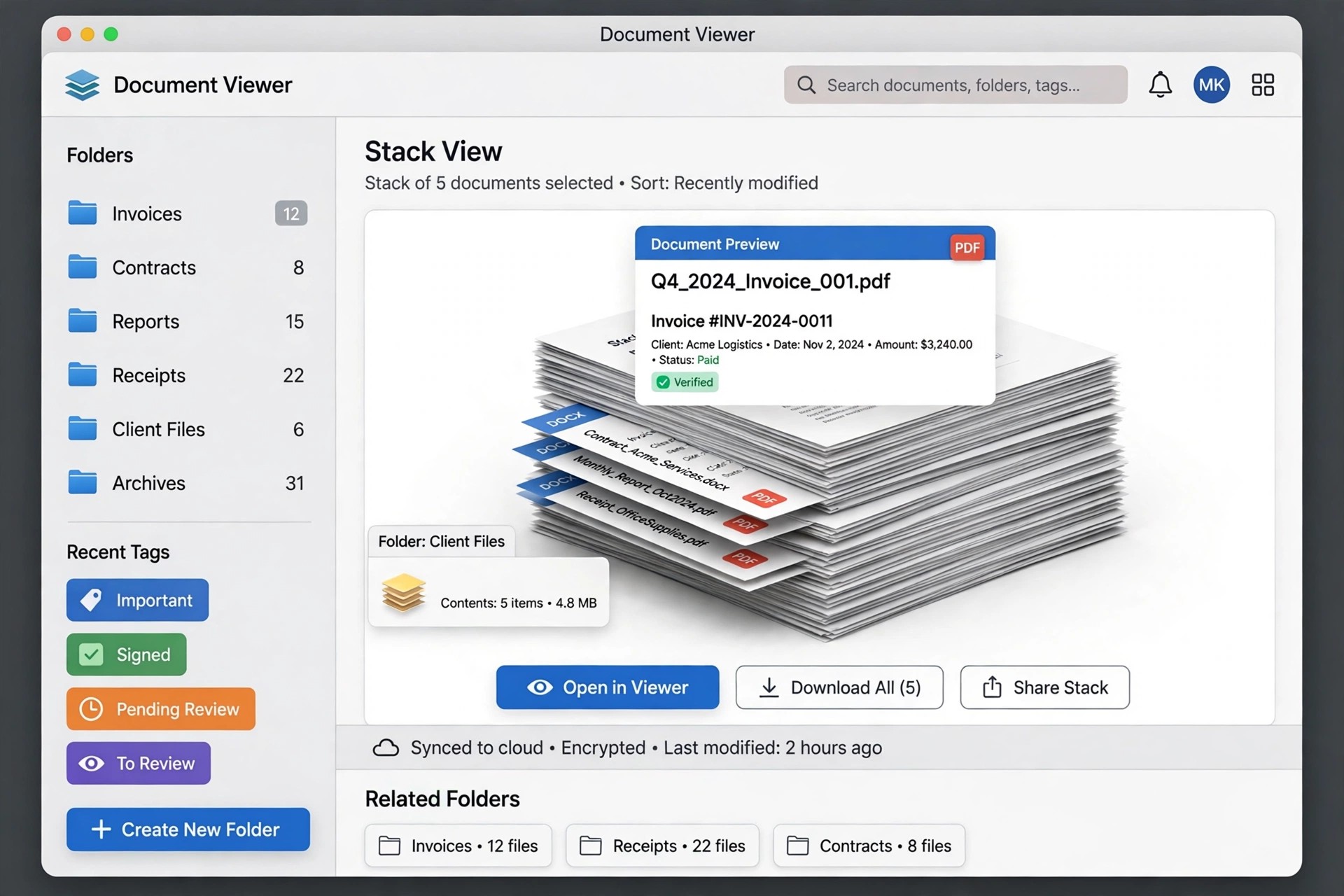
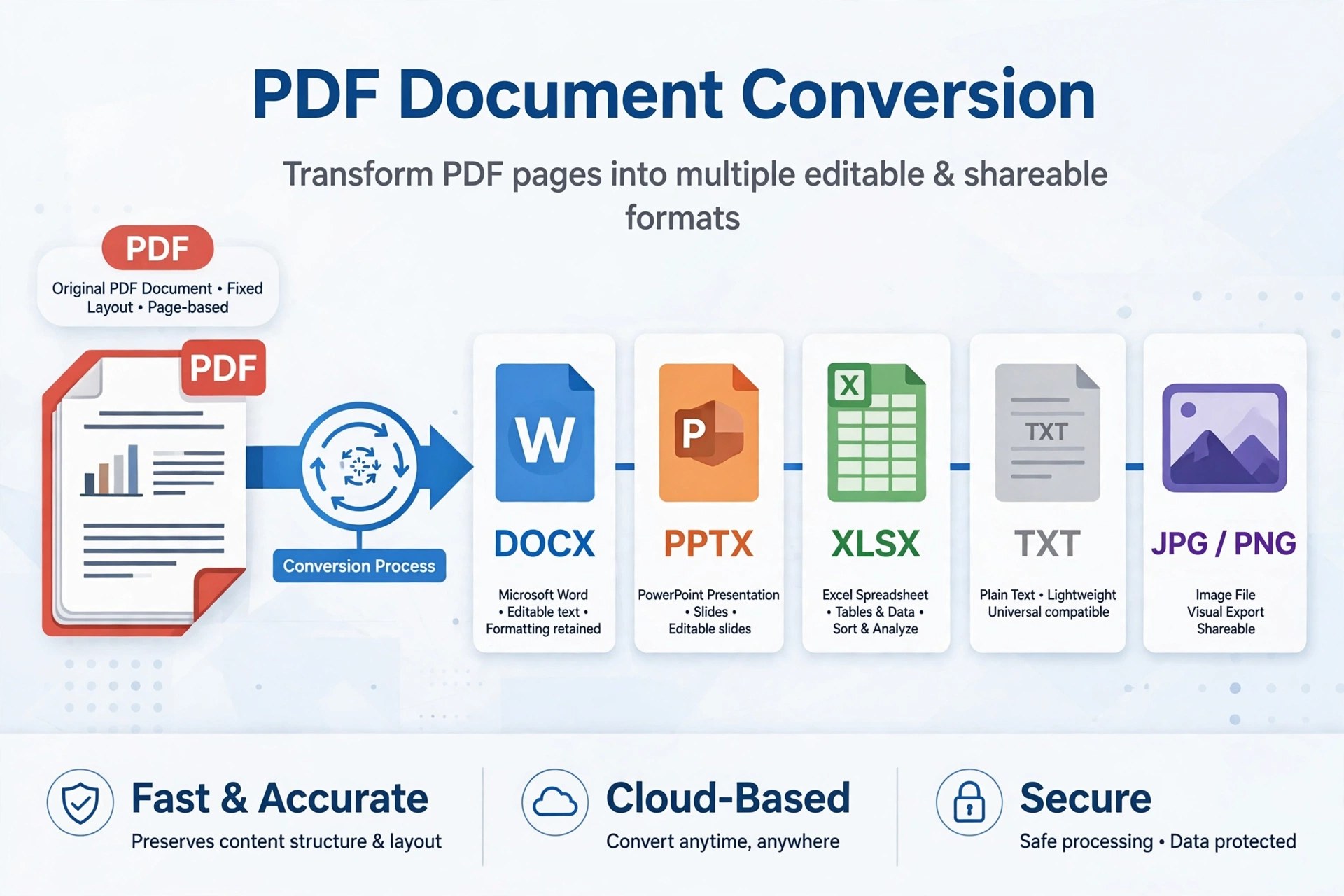
    AnyMP4 PDF Converter 3.2.10 for Mac turns locked-down PDFs back into files you can actually work with. It converts a PDF to Word, Excel, PowerPoint, Rich Text, plain text, ePub and HTML documents, or renders pages as images in JPEG, PNG, GIF, BMP, TIFF and other formats — useful when a report, invoice or manual needs editing rather than just reading.

    Scanned pages are covered too: built-in OCR recognises text in image-based PDFs, with Accuracy, Balance and Speed modes and multiple languages. You can convert whole documents or a chosen page range, and queue several PDFs for batch conversion. It is a paid Mac App Store-era app from AnyMP4, so expect to pay for full use rather than finding a free full version.

    Key Features

    • Converts PDF to Word, Excel, PowerPoint, RTF, text, ePub and HTML
    • Exports PDF pages to JPEG, PNG, GIF, BMP, TGA, PPM, JPEG2000 and TIFF images
    • OCR for scanned PDFs with Accuracy, Balance and Speed recognition modes
    • Batch conversion with a different output format allowed for each file
    • Page-range selection, output folder control and file renaming before converting

    How to Download

    1. Have a sample PDF ready — ideally one scanned page — to test the OCR quality.
    2. Start your download from the official site: Download from the official site
    3. Install the app, add your PDFs, pick the output format and page range, then start the conversion.

    Can it convert a scanned PDF to editable Word?
    Yes, that is what the OCR mode is for. Choose Accuracy mode for important documents, check the result for recognition errors, and expect clean printed pages to convert better than handwriting or low-quality scans.

    Is AnyMP4 PDF Converter free?
    No. It is paid software distributed through AnyMP4's official App Store pages. Pricing can change, so check the current listing — and ignore unofficial sites advertising a free full version.

  • Antidote 11.6.1 for Mac

    Antidote 11.6.1 for Mac

    Antidote 11.6.1 for Mac

    Antidote 11.6.1 for Mac

    Mac Business
    Updated Nov 4, 2026
    Mac Business • Updated Nov 4, 2026

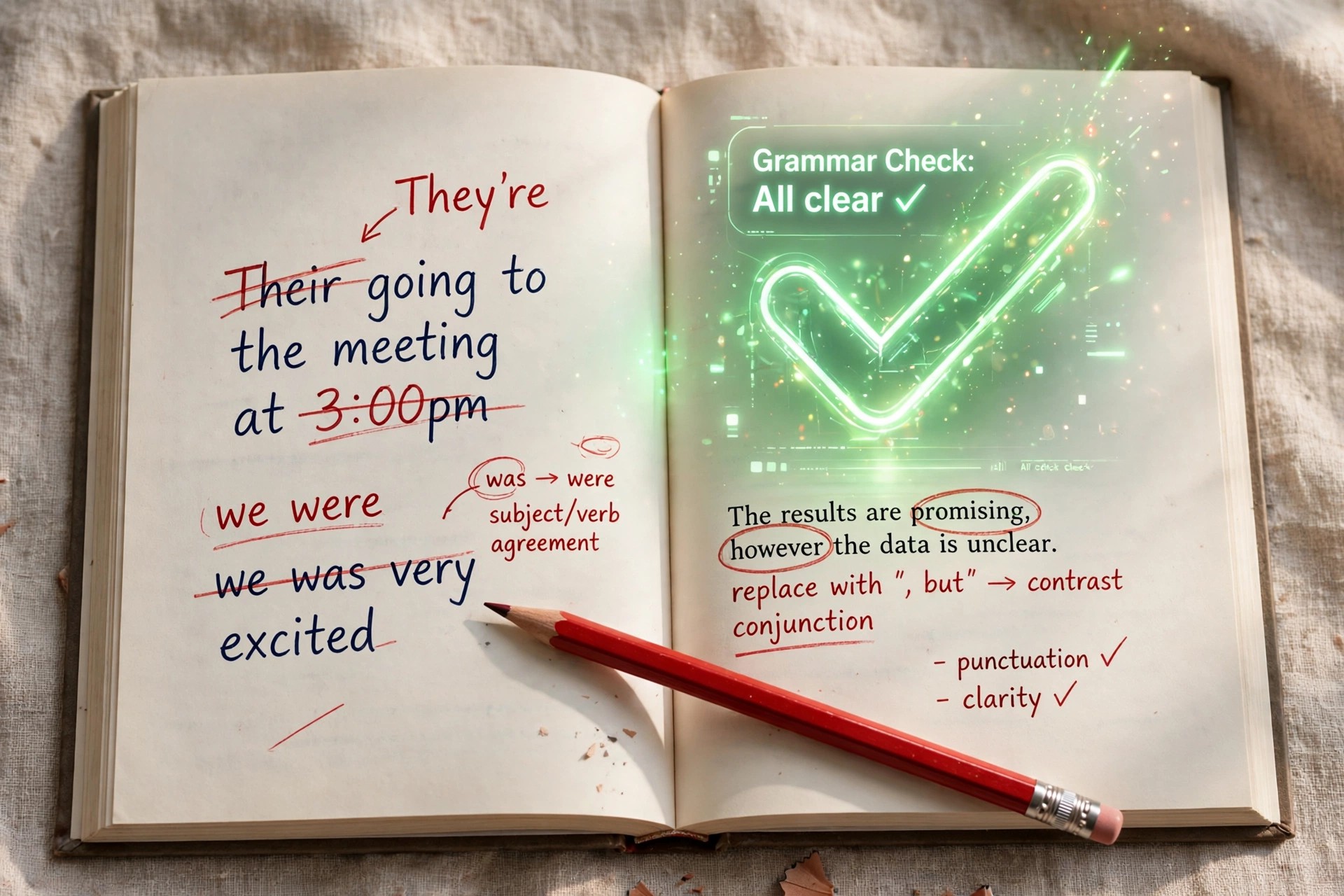
    Antidote 11.6.1 for Mac is the writing-assistance suite from Druide informatique, the Canadian company that has developed it for over 25 years. It goes far beyond a spell checker: a single click runs your text through an advanced corrector covering spelling, grammar, agreement, punctuation and typography, and pairs it with deep dictionaries and language guides in the same window.

    Version 11.6.1 is a late maintenance release of the Antidote 11 generation. The current edition is Antidote 12, sold as a perpetual licence, while the Antidote+ subscription adds the web and mobile apps plus server-powered features such as Reformulation — and Druide offers a 30-day free trial of Antidote+. There is no free full version of the desktop software.

    Key Features

    • Advanced corrector that flags errors with clear explanations and one-click fixes
    • Style filters that catch repetition, redundancy, weak phrasing and typography issues
    • Rich dictionaries: definitions, synonyms, antonyms, expressions, word families and conjugation
    • Detailed language guides — hundreds of articles on grammar, style and punctuation
    • Anti-Oops! technology that checks emails for mistakes and missing attachments before sending
    • Integrates with Word, Outlook, browsers and many other Mac writing apps

    How to Download

    1. Download from the official site — this is Druide's current Antidote page.
    2. Choose the perpetual Antidote 12 licence, an Antidote+ subscription, or start the 30-day Antidote+ trial.
    3. Download the Mac installer from your Druide account, install, and activate with your licence or subscription sign-in.

    Is Antidote free?
    No. The desktop corrector is paid software, either as a one-time perpetual licence or through the Antidote+ subscription. The honest free route is the 30-day Antidote+ trial offered on the official site.

    Does Antidote work in both English and French?
    Yes. You choose a language when you buy, and an optional module adds the second language so Antidote can correct bilingual documents, processing both languages at once.

  • Anthemion Software Jutoh 2.91 for Mac

    Anthemion Software Jutoh 2.91 for Mac

    Anthemion Software Jutoh 2.91 for Mac

    Anthemion Software Jutoh 2.91 for Mac

    Mac Business
    Updated Nov 4, 2026
    Mac Business • Updated Nov 4, 2026

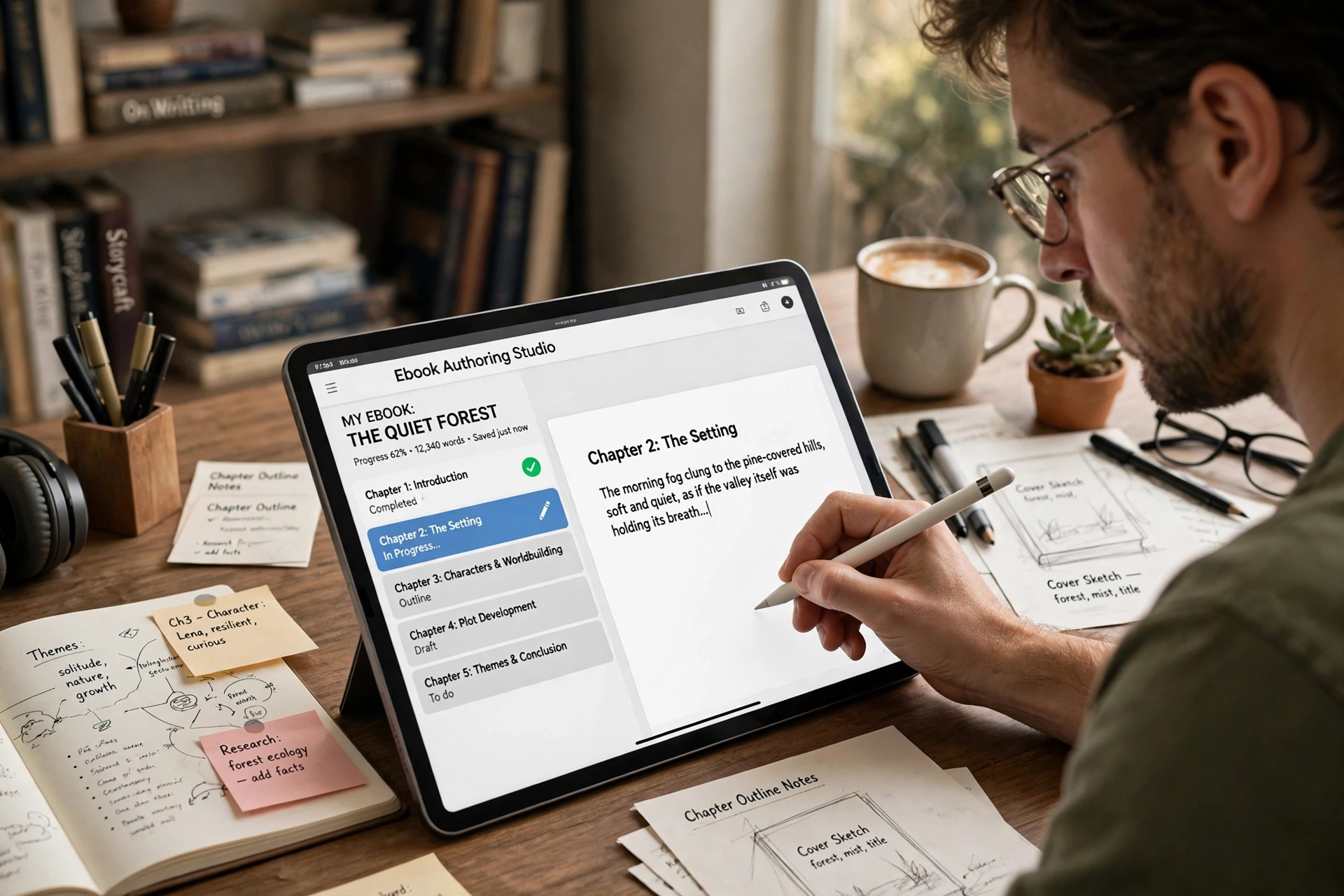
    Anthemion Software Jutoh 2.91 for Mac is a dedicated ebook authoring tool from Anthemion Software, the Edinburgh studio founded by Julian Smart. Where a word processor leaves you wrestling with conversion settings, Jutoh is built around one job: writing or importing a book in a styled, WYSIWYG editor, then compiling it into clean EPUB and Kindle-ready files you can sell on the major ebook stores.

    Version 2.91 is a late release from the Jutoh 2 generation; the current line is Jutoh 3, sold directly from the official site. Jutoh is paid software, not a free full version — but the official download runs as a demonstration with a few limitations until you register it, so you can try the workflow before buying.

    Key Features

    • New Project Wizard builds a book in seconds from Word, ODT, HTML, text or EPUB files
    • Compiles to EPUB 2/3, Kindle formats, ODT and HTML from one project
    • Automatic tables of contents, footnotes, bibliographies and alphabetical indexes
    • Built-in EpubCheck validation so formatting errors surface before you publish
    • Conditional content — vary text between editions and formats from a single project
    • Cross-platform: one licence covers Mac, Windows and Linux, with free upgrades within a major version

    How to Download

    1. Download from the official site
    2. On the download page, choose the current Jutoh 3 for Mac (the page also keeps a Jutoh 2 download link for legacy users).
    3. Open the disk image, drag Jutoh to Applications, and either explore the demo limitations or enter your registration key to unlock it.

    Is Jutoh free?
    No, it is a paid licence — but the unregistered download works as a demonstration with a few limitations, so you can build a test book before paying. Upgrades within the same major version are free for registered users.

    Can Jutoh publish to Kindle as well as EPUB?
    Yes. Jutoh compiles Kindle-ready files alongside EPUB, ODT and HTML, with documentation covering Amazon's Kindle tools for final delivery.

  • All Docs 1.5 for Mac

    All Docs 1.5 for Mac

    All Docs 1.5 for Mac

    All Docs 1.5 for Mac

    Mac Business
    Updated Nov 4, 2026
    Mac Business • Updated Nov 4, 2026

    All Docs 1.5 for Mac is a small productivity utility described as a helper for creating Microsoft Office 365 documents in OneDrive on a Mac. Rather than opening a browser and navigating OneDrive each time, an app in this category aims to give you a quicker route from your desktop to a new Word, Excel or PowerPoint document stored in your Microsoft account.

    This is an obscure listing and we could not verify a current official vendor page or Mac App Store listing for this exact name and version. Several unrelated document apps use very similar names, so the seller name matters more than the title. Do not assume it is free, and do not download it from mirror sites using the same name.

    Key Features

    • We could not verify an official page for version 1.5, so search the Mac App Store by the exact title and confirm the seller before installing anything.
    • Install only from a verified listing, sign in with your own Microsoft account inside the app, and never enter your password on a third-party download page.
    • Does All Docs replace Microsoft 365?
      No. An app like this is only a helper around OneDrive and Office documents. You still need your own Microsoft account, and editing features and storage come from Microsoft 365 itself.

      Is All Docs free?
      We could not confirm the pricing for this exact product. Small App Store utilities are often paid or include in-app purchases, so check the verified listing rather than expecting a free full version.

  • Aiseesoft PDF Converter Pro with OCR 3.3.67 for Mac

    Aiseesoft PDF Converter Pro with OCR 3.3.67 for Mac

    Aiseesoft PDF Converter Pro with OCR 3.3.67 for Mac

    Aiseesoft PDF Converter Pro with OCR 3.3.67 for Mac

    Mac Business
    Updated Nov 4, 2026
    Mac Business • Updated Nov 4, 2026

    Aiseesoft PDF Converter Pro with OCR 3.3.67 for Mac adds the one feature standard converters lack: optical character recognition. Where a normal converter only handles PDFs with selectable text, the Pro edition reads scanned pages and photographed documents, recognises the text, and rebuilds it as an editable file.

    That makes it the right choice for anyone digitising paper archives, scanned contracts, invoices, or book pages on a Mac. It converts both regular and scanned PDFs to Word, Excel, PowerPoint, Text, EPUB, and images, with OCR support for many languages and batch processing for bulk jobs.

    Key Features

    • OCR technology that turns scanned, image-based PDFs into editable documents
    • Convert PDF to Word, Excel, PowerPoint, Text, EPUB, HTML, and image formats
    • Multi-language text recognition, including English, French, German, and Chinese
    • Preserves layout, tables, graphics, and formatting from the original file
    • Batch conversion and page-range selection to speed up large workloads

    How to Download

    1. Start your download from the official site: Download from the official site and get the Mac version.
    2. Install the app, open it, and add a scanned PDF to test the OCR accuracy.
    3. The free trial covers a limited test; register a licence to unlock full OCR conversion without page limits.

    Is the Pro with OCR version free?
    No. It is a paid edition with a free trial download. The trial is enough to check OCR accuracy on your own scans before you commit to a licence.

    How accurate is the OCR on poor-quality scans?
    Clean, straight scans at a decent resolution give the best results. Skewed or faded pages may need small manual corrections after conversion, which is normal for any OCR tool.

  • Aiseesoft PDF Converter 3.3.11 for Mac

    Aiseesoft PDF Converter 3.3.11 for Mac

    Aiseesoft PDF Converter 3.3.11 for Mac

    Aiseesoft PDF Converter 3.3.11 for Mac

    Mac Business
    Updated Nov 4, 2026
    Mac Business • Updated Nov 4, 2026

    Aiseesoft PDF Converter 3.3.11 for Mac turns locked-down PDF documents back into files you can actually edit. Instead of retyping a report or rebuilding a table by hand, it converts PDFs into Word, Excel, PowerPoint, Text, EPUB, HTML, or image formats while keeping the layout as close to the original as possible.

    It is made for office workers, students, and freelancers who regularly receive PDFs they need to quote, update, or reuse. You can convert a full document, a selected page range, or a batch of files in one go, which makes routine paperwork much faster.

    Key Features

    • Convert PDF to Word, Excel, PowerPoint, Text, EPUB, and HTML
    • Export PDF pages as images in formats such as JPG, PNG, and TIFF
    • Preserve original layout, columns, images, and hyperlinks during conversion
    • Batch conversion plus page-range selection for large documents
    • Simple three-step workflow designed for non-technical Mac users

    How to Download

    1. Start your download from the official site: Download from the official site and choose the Mac edition.
    2. Install the app from the downloaded package and launch it from Applications.
    3. Convert a sample PDF with the free trial to check the layout, then activate a licence for regular use.

    Is Aiseesoft PDF Converter free?
    It is paid software with a free trial download. The trial lets you test conversions on a few pages so you can judge the output quality before paying.

    Can it convert scanned PDFs?
    Scanned, image-based PDFs need OCR to become editable text. If most of your files are scans, look at the Pro edition with OCR, which is covered in a separate listing.

  • Aiseesoft Mac PDF to Word Converter 3.3.12 for Mac

    Aiseesoft Mac PDF to Word Converter 3.3.12 for Mac

    Aiseesoft Mac PDF to Word Converter 3.3.12 for Mac

    Aiseesoft Mac PDF to Word Converter 3.3.12 for Mac

    Mac Business
    Updated Nov 4, 2026
    Mac Business • Updated Nov 4, 2026

    Aiseesoft Mac PDF to Word Converter 3.3.12 for Mac converts PDF files into editable Microsoft Word documents in DOCX format, as well as RTF and plain text. It works to carry over the original text, images, graphics, layout and formatting, so the Word file you get looks like the PDF you started with, but can finally be edited.

    It is for Mac users who need to reuse contracts, reports, forms and articles that only exist as PDFs, without retyping them or rebuilding the layout by hand. OCR support covers scanned PDFs in many languages. This older standalone Mac tool appears to have been folded into Aiseesoft's current PDF Converter line, which includes the same PDF to Word function. It is paid software with a free trial.

    Key Features

    • Convert PDF to editable Word DOCX, RTF and text documents
    • Aims to preserve text, images, graphics, layout and formatting
    • OCR technology recognises scanned PDFs in over 190 languages
    • Batch mode and page-range selection for partial conversions
    • Handles password-protected PDFs once you enter the password

    How to Download

    1. Download from the official site
    2. On Aiseesoft's current PDF converter page, download the Mac trial, install it and add your PDF file.
    3. Choose Word as the output, check the result in the free trial, and buy a licence for full use.

    Is Mac PDF to Word Converter free?
    No. It is a paid program with a free trial. You can test a conversion in the trial, and a licence unlocks unrestricted converting.

    Can it convert a scanned PDF?
    Yes. Its OCR feature is built to recognise text in image-based and scanned PDFs, so the resulting Word document contains editable text rather than a picture of a page.

  • Aiseesoft Mac PDF to Excel Converter 3.3.20 for Mac

    Aiseesoft Mac PDF to Excel Converter 3.3.20 for Mac

    Aiseesoft Mac PDF to Excel Converter 3.3.20 for Mac

    Aiseesoft Mac PDF to Excel Converter 3.3.20 for Mac

    Mac Business
    Updated Nov 4, 2026
    Mac Business • Updated Nov 4, 2026

    Aiseesoft Mac PDF to Excel Converter 3.3.20 for Mac does one job well: it turns PDF files, especially reports and documents built around tables, into editable Microsoft Excel spreadsheets in XLS or XLSX format. Instead of retyping figures locked inside a PDF, you convert the file and get rows, columns and values you can sort, calculate and reuse.

    It is made for Mac users in finance, administration, research and small business who receive statements, price lists and data tables as PDFs. OCR support means scanned documents can also be processed, not just digitally created PDFs. The standalone Mac version appears to have been folded into Aiseesoft's current PDF Converter line, which offers the same PDF to Excel conversion, and it is paid software with a free trial.

    Key Features

    • Convert PDF documents to editable Excel XLS and XLSX files
    • Designed to preserve table structure, values and formatting
    • OCR technology for scanned, image-based PDFs
    • Batch conversion to process several PDFs at the same time
    • Convert all pages, or only a selected page range

    How to Download

    1. Download from the official site
    2. On Aiseesoft's current PDF converter page, download the Mac trial, install it and add your PDF.
    3. Choose Excel as the output, test the result in the free trial, and buy a licence for full conversions.

    Is Mac PDF to Excel Converter free?
    No. It is a paid converter with a free trial download. The trial is for testing, and a paid licence is needed for unrestricted use.

    Will my tables stay in order?
    That is the point of the tool: it aims to keep the PDF's table layout in the Excel output. Complex merged cells or scanned pages may still need a quick manual check.

  • Aiseesoft Mac PDF Converter 3.3.11 for Mac

    Aiseesoft Mac PDF Converter 3.3.11 for Mac

    Aiseesoft Mac PDF Converter 3.3.11 for Mac

    Aiseesoft Mac PDF Converter 3.3.11 for Mac

    Mac Business
    Updated Nov 4, 2026
    Mac Business • Updated Nov 4, 2026

    Aiseesoft Mac PDF Converter 3.3.11 for Mac converts PDF documents into editable files you can actually work with, including Word, Excel, PowerPoint, ePub, HTML, text and common image formats. It aims to keep the original text, images, layout and formatting intact, so a converted contract, report or table does not need hours of manual cleanup.

    It is aimed at office and home users on Mac who regularly receive locked-down PDFs they need to edit, reuse or extract data from. Built-in OCR handles scanned, image-based PDFs and can recognise text in many languages. Aiseesoft sells it as a paid converter with a free trial download, so you can test a conversion before buying.

    Key Features

    • Convert PDF to Word, Excel, PowerPoint, HTML, ePub, text and images
    • Preserves original layout, fonts, images and formatting where possible
    • OCR technology recognises scanned PDFs in over 190 languages
    • Batch conversion and page-range selection to convert only what you need
    • Standalone Mac app — no Adobe Acrobat or Reader install required

    How to Download

    1. Download from the official site
    2. Install the converter on your Mac, add a PDF, choose your output format and page range, then convert.
    3. Use the free trial to check output quality, and buy a licence for unrestricted conversions.

    Is Mac PDF Converter free?
    No. It is a paid program with a free trial. The trial lets you test conversions, and a licence removes the trial limits.

    Can it convert scanned PDFs?
    Yes. Its OCR feature is designed to recognise text in scanned or image-based PDFs in many languages, and turn that text into editable output.