Author: admin

  • ABBYY FineReader OCR Pro 12.1.14 for Mac

    ABBYY FineReader OCR Pro 12.1.14 for Mac

    ABBYY FineReader OCR Pro 12.1.14 for Mac

    ABBYY FineReader OCR Pro 12.1.14 for Mac

    Mac Business
    Updated Nov 4, 2026
    Mac Business • Updated Nov 4, 2026

    ABBYY FineReader OCR Pro 12.1.14 for Mac was ABBYY's professional optical character recognition app, built to free information trapped in scans, photos and image-only PDFs. It recognises printed text and rebuilds the document's layout — columns, tables and headings — so the result is genuinely editable rather than a plain text dump.

    ABBYY discontinued FineReader Pro for Mac in September 2021 and replaced it with FineReader PDF for Mac, which is why the official link above leads to ABBYY's upgrade page. Existing Pro licences still describe a capable tool, but new buyers should choose the current product for modern macOS support.

    Key Features

    • High-accuracy OCR that preserves document layout, tables and formatting
    • Convert to DOCX, XLSX, PPTX, RTF, HTML, EPUB and searchable PDF or PDF/A
    • Batch conversion and Automator and AppleScript support for repeated jobs
    • Screenshot Reader to capture and recognise text from any area of the screen
    • Recognition for documents in a very wide range of languages

    How to Download

    1. Download from the official site
    2. On ABBYY's site, choose the current FineReader PDF for Mac trial or purchase instead of the discontinued Pro edition.
    3. Install, launch the app, and open a scan or PDF to run your first conversion.

    Is ABBYY FineReader OCR Pro free?
    No. FineReader Pro was paid software, and it is no longer sold. Its successor, FineReader PDF for Mac, offers a free trial — 7 days and up to 100 pages for individuals — before a licence or subscription is required.

    Can I still download Pro 12 from other sites?
    Avoid it. Because ABBYY no longer sells this edition, unofficial sites offering it are distributing old or cracked installers that will not receive fixes. The official upgrade path gives you a supported version for current macOS releases.


  • A-Zippr RAR ZIP Extractor Premium 2.0 for Mac

    A-Zippr RAR ZIP Extractor Premium 2.0 for Mac

    A-Zippr RAR ZIP Extractor Premium 2.0 for Mac

    A-Zippr RAR ZIP Extractor Premium 2.0 for Mac

    Mac Utilities
    Updated Nov 4, 2026
    Mac Utilities • Updated Nov 4, 2026

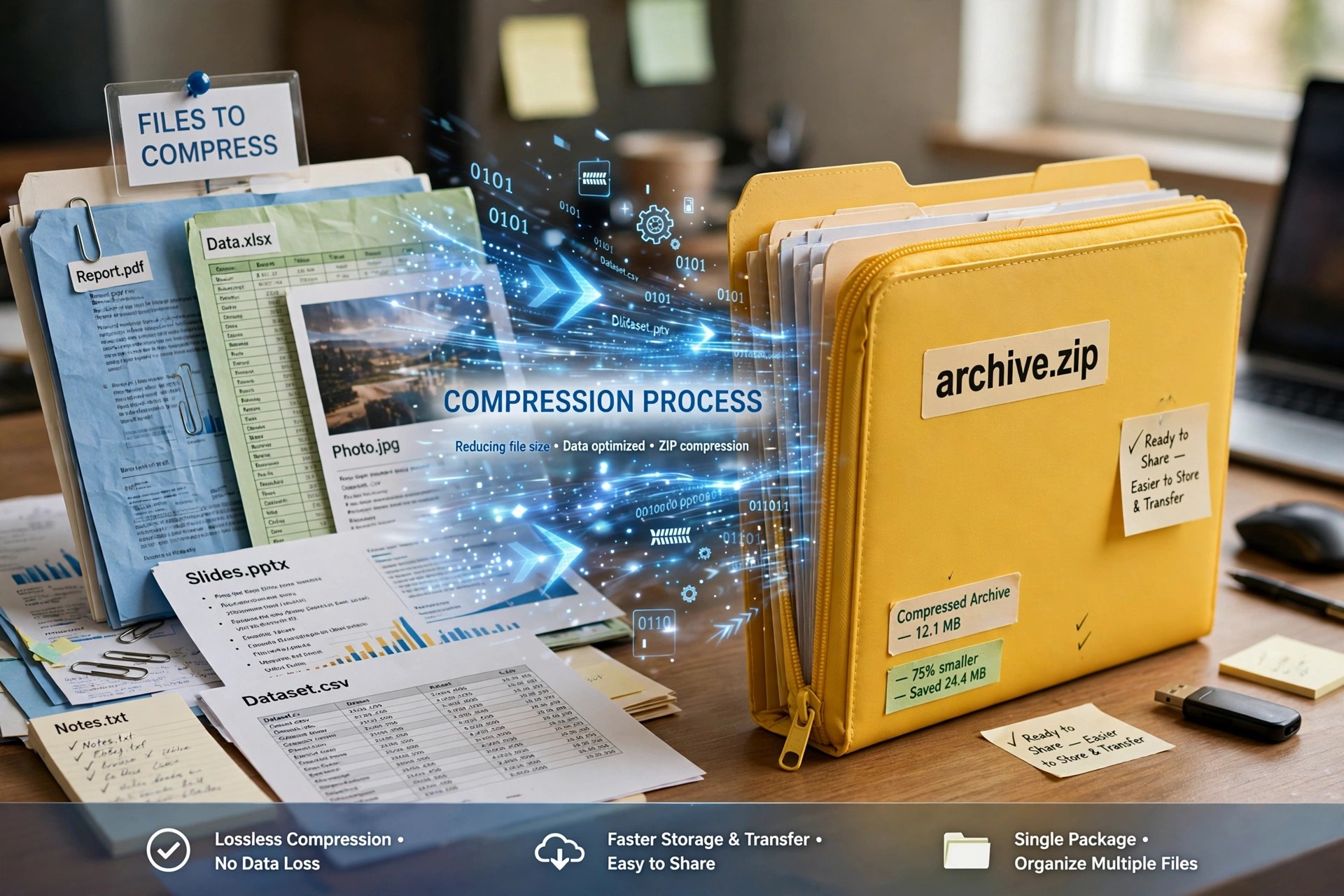
    A-Zippr RAR ZIP Extractor Premium 2.0 is another premium-labelled edition in the A-Zippr family of Mac archive tools. Its focus is extraction first: double-click or drop in a compressed file — including RAR archives that macOS cannot open on its own — and get the contents back quickly and in their original structure.

    Beyond extraction, it also creates archives for sending files to others, with a choice of compression speeds and optional password protection. The different A-Zippr editions overlap heavily, so check the exact App Store listing name and version before buying to avoid paying twice for near-identical tools.

    Key Features

    • Extract ZIP, RAR, TAR, LHA, 7Z, JAR and more than 70 archive formats
    • Drag-and-drop zipping and unzipping through a floating drop window
    • Choose fast, faster, normal, slow or slowest compression methods
    • Extract individual files from inside an archive without full unpacking
    • Password-protect archives you create for safer sharing and storage

    How to Download

    1. We could not verify an official vendor page, so search the Mac App Store by this exact name and confirm the seller and version.
    2. Install from the App Store, launch the app, and drop your first archive onto it to extract.

    Is the Premium version free?
    The Premium name indicates a paid edition or a paid unlock, not a free full version. Any in-app purchases and the final price will be shown on its official App Store listing, which is the only pricing you should trust.

    Is it safe to get Premium from other sites?
    No. Unofficial sites advertising free Premium builds are a known source of bundled adware on Mac. Stick to the App Store, where the app is signed, reviewed and updated through Apple's system.

  • A-Zippr Pro Better Unarchiver 1.3.2 for Mac

    A-Zippr Pro Better Unarchiver 1.3.2 for Mac

    A-Zippr Pro Better Unarchiver 1.3.2 for Mac

    A-Zippr Pro Better Unarchiver 1.3.2 for Mac

    Mac Utilities
    Updated Nov 4, 2026
    Mac Utilities • Updated Nov 4, 2026

    A-Zippr Pro Better Unarchiver 1.3.2 is the step-up edition of the A-Zippr archive utility for macOS. Like the standard version it opens ZIP, RAR and many other archive types that Finder cannot handle, but the Pro positioning adds the extras regular archive users ask for: previewing contents first and extracting only selected files.

    That selective workflow matters when a large download contains one document you need. Instead of unpacking everything, you inspect the archive, pull out the items you want, and leave the rest untouched. Compression tools are included too, so creating archives for sharing stays in the same app.

    Key Features

    • Open ZIP, RAR, 7z, SIT, TAR and more than 70 archive formats
    • Preview detailed file information before extracting anything
    • Extract selected files only, without unpacking the whole archive
    • Create archives in ZIP, 7Z, TAR, ISO, LZIP and other common formats
    • Protect archives with strong 256-bit AES encryption and resize for faster sharing

    How to Download

    1. No official vendor page was found, so look for the exact app name in the Mac App Store and check the seller carefully.
    2. Install from that verified listing, then set A-Zippr Pro as your default app for archive files if you wish.

    Is A-Zippr Pro free?
    It is presented as a premium edition, so expect a purchase or in-app unlock rather than a free full version. Check the Mac App Store listing for the current price, because third-party sites often misstate what the Pro edition costs.

    Why avoid unofficial Pro downloads?
    Sites offering a free Pro installer are usually distributing cracked copies that skip activation checks and may be modified. Use the App Store version so you receive genuine updates and Apple's standard refund and security protections.

  • A-Zippr 1.6 for Mac

    A-Zippr 1.6 for Mac

    A-Zippr 1.6 for Mac

    A-Zippr 1.6 for Mac

    Mac Utilities
    Updated Nov 4, 2026
    Mac Utilities • Updated Nov 4, 2026

    macOS opens ZIP files natively, but it stops there — RAR, 7z and dozens of older formats need a dedicated tool. A-Zippr 1.6 is a small drag-and-drop archive utility for Mac, attributed to AppYogi Software in published reviews, that both opens and creates archives from a single simple window.

    Instead of menus and settings pages, you drop files onto the app, choose a format and compression level, and save the result. Reviewers have noted it compresses noticeably faster than Apple's built-in Archive Utility, which makes it handy for sharing large folders every day.

    Key Features

    • Open ZIP, RAR, 7z, SIT, TAR and more than 70 other archive formats
    • Compress into 8 common formats with fast to slowest compression levels
    • Preview archive contents and extract only the files you actually need
    • Optional AES-256 encryption to password-protect sensitive archives
    • Floating drop window that automatically detects zip versus unzip jobs

    How to Download

    1. We found no official vendor page, so search the Mac App Store for A-Zippr and verify the seller before installing.
    2. Launch the app and drag an archive onto it to extract, or files onto it to compress.

    Is A-Zippr free?
    Reviews describe a free trial with a modest one-time cost to unlock all features, plus a small extra charge historically noted for AES encryption. Always confirm the current price and in-app purchases on the official App Store listing before buying.

    Is it safe from download sites?
    Avoid unofficial download sites offering A-Zippr DMGs, as repackaged archive tools are a common malware carrier. The Mac App Store listing is the safer route because Apple reviews the app and handles updates.

  • A.O.M. Factory Total Bundle 1.18.9 for Mac

    A.O.M. Factory Total Bundle 1.18.9 for Mac

    A.O.M. Factory Total Bundle 1.18.9 for Mac

    A.O.M. Factory Total Bundle 1.18.9 for Mac

    Mac Audio
    Updated Nov 4, 2026
    Mac Audio • Updated Nov 4, 2026

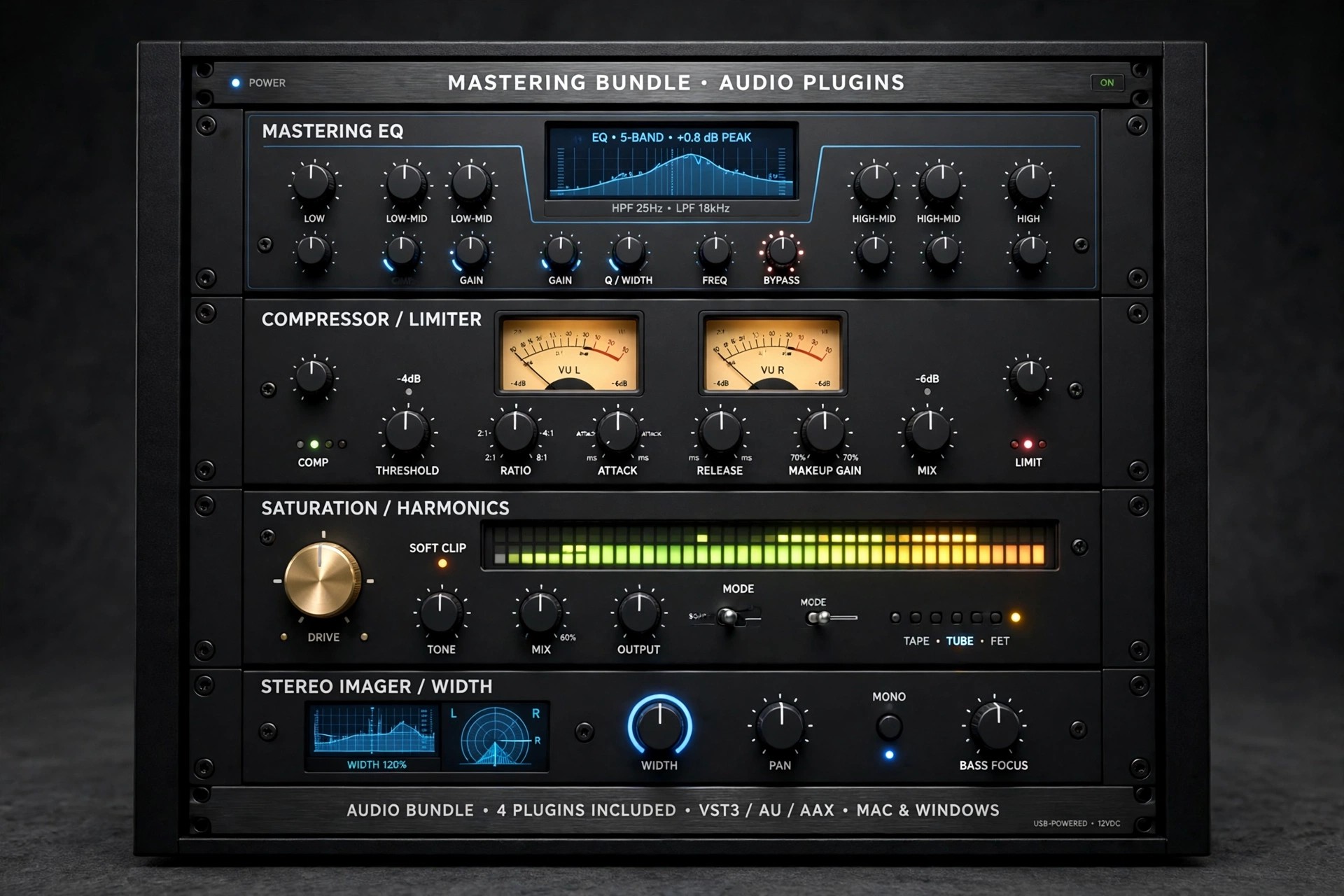
    A.O.M. Factory, based in Japan, is known for transparent, precision audio plug-ins, and the Total Bundle 1.18.9 is the simplest way to own all of them at once. A single Total Bundle licence authorises every current A.O.M. plug-in on your Mac, and any new plug-in released while your licence is valid is included automatically.

    For mixing and mastering work, the bundle covers the jobs most sessions need: the Invisible Limiter series for clean loudness, tranQuilizr equalisers, several compressors, a de-esser and utility tools. Everything runs as modern plug-ins inside your DAW rather than as standalone apps.

    Key Features

    • One licence covering all A.O.M. plug-ins, including future releases during its term
    • Invisible Limiter, G2 and G3 transparent look-ahead mastering limiters
    • tranQuilizr G2 equaliser, Nu Compressor, Track Compressor and DeSibilizer
    • VST, VST3, AAX, Audio Unit and CLAP formats for leading Mac DAWs
    • Supports sample rates from 44.1 kHz up to 384 kHz for high-resolution work

    How to Download

    1. Download from the official site
    2. Download the Mac installers for the plug-ins you need from A.O.M.'s download area and run them.
    3. Activate with your Total Bundle licence inside your DAW, then rescan plug-ins if required.

    Is A.O.M. Factory Total Bundle free?
    No. The Total Bundle is sold as a 1-year licence, with a discounted price for returning customers, and there is no perpetual Total Bundle licence. Individual plug-ins can later be extended to perpetual licences, and demo versions let you test before buying.

    Can I get it cheaper from other sites?
    Be careful. Unofficial sites offering this bundle are typically distributing cracked plug-ins, which break with updates and can carry malware. Buying through aom-factory.jp guarantees working activation, updates and support.

  • A Convert Audio Converter 1.0.1 for Mac

    A Convert Audio Converter 1.0.1 for Mac

    A Convert Audio Converter 1.0.1 for Mac

    A Convert Audio Converter 1.0.1 for Mac

    Mac Audio
    Updated Nov 4, 2026
    Mac Audio • Updated Nov 4, 2026

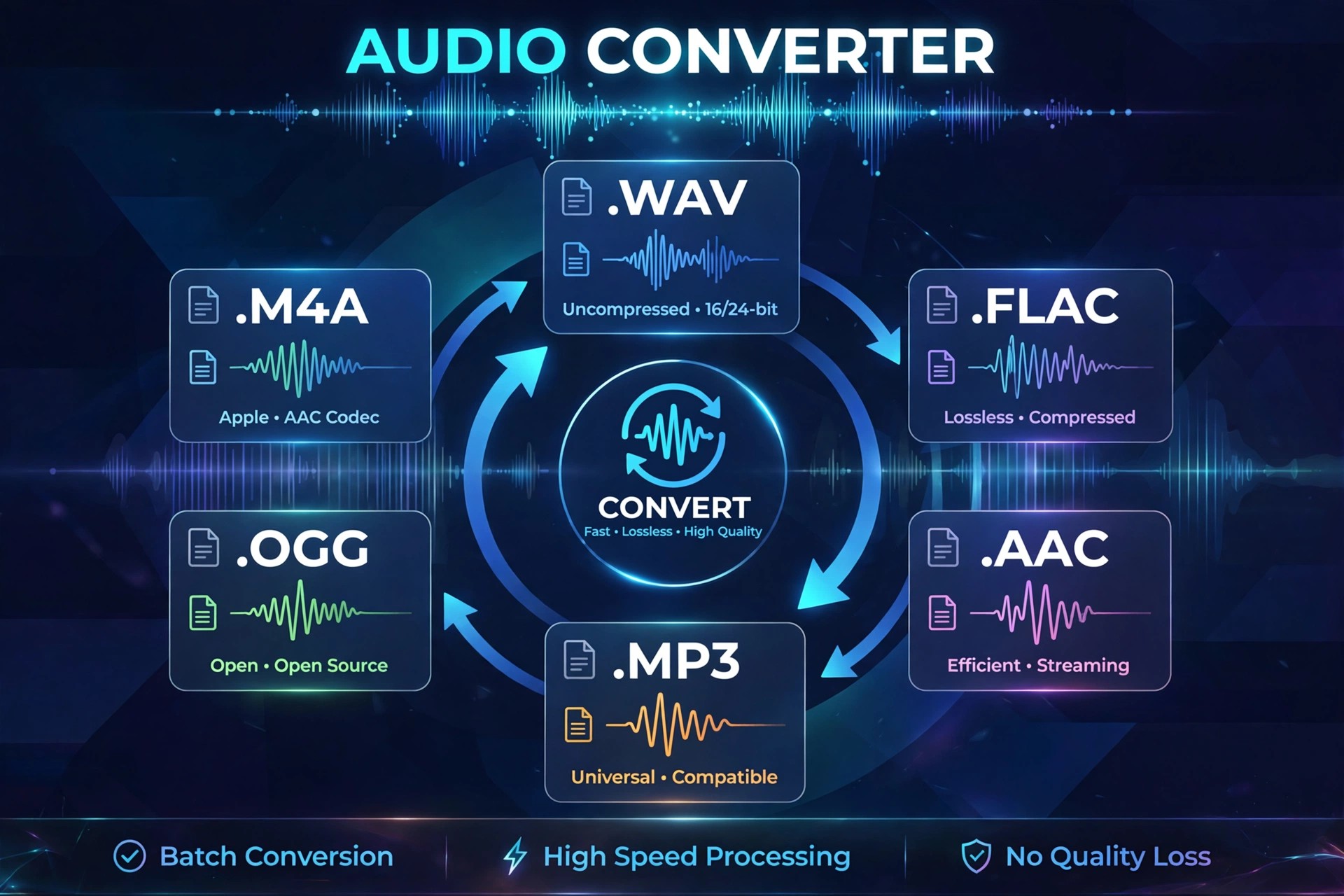
    A Convert Audio Converter 1.0.1 is listed as a small Mac utility for changing audio files from one format to another, the kind of everyday job that comes up when a player, phone or editing app refuses the file you already have. Listings describe it in very general terms, alongside basic music playback wording, which makes its exact feature set hard to confirm.

    Because we could not verify an official vendor website or an official Mac App Store listing for this exact app and version, treat third-party listings with caution. The notes below describe what an audio converter of this type normally does, and how to approach downloading it safely.

    Key Features

    • Convert audio files between common formats such as MP3, M4A, WAV and FLAC
    • Simple workflow aimed at single files and small batches
    • Useful for making recordings playable on phones, players and car systems
    • Lightweight utility design with no full editing suite to learn
    • Designed for macOS desktop use rather than mobile conversion

    How to Download

    1. If no official page is available, search the Mac App Store by the exact app name and check the seller before installing.
    2. Install only from that verified source, then test it first on a copy of one audio file.

    Is A Convert Audio Converter free?
    We could not confirm its pricing from an official source. Many small converters are free with limits or offer a paid unlock, so check the price and any in-app purchases on the official listing before you rely on listings elsewhere.

    Is it safe to download from unofficial sites?
    No. Unofficial download sites frequently repackage obscure utilities with unwanted extras. If you cannot find this app from its developer or the Mac App Store, consider a well-known converter from its official vendor instead.

  • A Better Finder Rename 12.35 for Mac

    A Better Finder Rename 12.35 for Mac

    A Better Finder Rename 12.35 for Mac

    A Better Finder Rename 12.35 for Mac

    Mac Utilities
    Updated Nov 4, 2026
    Mac Utilities • Updated Nov 4, 2026

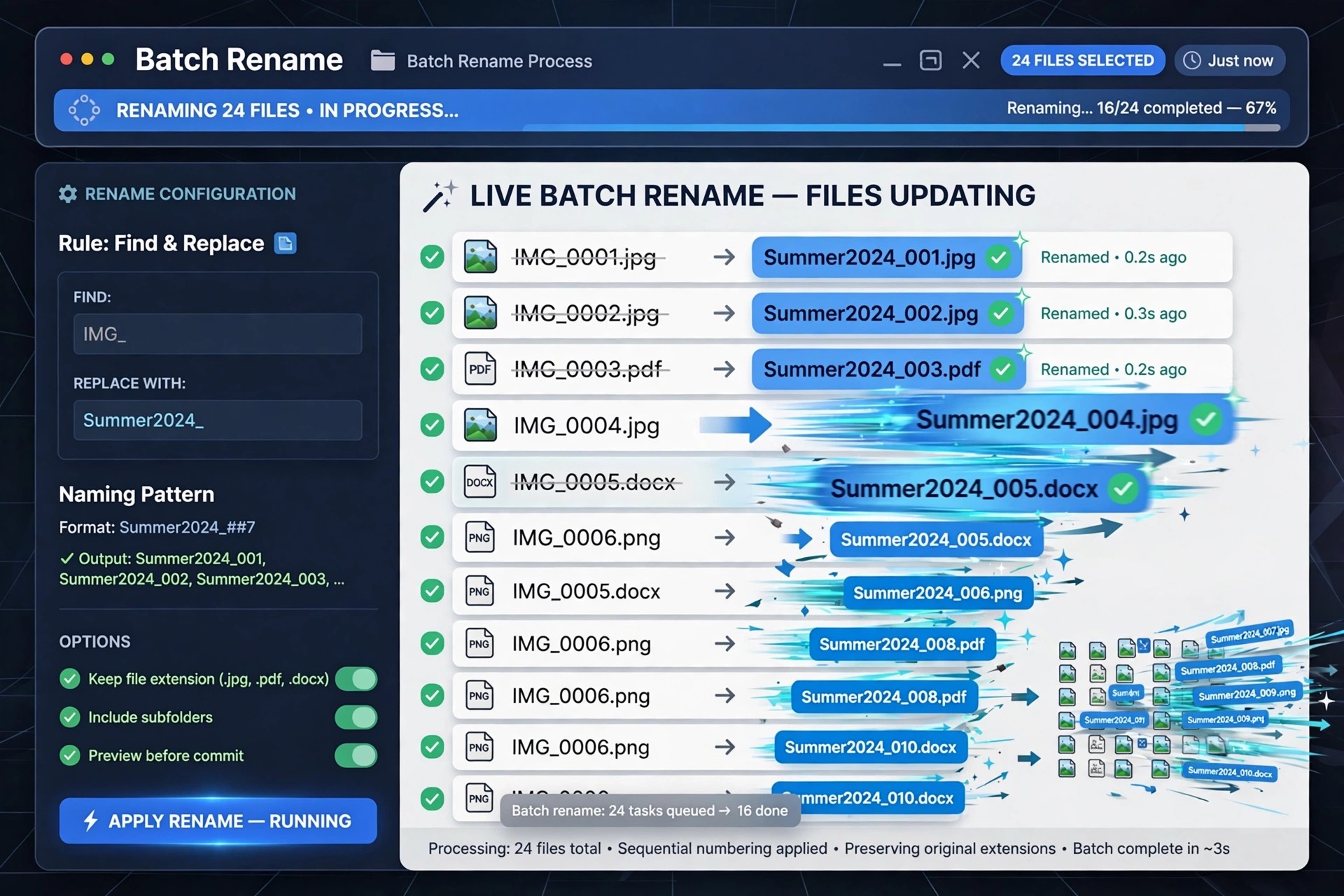
    Renaming files one by one in Finder quickly becomes painful when a photo shoot, music library or project folder contains hundreds of items. A Better Finder Rename 12.35 from publicspace.net is a dedicated batch renamer for macOS that has been refined since 1996, and it is built entirely around previewing every change before anything on disk is touched.

    Version 12.35 organises its renaming tools into clear action categories, so simple jobs like adding a prefix stay simple, while complex jobs can chain several actions together. Photographers and music collectors especially benefit from metadata-based renaming that Finder alone cannot do.

    Key Features

    • Live preview table showing every new name before you commit the rename
    • Rename using EXIF capture dates, image dimensions and ID3 music tags
    • Multi-step actions that combine text, numbering, conversion and truncation
    • Regular expressions and names imported from a spreadsheet for advanced jobs
    • Handles RAW plus JPEG pairs and large batches of thousands of files

    How to Download

    1. Download from the official site
    2. Open the downloaded disk image and drag the app into your Applications folder.
    3. Launch it, drag in your files, build your rename actions and check the preview before renaming.

    Is A Better Finder Rename free?
    No. It is a paid app with a free trial that limits how many files you can rename at once. A single-user licence is a one-time purchase from publicspace.net, not a subscription, and minor updates within version 12 are included.

    Is it safe to download from other sites?
    We recommend avoiding unofficial download sites, which may bundle outdated or modified installers. The trial and licence sold through publicspace.net are the developer's own files, and support comes directly from the developer.

  • A Better Finder Attributes 7.50 for Mac

    A Better Finder Attributes 7.50 for Mac

    A Better Finder Attributes 7.50 for Mac

    A Better Finder Attributes 7.50 for Mac

    Mac Utilities
    Updated Nov 4, 2026
    Mac Utilities • Updated Nov 4, 2026

    A Better Finder Attributes 7.50 for Mac, from Publicspace.net, is a specialist batch tool for fixing the dates and metadata that the Finder barely lets you touch. Its main job is correcting photo and video creation dates — the problem you notice when a scanned picture, a camera with a wrong clock, or an imported video sorts to completely the wrong place in Photos.

    Beyond dates, it edits common EXIF, IPTC and GPS tags, adds or strips metadata, syncs file creation dates with shooting dates, and manages Mac file flags such as locking, visibility and Finder labels. Everything works in batches: drop in a whole folder of images, preview the change, and apply it to every file at once.

    Key Features

    • Batch-correct EXIF, video and file creation and modification dates
    • Add, change or strip EXIF, IPTC and GPS metadata tags
    • Extract dates from file names and apply them to files
    • Remove invisible files and show hidden files in the Finder
    • Set file flags, lock or unlock batches, and manage Finder labels

    How to Download

    1. Download from the official site
    2. Try the free trial download for your macOS version and install the app.
    3. Drop your files into the window, choose an action, preview and apply.

    Is A Better Finder Attributes free?
    No. It is paid software, sold as a one-time purchase, with a free trial available from the developer so you can confirm it handles your files first. The trial is for testing, not a free full version.

    Should I download it from another Mac software site?
    We advise against it. Those copies can be old or tampered with. Publicspace.net is the developer's own store and download source, and it lists the right build for each macOS version.

  • 8Planets Solar System Viewer 1.1.9 for Mac

    8Planets Solar System Viewer 1.1.9 for Mac

    8Planets Solar System Viewer 1.1.9 for Mac

    8Planets Solar System Viewer 1.1.9 for Mac

    Mac Utilities
    Updated Nov 4, 2026
    Mac Utilities • Updated Nov 4, 2026

    8Planets Solar System Viewer 1.1.9 for Mac is the full-named edition of Blue Comet Labs' compact planetarium app. It shows the Sun and its eight planets in a clean orbit view and animates their movement over time, helping you understand alignments, conjunctions and how dramatically orbital speed changes with distance from the Sun.

    It works well as a quick reference on the desktop. Need to know where Mars was on a given night, or when the planets will line up a certain way? Travel forwards or backwards to that date in seconds. You can share a favourite configuration, display the current Solar System in a widget, and check the same view from the companion apps on iPhone, iPad and Apple Watch.

    Key Features

    • Animated orbit simulation for all eight planets around the Sun
    • Time Travel to view planetary positions on any past or future date
    • Home Screen and desktop widgets with the live Solar System
    • Planet overviews, optional Pluto display and moment sharing
    • Companion apps for iPhone, iPad and Apple Watch

    How to Download

    1. Download from the official site
    2. Buy and install the app from its Mac App Store page.
    3. Launch it, pick a date or time speed, and start exploring the orbits.

    Is 8Planets Solar System Viewer free?
    No. It is a paid App Store app, listed at $2.99 plus optional in-app tips for the developer. A free trial is not the standard offer, so do not trust sites promising a free full version.

    Why avoid unofficial download sites for this app?
    Because the developer distributes it only through Apple. Copies on random Mac download portals are unauthorised and may be modified. The official App Store listing keeps you on the genuine, updated build.

  • 8Planets 1.1.5 for Mac

    8Planets 1.1.5 for Mac

    8Planets 1.1.5 for Mac

    8Planets 1.1.5 for Mac

    Mac Utilities
    Updated Nov 4, 2026
    Mac Utilities • Updated Nov 4, 2026

    8Planets 1.1.5 for Mac, from Blue Comet Labs, is a small, elegant viewer for our Solar System. Rather than showing a static diagram, it simulates the planets in motion, so you can watch Mercury race around the Sun while the outer planets barely seem to move — a clear way to feel the true scale of distances and orbital periods.

    It is built for curiosity as much as for study. Students, teachers and space enthusiasts can jump to a birthday, a historic launch date, or a future alignment and see exactly where each planet sat on that day. The same app also runs on iPhone, iPad and Apple Watch, with widgets that keep the live Solar System on your screen.

    Key Features

    • Live simulation of planetary motion at true relative scale
    • Time controls to speed up, slow down or travel to any date
    • Widgets showing the real-time Solar System position
    • Overview of all eight planets, with an option to show Pluto
    • Apple Watch support with complications and Digital Crown time travel

    How to Download

    1. Download from the official site
    2. On the Mac App Store page, complete the purchase and install the app.
    3. Open 8Planets, set the time speed, and explore the planets.

    Is 8Planets free?
    No. It is a paid app on the App Store, listed at $2.99 with optional in-app tip purchases. There is no free full version, so the App Store price and any trial details shown there are the ones that apply.

    Is it safe to get 8Planets from a DMG site?
    No. Unofficial DMG sites are not the developer's distribution channel and can bundle altered files. The Mac App Store listing from Blue Comet Labs is the official, safe way to install it.