Author: admin

  • 5KPlayer 4.2 for Mac

    5KPlayer 4.2 for Mac

    5KPlayer 4.2 for Mac

    5KPlayer 4.2 for Mac

    Mac Video
    Updated Nov 4, 2026
    Mac Video • Updated Nov 4, 2026

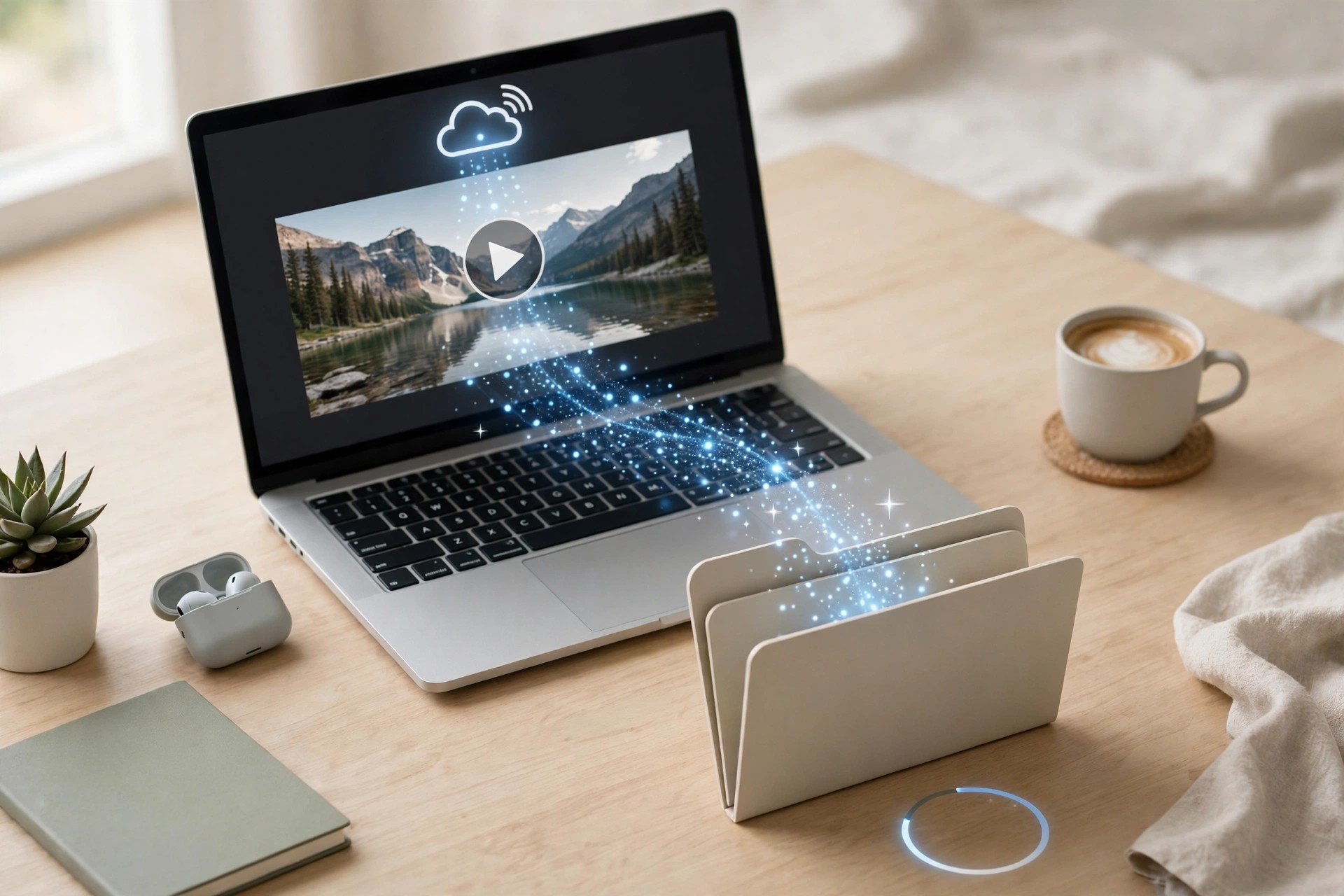
    5KPlayer 4.2 for Mac, from DearMob, a brand of Digiarty Software, is a free all-in-one media player that tries to replace several apps at once. It plays high-resolution local files, streams wirelessly between devices, and can download online video for offline viewing, all without a complicated setup.

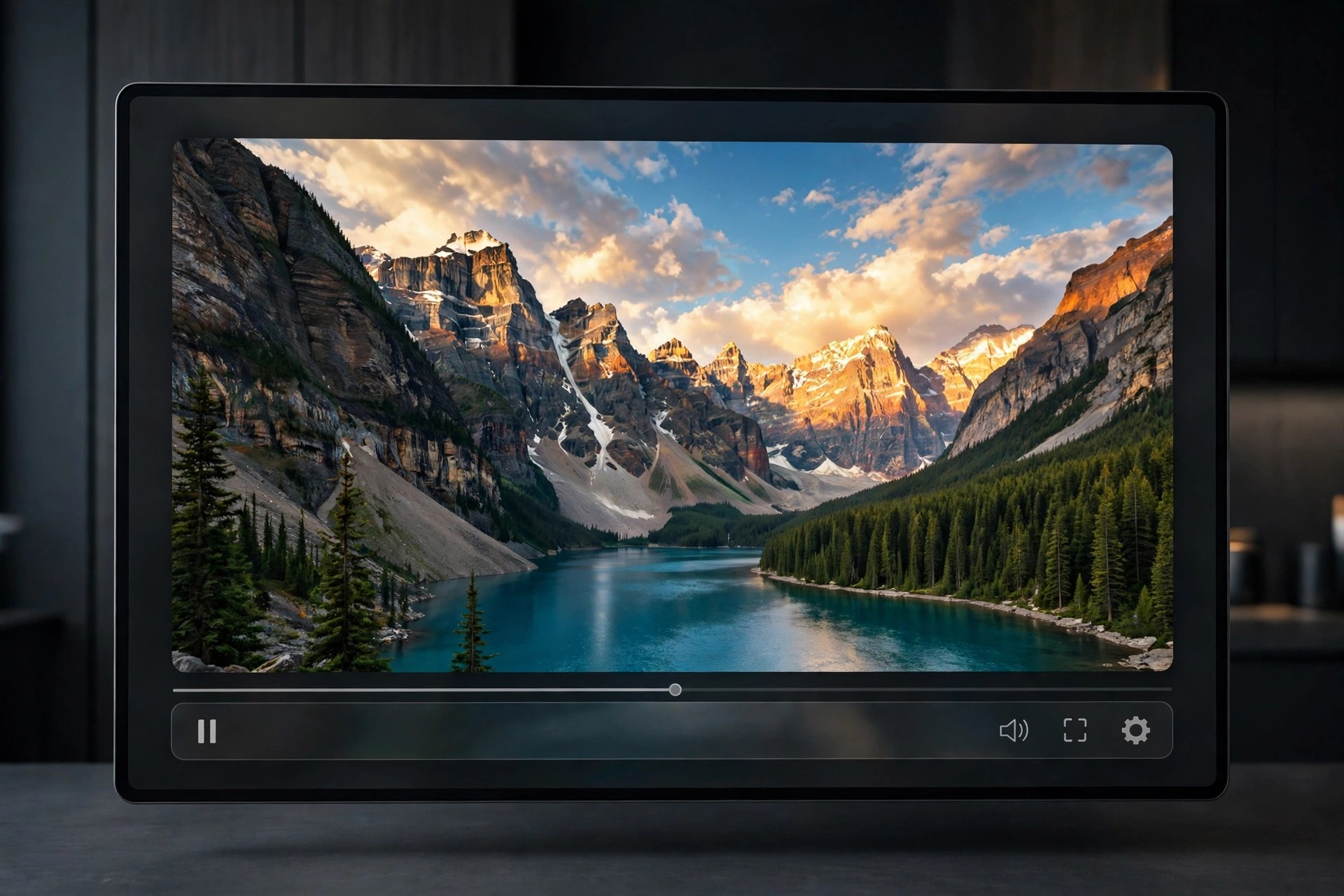
    Playback is the core job. The player handles 4K, 5K and even higher-resolution video, plus common music and photo formats, with hardware acceleration for smoother performance. Where it stands out is streaming: your Mac can act as an AirPlay receiver and sender, so an iPhone or iPad mirrors to the bigger screen, and DLNA support shares media to other devices at home.

    Key Features

    • Smooth playback of 4K, 5K and 8K video plus music and radio
    • AirPlay receiver and sender for iPhone, iPad and Mac mirroring
    • DLNA streaming to share media with other devices on your network
    • Built-in downloader for video and MP3 from popular online sites
    • DVD playback and subtitle and audio-track selection

    How to Download

    1. Download from the official site
    2. Open the downloaded DMG file and move 5KPlayer to your Applications folder.
    3. Launch the player, open a file or stream, and start watching.

    Is 5KPlayer free?
    Yes, the core player is free to download and use, which DearMob states on its official site. Some promotional prompts for the company's other products may appear, but playback, AirPlay and downloading do not require a paid licence.

    Should I download 5KPlayer from a mirror site?
    No. Free players are often repackaged with adware on mirror sites. Get the installer only from 5kplayer.com so you receive the genuine, unmodified version from the developer.
  • 4Videosoft Screen Capture 2.1.22 for Mac

    4Videosoft Screen Capture 2.1.22 for Mac

    4Videosoft Screen Capture 2.1.22 for Mac

    4Videosoft Screen Capture 2.1.22 for Mac

    Mac Video
    Updated Nov 4, 2026
    Mac Video • Updated Nov 4, 2026

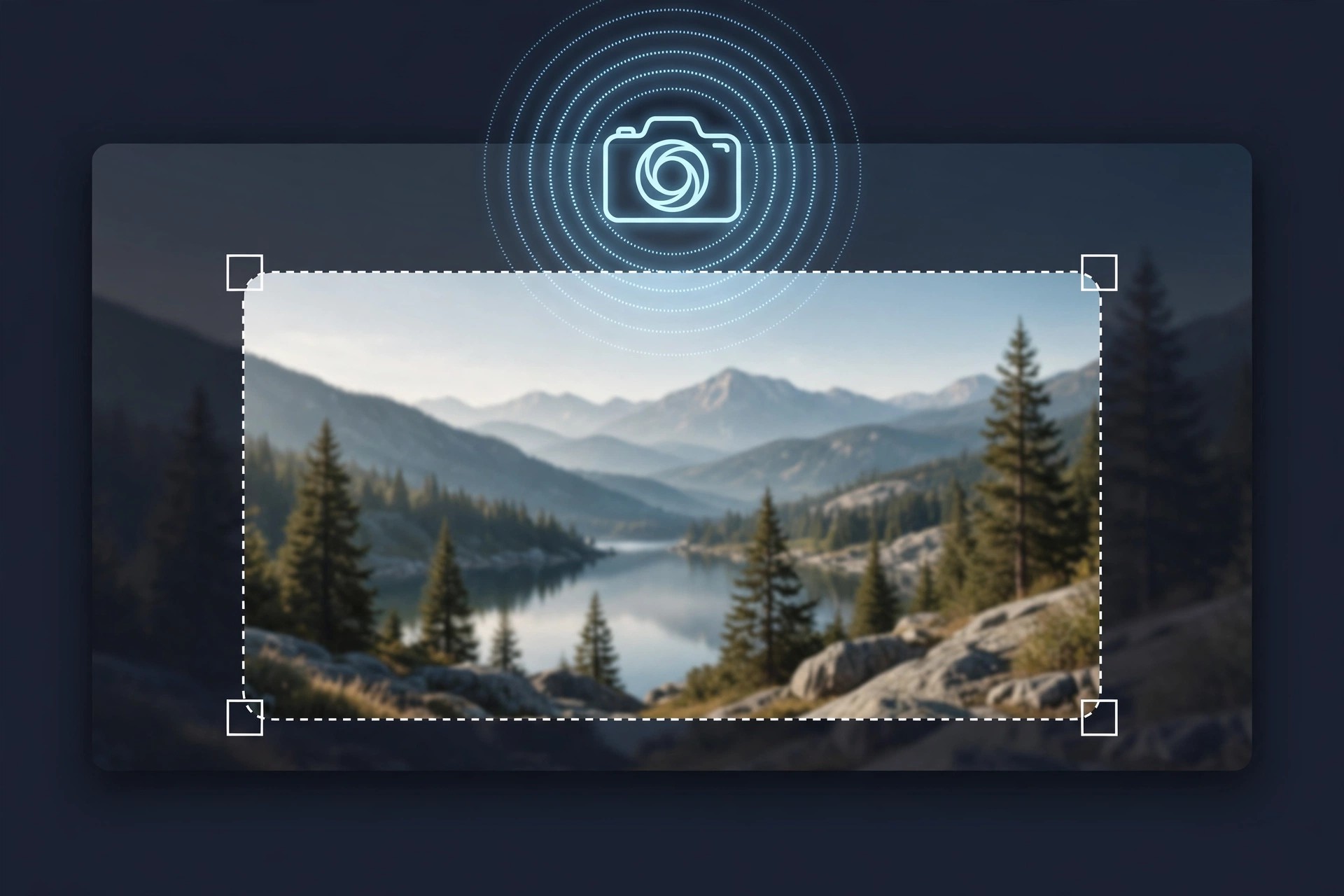
    4Videosoft Screen Capture 2.1.22 for Mac records whatever happens on your screen, making it handy for tutorials, presentations, video calls, gameplay and online clips you need to keep for reference. You choose the capture area — full screen, a window, or a custom region — then decide which audio to include.

    System sound and microphone can be recorded together, so a lesson or meeting comes out with narration intact. While recording, you can draw shapes, arrows and text directly on screen, take snapshots, and afterwards trim the clip to remove the parts you do not need. Hotkeys for start, pause and screenshots keep controls quick.

    Key Features

    • Records full screen, a selected window or a custom region
    • Captures system sound, microphone, or both at once
    • Real-time annotations with arrows, shapes, lines and text
    • Snapshots during recording and basic trimming after recording
    • Adjustable frame rate, video quality and output format settings

    How to Download

    1. Download from the official site
    2. Install the app, then grant macOS screen recording and microphone permissions if asked.
    3. Choose your recording area and audio sources, and press record.

    Is 4Videosoft Screen Capture free?
    There is a free online capture tool and a desktop trial, but the full desktop edition is paid. Do not expect unlimited free full features; check the official page for current trial limits, pricing and frame-rate caps.

    Is it safe from third-party sites?
    Unofficial download pages often add bundled installers. Stick to 4Videosoft's own site for a clean copy, and only record calls and content where you have permission to do so.

  • 4Video PDF Converter 3.3.11 for Mac

    4Video PDF Converter 3.3.11 for Mac

    4Video PDF Converter 3.3.11 for Mac

    4Video PDF Converter 3.3.11 for Mac

    Mac Business
    Updated Nov 4, 2026
    Mac Business • Updated Nov 4, 2026

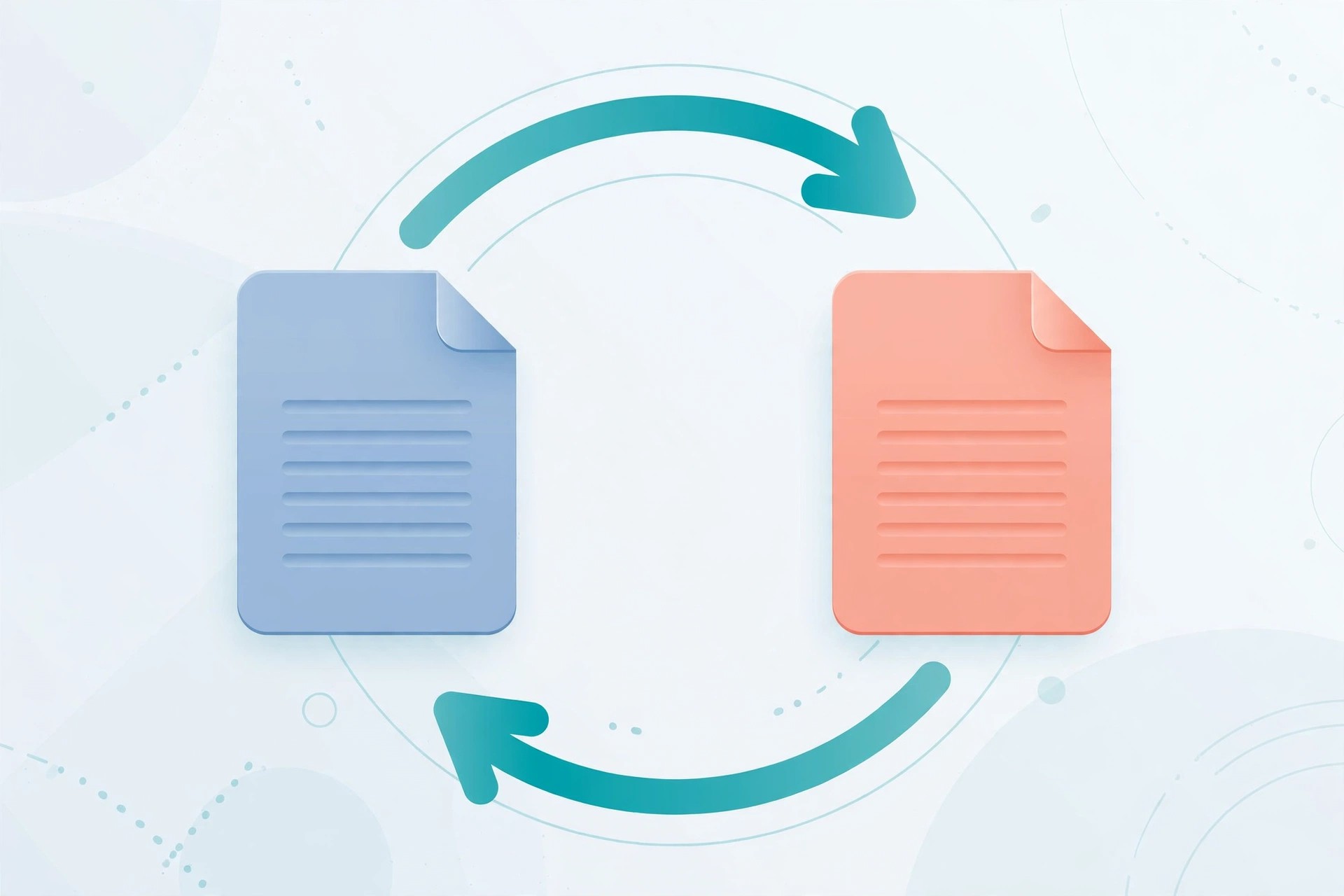
    4Video PDF Converter 3.3.11 for Mac, from 4Videosoft, turns locked-down PDF files back into documents you can actually edit. It converts PDF to Word, Rich Text, Excel, Text, HTML and ePub, plus popular image formats such as JPEG, PNG, TIFF and GIF, so you can reuse reports, forms and archived pages without retyping them.

    The standout tool is built-in OCR. For scanned or image-based PDFs that are really just pictures of text, OCR reads the page and produces editable text instead of an empty document. You can also choose all pages or just a page range, adjust layout and encoding, and control image size and resolution on output.

    Key Features

    • Converts PDF to Word, Excel, Text, HTML, ePub and image formats
    • OCR technology converts scanned, image-based PDFs to editable text
    • Batch conversion for handling several PDFs in one pass
    • Page-range selection so you convert only the pages you need
    • Control over layout, text encoding, image format and resolution

    How to Download

    1. Download from the official site
    2. Open the installer and follow the prompts to add the app to your Mac.
    3. Add your PDF files, pick an output format, and start the conversion.

    Is 4Video PDF Converter free?
    No. It is paid software, normally offered with a free trial so you can test conversion quality before buying. Do not expect a free full version; the trial has limits, and a licence unlocks the complete product.

    Can I get it free from another download site?
    We do not recommend it. Unofficial copies can be outdated or bundled with unwanted software. Download only from 4Videosoft's own site to get the genuine installer and support.

  • 4K YouTube to MP3 Pro 26.2.1 for Mac

    4K YouTube to MP3 Pro 26.2.1 for Mac

    4K YouTube to MP3 Pro 26.2.1 for Mac

    4K YouTube to MP3 Pro 26.2.1 for Mac

    Mac Audio
    Updated Nov 4, 2026
    Mac Audio • Updated Nov 4, 2026

    4K YouTube to MP3 Pro 26.2.1 for Mac is the paid tier of 4K Download's popular audio extractor. It keeps the same simple paste-and-convert workflow as the standard edition, but removes the everyday limits that slow down larger jobs, making it better suited to full playlists, subscribed channels and regular downloading.

    For Mac users who save music, interviews and lectures for offline listening, the Pro edition focuses on quality and volume. You get higher-quality audio options where the source and your YouTube account allow it, plus faster processing when you queue many links at once, all in a tidy native desktop interface.

    Key Features

    • Unlimited playlist and channel downloads in a single session
    • Higher-quality audio up to 256 kbps where source and account permit
    • Faster batch conversion with multiple simultaneous downloads
    • Saves to MP3, M4A and OGG with automatic tags and artwork
    • No daily track cap that applies to the free Starter tier

    How to Download

    1. Download from the official site
    2. Install the app from the downloaded file, then open it from Applications.
    3. Activate your Pro licence in the app and paste your first link to convert.

    Is 4K YouTube to MP3 Pro free?
    No. Pro is a paid licence. A free Starter tier exists for light use, but Pro features such as unlimited downloads and higher-quality audio require payment. Prices and terms are listed on the official 4K Download site.

    Should I use an unofficial Pro download?
    No. Sites offering a cracked Pro version are a common source of malware and stolen licences. Buy and download only from the official site, and only download content you have the right to save.

  • 4K YouTube to MP3 4.3.2 for Mac

    4K YouTube to MP3 4.3.2 for Mac

    4K YouTube to MP3 4.3.2 for Mac

    4K YouTube to MP3 4.3.2 for Mac

    Mac Audio
    Updated Nov 4, 2026
    Mac Audio • Updated Nov 4, 2026

    4K YouTube to MP3 4.3.2 for Mac, from 4K Download, is a focused desktop converter for people who want audio files rather than video files. Paste a link from YouTube, Vimeo, SoundCloud, Facebook or other supported sites, and the app extracts the soundtrack and saves it as a standalone audio file you can play anywhere.

    It suits podcast listeners, students saving lectures, and anyone building an offline music library from content they have the right to download. Instead of juggling browser converters full of pop-ups, you get a clean Mac app with batch handling, sensible quality options, and metadata added automatically, including artwork and track details where available.

    Key Features

    • Converts online video to MP3, M4A or OGG audio in a few clicks
    • Downloads full playlists and channels, not just single videos
    • Built-in player for previewing tracks before or after conversion
    • Automatic metadata, including title, artist and cover art where provided
    • Batch paste for several links at once to save time

    How to Download

    1. Download from the official site
    2. Open the downloaded file and drag the app into your Applications folder.
    3. Launch it, paste a video link, choose your audio format and start the conversion.

    Is 4K YouTube to MP3 free?
    It offers a free Starter tier with daily limits. Paid Lite, Personal and Pro plans remove limits and unlock extra features. It is not a free full version without restrictions, so check the current plan details on the official site before buying.

    Is it safe to download from other sites?
    No. Unofficial mirrors often bundle adware or altered installers. Always download from 4kdownload.com, and only save audio you own or have permission to download.

  • 4K Wallpaper HD Wallpapers 2.8 for Mac

    4K Wallpaper HD Wallpapers 2.8 for Mac

    4K Wallpaper HD Wallpapers 2.8 for Mac

    4K Wallpaper HD Wallpapers 2.8 for Mac

    Mac Photo & Design
    Updated Nov 4, 2026
    Mac Photo & Design • Updated Nov 4, 2026

    4K Wallpaper HD Wallpapers is a straightforward wallpaper app for Mac built around one job: giving a Retina display a background that actually does it justice. It offers browsable collections of high-resolution images, so you can swap a tired default desktop for a sharp landscape, cityscape, abstract or nature shot in a couple of clicks.

    Apps with this generic name circulate through many download listings, and no single official vendor page could be verified for this one, which is worth knowing before you install anything. The sensible route is to treat it as a simple category-based wallpaper browser, check who the developer is in the listing you use, and prefer a store listing with clear reviews and update history.

    Key Features

    • High-resolution 4K and HD wallpaper collections sized for Mac Retina displays.
    • Browse by category, including nature, abstract, animals, cars and space.
    • Preview a wallpaper full-screen before applying it to the desktop.
    • Set a chosen image as your desktop background directly from the app.
    • Favourites and recent views, so the wallpapers you like stay easy to find.

    How to Download

    1. Install the app, open it and browse or search the wallpaper categories.
    2. Preview an image you like and apply it as your desktop wallpaper.

    Is 4K Wallpaper HD Wallpapers free?
    Listings for apps under this name are usually free with in-app purchases for premium packs, but there is no verified official page for this exact title, so confirm the price and developer inside the store before downloading.

    Is it safe to download this app from wallpaper download sites?
    No. Wallpaper apps are a common bundle for adware on unofficial sites, so only install from the Mac App Store or a verified developer page, never from a random DMG link.

  • 4K Video Downloader Pro 4.33.5 for Mac

    4K Video Downloader Pro 4.33.5 for Mac

    4K Video Downloader Pro 4.33.5 for Mac

    4K Video Downloader Pro 4.33.5 for Mac

    Mac Video
    Updated Nov 4, 2026
    Mac Video • Updated Nov 4, 2026

    4K Video Downloader Pro refers to the classic 4K Video Downloader for Mac with its Pro licence applied. The base app, from 4K Download (Open Media), saves online video for offline viewing; the Pro licence is what turns it from a handy free tool into an unrestricted one.

    That matters most for playlists and channels. The free tier caps how much you can take in a day and how many videos a playlist can hold, while Pro removes those ceilings, adds channel subscriptions with automatic new-video downloads, and permits commercial use - a sensible upgrade if downloading is part of your workflow rather than an occasional task.

    Key Features

    • Unlimited downloads with no daily cap and no playlist size limit.
    • Subscribe to YouTube channels and download new uploads automatically.
    • Save videos up to 4K and 8K, extract MP3 audio and download subtitles.
    • Supports YouTube, Vimeo, TikTok, Facebook, SoundCloud and other sites.
    • Commercial use licence, with activation available on up to three computers.

    How to Download

    1. Download from the official site and install the app on your Mac.
    2. Open the licence manager in the app and enter your Pro licence key.
    3. Paste a link, set your preferred quality in Smart Mode, and download.

    Is 4K Video Downloader Pro free?
    No. The app has a limited free tier, and Pro features require a paid one-time licence, so treat any free "Pro unlocked" installer as a fake.

    Is it safe to download the Pro version from other websites?
    No. Unofficial copies are frequently repackaged with unwanted software; get the installer and licence only from the official vendor, and download only content you have permission to keep.

  • 4K Video Downloader Plus Pro 26.3.0 for Mac

    4K Video Downloader Plus Pro 26.3.0 for Mac

    4K Video Downloader Plus Pro 26.3.0 for Mac

    4K Video Downloader Plus Pro 26.3.0 for Mac

    Mac Video
    Updated Nov 4, 2026
    Mac Video • Updated Nov 4, 2026

    4K Video Downloader Plus Pro combines two things in its name: Plus is the current generation of the well-known downloader from 4K Download, and Pro is its top licence tier. On Mac it saves videos, playlists, channels and subtitles from YouTube and other supported sites, up to 8K where the source allows it.

    The Pro tier is for people who download in volume. It removes the free tier's daily and playlist caps, adds channel subscriptions that fetch new uploads automatically, allows more simultaneous downloads, and includes a commercial use licence - the combination creators, teachers and small teams actually need day to day.

    Key Features

    • Unlimited single downloads, playlists and full channel saves.
    • Automatic downloads of new videos from subscribed YouTube channels.
    • Resolutions up to 4K and 8K, plus MP3 audio extraction and subtitle downloads.
    • Built-in browser for signing in and reaching age-restricted or private videos you can access.
    • Commercial use licence and up to seven simultaneous downloads on the Pro tier.

    How to Download

    1. Download from the official site and install the Plus app on your Mac.
    2. Enter your Pro licence key in the app to unlock the full limits and features.
    3. Paste a video, playlist or channel link, choose quality, and start downloading.

    Is 4K Video Downloader Plus Pro free?
    No. Plus has a free Starter tier with limits, and Pro is a paid one-time licence; any "free Pro" download offered elsewhere is unofficial and unsafe.

    Why should I avoid unofficial download sites for this app?
    Because modified installers from those sites can carry adware or worse. Buy and download from the official vendor only, and only download videos you have the rights to use.

  • 4K Video Downloader 4.21.4 for Mac

    4K Video Downloader 4.21.4 for Mac

    4K Video Downloader 4.21.4 for Mac

    4K Video Downloader 4.21.4 for Mac

    Mac Video
    Updated Nov 4, 2026
    Mac Video • Updated Nov 4, 2026

    4K Video Downloader is the long-running Mac app from 4K Download (Open Media) for saving online video to your computer. Copy a link, paste it into the app, and you can keep a single clip, a whole playlist or an entire channel for offline viewing, in resolutions up to 4K and even 8K where the source provides them.

    It is popular because there is almost nothing to learn. The app reads the link, lists the available quality and format options, and handles subtitles and audio extraction in the same pass, so building a small offline library of your own uploads, lectures or tutorials takes minutes rather than an afternoon.

    Key Features

    • Download single videos, full playlists and complete YouTube channels.
    • Save video in 720p, 1080p, 4K and 8K where the source offers it.
    • Extract audio as MP3 and download subtitles alongside the video.
    • Works with YouTube, Vimeo, TikTok, Facebook, Twitch and other supported sites.
    • Smart Mode applies your preferred quality and format to every download automatically.

    How to Download

    1. Download from the official site and install the macOS version.
    2. Copy a video, playlist or channel link, then click Paste Link in the app.
    3. Pick your quality and format, confirm, and let the download complete.

    Is 4K Video Downloader free?
    Partly. A free Starter tier covers basic downloads with daily limits, and paid licences remove those limits; it is not a free full version, whatever third-party pages claim.

    Is it safe to get 4K Video Downloader from mirror sites?
    No. Mirror and "cracked" copies are a known source of bundled adware, so download only from 4kdownload.com and only save content you own or have permission to download.

  • 4K UHD Converter 6.5.21 for Mac

    4K UHD Converter 6.5.21 for Mac

    4K UHD Converter 6.5.21 for Mac

    4K UHD Converter 6.5.21 for Mac

    Mac Video
    Updated Nov 4, 2026
    Mac Video • Updated Nov 4, 2026

    4K UHD Converter for Mac, published by Tipard, is a video converter built around Ultra HD footage. It converts 4K clips down to roomier 1080p or everyday formats such as MP4, MKV, MOV and AVI, and it can also convert standard videos up into 4K H.265/HEVC and other UHD profiles for playback on a 4K TV.

    For Mac users the practical value is compatibility. Phone, camera and screen-recording files do not always open in the player or editor you need, and this tool adds device-ready presets for iPhone, iPad and other hardware plus simple trimming and cropping so a clip is usable without a separate editor.

    Key Features

    • Convert 4K UHD video to 1080p HD, 3D and common formats including MP4, MKV, MOV and M4V.
    • Upscale regular HD and SD video to 4K H.265/HEVC, H.264 and other UHD outputs.
    • Device presets for iPhone, iPad and other phones, tablets and TVs.
    • Basic editing tools to trim, crop, merge and adjust a video before converting.
    • Batch conversion, so a whole folder of clips can be converted in one run.

    How to Download

    1. Download from the official site and install the Mac version from Tipard.
    2. Launch the converter, add your 4K files and pick an output format or device preset.
    3. Choose a destination folder and start the conversion.

    Is 4K UHD Converter free?
    No. It is paid software offered with a free trial, so you can test a conversion before buying; claims of a free full version on other sites should not be trusted.

    Is it safe to download it from unofficial converter sites?
    No. Converter downloads are a common vehicle for bundled adware, so stick to Tipard's official site and check the installer name before you run it.