A-Zippr 1.6 for Mac
Mac UtilitiesmacOS opens ZIP files natively, but it stops there — RAR, 7z and dozens of older formats need a dedicated tool. A-Zippr 1.6 is a small drag-and-drop archive utility for Mac, attributed to AppYogi Software in published reviews, that both opens and creates archives from a single simple window.
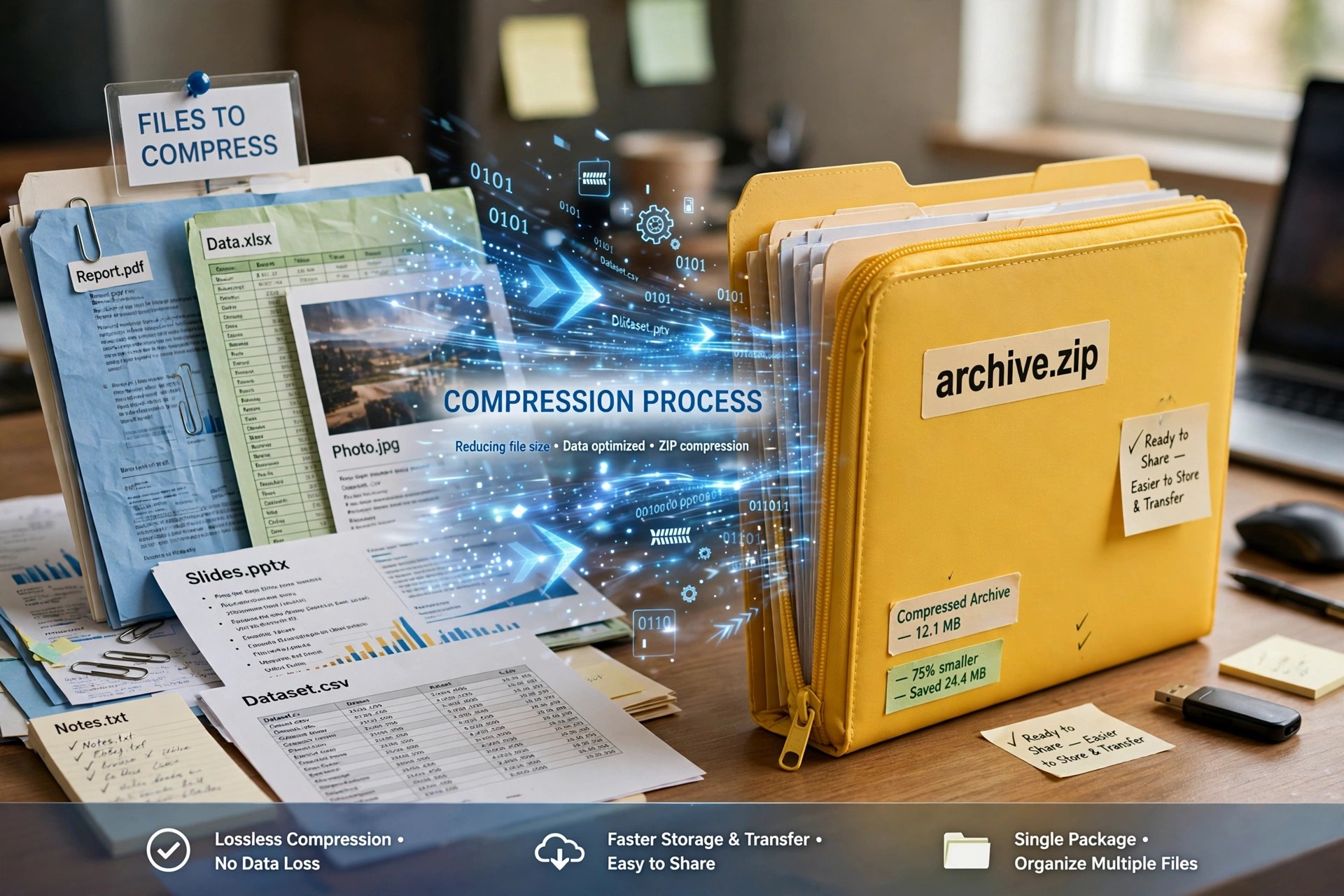
Instead of menus and settings pages, you drop files onto the app, choose a format and compression level, and save the result. Reviewers have noted it compresses noticeably faster than Apple's built-in Archive Utility, which makes it handy for sharing large folders every day.
Key Features
- Open ZIP, RAR, 7z, SIT, TAR and more than 70 other archive formats
- Compress into 8 common formats with fast to slowest compression levels
- Preview archive contents and extract only the files you actually need
- Optional AES-256 encryption to password-protect sensitive archives
- Floating drop window that automatically detects zip versus unzip jobs
How to Download
- We found no official vendor page, so search the Mac App Store for A-Zippr and verify the seller before installing.
- Launch the app and drag an archive onto it to extract, or files onto it to compress.
Is A-Zippr free?
Reviews describe a free trial with a modest one-time cost to unlock all features, plus a small extra charge historically noted for AES encryption. Always confirm the current price and in-app purchases on the official App Store listing before buying.
Is it safe from download sites?
Avoid unofficial download sites offering A-Zippr DMGs, as repackaged archive tools are a common malware carrier. The Mac App Store listing is the safer route because Apple reviews the app and handles updates.







Leave a Reply