A Better Finder Rename 12.35 for Mac
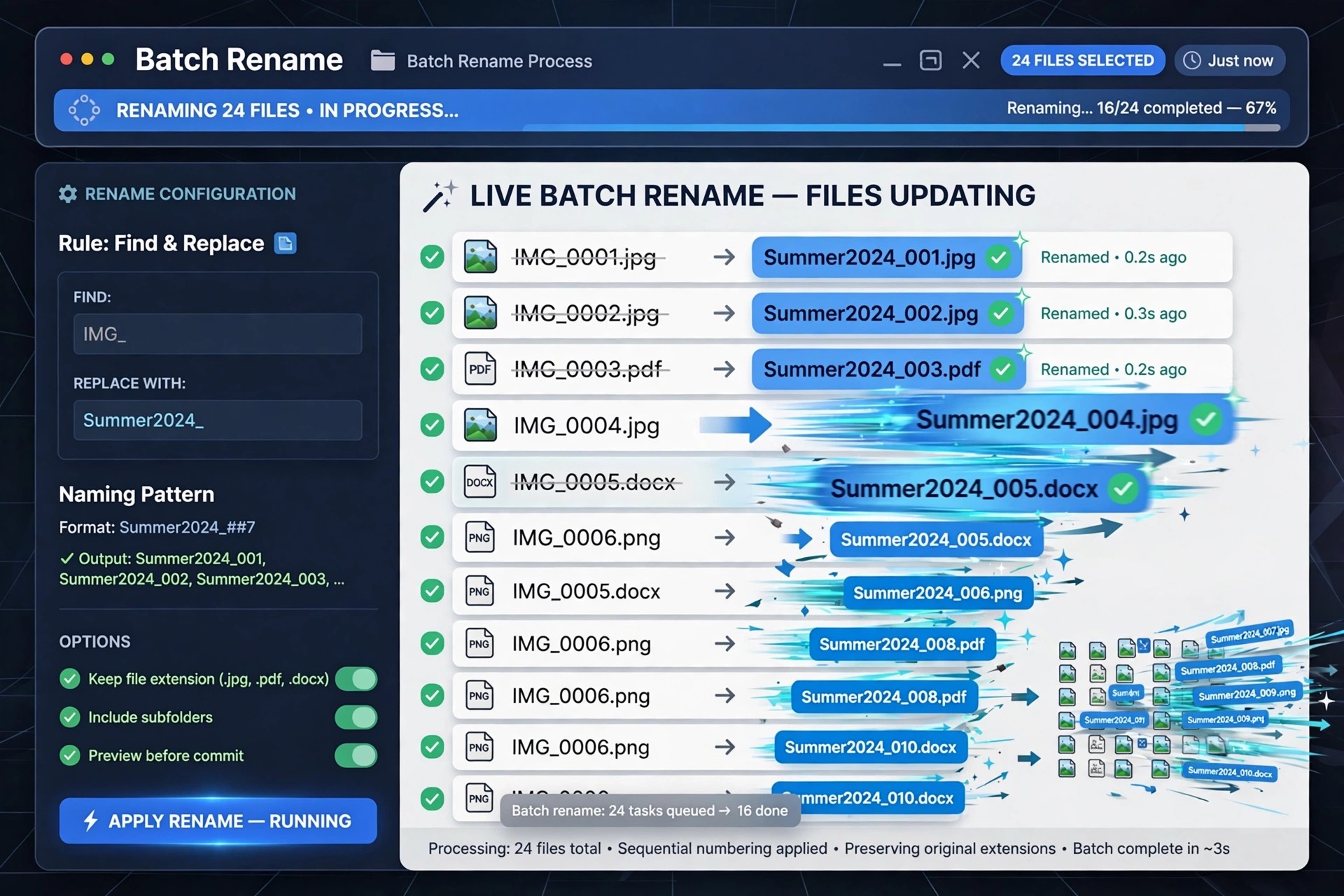
Mac UtilitiesRenaming files one by one in Finder quickly becomes painful when a photo shoot, music library or project folder contains hundreds of items. A Better Finder Rename 12.35 from publicspace.net is a dedicated batch renamer for macOS that has been refined since 1996, and it is built entirely around previewing every change before anything on disk is touched.
Version 12.35 organises its renaming tools into clear action categories, so simple jobs like adding a prefix stay simple, while complex jobs can chain several actions together. Photographers and music collectors especially benefit from metadata-based renaming that Finder alone cannot do.
Key Features
- Live preview table showing every new name before you commit the rename
- Rename using EXIF capture dates, image dimensions and ID3 music tags
- Multi-step actions that combine text, numbering, conversion and truncation
- Regular expressions and names imported from a spreadsheet for advanced jobs
- Handles RAW plus JPEG pairs and large batches of thousands of files
How to Download
- Download from the official site
- Open the downloaded disk image and drag the app into your Applications folder.
- Launch it, drag in your files, build your rename actions and check the preview before renaming.
Is A Better Finder Rename free?
No. It is a paid app with a free trial that limits how many files you can rename at once. A single-user licence is a one-time purchase from publicspace.net, not a subscription, and minor updates within version 12 are included.
Is it safe to download from other sites?
We recommend avoiding unofficial download sites, which may bundle outdated or modified installers. The trial and licence sold through publicspace.net are the developer's own files, and support comes directly from the developer.







Leave a Reply