Author: admin

  • Apeaksoft Video Editor 1.0.56 for Mac

    Apeaksoft Video Editor 1.0.56 for Mac

    Apeaksoft Video Editor 1.0.56 for Mac

    Apeaksoft Video Editor 1.0.56 for Mac

    Mac Video
    Updated Nov 6, 2026
    Mac Video • Updated Nov 6, 2026

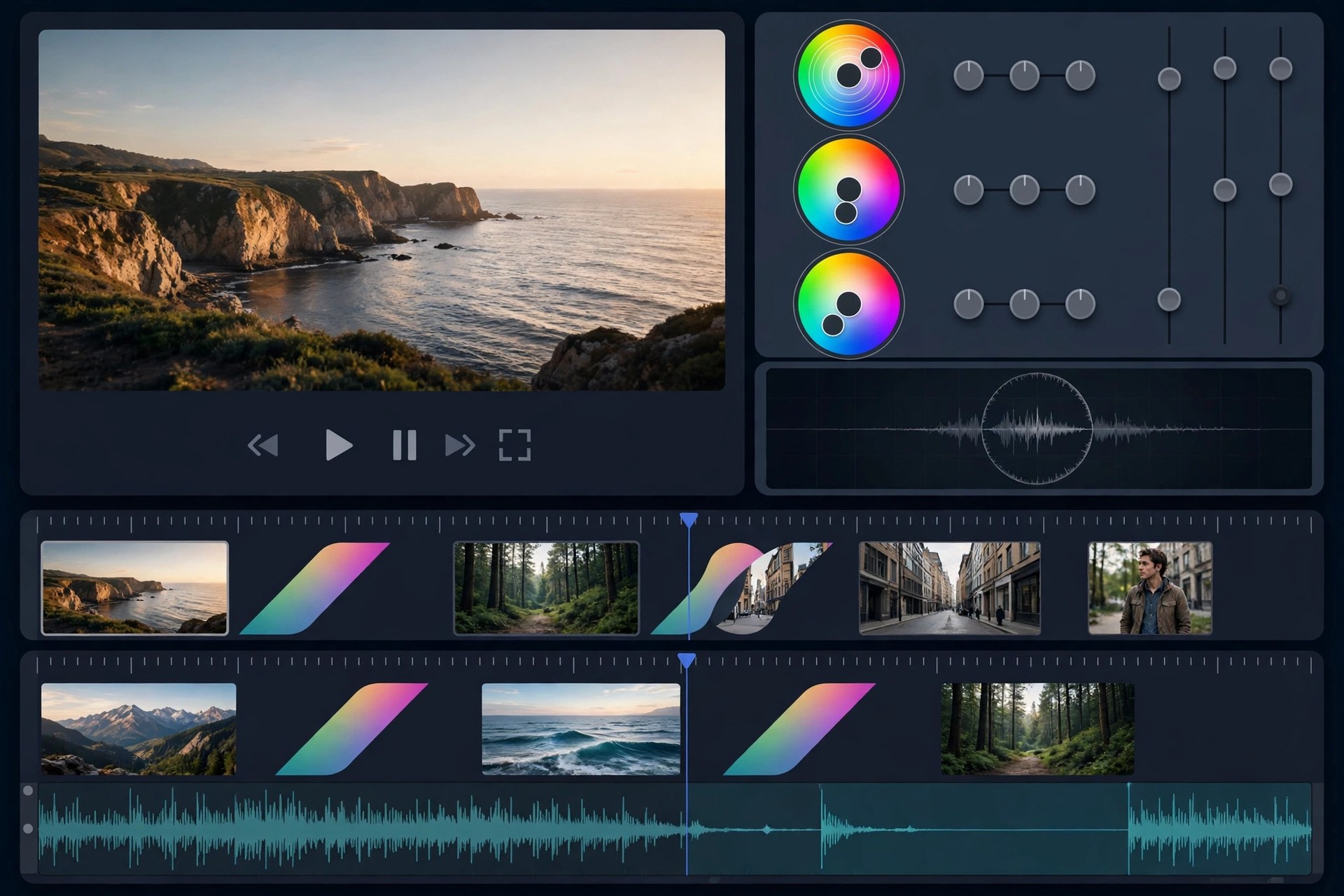
    Apeaksoft Video Editor 1.0.56 for Mac is aimed at everyday editing jobs rather than full film production. If a clip needs trimming down, rotating upright, cropping tighter, joining with two others and exporting in a different format, this app does those tasks from one straightforward window — without the learning curve, project files and timeline complexity of a professional editor.

    Beyond the basics, it can adjust brightness, contrast and other effects, reduce the appearance of shaky footage, add a watermark, and convert video and audio files to popular formats for phones, tablets and game consoles. Apeaksoft offers it as paid software with a free trial, which is the sensible way to judge whether its deliberately simple toolkit matches the kind of editing you actually do.

    Key Features

    • Trim and clip video, and join multiple clips into a single file
    • Rotate, flip and crop footage to fix orientation and framing
    • Enhance clips by adjusting resolution, brightness and contrast and reducing shake
    • Add text or image watermarks and apply basic video effects
    • Convert video and audio to popular formats for iOS, Android and consoles

    How to Download

    1. Check the supported macOS versions and file formats listed by Apeaksoft.
    2. Start your download from the official site: Download from the official site
    3. Install the app, open a short clip, and try a trim and export in the trial before licensing it.

    Is Apeaksoft Video Editor free?
    No. It is paid software with a free trial for evaluation. The trial is the safe way to test it — avoid unofficial sites promising a free full version.

    Is this a replacement for iMovie or Final Cut Pro?
    No. It covers quick, single-purpose edits and conversion well, but it is not a multi-track timeline editor for complex projects, titles and layered effects.

  • Apeaksoft Video Converter Ultimate 2.2.68 for Mac

    Apeaksoft Video Converter Ultimate 2.2.68 for Mac

    Apeaksoft Video Converter Ultimate 2.2.68 for Mac

    Apeaksoft Video Converter Ultimate 2.2.68 for Mac

    Mac Video
    Updated Nov 6, 2026
    Mac Video • Updated Nov 6, 2026

    Apeaksoft Video Converter Ultimate 2.2.68 for Mac is a conversion workhorse for messy media collections. It converts video and audio between more than a thousand formats and device presets, so a clip from a phone, camera or download can be turned into something your TV, tablet, editor or messaging app will actually accept — in batches, rather than one painful file at a time.

    Conversion is only half of the package. A built-in toolbox handles trimming, merging, cropping, rotation, filters and watermarks, plus video enhancement, compression, GIF making and 3D conversion, which covers most quick fixes without opening a full editor. It is paid software with a free trial from Apeaksoft; the trial lets you test speed and output quality, and a licence unlocks full use.

    Key Features

    • Convert video and audio to over 1,000 formats, with ready-made presets for common devices
    • Batch conversion with hardware acceleration for faster processing of large queues
    • Edit while you convert: trim, merge, crop, rotate, add filters, effects and watermarks
    • Enhance video quality, compress large files, create GIFs and make 3D videos from the toolbox
    • Extract and convert audio tracks, and edit ID3 tags for music files

    How to Download

    1. Confirm your macOS version is supported on Apeaksoft's product page before downloading.
    2. Start your download from the official site: Download from the official site
    3. Install the app, add a short test file, and convert it with the trial to check quality and speed on your Mac.

    Is Apeaksoft Video Converter Ultimate free?
    No. It is paid software, offered with a free trial so you can evaluate it. Anyone advertising a free full version or a crack is not offering Apeaksoft's legitimate product.

    Will converting reduce my video quality?
    It can, depending on your settings. Choose a preset close to the source resolution and bit rate, avoid converting an already-compressed file repeatedly, and preview the output before batch work.

  • Apeaksoft Screen Recorder 2.2.16 for Mac

    Apeaksoft Screen Recorder 2.2.16 for Mac

    Apeaksoft Screen Recorder 2.2.16 for Mac

    Apeaksoft Screen Recorder 2.2.16 for Mac

    Mac Video
    Updated Nov 6, 2026
    Mac Video • Updated Nov 6, 2026

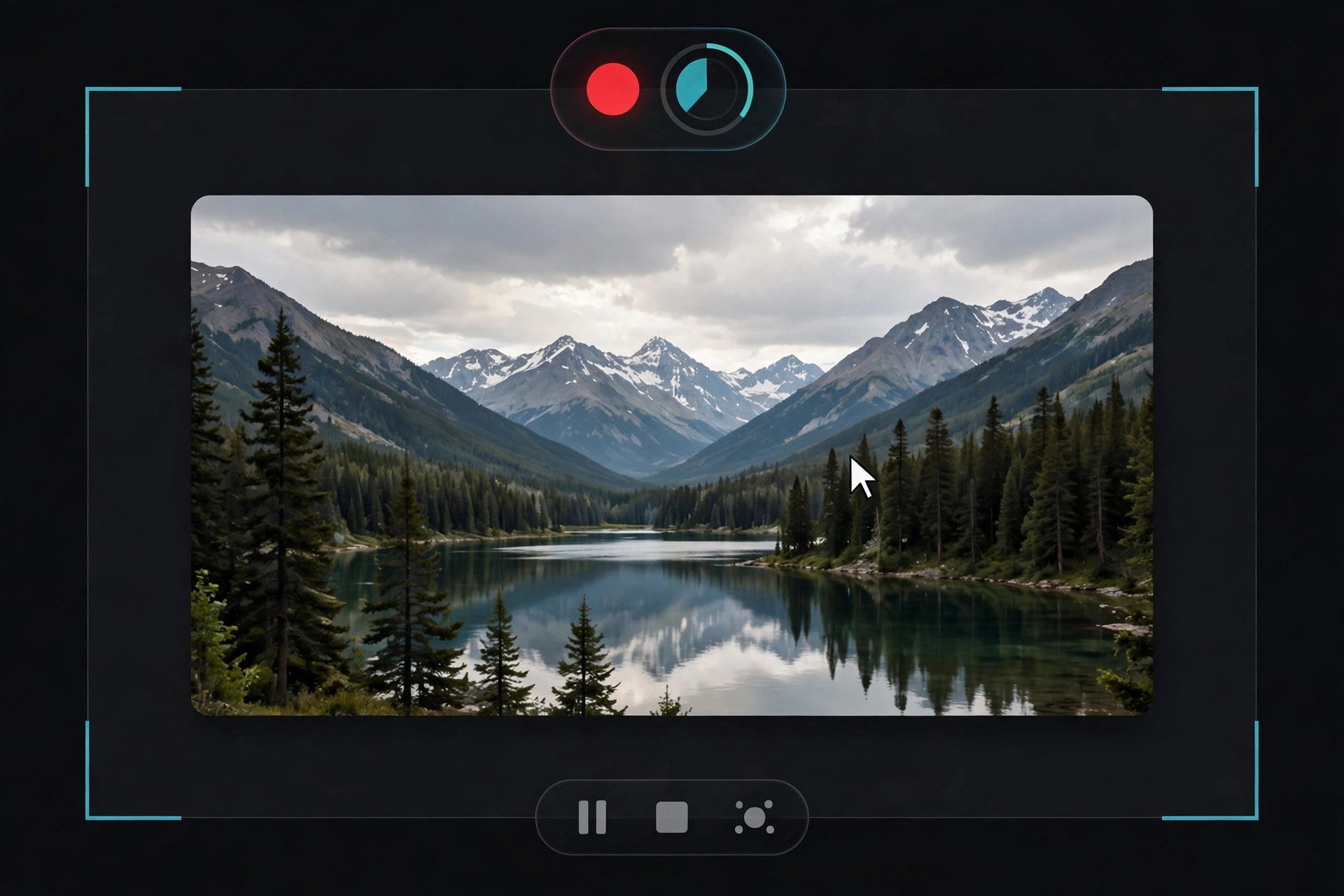
    Apeaksoft Screen Recorder 2.2.16 for Mac captures what happens on your screen along with the sound that goes with it. You can record the full display or a chosen region, add a webcam overlay, and capture system audio and microphone together — the basic recipe for software tutorials, recorded lessons, video calls and walkthrough videos where narration matters as much as the picture.

    During recording you can draw on screen with annotations and highlight the cursor so viewers can follow along, and afterwards simple trimming tidies up the start and end of a clip before you share it. Apeaksoft sells it as paid software with a free trial, so you can check recording quality and audio sync on your own Mac before buying — there is no free full version.

    Key Features

    • Record full screen or a custom region, with webcam picture-in-picture
    • Capture system sound and microphone at the same time for narrated videos
    • Annotate while recording with text, arrows and shapes, plus cursor highlighting
    • Take screenshots during a session and trim recordings afterwards
    • Schedule recordings and save in popular video and audio formats

    How to Download

    1. Review the Mac system requirements and trial terms on Apeaksoft's product page.
    2. Start your download from the official site: Download from the official site
    3. Install the app, then grant Screen Recording and microphone permissions in System Settings when macOS prompts you.

    Is Apeaksoft Screen Recorder free?
    No. It is paid software with a free trial. The trial is useful for testing, but expect limits, and a licence is needed for regular unrestricted recording.

    Why is there no sound in my first recording?
    Usually a permissions or source issue: check that the app has Screen Recording permission, that system sound and microphone are both enabled in the recorder, and test with a short clip first.

  • Apeaksoft iPhone Transfer 2.0.68 for Mac

    Apeaksoft iPhone Transfer 2.0.68 for Mac

    Apeaksoft iPhone Transfer 2.0.68 for Mac

    Apeaksoft iPhone Transfer 2.0.68 for Mac

    Mac Utilities
    Updated Nov 6, 2026
    Mac Utilities • Updated Nov 6, 2026

    Apeaksoft iPhone Transfer 2.0.68 for Mac is a file manager for people who find Finder and iTunes sync too rigid for everyday copying. Connect an iPhone, iPad or iPod by cable and you can browse what is actually on the device, then move photos, music, videos, contacts, messages, books and PDFs to your Mac, back to the device, or across to iTunes — selectively, file by file, instead of syncing everything at once.

    That selectivity is the real appeal when you are changing phones, freeing up storage before a trip, or rescuing a large camera roll without disturbing the rest of your library. It is paid software from Apeaksoft, not a free full version: a free trial lets you preview and test transfers with limits, and a licence removes those limits.

    Key Features

    • Transfer photos, music, videos, contacts, messages, books and PDFs between iOS devices, Mac and iTunes
    • Copy in both directions — device to Mac, Mac to device, and device to device — without a full sync
    • Back up and restore contacts and messages to your Mac for safekeeping
    • Preview device content by category before choosing what to move
    • Manage files on the device, including adding, deleting and organising items from your Mac

    How to Download

    1. Check that your Mac and iOS device meet the system requirements shown on Apeaksoft's product page.
    2. Start your download from the official site: Download from the official site
    3. Open the installer, move the app to Applications, connect your device by cable and trust the Mac when iOS asks.

    Is Apeaksoft iPhone Transfer free?
    No. There is a free trial with limited transfers so you can test it with your own device, but continued, unlimited use requires a paid licence from Apeaksoft.

    Does it replace iTunes completely?
    Not completely. It handles everyday file copying and backup more flexibly than sync, but keep Finder or iTunes available for system updates, restores and other device-level tasks.

  • Apeaksoft iPhone Eraser 1.0.20 for Mac

    Apeaksoft iPhone Eraser 1.0.20 for Mac

    Apeaksoft iPhone Eraser 1.0.20 for Mac

    Apeaksoft iPhone Eraser 1.0.20 for Mac

    Mac Utilities
    Updated Nov 6, 2026
    Mac Utilities • Updated Nov 6, 2026

    Apeaksoft iPhone Eraser 1.0.20 for Mac does the opposite of a recovery tool: it makes sure your data cannot be recovered at all. Before you sell, trade in or hand down an iPhone, iPad or iPod, connect it to your Mac and this app permanently wipes contacts, messages, account details, photos, browsing history, videos, music, notes, emails, apps, reminders, voicemails and settings, overwriting the storage so recovery software finds nothing afterwards.

    You pick from three erasing levels — a single fast overwrite for everyday use, two overwrites for a stronger clean, or three overwrites following the US DoD 5220.22-M standard when the device held sensitive information. It can erase more than one iOS device at the same time. It is paid software with a limited free trial, and a wipe is irreversible, so back up anything you still need first.

    Key Features

    • Permanently erases all content and settings so data cannot be recovered afterwards
    • Three security levels, from one overwrite up to a three-pass DoD 5220.22-M erase
    • Wipes messages, photos, accounts, browser history, apps, notes, voicemails and more
    • Erase several iPhone, iPad or iPod devices connected at the same time
    • Useful before selling, recycling or passing a device to a family member

    How to Download

    1. Start your download from the official site: Download from the official site
    2. On the Apeaksoft iPhone Eraser page, choose the Mac version and save the installer.
    3. Install the app, back up the device first, connect it by USB, choose an erasing level and start the wipe.

    Is erasing with this different from a factory reset?
    Yes. A reset mainly removes pointers to your data, while this tool overwrites the storage itself — once at the low level and three times at the high level — specifically so recovery tools cannot bring files back.

    Is Apeaksoft iPhone Eraser free?
    No. A limited trial is available, but full erasing requires a paid licence. There is no free full version, and any wipe you start cannot be undone.

  • Apeaksoft iPhone Data Recovery 1.2.66 for Mac

    Apeaksoft iPhone Data Recovery 1.2.66 for Mac

    Apeaksoft iPhone Data Recovery 1.2.66 for Mac

    Apeaksoft iPhone Data Recovery 1.2.66 for Mac

    Mac Utilities
    Updated Nov 6, 2026
    Mac Utilities • Updated Nov 6, 2026

    Apeaksoft iPhone Data Recovery 1.2.66 for Mac is built for the sinking feeling of deleting the wrong photo album or losing messages after a failed update. Installed on your Mac, it scans an iPhone, iPad or iPod directly for deleted content, and it can also dig into the iTunes and iCloud backups already on your computer — which means it can still help when the phone itself is lost, stolen or broken.

    It covers more than 30 file types, from photos, videos and contacts to messages, notes, call history, calendars and chat data from apps such as WhatsApp, Kik and LINE, and it previews everything it finds so you can restore selectively. The free trial scans and previews only; exporting recovered files takes a paid licence, and no tool can promise a 100 percent recovery rate.

    Key Features

    • Recovers deleted data directly from iPhone, iPad and iPod, even without a backup in some cases
    • Extracts and restores data from iTunes backups and iCloud backups on your Mac
    • Supports photos, messages, contacts, notes, call history, videos, app data and more
    • Restores WhatsApp, LINE, Viber, WeChat and Kik chat records on the Mac version
    • Preview deleted and existing files before recovery, then restore only what you select

    How to Download

    1. Start your download from the official site: Download from the official site
    2. On the Apeaksoft iPhone Data Recovery page, choose the Mac version and save the installer.
    3. Install and launch it, pick recovery from device, iTunes or iCloud, and run a free scan to preview your files.

    Is Apeaksoft iPhone Data Recovery free?
    Scanning and previewing are free in the trial. Actually recovering and saving files requires a paid licence — there is no free full version.

    Can it help if my iPhone is lost or will not turn on?
    Yes, provided you have an iTunes or iCloud backup. The Mac app can open those backups and extract photos, messages and other data from them without the phone itself.

  • Apeaksoft iOS Unlocker 1.0.68 for Mac

    Apeaksoft iOS Unlocker 1.0.68 for Mac

    Apeaksoft iOS Unlocker 1.0.68 for Mac

    Apeaksoft iOS Unlocker 1.0.68 for Mac

    Mac Utilities
    Updated Nov 6, 2026
    Mac Utilities • Updated Nov 6, 2026

    Apeaksoft iOS Unlocker 1.0.68 for Mac is a commercial unlocking utility from Apeaksoft for iPhone, iPad and iPod owners locked out of their own devices. Run it on your Mac, connect the device by USB, and it can wipe a forgotten lock-screen passcode — 4-digit, 6-digit, Touch ID or Face ID — remove an Apple ID you can no longer sign into, and recover or remove a forgotten Screen Time passcode, with tools for MDM profiles and iTunes backup passwords as well.

    Use it honestly and with your eyes open: wiping a passcode or removing an Apple ID erases the device's data, it only makes sense on a device you own, and it will not help with a phone that is still tied to someone else's account in any legitimate way. It is paid software; the free trial mainly detects your device and checks compatibility, and the actual unlock needs a licence.

    Key Features

    • We could not verify a direct product page for this exact Mac build, so download only from apeaksoft.com itself and avoid mirror or crack sites.
    • Install the app, connect your device, back up anything you can first, and confirm the trial recognises your model before buying.
    • Will unlocking erase my data?
      For a passcode wipe or Apple ID removal, yes — the device is erased as part of the process. Back up first whenever you still can, and expect to set the phone up again afterwards.

      Is Apeaksoft iOS Unlocker free?
      No. Downloading and device detection are free, but performing an unlock requires a paid licence. There is no free full version, and cracked copies are unsafe and unofficial.

  • Apeaksoft iOS Toolkit 1.2.20 for Mac

    Apeaksoft iOS Toolkit 1.2.20 for Mac

    Apeaksoft iOS Toolkit 1.2.20 for Mac

    Apeaksoft iOS Toolkit 1.2.20 for Mac

    Mac Utilities
    Updated Nov 6, 2026
    Mac Utilities • Updated Nov 6, 2026

    Apeaksoft iOS Toolkit 1.2.20 for Mac is a bundle rather than a single tool: it brings Apeaksoft's main iPhone utilities together in one Mac suite. Its best-known module recovers deleted or lost photos, messages, contacts, notes, call history and app data such as WhatsApp chats from an iPhone, iPad or iPod directly, or from iTunes and iCloud backups stored on your Mac.

    Around that core sit companion modules for backing up and restoring iOS data without relying entirely on iTunes, and for fixing common iOS system problems that leave a device stuck on a logo or in a boot loop. The toolkit is paid software sold as monthly, yearly and lifetime licences; a free trial lets you scan and preview, but recovery and repair need a licence — there is no free full version.

    Key Features

    • We could not verify a direct product page for this exact Mac bundle, so download only from apeaksoft.com itself and avoid mirror or crack sites.
    • Install the suite, connect your iPhone or iPad by USB, trust the Mac when prompted, and run a free scan first.
    • Is Apeaksoft iOS Toolkit free?
      No. The trial covers scanning and previewing. Recovering data, repairing the system and restoring backups all require a paid licence.

      How is the toolkit different from iPhone Data Recovery alone?
      Data Recovery is one module inside it. The toolkit adds system repair and backup and restore tools, which suits people who expect to need more than one fix over the life of a phone.

  • Apeaksoft DVD Creator 1.0.50 for Mac

    Apeaksoft DVD Creator 1.0.50 for Mac

    Apeaksoft DVD Creator 1.0.50 for Mac

    Apeaksoft DVD Creator 1.0.50 for Mac

    Mac Video
    Updated Nov 6, 2026
    Mac Video • Updated Nov 6, 2026

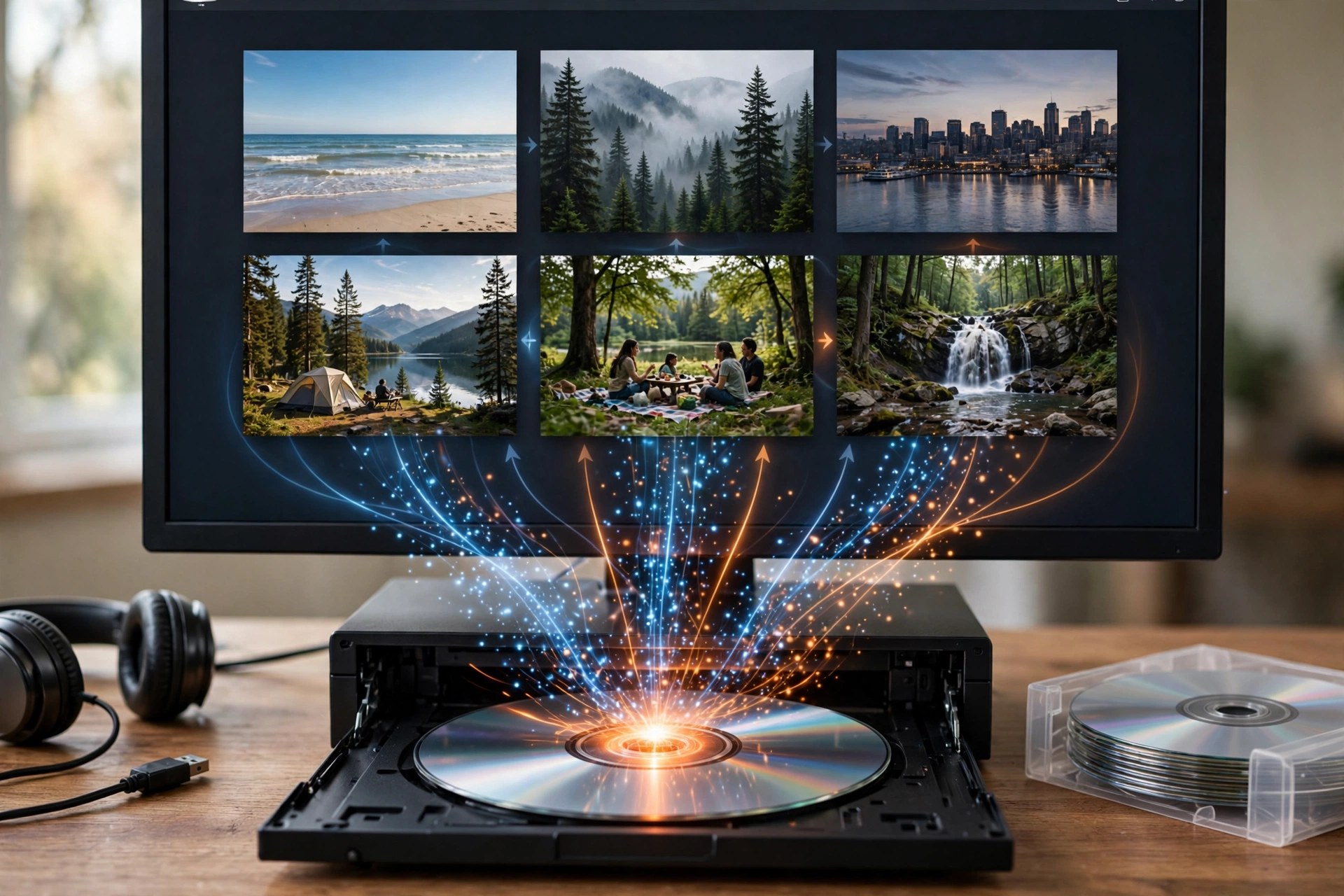
    Apeaksoft DVD Creator 1.0.50 for Mac turns video files sitting on your Mac into proper DVDs you can play in a standard DVD player. Add clips in formats such as MP4, MOV, MKV, AVI, MTS, FLV and WMV, arrange them, and burn the result to a blank DVD disc — or save it as a DVD folder or ISO image if you would rather burn it later or keep a digital master.

    Before burning, you can personalise the disc with ready-made menu templates, background music and pictures, opening film and your own subtitle and audio tracks, plus light editing tools to trim clips and adjust the picture. It is paid software with a free trial, not a free full version, so check the trial's limits before planning a big project around it.

    Key Features

    • We could not verify a direct product page for this exact Mac build, so download only from apeaksoft.com itself and avoid mirror or crack sites.
    • Install the app, add a test video, pick a menu template and try burning to a rewritable disc or ISO first.
    • Do I need a DVD burner?
      Only for physical discs, and most Macs need an external USB DVD drive. If you do not have one, you can still create DVD folders and ISO images entirely on your Mac.

      Is Apeaksoft DVD Creator free?
      No. It is commercial software with a free trial. A paid licence is needed for continued, unrestricted use — there is no free full version.

  • Apeaksoft Data Recovery 1.6.26 for Mac

    Apeaksoft Data Recovery 1.6.26 for Mac

    Apeaksoft Data Recovery 1.6.26 for Mac

    Apeaksoft Data Recovery 1.6.26 for Mac

    Mac Utilities
    Updated Nov 6, 2026
    Mac Utilities • Updated Nov 6, 2026

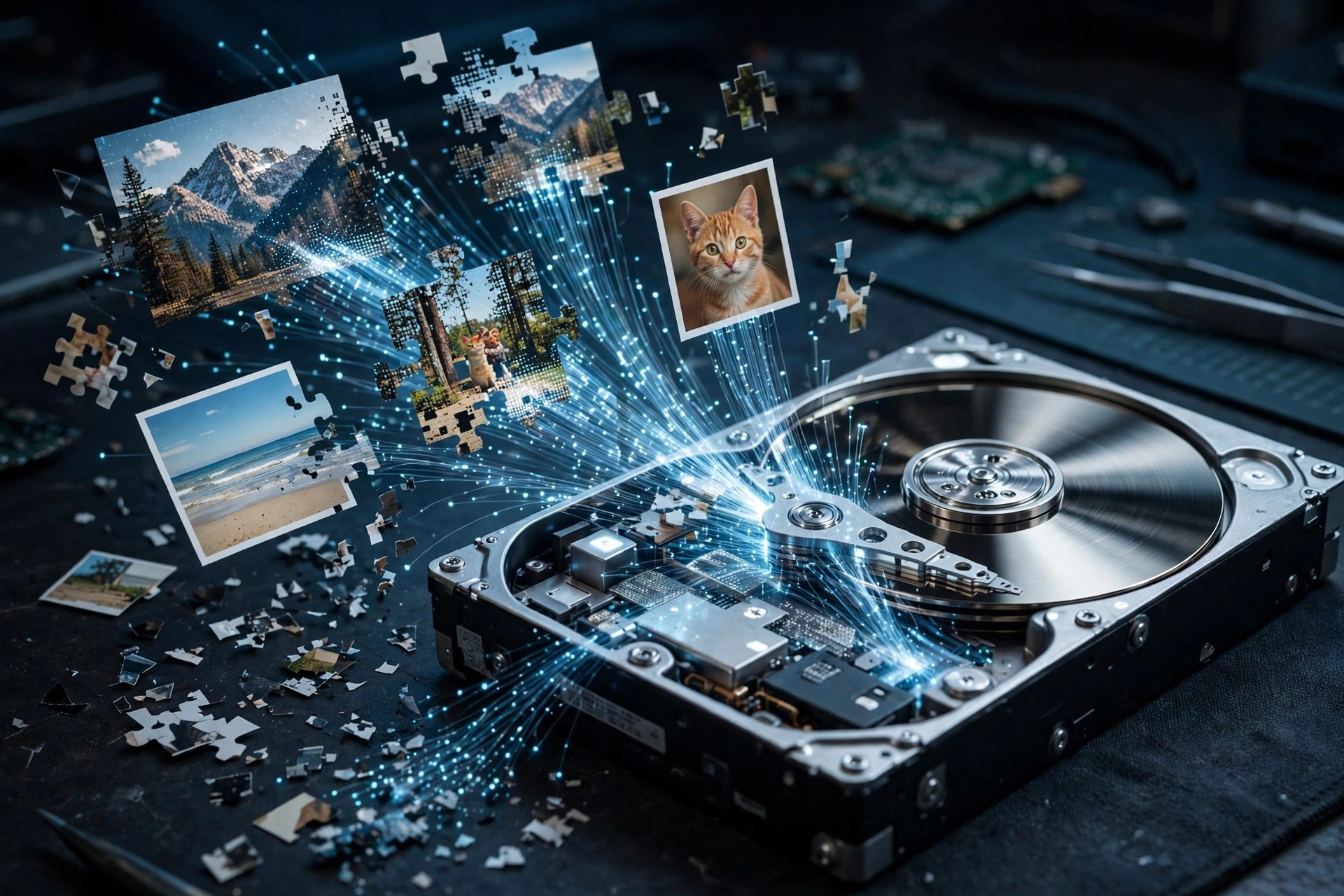
    Apeaksoft Data Recovery 1.6.26 for Mac is a file recovery tool for the moments you empty the Trash a second too soon or format the wrong card. It scans your Mac's internal drive as well as external hard drives, USB flash drives, memory cards and digital cameras, looking for deleted, formatted or otherwise lost photos, documents, emails, audio, video and archives.

    You choose the file types and the location, run a quick scan first, and fall back on the deeper scan if the quick pass misses something, previewing files before you restore them. It is paid software: the free trial scans and previews, but recovering files needs a licence, and there is no free full version. Recover to a different drive from the one you are scanning to avoid overwriting data.

    Key Features

    • Recovers images, documents, emails, audio, video, archives and other common file types
    • Scans Mac drives, external disks, USB flash drives, memory cards and digital cameras
    • Quick scan for speed and a deep scan mode for drives that need a thorough search
    • Preview files before recovery and filter results by type, path and search term
    • Covers deletion, formatting, partition problems, crashes and inaccessible or RAW drives

    How to Download

    1. Start your download from the official site: Download from the official site
    2. Choose the Mac version on the Apeaksoft Data Recovery page and save the installer.
    3. Install and launch the app, select the file types and drive to scan, then preview what the free trial finds.

    Is Apeaksoft Data Recovery free?
    No. The trial lets you scan and preview recoverable files for free, but you need a paid licence to actually restore them.

    Why should I recover files to a different drive?
    Writing recovered files back onto the same drive can overwrite other deleted data that is still waiting to be recovered. Saving to a separate disk keeps the remaining files intact.