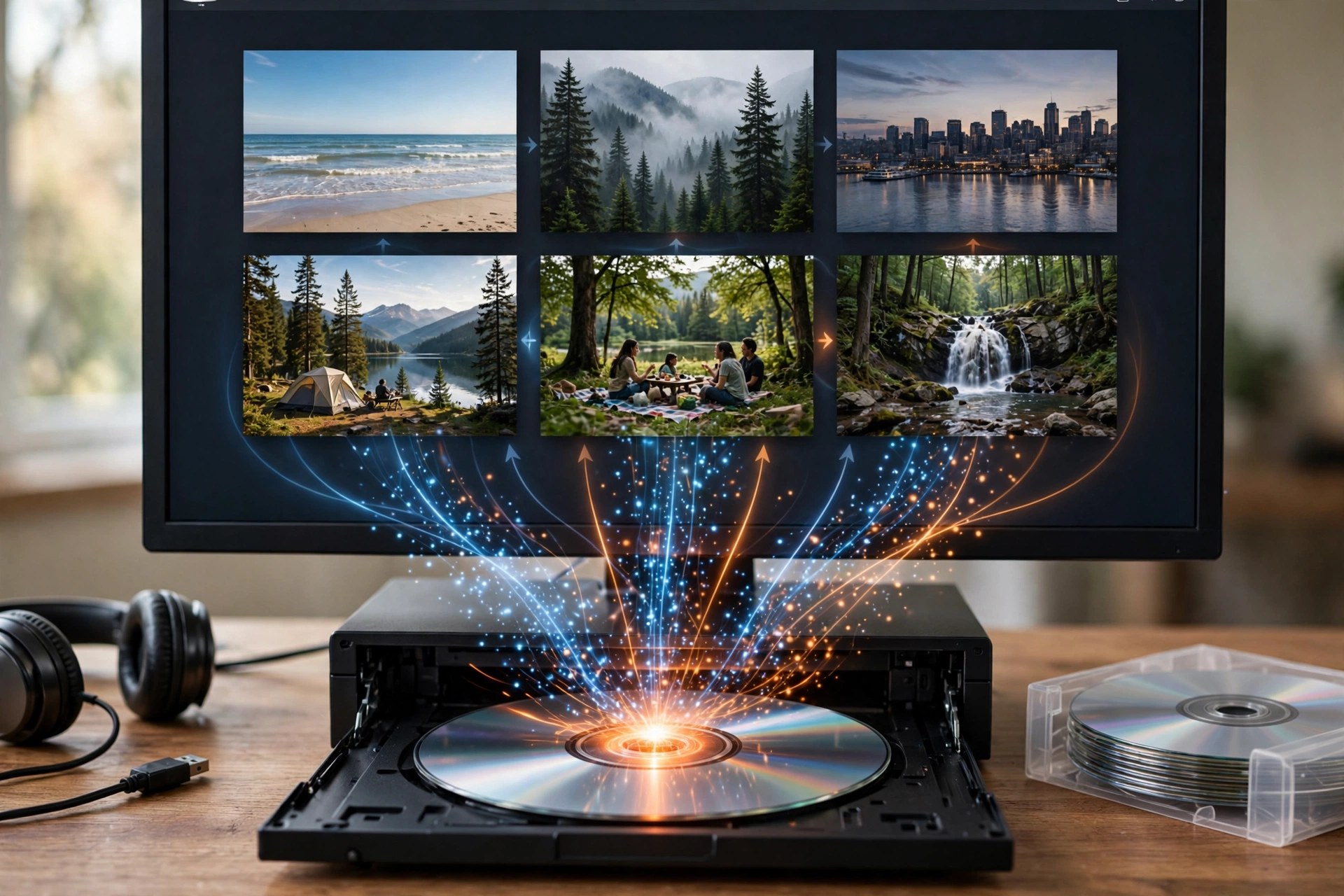
Apeaksoft DVD Creator 1.0.50 for Mac
Mac VideoApeaksoft DVD Creator 1.0.50 for Mac turns video files sitting on your Mac into proper DVDs you can play in a standard DVD player. Add clips in formats such as MP4, MOV, MKV, AVI, MTS, FLV and WMV, arrange them, and burn the result to a blank DVD disc — or save it as a DVD folder or ISO image if you would rather burn it later or keep a digital master.
Before burning, you can personalise the disc with ready-made menu templates, background music and pictures, opening film and your own subtitle and audio tracks, plus light editing tools to trim clips and adjust the picture. It is paid software with a free trial, not a free full version, so check the trial's limits before planning a big project around it.
Key Features
- We could not verify a direct product page for this exact Mac build, so download only from apeaksoft.com itself and avoid mirror or crack sites.
- Install the app, add a test video, pick a menu template and try burning to a rewritable disc or ISO first.
Do I need a DVD burner?
Only for physical discs, and most Macs need an external USB DVD drive. If you do not have one, you can still create DVD folders and ISO images entirely on your Mac.
Is Apeaksoft DVD Creator free?
No. It is commercial software with a free trial. A paid licence is needed for continued, unrestricted use — there is no free full version.







Leave a Reply