Apeaksoft iPhone Transfer 2.0.68 for Mac
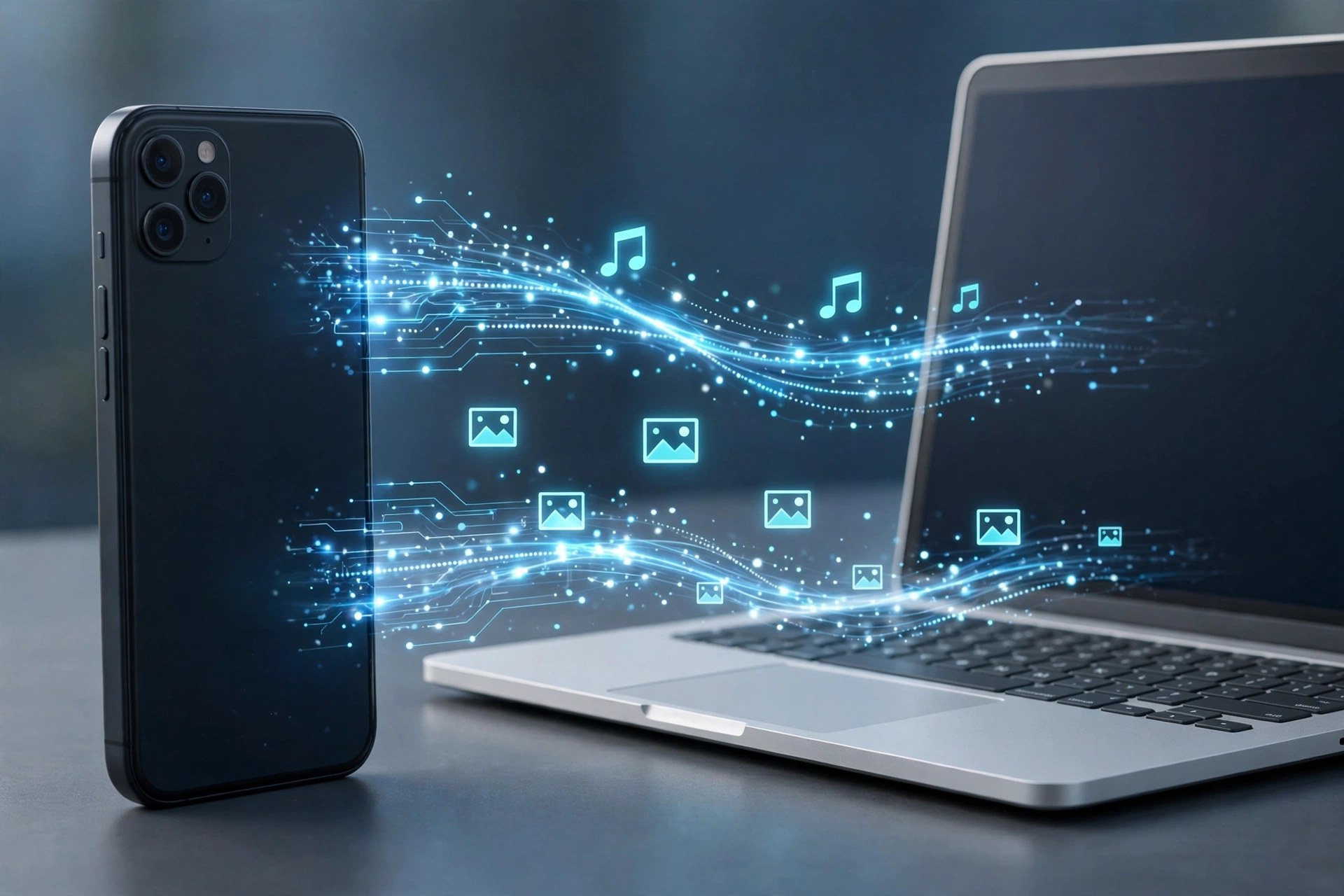
Mac UtilitiesApeaksoft iPhone Transfer 2.0.68 for Mac is a file manager for people who find Finder and iTunes sync too rigid for everyday copying. Connect an iPhone, iPad or iPod by cable and you can browse what is actually on the device, then move photos, music, videos, contacts, messages, books and PDFs to your Mac, back to the device, or across to iTunes — selectively, file by file, instead of syncing everything at once.
That selectivity is the real appeal when you are changing phones, freeing up storage before a trip, or rescuing a large camera roll without disturbing the rest of your library. It is paid software from Apeaksoft, not a free full version: a free trial lets you preview and test transfers with limits, and a licence removes those limits.
Key Features
- Transfer photos, music, videos, contacts, messages, books and PDFs between iOS devices, Mac and iTunes
- Copy in both directions — device to Mac, Mac to device, and device to device — without a full sync
- Back up and restore contacts and messages to your Mac for safekeeping
- Preview device content by category before choosing what to move
- Manage files on the device, including adding, deleting and organising items from your Mac
How to Download
- Check that your Mac and iOS device meet the system requirements shown on Apeaksoft's product page.
- Start your download from the official site: Download from the official site
- Open the installer, move the app to Applications, connect your device by cable and trust the Mac when iOS asks.
Is Apeaksoft iPhone Transfer free?
No. There is a free trial with limited transfers so you can test it with your own device, but continued, unlimited use requires a paid licence from Apeaksoft.
Does it replace iTunes completely?
Not completely. It handles everyday file copying and backup more flexibly than sync, but keep Finder or iTunes available for system updates, restores and other device-level tasks.







Leave a Reply