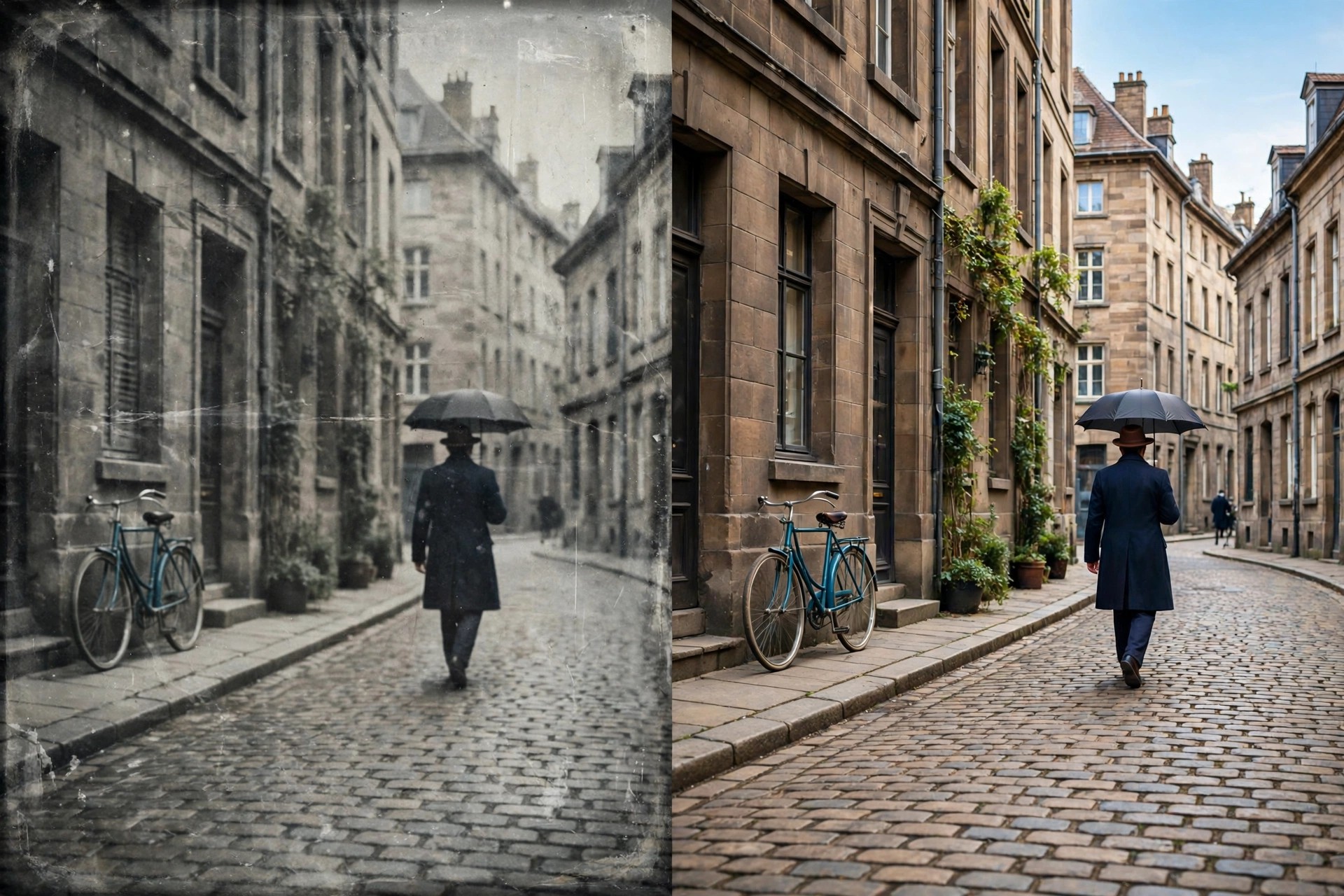
Aiarty Video Enhancer 3.6 for Mac
Mac VideoAiarty Video Enhancer 3.6 for Mac is an AI video restoration app from Digiarty Software. It takes low-resolution, noisy, blurry or shaky-looking footage and rebuilds it into sharper, cleaner video, upscaling clips as far as 4K while generating realistic detail instead of simply stretching the picture.
Creators use it to rescue old family recordings, phone clips, drone footage, downloads and AI-generated video before publishing, and to smooth choppy material with frame interpolation. Because all processing happens locally on your Mac with GPU acceleration, long or private videos never need to be uploaded to a cloud enhancer.
Key Features
- AI upscaling to 1080p, 2K and 4K with detail generation for faces and textures
- Denoise, deblur and compression-artefact removal for old or low-quality clips
- Three specialised AI models for detail, smooth natural results and low-light footage
- Frame interpolation to fix stuttering and create smoother motion
- Batch processing with GPU acceleration, including Apple Silicon optimisation, fully offline
How to Download
- Download from the official site to get the genuine macOS installer from Digiarty.
- Open the DMG, move Aiarty Video Enhancer to Applications and launch it.
- Enhance a short test clip with the free trial, then activate a licence in the app for full-length, watermark-free exports.
Is Aiarty Video Enhancer free?
There is a free trial, but it limits export length and adds a watermark. The full version is paid software with yearly and lifetime licences — there is no legitimate free full version.
Does it upload my videos anywhere?
No. Aiarty Video Enhancer processes video locally on your Mac, using your GPU for speed. Your footage stays on your own machine, which also means it works without an internet connection.







Leave a Reply