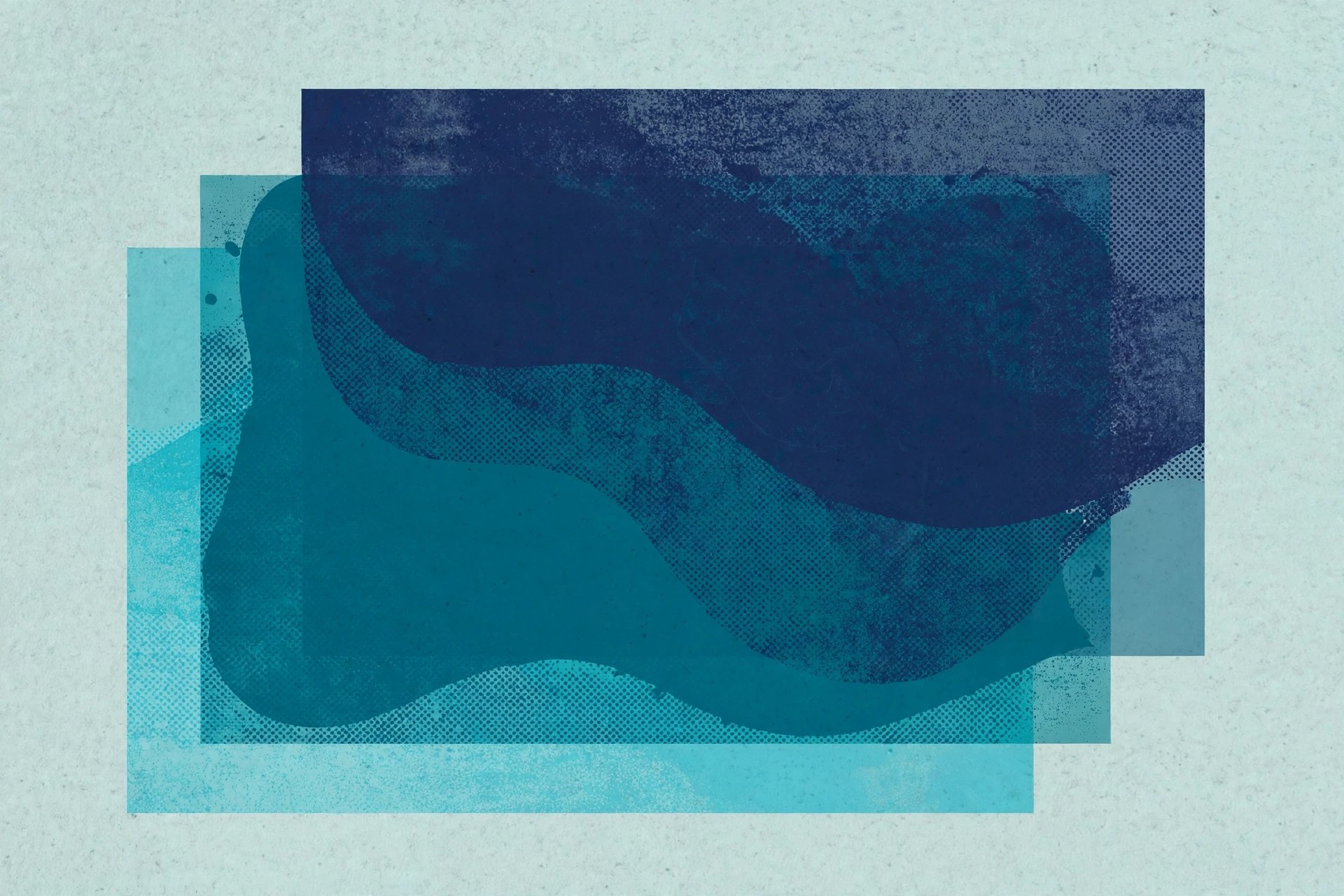
Risograph 1.1.0 for Mac
Mac UtilitiesUpdated Aug 1, 2026
Mac Utilities • Updated Aug 1, 2026
Risograph is a creative tool for Adobe After Effects, sold through aescripts, that simulates the behaviour of a real risograph printer. Instead of a clean digital finish, your artwork gains the grain, ink texture and small registration slips that make riso prints feel handmade. It suits motion designers, illustrators and title artists on Mac who want a warm print look for posters, music visuals and social clips.
Key Features
- Simulates the look and behaviour of a real risograph printer
- Lets you create an authentic printing effect inside After Effects
- Adjustable parameters for ink behaviour and print texture
- Adds print errors and misregistration on purpose, just like a real machine
- Good for giving flat artwork a tactile, printed feel
- Sold and supported through the aescripts store
How to Download
- Use the download button on this page or find the product on the aescripts store.
- Download from the official site and complete your purchase there.
- Install it with the aescripts manager app, then apply it within After Effects.
FAQs
Is Risograph a standalone app?
No. It is a tool for Adobe After Effects, so it runs inside After Effects on your Mac rather than on its own.
Is Risograph free?
No. It is a paid product on aescripts, listed there at a regular price with sale pricing at times.
What kind of work suits this effect?
It suits posters, title sequences, lyric videos and any project where a handmade print feel beats a polished digital finish.







Leave a Reply