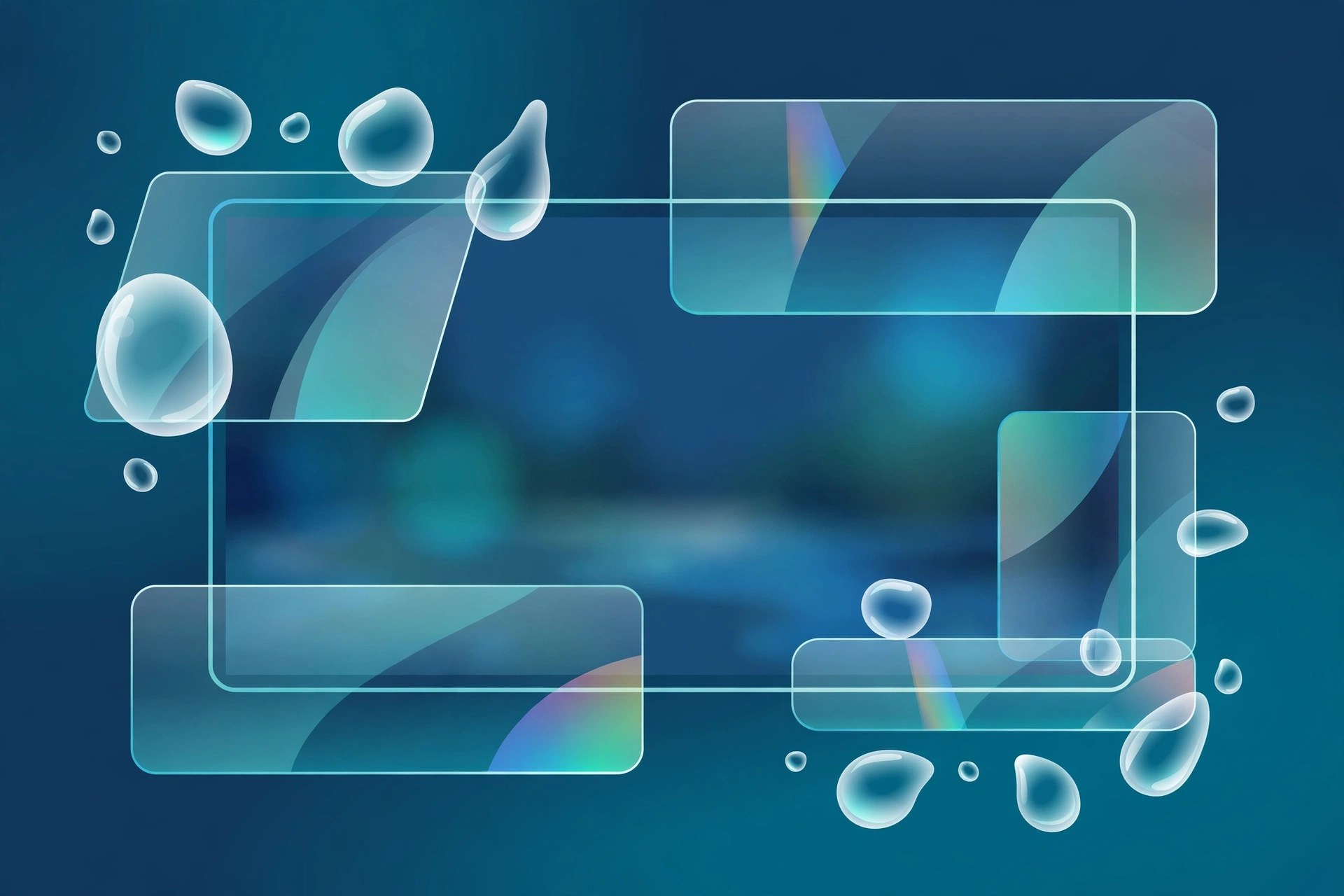
MB Liquid Glass 1.6.0 for Mac
Mac UtilitiesMB Liquid Glass is a native effect plugin for Adobe After Effects, sold through aescripts, that turns shapes, text and matte sources into editable glass inside your composition. It gives motion designers a quick way to build the soft glass look that is popular in modern interface and title work, without stacking many layers by hand. It suits After Effects artists on Mac who design titles, product shots and social graphics.
Key Features
- Creates glass style refraction directly inside your composition
- Adjustable refraction strength for a soft lens distortion feel
- Background blur controls that sit behind the glass surface
- Spectral color separation that adds a gentle colour fringe at edges
- Highlight, tint and shadow controls to finish the glass look
- Works on shape layers, matte sources and the rounded rectangle shapes built into After Effects
How to Download
- Use the download button on this page or open the product page on aescripts.
- Download from the official site and complete your purchase or trial there.
- Install the plugin with the aescripts manager app, then find the effect inside After Effects.
FAQs
Is MB Liquid Glass a standalone app?
No. It is an effect plugin that runs inside Adobe After Effects, so you need After Effects installed on your Mac to use it.
Is MB Liquid Glass free?
No. It is a paid plugin sold on aescripts, and that store handles payment, license keys and updates.
What can I apply the effect to?
The vendor describes it working on shape layers, matte sources and built in rounded rectangles within a composition.







Leave a Reply