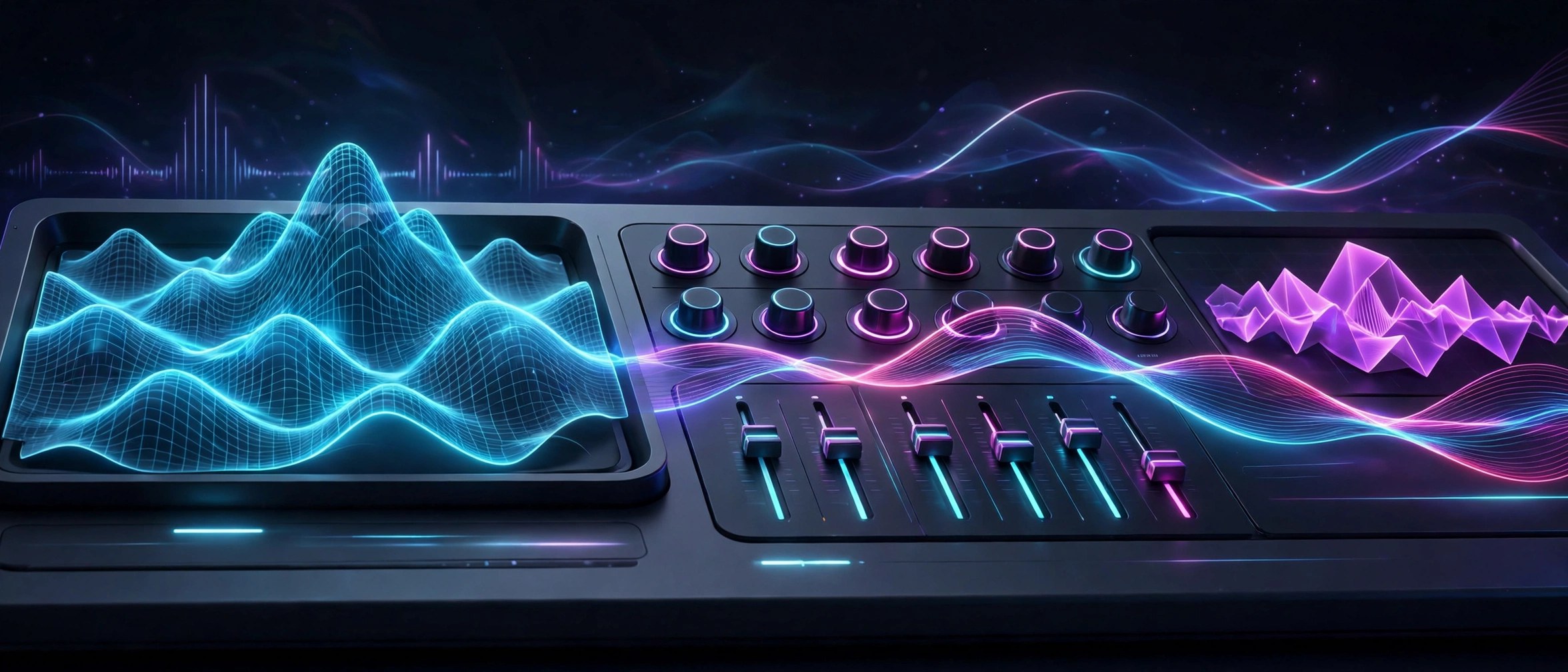
Xfer Records Serum 2.0.23 for Mac
Mac UtilitiesSerum has been a staple synth for electronic producers for years, and Serum 2 widens it a lot. Each of its three main oscillators can run as wavetable, sample, multisample, granular or spectral, so one patch can blend a classic wavetable sweep with a grainy texture and a real instrument layer. The visual workflow that made the first version popular is still here.
Key Features
- Three oscillators, each with wavetable, sample, granular and spectral modes
- Two filter units that can run in series or parallel with flexible routing
- Modular effects rack where you can reorder and repeat effects freely
- Built in arpeggiator and clip sequencer for patterns that play themselves
- Large factory library with hundreds of presets and wavetables to start from
How to Download
- Visit the vendor page to Download from the official site and choose the demo or buy a license.
- Run the Mac installer and select the plugin formats your host supports.
- Open your music app, load Serum 2 on a track and activate it with your account.
System Requirements
Serum 2 runs as a 64 bit VST3, AU or AAX plugin inside a compatible host on macOS. It needs a modern Mac with enough CPU headroom, since granular and spectral patches can be demanding during busy sessions.
FAQs
Is Serum 2 a free upgrade?
Yes, for people who already own Serum 1. The vendor offers Serum 2 as a free upgrade for existing Serum 1 license holders.
Can I try it before buying?
Yes. A demo is available from the vendor. It runs the full plugin but limits each session, so you can judge the sound first.
Do my Serum 1 presets still work?
Yes. Serum 1 presets are compatible with Serum 2 and show up in its preset browser, though Serum 2 presets cannot load in Serum 1.







Leave a Reply