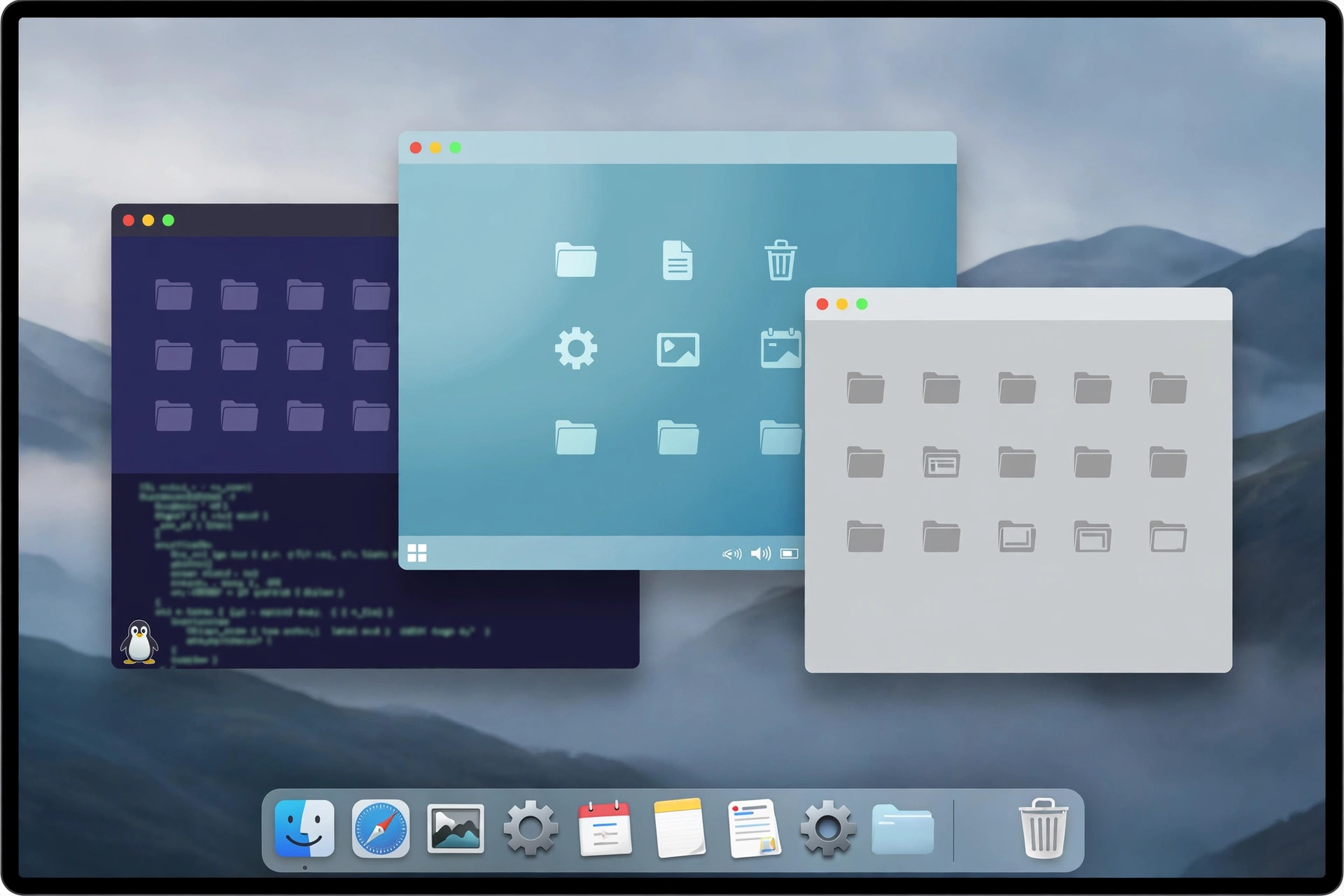
VMware Fusion Pro 26H1u1 for Mac
Mac Developer ToolsVMware Fusion Pro for Mac lets you run Windows, Linux, and other operating systems on your Mac without rebooting. It is a full desktop hypervisor, so a Windows machine runs side by side with your Mac apps in a window — or even integrates with your Mac desktop. Since Broadcom acquired VMware, Fusion Pro has become free for personal, educational, and commercial use with no license key required, which makes it one of the most capable virtualization options on the platform. It supports both Apple Silicon and Intel Macs, so whichever Mac you own, you can spin up virtual machines for work, development, or testing.
Key Features
- Run Windows and Linux on macOS: install guest operating systems in virtual machines without partitioning your drive.
- Apple Silicon and Intel support: universal builds cover both modern M-series Macs and older Intel models.
- Snapshots and clones: save a VM's state, experiment freely, and roll back in seconds if something breaks.
- Strong graphics support: runs 3D applications and games inside virtual machines with hardware acceleration.
- Now free to use: no license key is needed for personal, educational, or commercial use since the Broadcom policy change.
How to Download
- Download from the official site to reach VMware's official Fusion product page on the current Broadcom-managed site.
- Create a free Broadcom account if asked, then download the Fusion Pro .DMG installer for macOS.
- Open the installer, drag Fusion Pro to Applications, and launch it — at the license prompt, choose the free option.
Is VMware Fusion Pro really free now?
Yes. Broadcom made Fusion Pro free for personal, educational, and commercial use, and no license key is required. You may still need a free Broadcom account to access the download.
Do I need a Windows license?
Fusion Pro itself does not include Windows. You will need your own valid Windows or Linux license or installer image for the guest operating system you run inside it.







Leave a Reply