UltiMaker Cura 5.14.0 for Mac
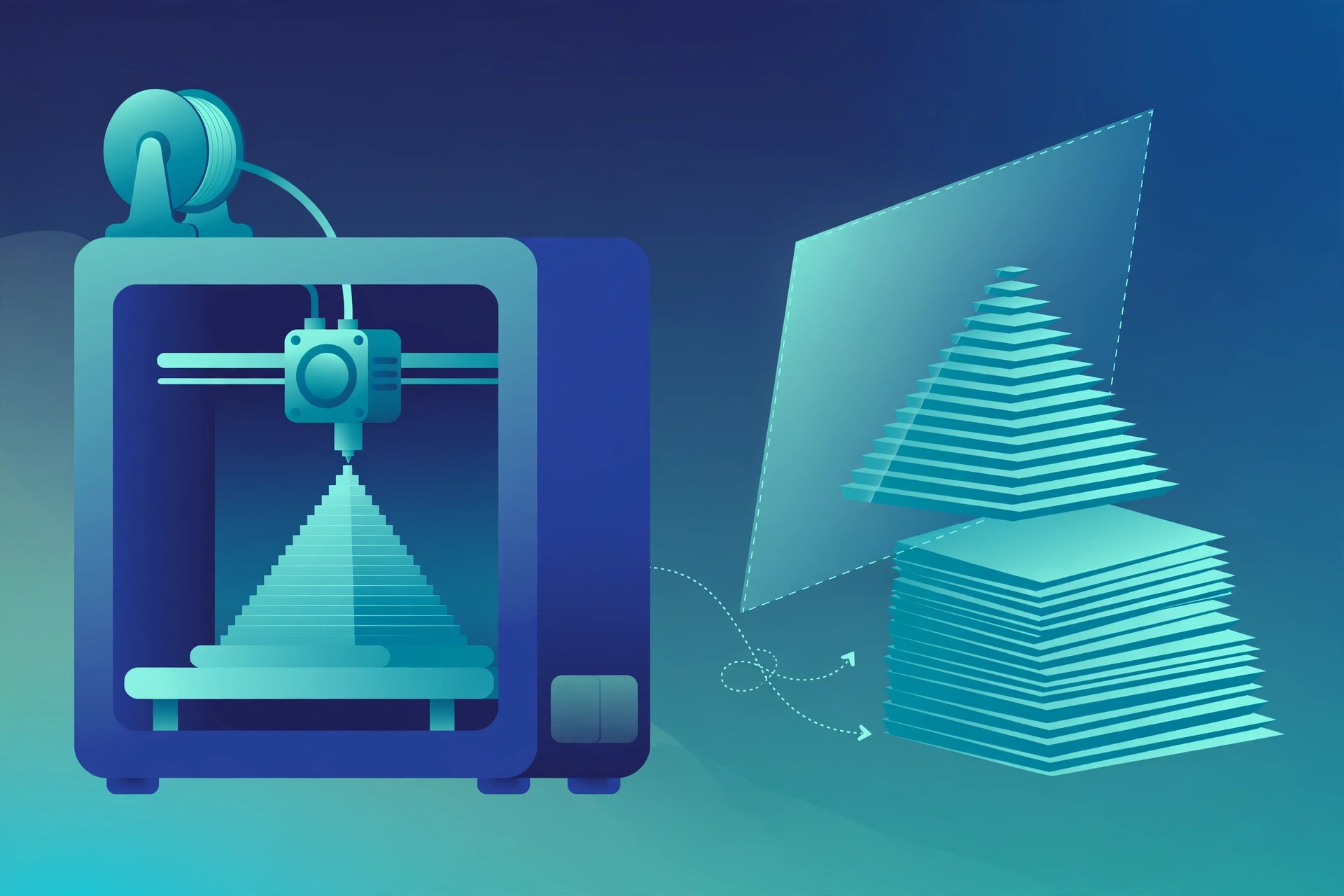
Mac UtilitiesUltiMaker Cura turns 3D models into clear instructions your printer can follow, a job known as slicing. It is a friendly first slicer for new makers and a deep tool for experienced users, and it works with UltiMaker printers as well as machines from many other brands.
Key Features
- Prepare prints in a few clicks with tested recommended profiles
- Open custom mode for access to more than 400 slicing settings
- Paint supports onto your model in the 5.14 release to choose where they go
- Preview each layer before printing to spot problems early
- Add plugins and material profiles through the UltiMaker Marketplace
- Use profiles for a wide range of printers and materials
How to Download
- Head to the vendor page here: Download from the official site and choose the Mac download.
- Open the downloaded file and follow the steps to install Cura on your Mac.
- Launch Cura, select your printer from the list and load a model to slice your first print.
System Requirements
UltiMaker lists macOS 12 or higher for Cura, for both Intel Macs and Macs with Apple Silicon chips.
FAQs
Is UltiMaker Cura free?
Yes. The standard version of Cura is free and open source, and you can download and use it without a paid plan.
Does Cura only work with UltiMaker printers?
No. Cura ships with profiles for hundreds of printers from many brands, and you can also add a custom machine with your own settings.
What file types can I load?
You can load common 3D model files such as STL and 3MF, check the preview, adjust settings and then export the sliced file for your printer.







Leave a Reply